
When you increase sharpness on a 4K projector, it can make images look less natural because it emphasizes edges and contrast artificially. Too much sharpness often creates halos and ringing effects, which trick your eye into thinking there’s more detail than there actually is. This added artificiality tricks your perception and makes the image seem processed rather than real. If you want to understand how to achieve a more natural look, keep exploring these adjustments.

Get business pricing on your home office setup
- Business-only prices and quantity discounts
- Tax-exempt purchasing
- Multiple users, one account, clear invoices
Key Takeaways
- Excessive sharpness creates halos and ringing artifacts, disrupting the natural flow of the scene.
- Over-sharpening enhances edges artificially, making images appear processed and less true to life.
- Too little sharpness results in softness, reducing perceived detail and realism.
- Calibration issues can exaggerate noise or grain, diminishing image authenticity.
- Subjective perception means high sharpness may feel unnatural despite technical clarity.
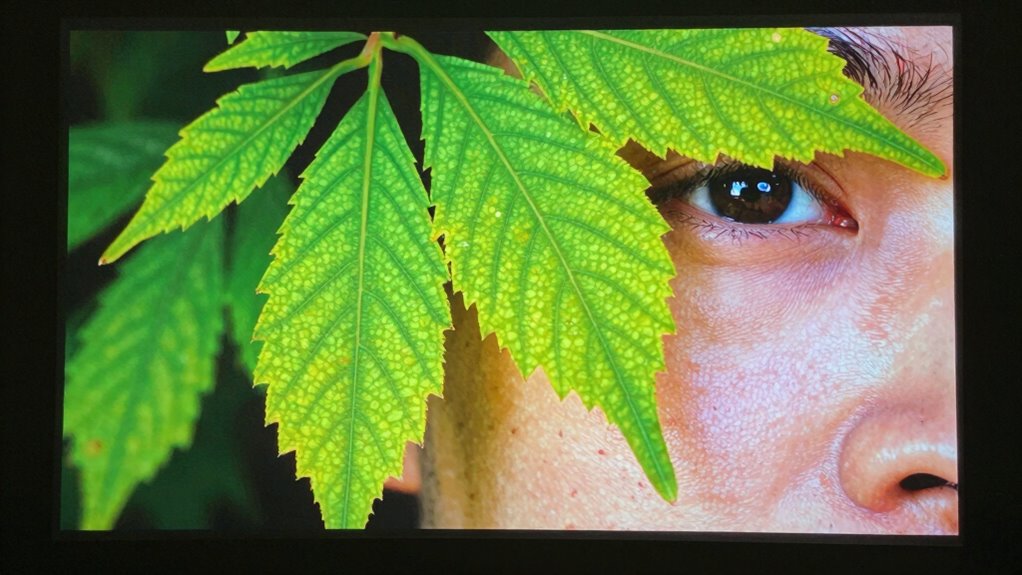
Adjusting the sharpness settings on your 4K projector is essential for achieving crisp, clear images without introducing unwanted artifacts. When you tweak these settings, you’re essentially refining how the projector’s image processing algorithms enhance contrast and edges. However, it’s common for sharpness adjustments to make images look less natural, and understanding why requires a closer look at how image processing influences viewer perception. Sharpness isn’t just about making edges more defined; it shapes how your brain interprets the visual information, affecting the overall realism of the picture.
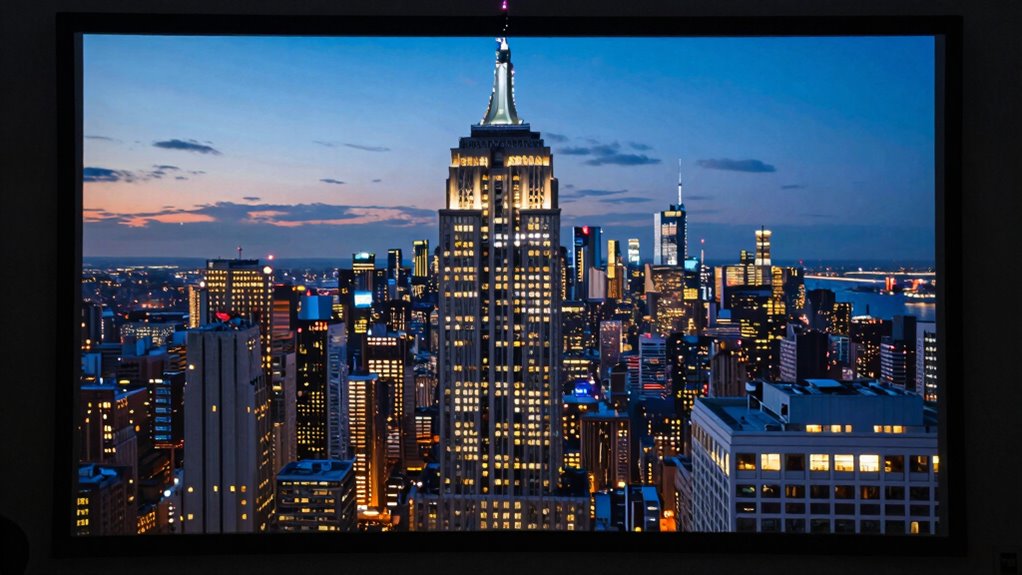
When you increase sharpness excessively, what you’re really doing is amplifying the edges within the image. This boost can introduce visual artifacts like halos or ringing effects around objects, which disrupt the natural flow of the scene. These artifacts can trick your brain into perceiving a more detailed image, but they often come at the cost of realism. Your viewer perception becomes skewed because the artificial enhancement doesn’t match how your eyes naturally process visual cues. Instead of seeing a lifelike scene, your brain registers a processed, somewhat exaggerated version that feels unnatural.
Conversely, if you set the sharpness too low, the image may appear soft, lacking definition and detail. While this might sound ideal, it can make the image seem dull or blurry, again affecting viewer perception. The key is finding that sweet spot where detail is clear without crossing into artificial territory. This balance depends on both the projector’s capabilities and the type of content you’re viewing. For example, highly detailed 4K content benefits from moderate sharpness, ensuring you perceive fine details without the image seeming overly processed.
Furthermore, your perception of sharpness is influenced by the overall image processing pipeline, which includes noise reduction, contrast adjustments, and color rendering. When these elements aren’t calibrated properly, even a technically sharp image can look unnatural. Over-sharpening can exaggerate noise or grain, making the image appear unrealistic. Recognizing that viewer perception is subjective helps you understand why some might prefer softer images, as they often feel more natural and less harsh on the eyes.
A thorough understanding of image processing algorithms can help you make more informed adjustments, ensuring the image remains true to the original scene. In the end, achieving the right sharpness setting involves understanding how image processing impacts what you see and how your brain interprets it. Over-sharpening may seem to improve clarity in a technical sense, but it often makes the image look less natural. Striking the right balance ensures you enjoy a sharp, detailed picture that remains true to the original scene, providing an immersive experience without sacrificing realism.
4K projector sharpness calibration tool
As an affiliate, we earn on qualifying purchases.
As an affiliate, we earn on qualifying purchases.
Frequently Asked Questions
How Does Sharpness Affect Color Accuracy on 4K Projectors?
Sharpness affects color accuracy on 4K projectors by causing color distortion when set too high. Over-sharpening enhances details but can make colors appear unnatural and exaggerated. Conversely, too low sharpness may make images look soft and lose detail. Finding the right balance helps prevent color distortion, ensuring your projector displays accurate, vibrant colors without sacrificing natural detail. Adjust sharpness carefully to maintain true-to-life visuals.
Can Adjusting Sharpness Improve Image Quality in Low-Light Scenes?
Think of your projector as a painter, trying to capture a delicate scene. Adjusting sharpness can help improve low-light images by reducing blur and enhancing edges. Using blur reduction and edge enhancement makes details clearer and compensates for dimness. However, don’t overdo it—too much sharpness can introduce artifacts. Find a balanced setting, and your image will look sharper and more natural, even in low-light scenes.
What Is the Ideal Sharpness Setting for Movies Versus Sports?
For movies, you should use a softer sharpness setting, around 10-20, to maintain natural skin tones and smooth visuals. For sports, increase sharpness to around 30-40 for crisper, more detailed images that enhance fast-paced action. Remember, sharpness customization depends on your viewer preferences. Adjust gradually and compare different settings to find the balance that looks best for each content type, ensuring a natural and enjoyable viewing experience.
Does Increasing Sharpness Cause More Eye Strain Over Time?
Does increasing sharpness cause more eye strain over time? Absolutely. When you push sharpness too high, it’s like staring at a jagged, over-etched picture—your eyes work harder to focus, leading to eye fatigue and visual discomfort. This strain accumulates over time, making long viewing sessions uncomfortable. To protect your eyes, keep sharpness at a moderate level, allowing your eyes to relax instead of constantly fighting the image.
Are There Specific Content Types That Benefit From Higher Sharpness?
Certain content types, like computer-generated images or detailed technical videos, benefit from higher sharpness. You’ll notice edge enhancement makes lines crisper, but it can also amplify noise, reducing overall clarity. For fast-paced sports or action scenes, increased sharpness adds detail, but for film or nature footage, too much sharpness can create an unnatural look. Adjust settings carefully to balance crispness with a natural, comfortable viewing experience.
projector image calibration software
As an affiliate, we earn on qualifying purchases.
As an affiliate, we earn on qualifying purchases.
Conclusion
So, while tweaking sharpness might seem like a quick fix for clearer images, it often makes your 4K projector look less natural. If you think increasing sharpness will always improve picture quality, think again—it can introduce unwanted artifacts and make images appear artificial. To truly enjoy your content, find that perfect balance, and trust your eyes over preset settings. After all, a more natural picture offers a more immersive and authentic viewing experience.
4K projector image processing settings
As an affiliate, we earn on qualifying purchases.
As an affiliate, we earn on qualifying purchases.
natural look projector calibration
As an affiliate, we earn on qualifying purchases.
As an affiliate, we earn on qualifying purchases.
Fall Picks
fall essentials
As an affiliate, we earn on qualifying purchases.