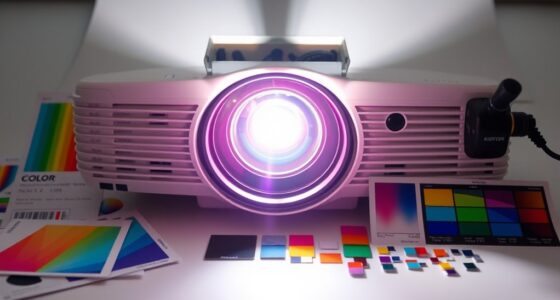
When verifying projector color gamut claims, focus on more than just percentages like sRGB or DCI-P3, which show potential but don’t guarantee quality. Look for details on color accuracy, such as Delta E values, since lower numbers mean better fidelity. Beware of marketing hype—wide gamut alone isn’t enough without proper calibration and setup. To guarantee true-to-life colors, consider calibration options and how the projector maintains its performance over time. For more insights, keep exploring the key factors behind accurate color reproduction.

Get business pricing on your home office setup
- Business-only prices and quantity discounts
- Tax-exempt purchasing
- Multiple users, one account, clear invoices
Key Takeaways
- Prioritize color accuracy metrics like Delta E over just the percentage of gamut coverage.
- Verify if calibration options or tools are supported to ensure true color reproduction.
- Recognize that high gamut percentages do not guarantee accurate or vibrant colors without proper calibration.
- Check for manufacturer details on color fidelity and calibration procedures, not only maximum color range.
- Consider real-world performance and setup, as calibration and ambient conditions impact perceived color quality.
Understanding projector color gamut claims can be confusing, but knowing how to interpret them is crucial for choosing the right device. When a projector claims a wide color gamut, it’s tempting to assume it will produce richer, more vibrant images. However, the actual quality of color reproduction depends on more than just numbers. To accurately assess a projector’s true color performance, you need to understand how color accuracy and calibration techniques come into play. A higher color gamut number, such as 100% sRGB or DCI-P3, indicates the projector’s potential to display a broader range of colors, but it doesn’t guarantee those colors will be accurate without proper calibration.
A wide color gamut suggests potential, but true color accuracy relies on calibration and proper setup.
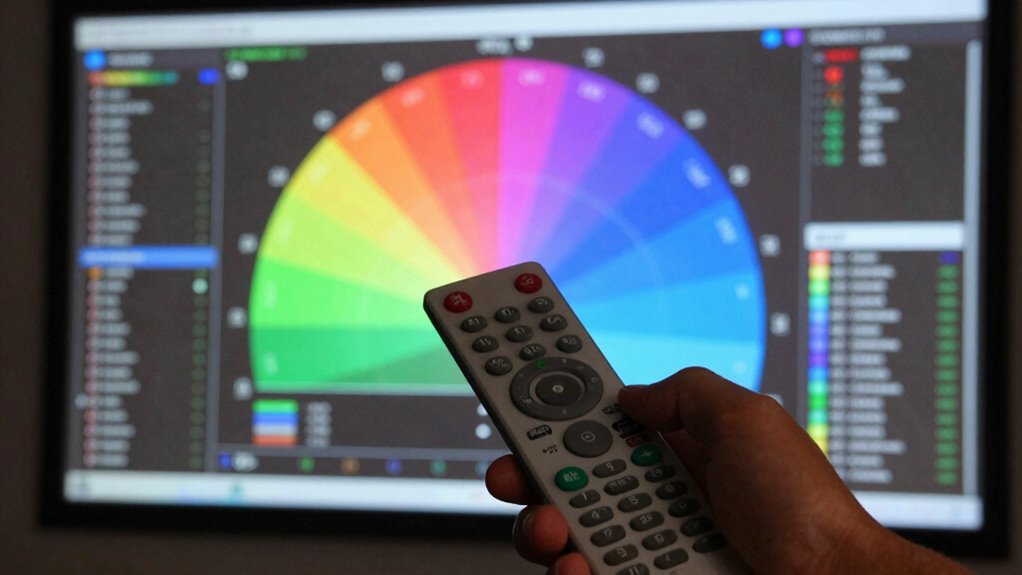
You should look beyond the raw numbers and ask how well the projector reproduces colors in real-world use. Color accuracy measures how closely the projected colors match their intended shades. Even with a wide color gamut, poor calibration can cause colors to appear oversaturated or washed out. Calibration techniques are essential here—they involve adjusting the projector’s settings to ensure that colors are reproduced as accurately as possible. Many projectors come with factory presets, but these often aren’t optimized for precise color reproduction. Using professional calibration tools or software can help fine-tune the output, ensuring that the projector’s wide gamut translates into true-to-life colors on the screen.
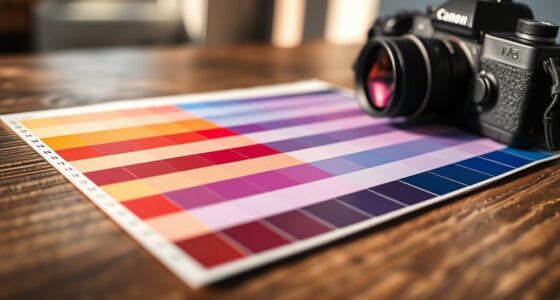
When reading specs, don’t just focus on the maximum color gamut percentage. Instead, consider whether the manufacturer provides details about color accuracy metrics, such as Delta E values. Delta E measures how much the projected colors deviate from the original reference colors; lower values mean higher accuracy. If a projector boasts a wide color gamut but doesn’t specify how well it reproduces colors in terms of accuracy or calibration, it’s best to approach with caution. Additionally, understanding the importance of color calibration can significantly impact your viewing experience.
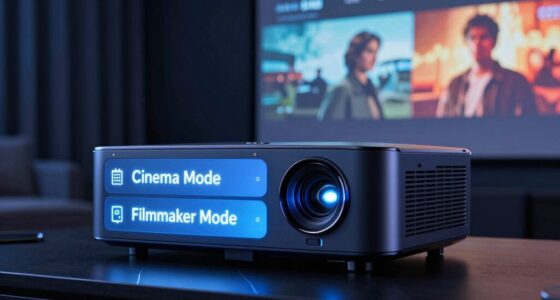
It’s also wise to check if the projector supports calibration tools or comes with calibration modes. Some models allow you to perform on-the-fly adjustments or even automatic calibration with compatible software. This ability ensures that you can maintain excellent color fidelity over time, even as the projector ages or as ambient lighting conditions change. Ultimately, understanding how to interpret projector color gamut claims involves more than reading the specifications; it’s about considering the entire picture—color accuracy, calibration options, and real-world application—to ensure you get a device that truly meets your needs.
As an affiliate, we earn on qualifying purchases.
Frequently Asked Questions
How Do Projector Color Gamuts Compare to Those of Monitors?
Projector color gamuts often lag behind monitors, especially high-end ones, in color accuracy. Monitors, particularly professional-grade displays, typically cover a wider color gamut and are easier to calibrate precisely. To compare, you should consider calibration techniques for both devices. Proper calibration guarantees you get the most accurate color reproduction, whether on a projector or a monitor. Keep in mind, projectors may require more frequent adjustments due to ambient light and surface reflections.
What Are the Most Common Misconceptions About Color Gamut Claims?
Did you know over 50% of consumers misunderstand projector color gamut claims? Many believe higher numbers mean better color, but that’s not always true. The most common misconception is equating a wider color gamut directly with superior color accuracy or calibration. In reality, a projector can have a broad gamut but still lack proper color calibration, leading to dull or inaccurate images. Always check for true color calibration details, not just the gamut size.
Do All Projectors Specify Their Color Gamut in the Same Way?
Not all projectors specify their color gamut the same way. Some use color measurement units like NTSC, Adobe RGB, or DCI-P3, while others adhere to different Gamut standards. You should look for clear, standardized measurements to compare projectors accurately. Be cautious of vague claims or non-standard units, as they can mislead you about a projector’s true color range. Always verify the specific Gamut standards referenced for reliable comparisons.
How Does Ambient Lighting Affect Perceived Color Accuracy?
Ambient lighting influence plays a significant role in perceived color accuracy. When your room is brightly lit, colors may appear washed out or less vibrant, affecting how true-to-life they seem. Conversely, in dimmer settings, colors look richer and more accurate. To get the best perception of your projector’s color accuracy, keep ambient lighting controlled—preferably dim or neutral—to minimize its impact and see true colors clearly.
Can a Projector With a Smaller Color Gamut Still Produce Vibrant Images?
A projector with a smaller color gamut can still deliver vibrant images if it boasts high color depth and saturation. Think of it like a painter mixing just a few colors but creating stunning, lively scenes. While a broad gamut covers more hues, intense color saturation and rich color depth can compensate, making images pop. So, don’t judge solely by gamut size—look at how well it handles color richness!
As an affiliate, we earn on qualifying purchases.
Conclusion
Now that you know how to decode projector color gamut claims, you’re basically a color wizard ready to spot the truth from a mile away! Don’t fall for flashy numbers or vague promises—armed with this knowledge, you’ll see through the hype and pick a projector that truly dazzles. Get ready to elevate your viewing experience to a whole new universe of vibrant, breathtaking colors. Your eyes will thank you for making the smartest choice!
professional projector calibration software
As an affiliate, we earn on qualifying purchases.
As an affiliate, we earn on qualifying purchases.
projector color calibration mode
As an affiliate, we earn on qualifying purchases.
As an affiliate, we earn on qualifying purchases.
Halloween Picks
halloween
As an affiliate, we earn on qualifying purchases.