
As your projector’s lamp ages, you’ll notice your images look duller, colors lose vibrancy, and brightness drops. This happens because internal components like phosphor coatings and gases degrade over time, reducing light efficiency and color accuracy. Dust buildup and environmental factors also speed up the decline. If you keep using the same lamp without replacement or maintenance, these issues will worsen. Stick around to learn how proper care and timely replacements can restore your projector’s picture quality.
Key Takeaways
- Lamp aging causes color degradation, making images appear dull or washed out over time.
- Reduced brightness from lamp wear diminishes image clarity and detail.
- Internal component breakdown and dust buildup impair light efficiency and color accuracy.
- Regular maintenance and monitoring can prevent sudden quality drops and extend lamp life.
- Replacing the lamp restores original color vibrancy, brightness, and overall image quality.
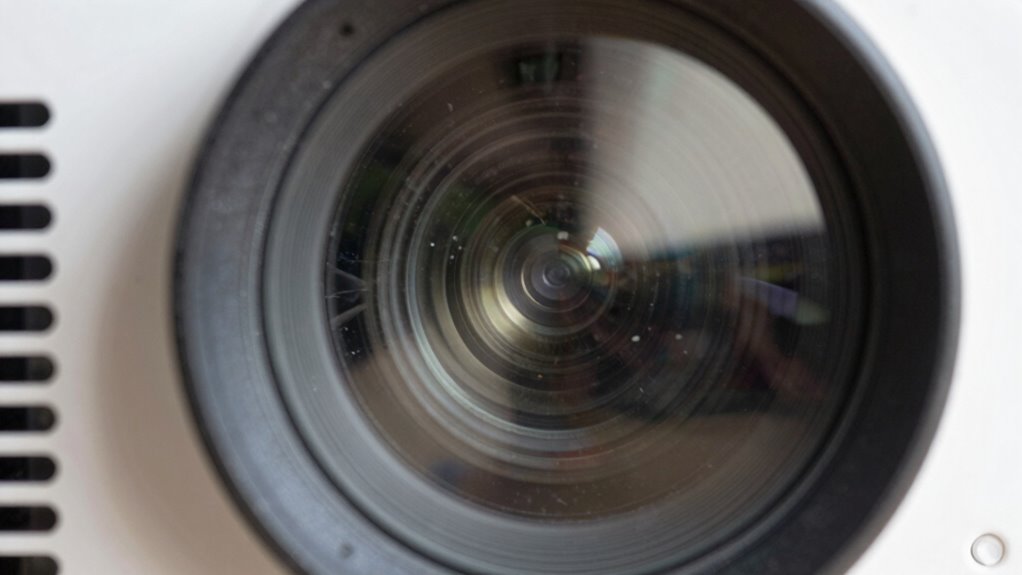
Over time, you may notice your projector’s image quality changing, even if you haven’t moved or altered any settings. This is a common experience as the projector’s lamp ages and accumulates hours of use. One of the most noticeable signs is a color shift, where the colors on the screen don’t look as vibrant or accurate as they once did. Whites might appear dull or yellowish, and other hues may lose their richness. This happens because the lamp’s internal components degrade gradually, affecting how light is emitted and filtered through the projector’s optics. As a result, colors become less precise, and your image may look washed out or distorted.
As the lamp ages, colors fade, whites turn dull, and image quality declines gradually over time.
Along with color shift, a significant change you’ll observe is brightness decline. As the lamp gets older, it produces less light, which means your projected image appears dimmer. You might find yourself increasing the brightness settings, but this often leads to a less sharp image and can even compromise contrast. The decline isn’t instant but happens gradually over hundreds or thousands of hours. When brightness drops, details fade into the background, and the overall clarity diminishes. This makes it harder to see fine details, especially in well-lit rooms or environments with ambient light. Recognizing these gradual changes can help you plan for lamp replacement more effectively, avoiding abrupt declines in quality.
Both the color shift and brightness decline are natural results of the lamp’s aging process. The lamp’s phosphor coating and other components start to break down, reducing the efficiency of light production. Over time, the lamp’s internal gases and filters also degrade, impacting how colors are rendered and how bright the image appears. You might also notice an increase in dust or debris within the projector, which can further impact image quality, making the picture appear hazy or uneven. Regular maintenance and understanding the importance of lamp hours can help you better anticipate when to replace the bulb. Additionally, environmental factors like dust accumulation can accelerate the degradation of your projector’s performance if not properly managed.
Maintaining your projector’s image quality requires understanding these changes and planning for lamp replacements. Regularly checking the lamp hours and following the manufacturer’s recommendations can help you anticipate when it’s time for a new bulb. When you replace the lamp, you’ll likely see a dramatic improvement in both color accuracy and brightness, restoring your projector’s performance close to its original quality. Recognizing these signs early and acting promptly extends the lifespan of your projector and keeps your viewing experience sharp and vibrant.

ELP LP88 Replacement Projector Lamp for Elplp88 Epson Powerlite Home Cinema 2040 1040 2045 740HD 640 EX3240 EX7240 EX9200 EX5250 EX5240 VS240 VS345 VS340 97H 98H 99WH 955WH X27 Lamp Bulb Replacement
【Compatible models】for EP SON VS240 VS340 VS345 EB-945H EB-955WH EB-965H EB-S27 EB-U04 EB-U32 EB-W29 EB-X27 EB-X31 EX3240 EX7240…
As an affiliate, we earn on qualifying purchases.
As an affiliate, we earn on qualifying purchases.
Frequently Asked Questions
Can I Replace the Lamp Without Professional Help?
Yes, you can replace the projector lamp with a DIY replacement if you’re comfortable handling delicate parts and following instructions carefully. However, if you’re unsure or want to avoid potential damage, seeking professional assistance is a good idea. Professionals have the right tools and experience to guarantee a safe, proper replacement. Always consult your projector’s manual before attempting a DIY replacement to avoid voiding warranties or causing damage.
How Often Should I Clean My Projector’s Interior?
Did you know that dust buildup can reduce your projector’s brightness by up to 30%? You should clean your projector’s interior every 3 to 6 months, depending on usage. Regular lens cleaning and removing dust buildup prevent overheating and maintain image quality. Turn off and unplug your projector before cleaning, use a soft cloth, and avoid harsh chemicals. This routine keeps your projector running smoothly and extends its lifespan.
Does Ambient Lighting Affect Projected Image Quality?
Yes, ambient light can considerably affect your projected image quality. When there’s too much ambient light, it reduces image clarity, making the projected visuals appear washed out or dim. To get the best quality, you should control ambient light in your environment, like dimming lights or closing curtains. This helps your projector produce sharper, brighter images, ensuring you enjoy clear visuals without interference from surrounding lighting.
Are Certain Projector Models More Prone to Color Changes?
Yes, certain projector models are more prone to color shift over their lamp lifespan. You might notice color changes sooner in models with less advanced color calibration or lower-quality lamps. As the lamp ages, it impacts color accuracy, causing shifts. To minimize this, choose projectors with better color stability and follow recommended lamp replacement schedules. This way, you keep your image consistent and vibrant longer, avoiding unexpected color changes.
How Can I Tell if My Projector Needs Calibration?
If your projector’s colors seem off or the image looks dull, it’s a sign you need calibration. You’ll want to check if the color calibration is accurate and see if brightness adjustment results in a more vibrant image. Usually, your projector’s menu offers these options. If tweaking these settings doesn’t help, it’s probably time to call in the pros or consider a professional calibration for perfect picture quality.
best projector bulbs for home theater
As an affiliate, we earn on qualifying purchases.
As an affiliate, we earn on qualifying purchases.
Conclusion
As your projector’s lamp ages, it’s like watching a sunset fade—colors become softer, and brightness dims. Did you know that after just 1,000 hours, your projector’s brightness can decrease by up to 50%? That’s a lot of movies and presentations losing their punch. So, keep an eye on those lamp hours, and don’t wait until the image is completely washed out. Regular maintenance keeps your projector looking fresh and performing at its best.
projector maintenance kit
As an affiliate, we earn on qualifying purchases.
As an affiliate, we earn on qualifying purchases.
high brightness projector lamp
As an affiliate, we earn on qualifying purchases.
As an affiliate, we earn on qualifying purchases.