
When watching high frame rate videos on projectors, 24p offers the cinematic look, while 60p provides smoother motion with less judder. For even better clarity during fast scenes, 120Hz refresh rates can match high frame rate content more naturally. Adjusting your projector’s settings can improve motion clarity and realism. If you want to understand how these frame rates impact your viewing experience and how to optimize them, keep exploring further.
Key Takeaways
- 24P (24 fps) is standard cinema frame rate, ideal for traditional film but may appear juddery on projectors with lower refresh rates.
- 60P (60 fps) offers smoother motion, reducing judder, and is common in HD content, enhancing fast-moving scene clarity.
- 120Hz projectors can display high frame rate content more accurately, providing ultra-smooth motion for 60P and 120Hz videos.
- Motion interpolation can generate intermediate frames, making 24P content appear smoother but possibly causing the “soap opera” effect.
- Matching the projector’s refresh rate with the source frame rate improves stability, clarity, and overall viewing realism.
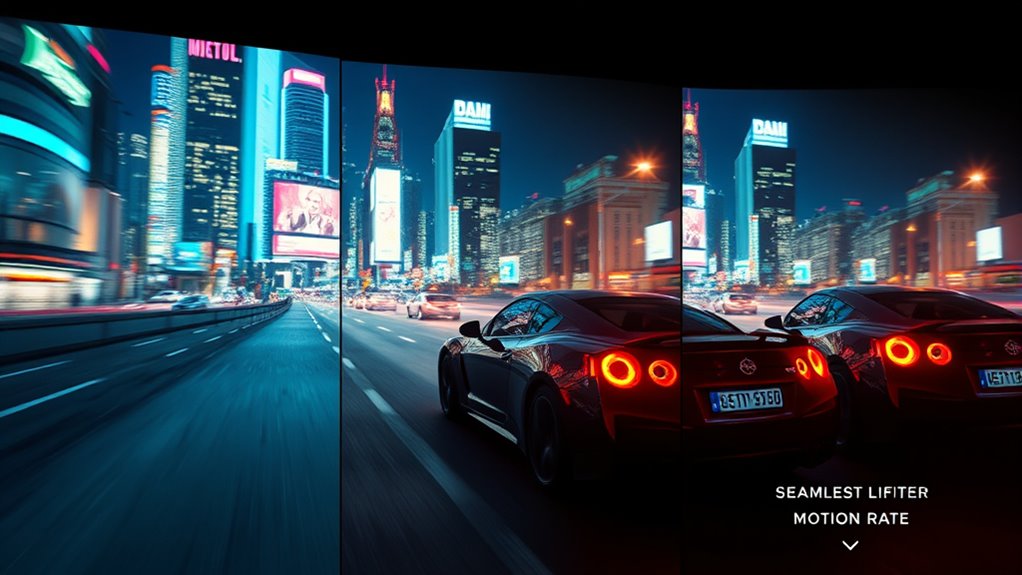
High frame rate (HFR) video is transforming how we experience visuals on projectors by delivering smoother motion and sharper details. When you watch content at higher frame rates, the image appears more fluid, reducing motion blur and making fast-moving scenes look clearer. This improvement hinges on your projector’s ability to handle different frame rates, and understanding how features like motion interpolation and refresh rate adjustment come into play can considerably enhance your viewing experience.
Motion interpolation is a key technology that smooths out motion by generating intermediate frames between the original ones. If your projector supports this feature, it can artificially increase the perceived frame rate, making fast action look more seamless. For example, a film shot at 24 frames per second (fps) can be interpolated to appear as 60 fps or even 120 fps. This process reduces judder, which is the choppy motion you sometimes notice on standard frame rates, especially during quick pans or fast-moving scenes. When you enable motion interpolation, you often have control over its strength, allowing you to customize how smooth you want the output to be. Keep in mind, though, that excessive interpolation can sometimes create a “soap opera” effect, making movies look less natural.
Motion interpolation creates smoother motion but can cause a soap opera effect if overused.
Adjusting the refresh rate on your projector is another essential aspect of optimizing high frame rate content. The refresh rate determines how many times the screen updates per second. For traditional movies shot at 24 fps, a projector with a 60Hz refresh rate can display each frame multiple times, but this may introduce judder or flickering. Some projectors support higher refresh rates, like 120Hz, which can better match high frame rate videos and reduce artifacts. When you set your projector to a higher refresh rate, it aligns more closely with the source material, resulting in a more stable and natural picture. Modern projectors often offer settings to adjust refresh rate or enable frame rate conversion, helping you tailor the viewing experience to the content. Additionally, the quality of the projector’s color fidelity can influence how realistic and vibrant the high frame rate content appears on screen.
Ultimately, understanding the interplay between motion interpolation and refresh rate adjustment allows you to enjoy HFR videos at their best. Whether you’re watching fast-paced sports, action movies, or high-quality CGI content, these features help you see every detail with clarity and smoothness. By selecting the right settings and ensuring your projector supports higher frame rates, you’ll notice a marked difference in how vivid and lifelike your visuals appear. This technological evolution elevates your viewing experience, making every scene more immersive and true to life.

ViewSonic PX701-4K UHD 4K Projector with 3200 Lumens, 240Hz, 4.2ms, HDR, Auto Keystone, Dual HDMI for Home Theater
4K Home Theater Projector: UHD (3840x2160p) 4K resolution with a 1.5-1.6 throw ratio and 3,200 ANSI lumens perfect…
As an affiliate, we earn on qualifying purchases.
As an affiliate, we earn on qualifying purchases.
Frequently Asked Questions
How Does High Frame Rate Affect Projector Lifespan?
High frame rates can slightly reduce your projector’s lamp longevity because they generate more heat, demanding better heat management. When you use higher frame rates, the projector works harder, potentially accelerating wear on internal components. To prolong lifespan, guarantee proper ventilation, keep the air filters clean, and avoid overheating. Managing heat effectively helps maintain ideal lamp performance and extends the overall life of your projector.
Can Older Projectors Display 120HZ Content Effectively?
Did you know that only about 30% of older projectors can effectively display 120Hz content? If you want to enjoy high frame rate videos, you need to check your projector’s compatibility and image processing capabilities. Many older models lack the necessary hardware or processing power to handle 120Hz signals smoothly, resulting in poor image quality or flickering. Upgrading or using external processors might be your best bet for ideal results.
Is There a Noticeable Difference in Motion Clarity Between 24P and 120HZ?
Yes, you’ll notice a difference in motion smoothness between 24p and 120Hz. 120Hz offers much clearer, fluid motion, reducing motion blur and judder, which enhances viewing comfort. If you value sharp, seamless visuals, especially during fast scenes, you’ll appreciate how 120Hz makes action appear more natural and less choppy compared to 24p. Overall, higher refresh rates markedly improve motion clarity and your viewing experience.
Do High Frame Rates Require Special Content or Hardware Upgrades?
High frame rates don’t always need special content or hardware upgrades, but for ideal performance, check content compatibility and hardware requirements. If your projector supports 120Hz, it can display high frame rate content smoothly, but older projectors might struggle. Upgrading hardware ensures better motion clarity, especially for high frame rate videos. So, while not always necessary, investing in compatible hardware enhances your viewing experience greatly.
How Does Frame Rate Impact 3D Projection Compatibility?
Frame rate compatibility directly affects 3D projection standards, as most 3D systems are optimized for specific frame rates like 24P or 60P. If your projector’s frame rate doesn’t match the content’s, you might experience synchronization issues or ghosting effects. To guarantee smooth 3D playback, check your projector’s supported frame rate range and adjust your content accordingly, maintaining compatibility across projection standards.

ViewSonic X100-4K 4K UHD Projector with 1200 ANSI Lumens, Harman Kardon Speakers, HDMI, USB, 125% Rec 709, and Frame Interpolation Technology for Home Theater
SUPERSIZED MOVIES AND GAMES: 4K UHD (3840x2160p) LED projector with 1200 lumens, high contrast ratio, and advanced visual…
As an affiliate, we earn on qualifying purchases.
As an affiliate, we earn on qualifying purchases.
Conclusion
Choosing between 24p, 60p, and 120Hz for your projector is like selecting the perfect soundtrack for a movie—each sets a different mood. While 24p offers cinematic charm, 60p delivers smoother motion, and 120Hz brings lifelike clarity. Think of it as the heartbeat of your visuals—what rhythm do you want to feel? Ultimately, it’s your experience that matters most; pick the frame rate that makes your viewing world come alive.

ViewSonic PX749-4K UHD 4K Gaming Projector Designed for Xbox with 4.2ms Response Time, 4000 ANSI Lumens, H/V Keystone, 1.3x Optical Zoom, and USB C for Home Theater
4K Home Theater Projector: UHD (3840x2160p) 4K resolution with a 1.1-1.5 throw ratio and 4,000 ANSI lumens perfect…
As an affiliate, we earn on qualifying purchases.
As an affiliate, we earn on qualifying purchases.

ViewSonic PA503HD 4000 Lumens High DLP Brightness Projector with 1.1x Optical Zoom, USB, and HDMI inputs for Home and Office
High Brightness DLP Lamp FHD Projector: Full HD (1920x1080p) resolution with a 1.4-1.6 throw ratio and 4,000 ANSI…
As an affiliate, we earn on qualifying purchases.
As an affiliate, we earn on qualifying purchases.