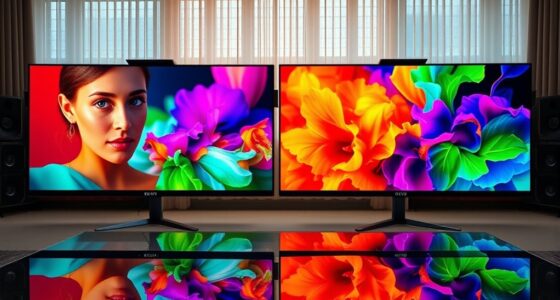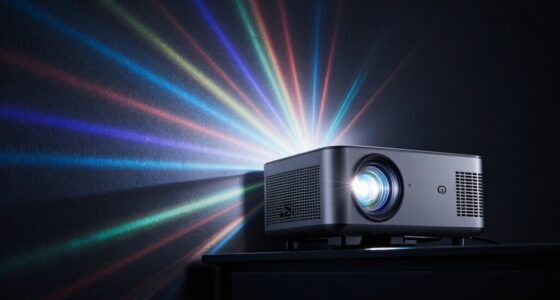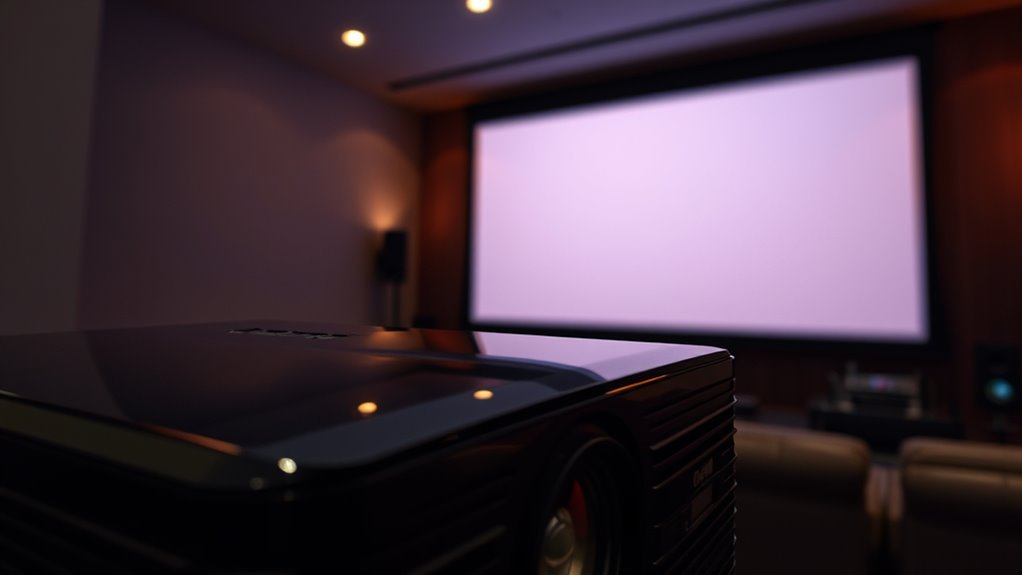

When comparing dynamic and native contrast in projectors, you should know that native contrast measures the true ability to display deep blacks and bright whites without adjustments, while dynamic contrast uses real-time brightness tweaks to enhance perceived depth. Native contrast offers more consistent image quality and better color accuracy, ideal for critical viewing. Dynamic contrast can make scenes look more vibrant but might distort details in dark areas. Exploring these differences further will help you choose the best projector for your needs.
Key Takeaways
- Native contrast reflects the projector’s hardware capability for true blacks and whites, offering more accurate image fidelity.
- Dynamic contrast adjusts brightness in real-time, enhancing perceived contrast but potentially distorting colors.
- High native contrast ensures consistent, natural images, ideal for professional settings like home theaters.
- Dynamic contrast can improve visual impact in bright scenes but may cause detail loss or unnatural images in dark areas.
- Pros prioritize native contrast for reliable, true-to-life images, while dynamic contrast is favored for vibrant, dramatic visuals.
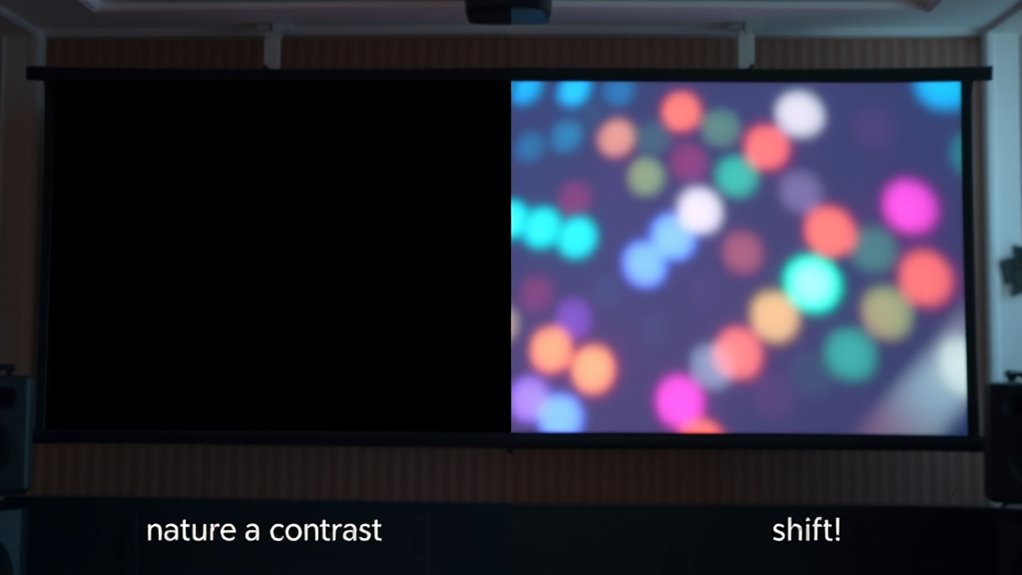
When choosing a projector, understanding the difference between dynamic and native contrast can markedly impact your viewing experience. Native contrast refers to the inherent difference between the darkest black and the brightest white a projector can produce in a single frame, without any adjustments. It’s a fixed characteristic determined by the projector’s hardware, such as the type of display technology and optical components. Dynamic contrast, on the other hand, involves adjusting brightness levels in real-time, often by dimming or brightening specific areas of the image to enhance perceived contrast. While this can make scenes appear more vivid and dramatic, it doesn’t necessarily reflect the true performance of the projector’s hardware.
Native contrast is the projector’s inherent ability to display true blacks and whites without adjustments.
If you value color accuracy, native contrast plays an essential role. Because native contrast is a constant, it affects how accurately colors are rendered across different scenes. A projector with high native contrast can display subtle shades and nuanced color transitions more faithfully, leading to a more natural and immersive viewing experience. Conversely, a projector heavily relying on dynamic contrast may sometimes over-exaggerate contrast levels, which can distort colors or create a less consistent image, especially in scenes with mixed lighting.
Additionally, understanding the display technology behind a projector can help you better interpret its contrast capabilities and overall picture quality. Power consumption is another factor to evaluate when assessing contrast types. Native contrast generally requires less energy because it relies on the hardware’s inherent capabilities rather than constantly adjusting brightness levels. Dynamic contrast systems, especially those that involve complex algorithms and real-time adjustments, tend to consume more power. This increased energy use can impact the longevity of the projector’s lamp and overall operating costs, especially if you use the projector frequently or for extended periods.
Many pros prefer native contrast for its reliability and consistency, particularly in professional settings like home theaters or cinemas, where image quality and color fidelity are paramount. They recognize that while dynamic contrast can boost perceived image quality, especially in bright scenes, it can sometimes lead to issues like loss of detail in dark areas or unnatural-looking images. On the flip side, dynamic contrast is often favored in environments where visual impact is more important than precise color reproduction, such as during presentations or casual movie watching, where the goal is to impress with vibrant visuals rather than perfect accuracy.
Ultimately, your choice depends on your viewing priorities. If you want the most accurate colors and efficient power use, prioritizing a projector with high native contrast is wise. However, if you prefer striking images with plenty of punch and are less concerned about absolute fidelity, a model with dynamic contrast might serve you better.

HAPPRUN Native 1080P Bluetooth Mini Projector, Full HD Portable Outdoor Movie Projector with Built-in Speaker, Compatible with Smartphone, HDMI, USB, AV, Fire Stick, PS5 for Home, Bedroom, Outdoor Use
[ Native 1080P Full HD Resolution ] – Enjoy crystal-clear visuals with HAPPRUN H1's native 1920×1080 resolution, delivering…
As an affiliate, we earn on qualifying purchases.
As an affiliate, we earn on qualifying purchases.
Frequently Asked Questions
How Does Ambient Light Affect Contrast Performance?
Ambient lighting greatly influences contrast performance by diminishing contrast visibility. When there’s excessive ambient light, it washes out the projected image, making dark scenes appear gray and less vivid. To maintain ideal contrast, you should control ambient lighting in your environment, such as dimming lights or using blackout curtains. This helps guarantee your projector’s contrast capabilities shine through, delivering clear, sharp images with rich blacks and vibrant colors.
Can Projectors Switch Between Dynamic and Native Contrast Modes?
Think of your projector as a chameleon, capable of switching costumes for different scenes. It can indeed switch between dynamic and native contrast modes, optimizing contrast based on your viewing environment. This mode switching enhances contrast optimization, making dark scenes richer and bright scenes clearer. By toggling modes, you adapt your projector’s performance to ambient light and content, ensuring the best picture quality without needing a new device.
What Is the Impact of Contrast on Color Accuracy?
Contrast profoundly impacts color accuracy, affecting color fidelity and image vibrancy. When contrast is high, colors appear more vivid and true to life, making details pop. Low contrast can dull colors and reduce clarity, distorting the overall image quality. You’ll notice sharper, richer visuals with better contrast settings, ensuring your projector delivers vibrant, accurate colors that enhance your viewing experience and maintain true-to-life image quality.
Are There Specific Projector Brands Known for Superior Contrast?
You might be surprised, but some brands are renowned for their superior contrast. Epson and Sony lead the pack, thanks to their innovative technology and stellar reputation. They often command higher prices, reflecting their premium quality and advanced pricing strategies. If you’re seeking vivid, deep blacks, these brands are worth the investment. Keep an eye on their latest models; they continue to push the boundaries of contrast and performance.
How Does Contrast Influence Viewing Comfort Over Long Periods?
Higher contrast levels reduce eye strain and visual fatigue during long viewing sessions. When contrast is sharp, images appear clearer and more comfortable to watch, preventing your eyes from working harder to distinguish details. Low contrast can cause you to squint or strain, leading to discomfort over time. To keep your eyes happy and avoid fatigue, choose a projector with strong contrast that delivers vivid, well-defined images.

XGIMI Horizon 20 Max 4K Projector Triple Laser Home Theater, 2025 New, 5700 ISO Lumens, Google TV with Licensed Netflix, Optical Zoom Lens Shift, IMAX Enhanced, Dolby Vision, 20000:1 Contrast
Lossless Optics: Flexible lens shift and optical zoom give you more freedom in setup—without sacrificing clarity. Enjoy crisp,…
As an affiliate, we earn on qualifying purchases.
As an affiliate, we earn on qualifying purchases.
Conclusion
Now that you understand the difference between dynamic and native contrast, you can make a smarter choice for your projector needs. While dynamic contrast can dramatically enhance brightness and detail in scenes, native contrast offers pure, unaltered picture quality. Think of it as choosing between a fireworks show and a whisper—both mesmerizing, but each with its own magic. Ultimately, knowing these pros means you’ll access the true potential of your projector, transforming your viewing experience into something truly legendary.

1500 ANSI Official Licensed Google TV Smart Projector, HAPPRUN 4K Full HD Home Theater with Auto Focus, Dolby Sound, Wi-Fi Bluetooth, Built-in Apps, Compatible with Phone & PC, Indoor & Outdoor Use
[ Built-in Officially Licensed Google TV ]-Enjoy the reliability of an officially certified Google TV projector. Stream Netflix,…
As an affiliate, we earn on qualifying purchases.
As an affiliate, we earn on qualifying purchases.
![[3200 ANSI/ Official Apps/50W Audio] Outdoor 4K Projector with WiFi and Bluetooth, Auto Focus, Auto Keystone Smart Projector Support DoIby Audio, 2026 Upgrade GO2 Short Throw Projector with 360°Stand](https://m.media-amazon.com/images/I/41-laeqxhwL._SL500_.jpg)
[3200 ANSI/ Official Apps/50W Audio] Outdoor 4K Projector with WiFi and Bluetooth, Auto Focus, Auto Keystone Smart Projector Support DoIby Audio, 2026 Upgrade GO2 Short Throw Projector with 360°Stand
Highest 3200 ANSI Lumens & 360°Rotatable Stand– With upgrade 3200 ANSI lumens brightness, the GO2 outdoor projector offers…
As an affiliate, we earn on qualifying purchases.
As an affiliate, we earn on qualifying purchases.