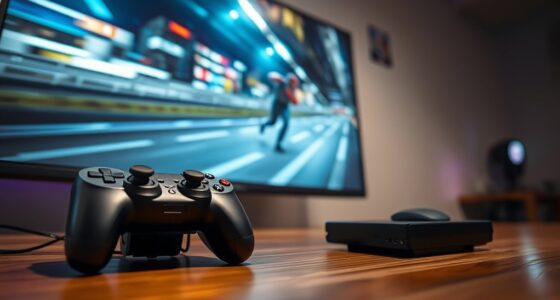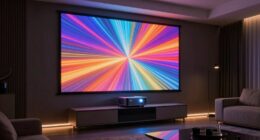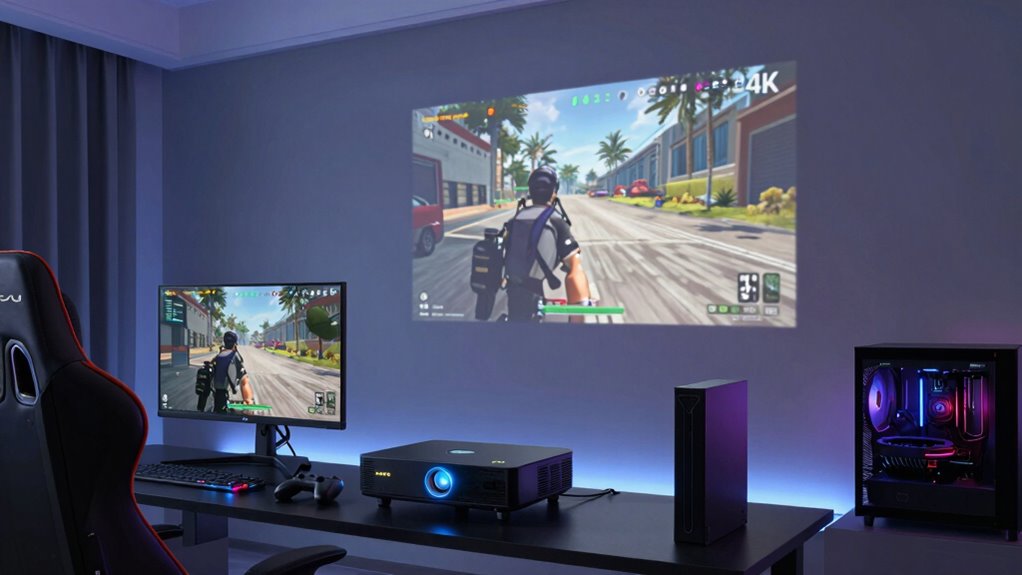
To optimize your projector setup for fast-paced FPS games, make sure you play in dim or dark environments with blackout curtains to boost contrast and clarity. Mount your projector securely to avoid jitters and position it to minimize glare. Use high-lumen, high-contrast models and match your in-game settings for the best responsiveness. Set up external speakers for clear audio cues and soundproof your space to reduce distractions. Keep tweaking your setup for smoother, more immersive gameplay—there’s more to discover for an edge you can’t afford to miss.
Key Takeaways
- Use a high-lumen, high-contrast projector in a dim environment with blackout curtains for clear, vivid images during fast gameplay.
- Mount the projector securely at an optimal distance to ensure sharp focus and minimal motion blur.
- Optimize room acoustics with external speakers and soundproofing to enhance audio cues and enemy detection.
- Match in-game settings with projector capabilities to reduce lag, motion blur, and improve visual clarity.
- Regularly adjust lighting, placement, and sound setup to maintain peak responsiveness and immersive gaming experience.
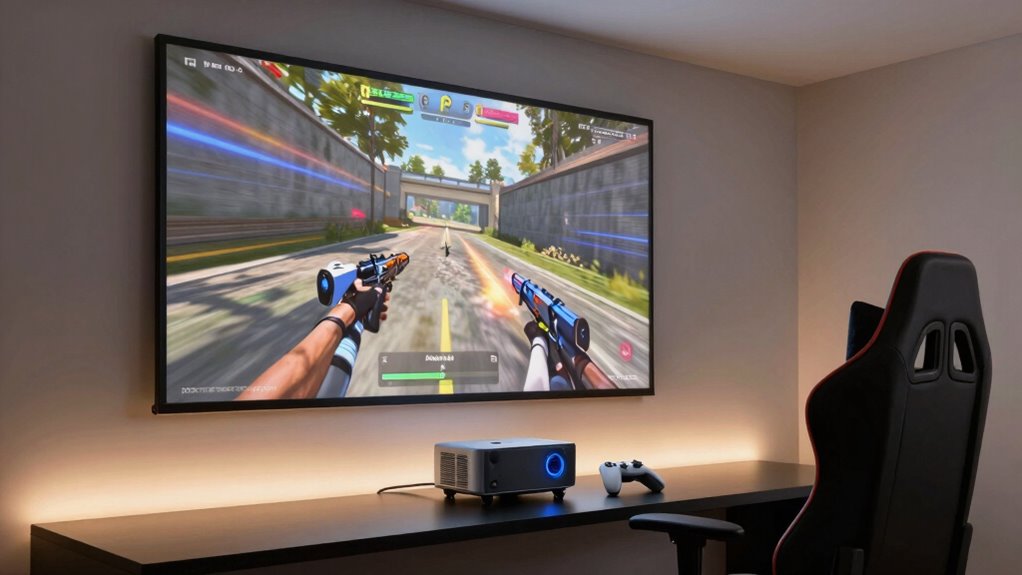
Getting the most out of your FPS gaming experience with a projector requires careful setup. Your environment plays an essential role in guaranteeing smooth gameplay and immersive visuals. First, pay close attention to your lighting conditions. Bright rooms with plenty of ambient light can wash out the projected image, making it harder to spot enemies and details. To enhance your setup, choose a space with dim or controlled lighting—using blackout curtains or turning off unnecessary lights helps create the ideal dark environment. This not only increases contrast but also sharpens image clarity, giving you a competitive edge. If complete darkness isn’t feasible, consider investing in a high-contrast projector with a high lumen rating, which can perform better in brighter conditions. Position your projector in a way that minimizes glare and reflections, and use a screen with a matte finish to prevent light bounce, guaranteeing the image remains crisp and vivid.
Sound enhancement is equally important for an immersive FPS experience. Projectors often lack built-in speakers capable of delivering the audio precision needed for fast-paced games, so investing in external speakers or a sound system is vital. Position your speakers strategically around your gaming space to create a surround sound effect, which can help you detect enemy footsteps or gunfire directions more accurately. Using a soundbar or a dedicated audio receiver enhances clarity and reduces audio lag, so your sound cues match your visual actions seamlessly. Adjust the audio settings within your game and system to balance volume levels and emphasize critical sounds, like footsteps or reloads, so they stand out against other background noises. Additionally, consider soundproofing your gaming area to prevent external noise from disrupting your concentration and to keep your gameplay experience pure and uninterrupted. Being aware of visual clarity and how it affects your gameplay can significantly improve your reaction times and overall performance. Incorporating proper room acoustics can further elevate your sound experience, making it easier to identify enemy positions through audio cues.
Beyond lighting and sound, guarantee your projector is placed at the correct distance for best focus and image size, and secure it on a stable surface or mount to prevent jitter during intense moments. A proper tripod or ceiling mount keeps the projector steady, avoiding blurry images during rapid movements. Also, tweak your in-game settings, like refresh rate and resolution, to match your projector’s capabilities, reducing input lag and motion blur. By paying attention to these details—lighting conditions, sound enhancement, and physical placement—you set yourself up for an FPS experience that’s not only visually stunning but also highly responsive and immersive. When your environment is tuned for gaming, you’ll notice the difference in your reaction times and overall performance, giving you the upper hand in every match.

GooDee 4K Smart Projector with WiFi & Bluetooth – 3000 ANSI UHD, ToF Auto Focus Keystone MEMC, Dolby Audio Home Theater Video Projector Built-in Streaming Apps, Indoor & Outdoor Movies, Gaming
【Smart Projector with Built-in Streaming Apps】 GooDee’s outdoor projector features an intelligent system deeply integrated with the global…
As an affiliate, we earn on qualifying purchases.
As an affiliate, we earn on qualifying purchases.
Frequently Asked Questions
How Does Projector Brightness Affect Fast-Paced Gameplay?
Projector brightness directly impacts your fast-paced gameplay by ensuring clear visuals and minimizing distractions. Higher brightness improves color accuracy, so enemies and objects stand out against the background, giving you an edge. It also helps reduce perceived input lag, making your reactions quicker. However, too much brightness can cause glare, so find a balance that maintains sharp visuals while keeping input lag low, enhancing your overall gaming experience.
What’s the Ideal Projector Resolution for Competitive FPS Gaming?
For competitive FPS gaming, a 1080p resolution is ideal, offering clear visuals without latency. Did you know most gamers prefer setups with fewer than 4 milliseconds of input lag? To optimize this, focus on precise projector calibration and sound synchronization. Proper calibration guarantees sharp images, while synchronized sound helps you react faster. Together, these enhancements give you a competitive edge, making your gaming experience smoother and more responsive.
Can Ambient Light Impact Projector Performance During Gaming Sessions?
Ambient light interference can considerably impact your projector’s performance during gaming. It causes glare issues and diminishes contrast, making it harder to see fast-moving targets clearly. To minimize this, you should control ambient light by dimming or turning off lights, using blackout curtains, or choosing a projector with high brightness levels. These steps reduce glare issues and enhance visibility, giving you a competitive edge in fast-paced FPS games.
How Important Is Projector Throw Distance for FPS Setups?
Projector throw distance is essential for your FPS setup because it affects your screen size and projection angle. If the throw distance is too short or too long, your image may be distorted or too small, impacting your reaction time. To optimize your gaming experience, position the projector at an appropriate distance that provides a large screen size and a proper projection angle, ensuring clear visuals and quick responses during fast-paced gameplay.
Are There Specific Projector Features Beneficial for FPS Games?
In this digital age, you’ll find that features like projection calibration and sound synchronization are essential for FPS games. You should look for projectors with quick, precise calibration tools and audio that syncs seamlessly with visuals. These features guarantee smooth gameplay, minimal lag, and accurate targeting, giving you an edge. A high refresh rate and low input lag further enhance responsiveness, making your gaming experience both immersive and competitive.

BAISHUN Projector Stand, Wall and Mini Ceiling Mount with 1/4-Inch Thread, 360-degree Rotation, Adjustable Tilt & Swivel, Foldable, Easy Setup Compatible with Most Projectors for Home, Office
Rock-Solid Stability: Heavy-duty metal construction, supports up to 4.4 lbs (2kg) with zero shaking, stays secure and steady…
As an affiliate, we earn on qualifying purchases.
As an affiliate, we earn on qualifying purchases.
Conclusion
Setting up your projector correctly can give you a serious edge in fast-paced FPS games. Remember to optimize your refresh rate and minimize input lag for smoother gameplay. Did you know that a study found gamers who use optimized setups experience up to 30% faster reaction times? By following these best practices, you’ll enjoy more immersive, responsive gaming sessions. Get your setup right, and watch your skills—and scores—improve dramatically.

Computer Speakers, Desktop PC Speakers with 6 Colorful RGB Lights, Headphone Jack, Enhanced Bass and Volume Control, USB Powered & 3.5mm Aux Gaming Speakers for Laptop Monitor PC Tablet Phone
【Hi-Fi Stereo Sound Quality】Our desktop speakers equipped with 2 advanced and powerful 3W driver offers you superior auditory…
As an affiliate, we earn on qualifying purchases.
As an affiliate, we earn on qualifying purchases.
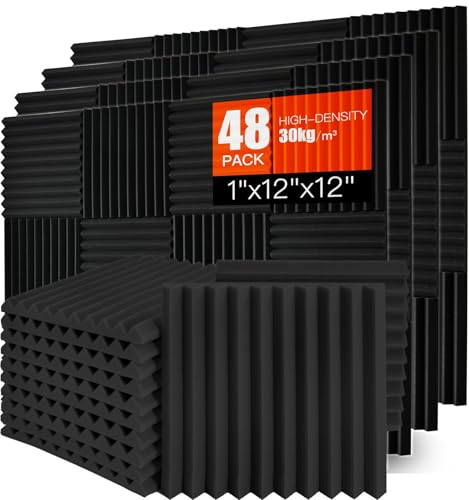
Acoustic Foam Panels 48 Pack 1" x 12"x 12" Saiqiang Red Soundproofing Panels Wedges for Wall Noise Absorbing and Sound-Damping Fire-Resistant Sound Proof for Studio, Gaming Room
High Quality Soundproof Wall Panels -Our sound panels made of premium polyurethane materials can effectively reduce some noise…
As an affiliate, we earn on qualifying purchases.
As an affiliate, we earn on qualifying purchases.