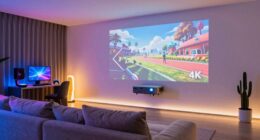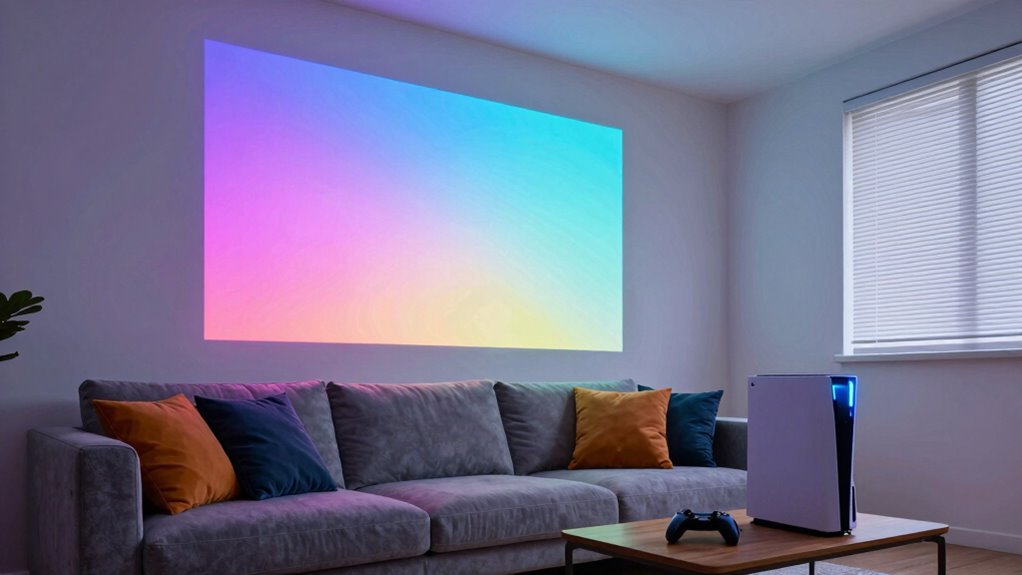
To enhance your projector for couch co-op gaming, start by aligning it with the center of your screen and adjusting the angle to prevent keystone distortion. Choose a smooth, reflective surface for the best image quality and control ambient light by using blackout curtains or soft, indirect lighting. Keep the projector level and maintain ideal environmental conditions like humidity for clarity. For a fully immersive setup, focus on lighting and surface quality—more tips await if you continue exploring.
Key Takeaways
- Ensure the projector is aligned and centered to prevent keystone distortion and maintain a rectangular image.
- Use a high-quality, smooth projection surface to enhance image sharpness and vibrancy.
- Manage ambient lighting by dimming lights or using blackout curtains to improve contrast and reduce glare.
- Adjust the projection angle with adjustable mounts for a level, undistorted, and immersive display.
- Keep room humidity and environmental factors optimal to prevent image fogging or distortion during gameplay.
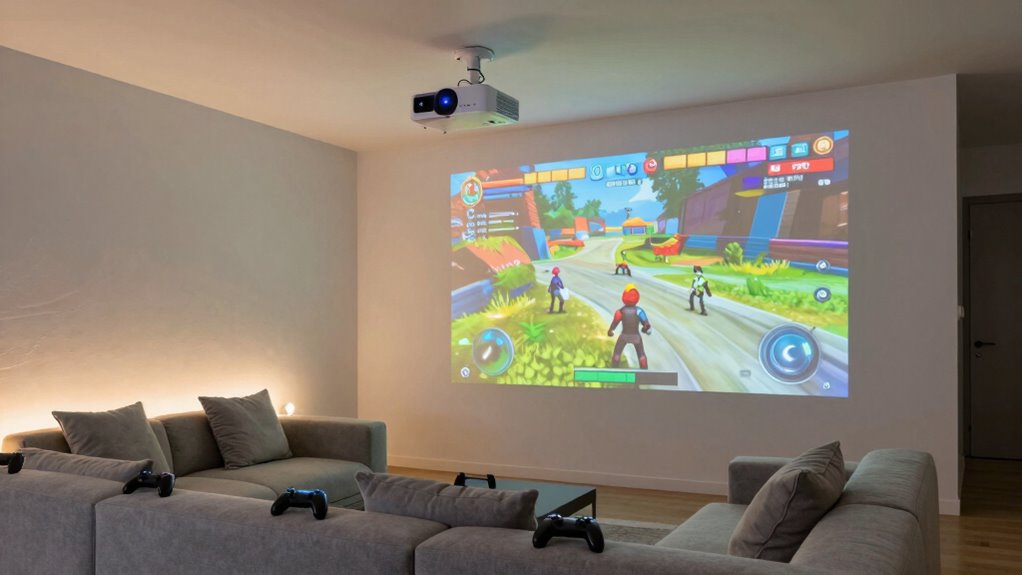
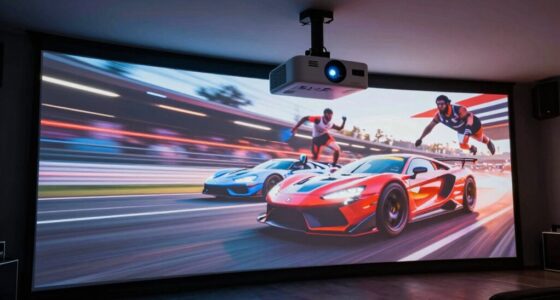
If you want to turn your living room into the ultimate co-op gaming zone, optimizing your projector is vital. The first step is to pay attention to the projection angle. This angle determines how the image appears on your wall or screen, and getting it just right can drastically improve your gaming experience. To optimize the projection angle, position the projector so that it’s directly aligned with the center of your display surface. If it’s too high or too low, you’ll notice keystone distortion, where the image appears trapezoidal rather than rectangular. Many projectors have adjustable mounts or feet that allow you to fine-tune the angle easily. Make sure the projector is level and centered to prevent distortion that can distract you during intense gaming moments. Proper adjustment of the projection angle guarantees everyone sees a sharp, undistorted image, which keeps the focus on the game rather than the setup. Additionally, understanding the projection surface can help enhance image quality and clarity. Ambient lighting plays an essential role in how well your projector displays images and how immersive your gaming session feels. Bright rooms with lots of ambient light can wash out the picture, making it harder to see details and colors. To combat this, consider controlling the lighting in your gaming space. Use blackout curtains or shades to reduce sunlight during daytime gaming sessions. At night, dim the overhead lights or turn them off altogether. If you prefer to keep some lighting, opt for indirect or soft lighting sources that don’t shine directly onto the projection surface. This helps maintain contrast and color vibrancy, making gameplay more vivid and engaging. Also, choose light fixtures with warm or neutral tones, as cooler lighting can cause glare or reflections that interfere with your view. Managing ambient lighting isn’t just about visibility; it’s about creating an environment that feels immersive and minimizes distractions. When the room is appropriately darkened, your projector’s image pops, and every detail becomes clear, giving you that cinematic feel for couch co-op gaming. Incorporating contrast ratio considerations can further enhance the depth and realism of your gaming visuals, making every scene more captivating. Additionally, paying attention to humidity levels in your gaming space can help prevent foggy or distorted images caused by excess moisture.

DYNAVISTA Full Motion Universal Ceiling Projector Mount Bracket with Adjustable Height and Extendable Arms Rotating Swivel Mount for Home and Office Projector (Black)
Universally Compatible: This projector ceiling mount supports most projector brands with distance between the mounting holes on back…
As an affiliate, we earn on qualifying purchases.
As an affiliate, we earn on qualifying purchases.
Frequently Asked Questions
What Is the Ideal Projector Resolution for Gaming?
For gaming, aim for at least a 1080p resolution to guarantee clear visuals on your screen size, especially if you’re using a large projector. Higher resolutions like 4K provide crisper images, but make sure your projector’s brightness levels are sufficient to prevent washed-out visuals in a well-lit room. Balancing resolution with brightness levels helps you enjoy smooth gameplay without sacrificing image quality or immersion.
How Does Ambient Light Affect Projector Gaming Performance?
Ambient light greatly impacts your projector gaming experience by washing out images and reducing contrast. When there’s too much ambient light, your projector’s brightness becomes less effective, making the picture appear dull. To optimize performance, control ambient light with curtains or blinds and choose a projector with higher brightness (lumens). This guarantees vibrant visuals, even in well-lit rooms, giving you a better, more immersive gaming session.
Can I Use a Portable Projector Outdoors for Co-Op Gaming?
Imagine your portable projector as a brave explorer venturing into the wild outdoors. Yes, you can use it for co-op gaming outside, but be prepared for outdoor lighting to challenge your setup. Choose a portable setup with high brightness to combat sunlight and ambient light. Shield the projector from direct sunlight with a canopy or shade. With the right adjustments, your outdoor gaming adventure can be just as epic as indoors.
What Sound Setup Is Best for Projector-Based Gaming?
For the best sound setup in projector-based gaming, surround sound systems are ideal, immersing you fully in the game. Place your speakers strategically around your seating area—front, sides, and rear—to create a balanced audio environment. Make certain your speakers are at ear level and evenly spaced, so the sound feels natural and engaging. This setup enhances your gaming experience, making every co-op session more exciting and immersive.
How Often Should I Calibrate My Projector for Gaming?
You should calibrate your projector every 3 to 6 months for peak gaming. Did you know that even a slight miscalibration can increase input lag by up to 15%, affecting gameplay? Regular calibration helps maintain perfect screen brightness and color accuracy, ensuring your gaming experience remains immersive. By doing this, you keep input lag minimal and your visuals sharp, making sure your co-op sessions stay competitive and fun.
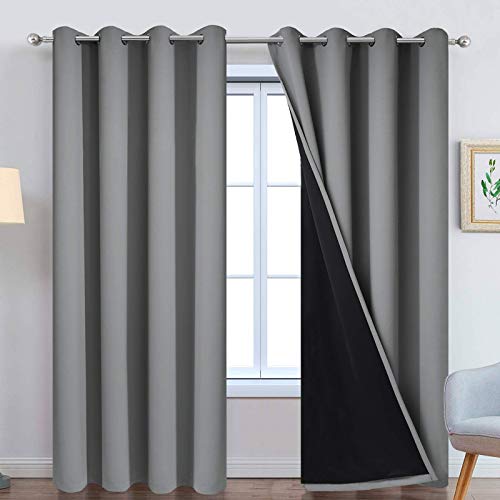
Yakamok Grey 100% Blackout Curtain Panels 84 inches, 52" Wide, 2 Panels
PACKAGE MADE:2 panels per package. Each Lined Curtain measures 52" wide x 84" long. 8 Silvery Grommets per…
As an affiliate, we earn on qualifying purchases.
As an affiliate, we earn on qualifying purchases.
Conclusion
So, next time you set up your epic couch co-op gaming night with that fancy projector, remember: the real secret isn’t in the tech specs or perfect placement. It’s in embracing the quirks—like that pesky glare or slight lag—that make your gaming sessions uniquely unforgettable. Ironically, the more you try to perfect it, the more you’ll realize that sometimes, the best memories come from those little imperfections. Happy gaming, and don’t forget to enjoy the chaos!
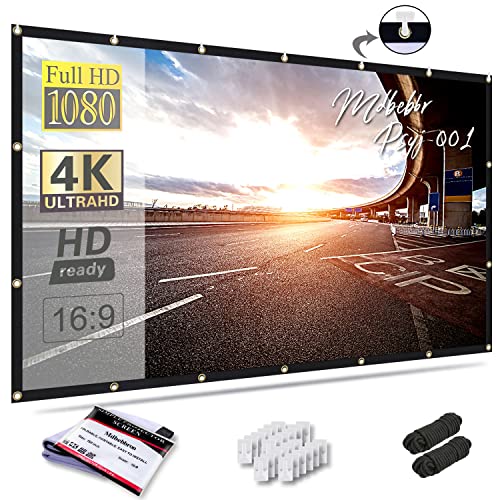
Mdbebbron 120 inch Projector Screen 16:9 Foldable Anti-Crease Portable Projector Movies Screens for Home Theater Outdoor Indoor Support Double Sided Projection
CONVENIENT TO STORAGE AND CARRY : Compact one-piece,lightweight and folding design. You can fold the projector screen in…
As an affiliate, we earn on qualifying purchases.
As an affiliate, we earn on qualifying purchases.

OIYN Smart RGBICW LED Corner Floor Lamp – 16 Million DIY Colors, 68+ Scenes, Music Sync, App & Remote Control, Color-Changing Ambient Lighting for Living Rooms, Bedrooms, and Gaming Rooms
Dynamic RGBICW Color Technology:Unleash your creativity with our RGBICW LED floor lamp, offering customizable colors for each segment…
As an affiliate, we earn on qualifying purchases.
As an affiliate, we earn on qualifying purchases.