Before buying a projector for sports and game day, consider its brightness—aim for over 3000 lumens for clear images in well-lit rooms. Make sure it supports at least 1080p resolution for sharp detail during fast action. Check that it can project at least a 100-inch screen for an immersive experience, and look for good contrast and sound options, like outputs for external speakers. Easy setup and flexible connectivity also matter. Keep exploring to discover more tips for the perfect game day setup.
Key Takeaways
- Ensure at least 3000 lumens brightness for clear images in well-lit rooms during daytime sports viewing.
- Opt for a minimum of 1080p resolution for sharp, detailed visuals during fast-paced gameplay.
- Choose a projector supporting at least a 100-inch screen size for immersive viewing experiences.
- Select models with multiple connectivity options (HDMI, USB, wireless) for easy device integration.
- Consider external speakers or sound systems to enhance audio clarity and capture game sounds effectively.
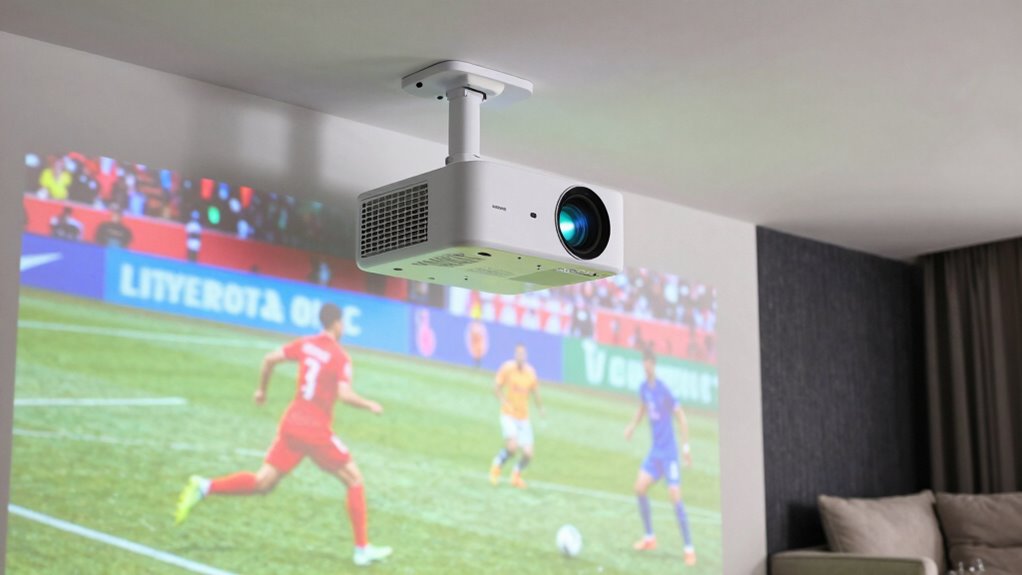
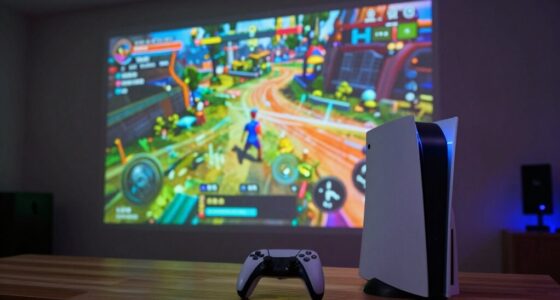
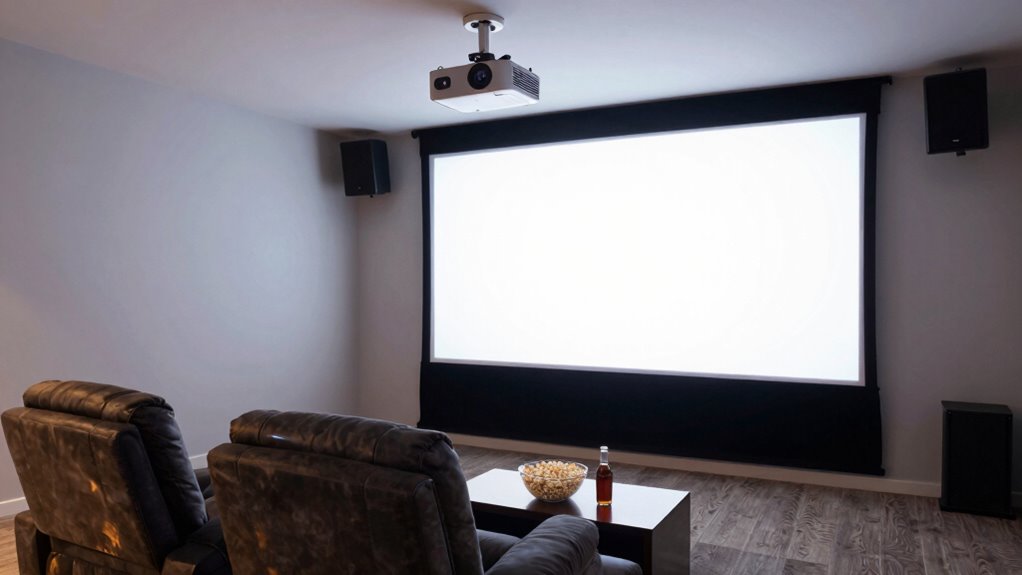
When it comes to catching every play during sports and game days, a projector can be your ultimate game-changer. It transforms any space into your personal stadium, allowing you to enjoy the action in a larger-than-life format. But before you rush out to buy one, you need to consider a few key factors to ensure you get the best experience. First, think about the screen size. You want a projector that can deliver a large, clear image without sacrificing quality. The size of the projected image depends on the projector’s throw distance and lens capabilities, so measure your space carefully. If you have a big wall or open area, look for a model that supports a screen size of at least 100 inches, giving you that immersive feel. Keep in mind, bigger isn’t always better if the resolution or brightness can’t keep up, so balance size with clarity.
Choose a projector with at least 100-inch support for an immersive, high-quality viewing experience.
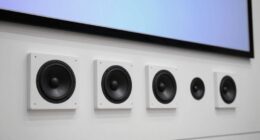
Sound quality is equally important, especially since many projectors have built-in speakers that can be quite limited. When watching sports or gaming, you want sound that’s loud enough to fill your space and clear enough to catch every cheer, tackle, or commentary detail. Some projectors come with decent speakers, but investing in an external sound system or soundbar often provides a much richer audio experience. High sound quality enhances the excitement, making you feel like you’re right there in the middle of the action. Also, look for projectors with audio outputs, so you can easily connect external speakers if you want to boost the sound further.
Another aspect to consider is brightness. During daytime or well-lit rooms, you’ll need a projector with high lumens, ideally over 3000, so the image remains vivid and readable. Contrast ratio also plays a role; a higher contrast ratio means better differentiation between dark and light scenes, which is crucial for fast-paced sports. Resolution matters too—aim for at least 1080p to ensure sharp, detailed images, especially when viewing close-up replays or graphics.
Connectivity options are another must. Make sure your projector offers HDMI, USB, or wireless connectivity to easily connect your streaming devices, game consoles, or cable boxes. Ease of setup matters as well—look for models that are straightforward to install and adjust, so you can start watching quickly without hassle.

HAPPRUN Native 1080P Bluetooth Mini Projector, Full HD Portable Outdoor Movie Projector with Built-in Speaker, Compatible with Smartphone, HDMI, USB, AV, Fire Stick, PS5 for Home, Bedroom, Outdoor Use
[ Native 1080P Full HD Resolution ] – Enjoy crystal-clear visuals with HAPPRUN H1's native 1920×1080 resolution, delivering…
As an affiliate, we earn on qualifying purchases.
As an affiliate, we earn on qualifying purchases.
Frequently Asked Questions
Can Projectors Be Used Outdoors Effectively During Daytime?
Yes, projectors can be used outdoors during daytime, but you need one with high outdoor brightness for clear daytime clarity. Look for models with at least 3,000 lumens or more, as they handle ambient light better. You’ll also want a screen or flat surface that enhances image visibility. Keep in mind, the brighter the projector, the better your outdoor daytime viewing experience will be during sports or game day.
How Long Do Projector Lamps Typically Last?
Think of your projector lamp as a marathon runner; it typically lasts between 2,000 to 4,000 hours. During this journey, you’ll need to pace yourself with proper projector maintenance, replacing the lamp when it’s reached its lamp lifespan. Regularly checking the lamp’s condition guarantees your projector keeps delivering clear, bright images, much like a runner’s steady stride keeps them on course for victory.
What Are the Best Projector Brands for Sports Viewing?
You should consider brands like Epson, BenQ, and Optoma for sports viewing, as they offer excellent projection brightness and sound compatibility. These brands deliver high-quality images that are bright enough to see clearly even in well-lit rooms or outdoor settings. Plus, they often come with built-in speakers or easy connection options for external sound systems, ensuring you get immersive audio for game day excitement.
Is a 4K Projector Necessary for Sports and Gaming?
A 4K projector isn’t necessary for sports and gaming, especially if you prioritize a larger screen size and brighter visuals. Think of it like watching a game in a cozy bar versus a stadium — the experience depends on the atmosphere, not just resolution. For most enthusiasts, a projector with high brightness levels and good resolution offers vivid images without the extra cost of 4K, making your game day immersive and budget-friendly.
How Much Space Is Required for Optimal Projector Setup?
You’ll need enough space to set up your projector with a screen size of at least 100 inches for an immersive experience. Ideally, your room should be dark or dimly lit, as bright lighting can wash out the image. Measure the distance from the projector to where you’ll place the screen, ensuring it aligns with the projector’s throw distance specifications. This setup guarantees a clear, vibrant display perfect for sports and gaming.

Epson EpiqVision Flex CO-W01 Portable Projector 3-Chip 3LCD, Widescreen, 3000 Lumens Color/White Brightness, 5 W Speaker, 300-Inch Home Entertainment and Work, Streaming Ready
Display Stunning Images up to 300" — Widescreen picture four times larger than a 75" flat panel delivers…
As an affiliate, we earn on qualifying purchases.
As an affiliate, we earn on qualifying purchases.
Conclusion
Now, imagine yourself nestled comfortably on your couch, a cold drink in hand, as the big game lights up your wall with vibrant clarity. With the right projector, every pass, tackle, and buzzer-beater feels closer than ever, transforming your space into a lively stadium. So, choose wisely, set it up, and get ready to cheer wildly, knowing you’ve created the perfect game day experience that’ll have friends and family gathering for many exciting moments to come.

Outdoor Projector Screen with Stand 100 Inch: Portable Projection Screen 16:10 4K HD Outdoor Movie Screen with Carry Bag for Home Backyard Theater
Outdoor Movie Screen:This outdoor projector screen with stand features a 4K HD 16:10 ratio, delivering sharp, high-resolution images…
As an affiliate, we earn on qualifying purchases.
As an affiliate, we earn on qualifying purchases.

Amazon Basics Stereo 2.0 Speakers for PC or Laptop with Volume Control, 3.5mm Aux Input, USB-Powered, 1 Pair, Black
External computer speaker in Black (set of 2) for amplifying PC or laptop audio
As an affiliate, we earn on qualifying purchases.
As an affiliate, we earn on qualifying purchases.