To stream 4K HDR content smoothly, your projector needs to support 4K and HDR standards like Dolby Vision or HDR10, with calibration for ideal color and contrast. You’ll also require a stable internet connection of at least 25 Mbps to prevent buffering, as compression techniques help manage bandwidth demands. Ensuring your hardware and internet meet these requirements will maximize your viewing experience—keep exploring to discover how to enhance your setup further.
Key Takeaways
- A stable internet connection of at least 25 Mbps is recommended for smooth 4K HDR streaming.
- Projectors must support 4K resolution, HDR standards, and proper calibration for optimal visual quality.
- Effective content compression reduces bandwidth needs while maintaining HDR quality.
- Hardware features like contrast ratio and HDR compatibility influence the quality of HDR display.
- Firmware updates enhance HDR processing and ensure compatibility with streaming service formats.
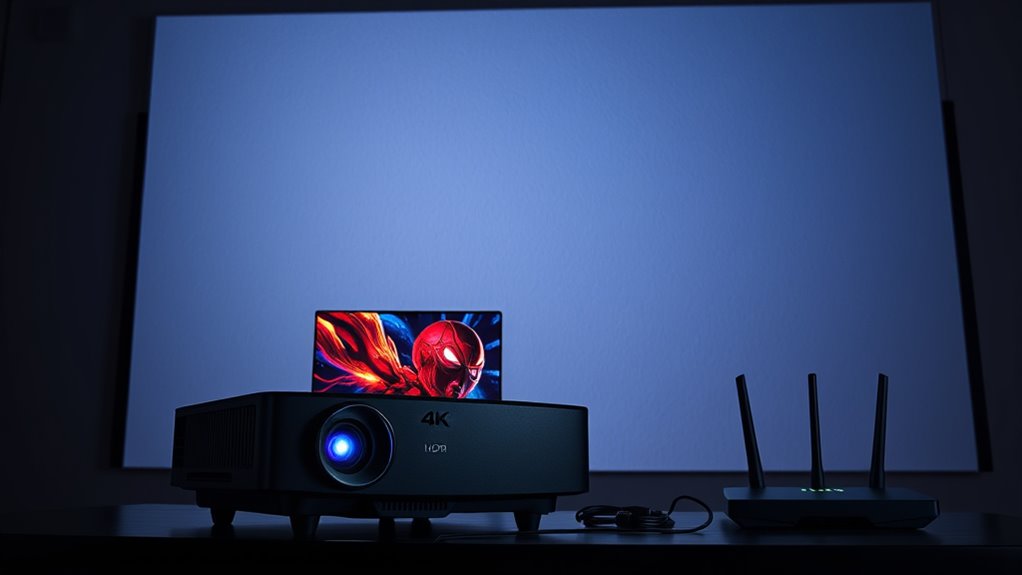
Streaming in 4K HDR has revolutionized the way you watch your favorite content, delivering stunning visuals with vibrant colors and deep contrast. But to truly enjoy these benefits on your projector, understanding bandwidth and hardware requirements is essential. High-quality 4K HDR streams rely heavily on effective content compression, which reduces file size while maintaining visual fidelity. This process is crucial because uncompressed 4K HDR data would require enormous bandwidth, making smooth streaming nearly impossible for most internet connections. When streaming, your device and service provider work together to compress the content efficiently, balancing quality and data transfer speed. However, even with compression, a stable and fast internet connection—typically 25 Mbps or higher—is necessary to avoid buffering and ensure seamless playback.
Beyond bandwidth, your projector’s hardware plays a vital role. A capable projector must support 4K resolution and HDR standards like Dolby Vision or HDR10. But hardware alone isn’t enough; proper display calibration is equally important. Calibration ensures that the projector accurately reproduces colors and contrast levels, allowing you to experience the full vibrancy and depth intended by content creators. To achieve this, you might need to fine-tune settings such as white balance, color temperature, and gamma. When combined with high-quality display calibration, your projector can display the rich, dynamic visuals that 4K HDR offers, making scenes look more lifelike and immersive. Additionally, contrast ratio affects how well your projector can display dark and bright details simultaneously, further enhancing the realism of HDR content.
Another factor to consider is how your projector handles HDR metadata. Not all projectors process HDR signals equally well, so make sure yours supports the specific HDR formats used by your streaming services. Additionally, the way your device manages content compression impacts image quality; less aggressive compression may produce better visuals but at the cost of larger data requirements. Ensuring your projector’s firmware is up to date can also improve HDR processing and overall performance.

Hisense C1 Bundle, 120" Outdoor Screen, Carry Case, Gimbal Included, 4K UHD Triple Laser Portable Projector, Up to 300", Smart OS, Dolby Vision HDR, 110% BT.2020 Color Gamut (Renewed)
Award-Winning Excellence: Celebrated with the Editor's Choice by Tom's Guide, the Hisense C1 stands out for its superb…
As an affiliate, we earn on qualifying purchases.
As an affiliate, we earn on qualifying purchases.
Frequently Asked Questions
How Do I Optimize My Internet Connection for 4K HDR Streaming?
To optimize your internet connection for 4K HDR streaming, guarantee your internet speed is at least 25 Mbps for smooth playback. Improve your experience by optimizing your router—place it centrally, update firmware, and reduce interference from other devices. Use a wired Ethernet connection if possible, as it provides more stable bandwidth. These steps help prevent buffering and ensure high-quality streaming without interruptions.
What Are the Best Projector Brands for 4K HDR Content?
Did you know that over 85% of customers trust brand reputation when choosing a projector? For 4K HDR content, top brands like Sony, Epson, and Optoma stand out. You’ll find positive customer reviews highlighting their picture quality, brightness, and durability. Sony’s reputation for premium visuals, Epson’s affordability, and Optoma’s gaming-friendly features make them excellent choices. Trust these brands for a reliable, high-quality 4K HDR viewing experience.
Can Existing Hardware Support Future 8K HDR Streaming?
Your existing hardware likely won’t support future 8K HDR streaming without upgrades. Hardware compatibility for 8K resolution scaling demands higher processing power and advanced display technology. To enjoy 8K HDR content smoothly, you’ll need a projector specifically designed for 8K resolution, with compatible HDMI 2.1 ports and robust internal components. Upgrading guarantees you get the best viewing experience, maintaining sharpness and color accuracy as content resolution increases.
How Does Ambient Lighting Affect 4K HDR Projector Performance?
Ambient light can considerably impact your 4K HDR projector performance by reducing contrast and image clarity. When there’s too much ambient light, your projector struggles to produce deep blacks and vibrant colors, diminishing overall picture quality. To maximize contrast, minimize ambient light by dimming lights or using blackout curtains. This ensures your projector’s contrast capabilities shine, delivering a richer, more immersive 4K HDR viewing experience.
Are There Any Specific Cables Recommended for 4K HDR Transmission?
Choose the right cables for stunning 4K HDR streaming: HDMI cables with high-speed certification *guarantee* smooth, reliable transmission, while fiber optic cables offer superior bandwidth and minimal interference for longer distances. You want your visuals crisp, vibrant, and immersive. So, invest in premium HDMI cables or fiber optic cables designed for 4K HDR, and enjoy seamless, high-quality content without lag or loss of detail. Your viewing experience depends on it.

DSLRKIT Lens Focus Calibration Tool Alignment Ruler Folding Card(Pack of 2)
This compact ruler allows you to determine if your lens is auto-focusing accurately as it should. It is…
As an affiliate, we earn on qualifying purchases.
As an affiliate, we earn on qualifying purchases.
Conclusion
Streaming in 4K HDR is like upgrading from a bicycle to a sports car—you’ll enjoy smoother, richer visuals, but you need the right fuel and engine. Make sure your internet speed and hardware match the demands, or your viewing experience might fall flat. Think of it as tuning a fine instrument; with the right setup, every scene will sing in stunning detail. Get your gear in order, and you’ll access a cinematic adventure right in your living room.

GL.iNet GL-MT6000 (Flint 2) WiFi 6 High Speed Gaming Routers for Wireless Internet, 2 x 2.5G Ethernet Ports for Fiber Optic Modem, Long Range Computer VPN WiFi Router, Home & Business
***Please update the firmware upon initial setup of the router, as it greatly enhances the device's performance and…
As an affiliate, we earn on qualifying purchases.
As an affiliate, we earn on qualifying purchases.

Epson Home Cinema 2250 3LCD Full HD 1080p Projector with Android TV, Streaming Projector, Home Theater Projector, 10W Speaker, Image Enhancement, Frame Interpolation, 70,000:1 contrast ratio, HDMI
Stunning picture quality — delivers an immersive viewing experience for TV shows, sporting events, gaming and movies for…
As an affiliate, we earn on qualifying purchases.
As an affiliate, we earn on qualifying purchases.