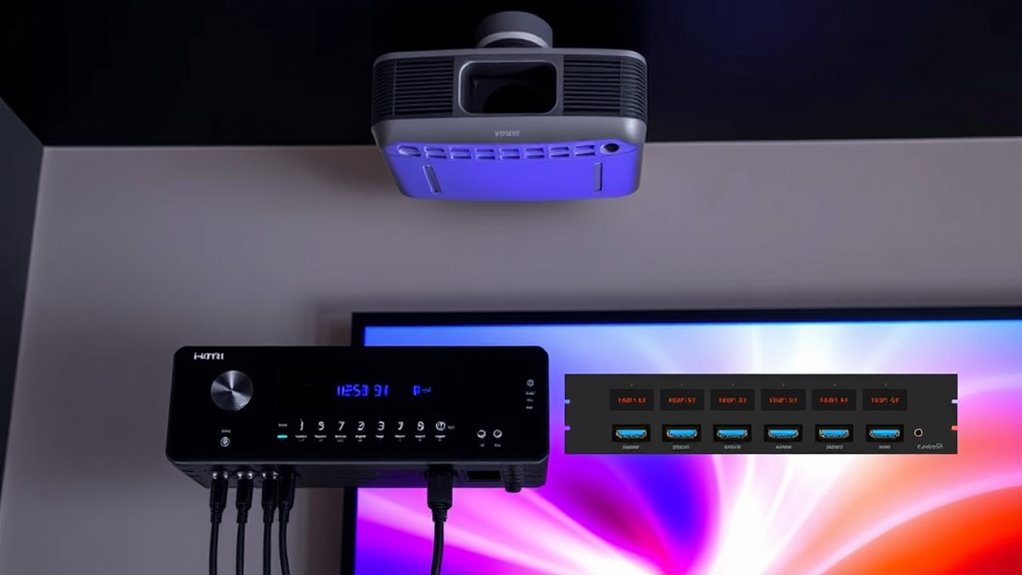

To simplify projector input switching, consider using AV receivers or HDMI switches. These devices act as centralized hubs, allowing you to toggle multiple sources like laptops, gaming consoles, or streaming boxes with a single press. Remote controls or automatic switching make shifts quick and hassle-free, reducing delays and input lag. Choosing low-latency models ensures a smooth experience. Keep exploring to discover how these solutions can maximize your setup’s convenience and performance.
Key Takeaways
- HDMI switches and AV receivers act as centralized hubs for multiple input sources, simplifying switching processes.
- Using remote controls with these devices allows quick, seamless source changes without physically accessing the projector.
- They reduce input lag during transitions, enhancing gaming and fast-paced viewing experiences.
- Proper device selection with low latency specifications ensures minimal delay and smooth input switching.
- Automating source selection with compatible HDMI switches streamlines setup and minimizes manual effort.
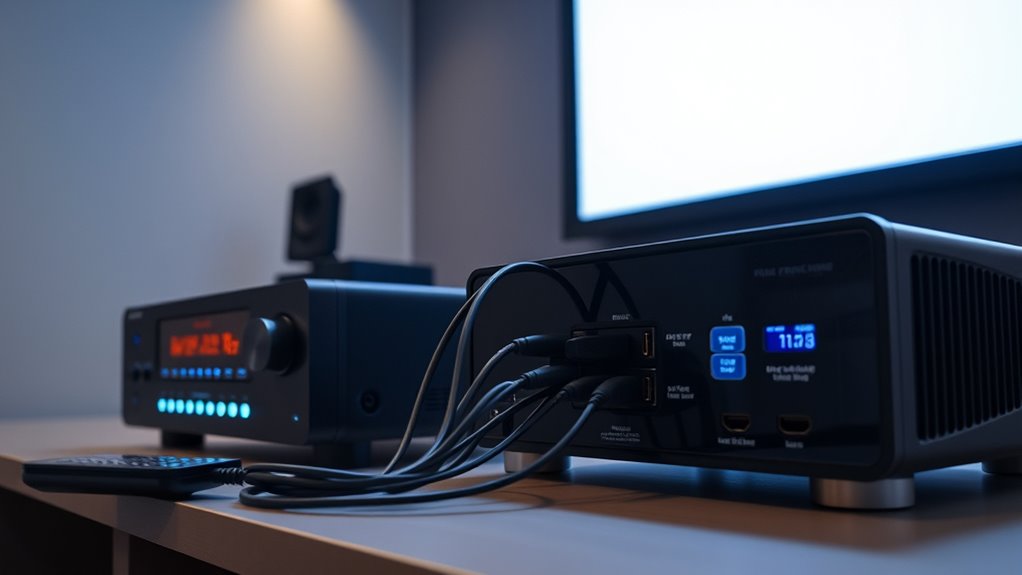
Switching inputs on a projector might seem simple, but understanding how to do it efficiently can enhance your overall experience. When you’re managing multiple devices—like a laptop, gaming console, or streaming box—the last thing you want is to fumble around with buttons or deal with delays. That’s where a remote control designed for input switching becomes a game-changer. With a good remote, you can effortlessly toggle between inputs without leaving your seat, making your setup more seamless. However, one thing to watch out for is input lag, which can be especially noticeable during gaming or fast-paced viewing. Input lag is the delay between pressing a button and the projector responding, and if it’s too high, it can cause frustration and disrupt your experience.
Using a remote control that’s optimized for your projector can greatly reduce this delay. Many modern remotes communicate instantly with the projector, minimizing lag and providing a smoother transition between sources. Some projectors even support universal remotes that can control multiple devices at once, further simplifying input management. But even with a remote, switching inputs directly on the projector can sometimes cause a slight delay, especially if your device’s signal takes longer to initialize. To avoid this, consider investing in an HDMI switch or AV receiver, which acts as a centralized hub for all your devices. These switches allow you to connect multiple sources to a single input and toggle between them with a single button press, often via an included remote or even through automation features. Additionally, organized device management can help streamline your setup and reduce clutter, making switching more efficient.
An HDMI switch or AV receiver can also help combat input lag by providing a more direct, streamlined connection. They often feature dedicated ports for each device, reducing the time it takes for signals to pass through to your projector. When choosing a device, look for one with low latency specs and a compatible remote control. Some HDMI switches come with remote controls that support quick switching, eliminating the need to physically reach behind your projector or source devices. This setup not only saves time but also keeps your space tidy and organized.

Anker HDMI Switch, 4 in 1 Out 4K@60Hz HDMI Switcher with Remote Selector
- 4-in-1 HDMI Switch: Expand one HDMI to four inputs
- Easy Remote Control: Seamless device switching with remote
- 4K Ultra HD Support: Crystal-clear, vibrant visuals
As an affiliate, we earn on qualifying purchases.
As an affiliate, we earn on qualifying purchases.
Frequently Asked Questions
Can I Connect Multiple Projectors to One Receiver?
Yes, you can connect multiple projectors to one receiver by using an HDMI matrix switch. These devices allow you to manage multi-projector setups efficiently, giving you control over which source feeds each projector. Make sure your receiver and HDMI matrix switch support the required HDMI versions and resolutions. This setup simplifies input switching, so you can easily switch between sources or display the same content on multiple projectors simultaneously.
How Does Input Switching Affect Video Quality?
Like a knight’s armor, input switching protects your video experience but can introduce issues. It may cause slight video compression, reducing clarity, and signal latency, creating a delay between source and display. However, high-quality AV receivers minimize these effects, maintaining sharp video quality. Your setup’s quality and the switch’s capabilities determine how much your video’s clarity and timing are affected, ensuring your viewing remains smooth and vivid.
Are There Wireless Input Switching Options?
Yes, wireless input switching options are available, offering greater input flexibility. You can easily switch between devices without plugging and unplugging cords, making setups more convenient. Wireless solutions like Wi-Fi or Bluetooth-enabled switches allow you to stream content seamlessly and control inputs remotely. This technology simplifies your connection process, reduces clutter, and enhances your overall viewing experience by providing quick, effortless input changes.
What Is the Maximum Number of Inputs Supported?
Most AV receivers and HDMI switches support between 4 to 8 inputs, but some high-end models can handle up to 16 or more. Keep in mind, more inputs might increase switching latency, which can cause slight delays when changing sources. Your choice depends on your input compatibility needs and how quickly you want to switch between devices, so consider both the maximum inputs supported and the impact on switching latency.
How Do I Troubleshoot Input Switching Issues?
To troubleshoot input switching issues, start by checking remote control compatibility and make certain your remote’s batteries are fresh. Verify the correct input source is selected on both the projector and AV receiver. If problems persist, update the firmware on your AV receiver or HDMI switch, as firmware updates fix bugs and improve performance. Restart your devices after updates, and test switching again to see if the issue resolves.

Sony STRDH190 2-ch Home Stereo Receiver with Phono Inputs & Bluetooth Black
- Wireless Connectivity: Bluetooth enabled for wireless streaming
- Power Output: 100W per channel at 8 ohms
- Input Options: Phono, RCA, and 3.5mm inputs
As an affiliate, we earn on qualifying purchases.
As an affiliate, we earn on qualifying purchases.
Conclusion
By streamlining your projector input switching with AV receivers and HDMI switches, you’re fundamentally steering a ship through calm waters instead of turbulent seas. These devices act as your trusted compass, guiding your signals smoothly from source to display. With the right setup, you’ll navigate your home theater effortlessly, enjoying seamless transitions and crystal-clear images. So, think of these tools as your navigational aids, transforming a chaotic system into a well-orchestrated symphony of entertainment.
Anker HDMI Switch, 4 in 1 Out 4K@60Hz HDMI Switcher with Remote Selector
- 4-in-1 HDMI Switch: Expand one HDMI to four inputs
- Easy Remote Control: Seamless device switching with remote
- 4K Ultra HD Support: Crystal-clear, vibrant visuals
As an affiliate, we earn on qualifying purchases.
As an affiliate, we earn on qualifying purchases.

Universal Replacement Remote Control Compatible for Sony Home Theater Audio AV Receiver STRDH520 STR-DH520
- Model Number: RM-AAU104
- Compatibility: For Sony STRDH520 Home Theater
- Replacement Remote: Works as well as original
As an affiliate, we earn on qualifying purchases.
As an affiliate, we earn on qualifying purchases.