
When choosing a projector control system, consider IR if you need a simple, affordable setup for small spaces with direct line-of-sight. Opt for RF if you want flexible, obstacle-immune control over larger or complex areas. Network control suits large, automated environments with centralized management and advanced features. Each option offers different benefits and setups, so understanding the differences helps you select the best solution for your needs—keep exploring to discover which works best for your projectors.
Key Takeaways
- IR control is simple and cost-effective but requires line-of-sight, limiting flexibility in large or obstructed spaces.
- RF control offers non-line-of-sight operation, suitable for larger or obstacle-filled environments, with more advanced user interfaces.
- Network control provides centralized management of multiple projectors, supporting automation, scheduling, and remote access over Ethernet or Wi-Fi.
- IR is ideal for small, close-proximity setups, while RF and network controls are better for complex, large-scale installations.
- Choosing the right system depends on room size, installation complexity, and need for remote or automated management.
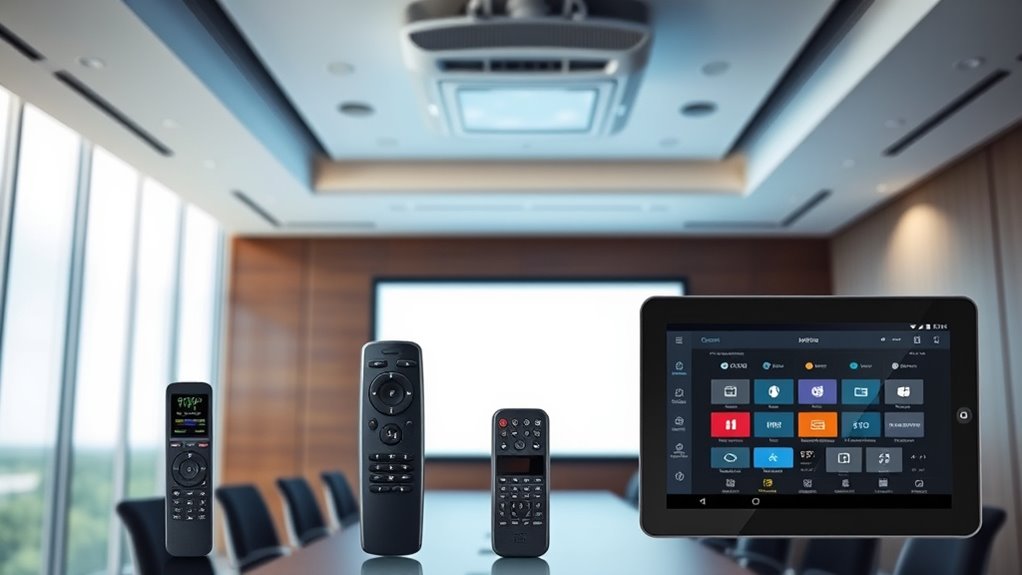
Projector control systems are essential tools that enable seamless management of multimedia presentations and displays. When it comes to controlling your projector, understanding the different methods—IR, RF, and network control—can make a significant difference in how smoothly your presentations run. Each method offers unique advantages, especially when considering remote integration and the user interface, which are key in creating an intuitive and efficient experience.
Infrared (IR) control is the most traditional method, using an line-of-sight signal to communicate between the remote and projector. It’s straightforward and easy to set up, but it requires you to be in direct view of the projector to operate it. This limitation can be frustrating in larger rooms or when projectors are mounted high on ceilings. However, IR remotes typically have a simple user interface, making basic functions like power, input switching, and volume adjustments accessible without hassle. If your setup involves only a few projectors in close proximity, IR control can be a reliable, cost-effective solution.
IR control is simple and affordable but requires direct line-of-sight to operate effectively.
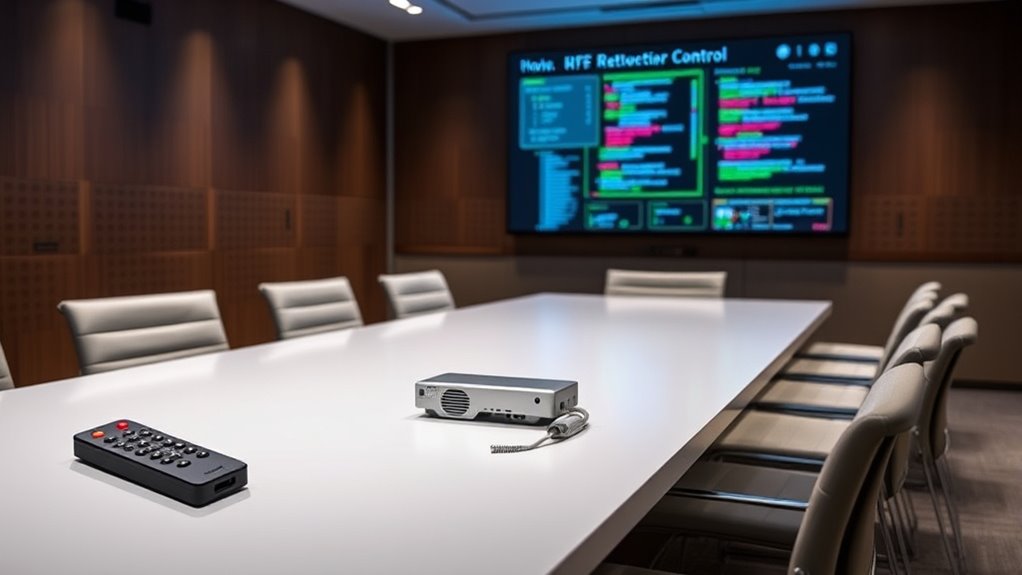
Radio Frequency (RF) control improves on IR by offering a non-line-of-sight experience. RF signals can penetrate walls and obstacles, allowing you to control the projector from anywhere within range. This flexibility enhances remote integration because you can operate the system from different locations, even outside the room or from a central control station. RF remotes often come with a more advanced user interface, sometimes incorporating touchscreens or programmable buttons for quick access to various functions. This makes managing multiple projectors or complex setups more streamlined. RF control is especially beneficial in environments where ease of access and flexibility are priorities, such as conference centers or large auditoriums.
Network control takes the most advanced approach, connecting projectors to a network via Ethernet or Wi-Fi. This method allows for sophisticated remote integration, where you can manage multiple projectors from a computer, tablet, or smartphone. The user interface for network control is typically web-based or through dedicated control software, offering extensive options for configuration, scheduling, and troubleshooting. Network control systems are highly scalable, making them ideal for environments with many projectors or where centralized management is necessary. They also support automation features, such as scheduled power on/off or input switching, which can save time during setup and operation. Additionally, AI automation can further optimize projector management by enabling intelligent scheduling and troubleshooting.
Choosing between IR, RF, and network control depends on your specific needs—consider factors like room size, installation complexity, and how much remote integration you require. Each method offers different trade-offs, but all aim to deliver a user-friendly interface that simplifies managing your multimedia displays. When properly implemented, a good projector control system ensures your presentations are smooth, professional, and hassle-free.

Official Licensed Google TV Smart Projector, HAPPRUN 4K UHD Home Theater with Dolby Sound, Wi-Fi & Bluetooth, Built-in Streaming Apps, Compatible with Games Consoles & Smartphone, Indoor & Outdoor Use
[ Built-in Official Licensed Google TV ] - Without additional equipment, the smart projector can directly access Netflix,...
As an affiliate, we earn on qualifying purchases.
Frequently Asked Questions
How Secure Are RF and IR Projector Control Systems?
RF and IR projector control systems offer varying security levels. RF systems can be vulnerable to signal interference and hacking if they lack robust encryption protocols, making them less secure. IR systems are generally more secure because they require line-of-sight, reducing the chance of interception. However, without proper encryption protocols, both systems can be compromised. Using encrypted signals and managing potential interference enhances their security.
Can Multiple Projectors Be Controlled Simultaneously via Network?
Yes, you can control multiple projectors simultaneously via network, and it’s quite efficient. While remote interference can be a concern, modern network systems use signal encryption to safeguard your commands. This guarantees your control remains reliable and secure, even with multiple projectors. By leveraging network control, you get synchronized operation, easier management, and minimized risks of interference, making it ideal for large venues or complex setups.
What Is the Typical Range Difference Between IR and RF Systems?
You’ll find RF systems typically have a much longer range than IR ones, often up to 100 meters or more, while IR requires a clear line of sight and usually covers only about 5-10 meters. RF signals can penetrate obstacles and are less affected by signal interference, making them ideal for larger or obstructed spaces. IR is more limited but simpler, requiring direct visibility for reliable control.
Are Network Controls Compatible With All Projector Brands?
Network controls aren’t compatible with all projector brands out there. You need to check each brand’s compatibility and whether their software integrates smoothly with your control system. Some projectors support standard network protocols, making integration easier, while others might require custom solutions. Always verify with the manufacturer or vendor to guarantee seamless software integration and reliable control, especially if you’re managing multiple brands or complex setups.
How Do Control Latency and Response Time Compare Across Systems?
You’ll find that network control systems typically offer the lowest control latency and fastest response time, often within milliseconds, making them ideal for real-time adjustments. RF systems usually have moderate latency, with some delay depending on signal strength and interference. IR controls tend to have the highest latency and slower response times, which can cause noticeable delays. Your choice depends on your need for quick, reliable responses in your projector setup.
![Projector-4K with WiFi and Bluetooth:[3500 ANSI/60W Dolby Audio/Official Licensed Apps], Outdoor-Projector with Smart OS 2.0 & AI Auto Focus,ONOAYO ONO5Pro 2.0 Smart Movie Projector for Indoor/Outdoor](https://m.media-amazon.com/images/I/41fylkjOTIL._SL500_.jpg)
Projector-4K with WiFi and Bluetooth:[3500 ANSI/60W Dolby Audio/Official Licensed Apps], Outdoor-Projector with Smart OS 2.0 & AI Auto Focus,ONOAYO ONO5Pro 2.0 Smart Movie Projector for Indoor/Outdoor
[Hear the Difference–Hollywood-Grade Dual 60W Dolby Audio] Why spend $500 on a TV + soundbar or settle for...
As an affiliate, we earn on qualifying purchases.
Conclusion
Choosing the right projector control system depends on your specific needs and environment. IR, RF, and network controls each offer unique advantages, so consider what fits best for your setup. Do you want seamless convenience or maximum flexibility? By understanding these options, you can make an informed decision and streamline your presentations effortlessly. After all, isn’t it worth investing in a system that makes your life easier and your presentations smoother?

HAPPRUN 2500 ANSI Lumens Outdoor Projector with Built-in Streaming Apps, 4K Decoding Resolution, Dolby Audio, WiFi 6 and Bluetooth 5.2 for Indoor and Outdoor Home Theater
[ Built-in Streaming System ] – No extra equipment needed. This smart projector gives you direct access to...
As an affiliate, we earn on qualifying purchases.

1500 ANSI Official Licensed Google TV Smart Projector, HAPPRUN 4K Full HD Home Theater with Auto Focus, Dolby Sound, Wi-Fi Bluetooth, Built-in Apps, Compatible with Phone & PC, Indoor & Outdoor Use
[ Built-in Officially Licensed Google TV ]-Enjoy the reliability of an officially certified Google TV projector. Stream Netflix,...
As an affiliate, we earn on qualifying purchases.