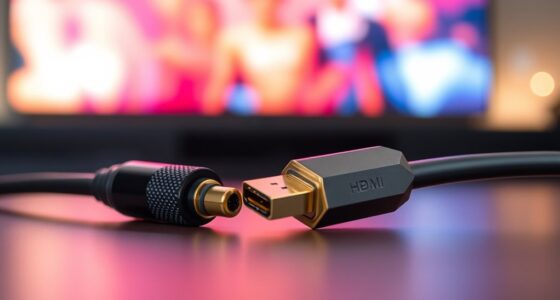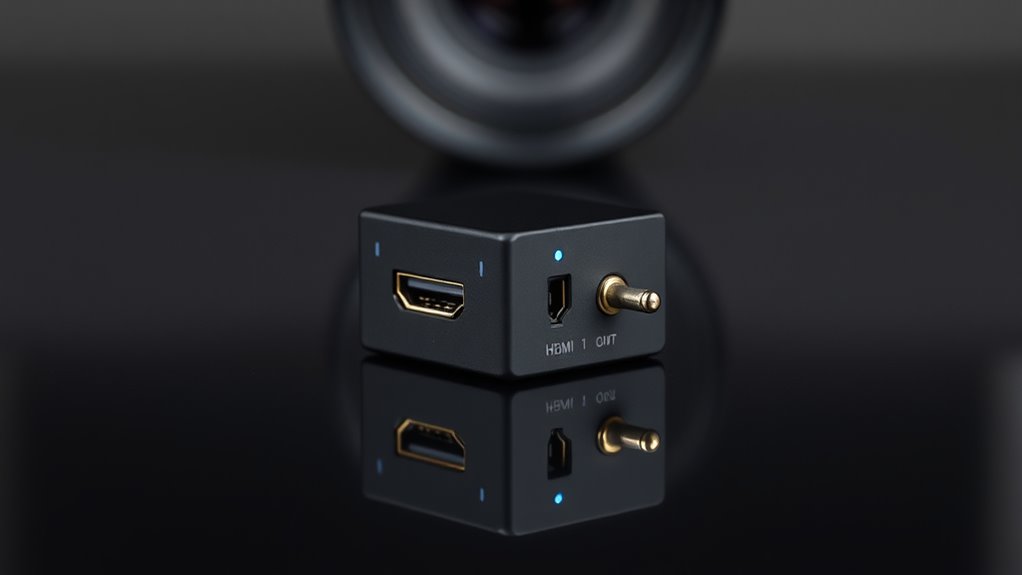

An HDMI audio extractor is a device that separates audio signals from your HDMI source, allowing you to connect high-quality speakers or headphones directly. It works by intercepting the digital signal, extracting formats like PCM, Dolby, or DTS, and sending the audio to dedicated ports. Power options vary, and compatibility with your devices is important. If you want to learn more about setup tips and troubleshooting, keep exploring for detailed guidance.
Key Takeaways
- HDMI audio extractors split audio signals from HDMI sources for separate output to speakers or headphones.
- They process and extract various audio formats like PCM, Dolby, and DTS from digital HDMI signals.
- Key features include wireless connectivity, multiple audio output options, and compatibility with different devices.
- Proper setup involves connecting HDMI input/output and audio outputs, ensuring stable power supply and cable connections.
- Optimizing signal quality requires high-quality cables, avoiding interference, and maintaining proper device and cable management.

VPFET HDMI Audio Extractor 4K HDMI to Optical 3.5mm AUX Audio Adapter Splitter Converter Support HDCP Digital DTS 5.1 PCM
【HDMI Audio Extractor】The HDMI audio extractor can extract audio from HDMI signal and transmit it to AV receiver…
As an affiliate, we earn on qualifying purchases.
As an affiliate, we earn on qualifying purchases.
What Is an HDMI Audio Extractor?
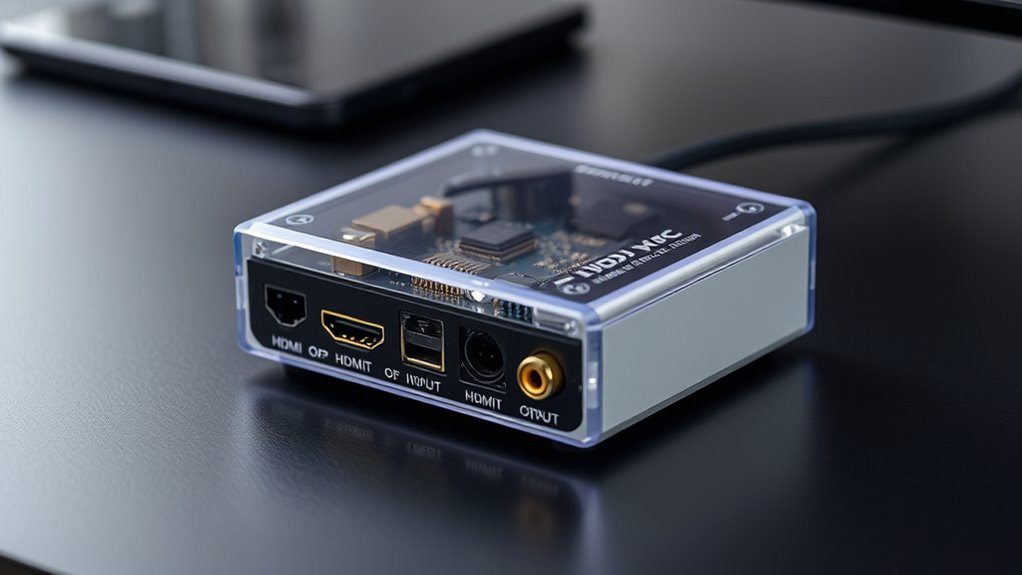
Have you ever wanted to connect your HDMI device to audio-only equipment? An HDMI audio extractor makes this possible by splitting the audio signal from the HDMI source. It allows you to enjoy high-quality sound on speakers or headphones without needing a separate audio cable. Modern extractors often feature wireless connectivity options, letting you stream audio directly to compatible devices, which adds convenience and reduces clutter. Power supply options vary too; some units are powered via USB, while others need an AC adapter. This flexibility ensures you can set up your system easily, no matter your environment. Whether you want a wired or wireless connection, an HDMI audio extractor is a versatile tool for extracting audio from your HDMI source and delivering it where you need it. Additionally, understanding the role of contrast ratio can help optimize your setup for better audio-visual harmony.

OREI 4K 60Hz 18G HDMI 2.0 Audio Converter Extractor – SPDIF + 3.5mm Output – HDCP 2.2 – Dolby Digital/DTS Passthrough CEC, HDR, Dolby Vision, HDR10 Support (HDA-912)
Supported Resolution: Video Pass-through Up to 4K @ 50/60Hz (YUV4:4:4), DOES NOT SUPPORT 1440@120hz, 4K @ 30Hz, 1080P…
As an affiliate, we earn on qualifying purchases.
As an affiliate, we earn on qualifying purchases.
How Do HDMI Audio Extractors Work?
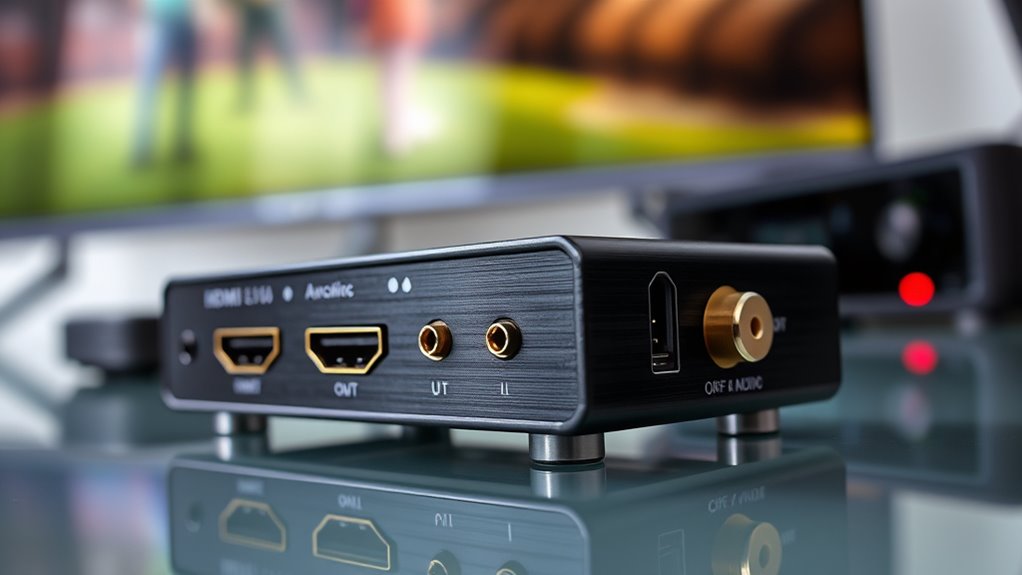
HDMI audio extractors work by intercepting the digital HDMI signal and separating the audio component from the video. Once the signal is received, the device processes it to extract the audio format, whether it’s PCM, Dolby, or DTS. To function properly, the extractor relies on a stable power supply, either via USB or an external adapter. Here’s how it works:
HDMI audio extractors separate audio from video using a stable power supply for smooth operation.
- The HDMI input receives the combined audio-visual signal from your source device.
- The extractor isolates the audio signal, converting it into a compatible audio format.
- It then outputs the audio through a dedicated port such as optical or RCA.
- The device’s internal circuitry, powered by its power supply, guarantees smooth operation and signal integrity.
This process allows you to enjoy audio on different devices without compromising video quality.

J-Tech Digital HDMI Audio Extractor 4K 60Hz & ARC Support, HDMI to RCA Optical Compatible with Dolby Digital DTS Stereo for Laptop Blu-Ray Gaming Consoles (JTECH-AE4KA)
Please note: This HDMI audio extractor supports 4K@60Hz (4:2:0) and 4K@30Hz (4:4:4). If your source device does not…
As an affiliate, we earn on qualifying purchases.
As an affiliate, we earn on qualifying purchases.
Key Features to Consider When Choosing One
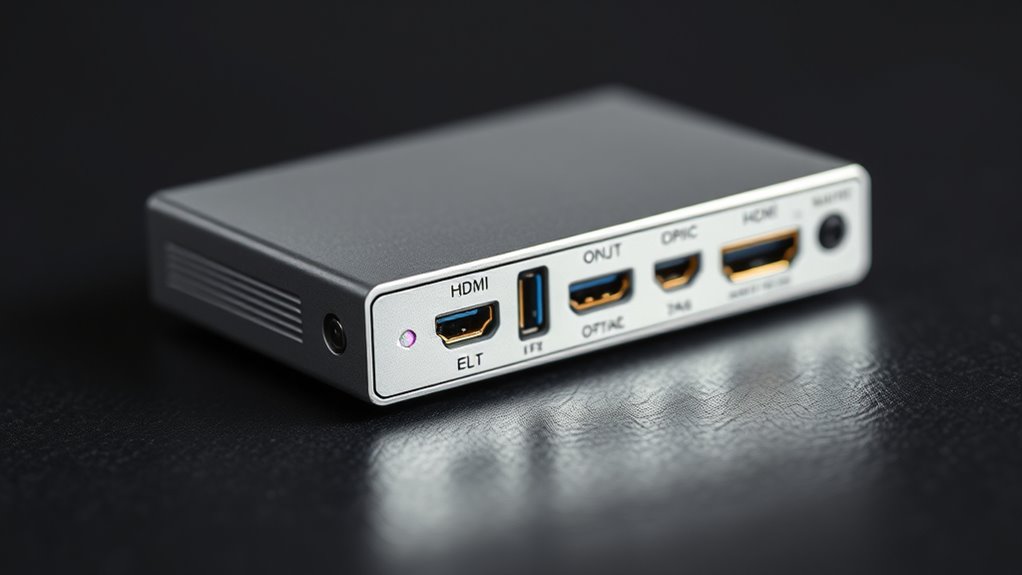
When selecting an HDMI audio extractor, focusing on key features guarantees you get a device that meets your needs and delivers high-quality sound. Wireless connectivity can be be a valuable feature, allowing you to transmit audio without cumbersome cables, enhancing flexibility and setup ease. Check if the extractor supports Bluetooth or Wi-Fi, especially if you want to connect to wireless speakers or accessories. Power requirements are equally important; some extractors need external power adapters, while others draw power from the HDMI port itself. Consider your setup and choose a model that suits your power source. Additionally, look for features like audio format support and compatibility with your devices to ensure seamless integration. Prioritizing these key features helps you select an efficient, user-friendly HDMI audio extractor.
VPFET HDMI Audio Extractor 4K HDMI to Optical 3.5mm AUX Audio Adapter Splitter Converter Support HDCP Digital DTS 5.1 PCM
【HDMI Audio Extractor】The HDMI audio extractor can extract audio from HDMI signal and transmit it to AV receiver…
As an affiliate, we earn on qualifying purchases.
As an affiliate, we earn on qualifying purchases.
Types of Audio Outputs Available
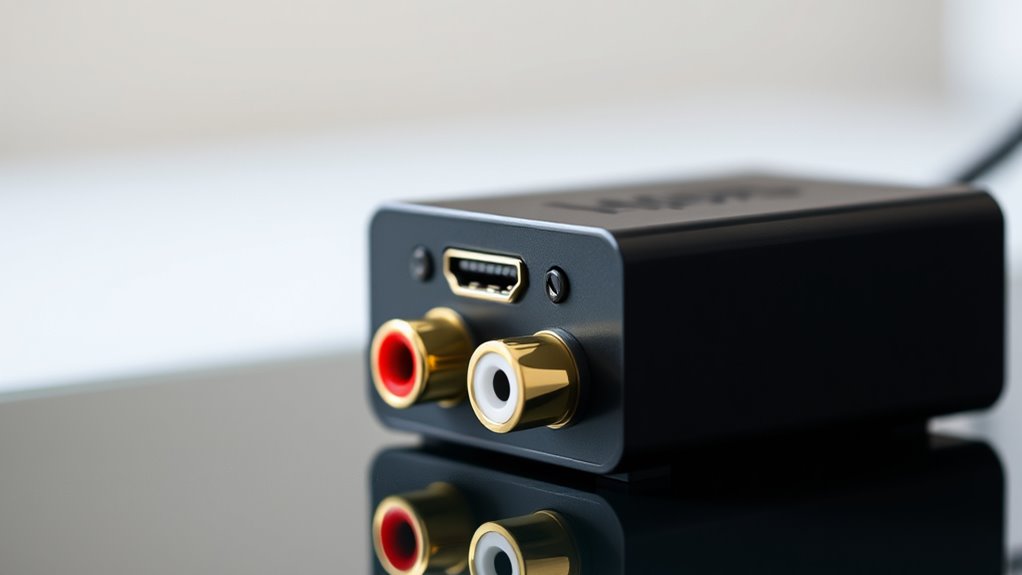
You’ll want to contemplate the different audio output options your HDMI audio extractor offers. From optical and analog connections to digital formats, each choice impacts how you connect and enjoy your sound system. Understanding these options helps you select the best setup for your audio needs. Additionally, consider the importance of safety regulations and proper installation to ensure your setup operates safely and efficiently.
Optical Audio Output Options
Have you considered the different optical audio output options available on HDMI audio extractors? These options allow you to connect your devices to a variety of sound systems. Here are some key choices:
- Optical TOSLINK – Delivers high-quality digital sound, ideal for home theater setups.
- Wireless Audio – Some extractors support wireless transmission, reducing cable clutter.
- Bluetooth Compatibility – Enables you to stream audio directly to Bluetooth speakers or headphones.
- Multi-Channel Support – Handles surround sound formats like Dolby Digital and DTS for immersive experiences.
Optical outputs are versatile, especially if you want to avoid analog connections or prefer wireless audio options. They also provide a reliable, high-quality digital signal for your audio setup. High customer ratings highlight the importance of choosing a compatible and efficient audio extraction method.
Analog Audio Connections Available
Analog audio connections offer a straightforward way to connect your HDMI audio extractor to a variety of sound systems. You’ll find options like analog RCA outputs, which use red and white connectors for stereo sound, making it easy to link with older amplifiers and speakers. The stereo jack, or 3.5mm output, provides a convenient way to connect to headphones, soundbars, or portable speakers. These connections deliver high-quality audio without digital conversion, ideal for setups that lack digital inputs. By using analog RCA or stereo jack outputs, you guarantee compatibility with many audio devices, simplifying your setup process. Whether you’re connecting to a home stereo system or a portable speaker, these analog options give you reliable, versatile sound output from your HDMI audio extractor. Digital literacy programs encourage playful communication, making it easier for seniors to enjoy these audio connections.
Digital Audio Formats Supported
Digital audio formats supported by HDMI audio extractors include several high-quality options that guarantee clear and immersive sound. These extractors can handle various formats, ensuring compatibility with your audio setup. Here are some key formats to contemplate:
- Dolby Digital – Supports surround sound, perfect for movies and gaming.
- DTS – Offers high-fidelity surround sound with less audio compression.
- PCM (Pulse Code Modulation) – Provides uncompressed, lossless audio for premium quality.
- Dolby Atmos – Delivers immersive surround sound with height channels, ideal for a cinematic experience.
Additionally, understanding audio format compatibility can help you select the right extractor for your needs, ensuring optimal sound performance.
Common Uses and Applications
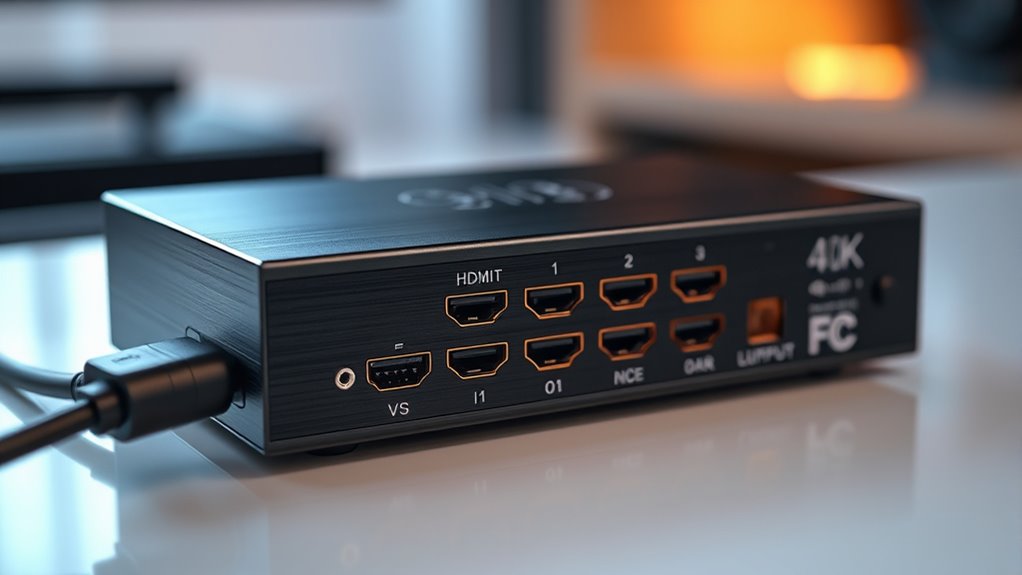
HDMI audio extractors are widely used to connect modern devices to audio systems, allowing you to enjoy high-quality sound without compromising video quality. You can easily integrate your smart TVs, gaming consoles, or streaming devices into a home theater setup, enhancing your entertainment experience. They’re especially useful for wireless streaming, where you want to send audio to Bluetooth speakers or wireless receivers. This setup helps you enjoy immersive sound while maintaining a clean, clutter-free environment. Whether you’re upgrading your home theater system or connecting multiple devices, an HDMI audio extractor simplifies the process by providing clear audio outputs. Its versatility makes it a practical solution for delivering high-fidelity sound in various entertainment and audio configurations. Additionally, understanding asset division laws can be helpful if you are integrating multiple assets into your entertainment setup and want to manage your investments wisely.
Setting Up and Connecting an HDMI Audio Extractor
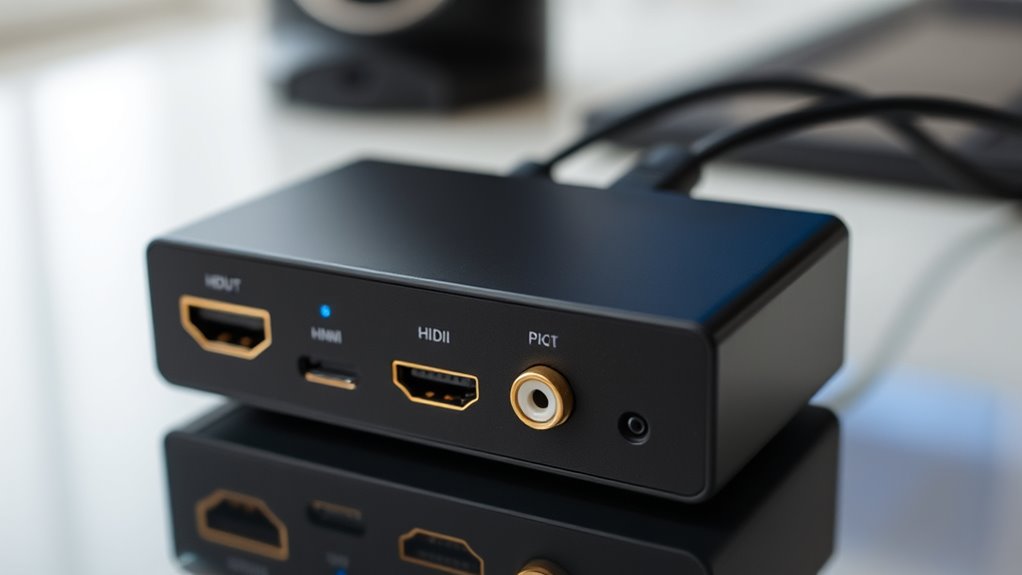
Setting up an HDMI audio extractor is straightforward and involves connecting your devices correctly to guarantee ideal audio and video quality. First, ensure your power requirements are met by plugging the extractor into a compatible outlet. Next, follow these steps:
Connecting your HDMI source to the extractor and then to your display ensures optimal audio and video quality.
- Connect your HDMI source device (like a Blu-ray player) to the HDMI input port.
- Link the HDMI output to your display or TV.
- Connect the extractor’s audio output to your speakers or audio system.
- Power on all devices, and check for any audio lag, which can affect timing.
- Be aware that efficient general ledger coding can help track and troubleshoot signal issues more effectively during setup.
Proper setup minimizes audio lag and ensures smooth signal transmission. Remember, using the right power supply prevents potential issues, and properly connecting the HDMI cables maintains high-quality video and audio performance.
Tips for Troubleshooting and Optimizing Performance
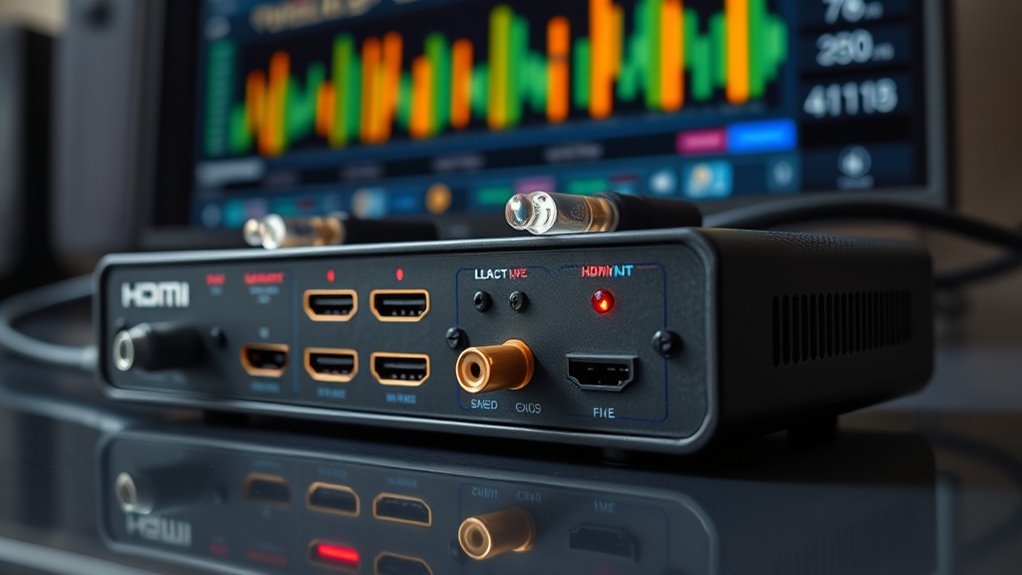
To guarantee your HDMI audio extractor performs at its best, start by checking your connection stability and making sure all cables are secure. Improving signal quality can also make a big difference, so consider using high-quality cables and keeping them away from interference. These simple tips can help you resolve issues quickly and enjoy ideal audio performance. Additionally, staying informed about emerging AI discoveries can provide insights into new technologies that might enhance your audio equipment in the future.
Connection Stability Tips
If you experience signal dropouts or inconsistent audio quality, checking your connection stability is vital. To improve this, consider these tips:
- Reduce wireless interference by keeping your HDMI cable away from Wi-Fi routers or wireless devices.
- Use high-quality cables with solid shielding to prevent signal loss.
- Ensure all connections are secure and fully plugged in.
- Avoid bending or twisting cables, which can degrade signal integrity.
Signal Quality Enhancements
Enhancing signal quality often involves troubleshooting common issues and making straightforward adjustments. If you experience wireless interference, try relocating your HDMI audio extractor away from routers, microwaves, or other electronic devices that cause signal disruption. Keep cables tidy and avoid running them near power lines or sources of electromagnetic interference. To reduce audio latency, ensure your extractor and connected devices support low-latency audio formats, and update firmware if available. Using high-quality HDMI cables can also improve overall signal clarity. Check for loose connections or damaged cables, which can cause audio dropouts or degraded quality. If problems persist, consider switching to shielded cables or adding signal boosters. Additionally, understanding the types of connections and their impact on signal quality can help optimize setup. By addressing interference sources and optimizing your setup, you’ll enjoy clearer audio with minimal latency.
Frequently Asked Questions
Can HDMI Audio Extractors Support 4K or 8K Video Resolutions?
Yes, HDMI audio extractors can support 4K and even 8K video resolutions, depending on their resolution compatibility. You’ll want to check the device’s specifications to verify it handles the desired resolution, especially if you’re aiming for high-quality, scalable setups. Higher-end models typically support increased device scalability, allowing you to enjoy crisp, detailed images while extracting audio seamlessly. Always verify the extractor’s resolution limits before purchasing to match your needs.
Are HDMI Audio Extractors Compatible With All HDMI Versions?
Think of HDMI audio extractors like universal adapters—they aim to connect various devices seamlessly. While many are compatible with multiple HDMI versions, not all support every version or advanced features. You’ll want to check each extractor’s specs for HDMI version compatibility and audio format support, especially if you’re using newer devices with HDMI 2.1 or seeking high-quality audio. Always verify before purchasing to guarantee smooth connection and peak performance.
What Is the Maximum Audio Output Quality Supported?
You can achieve high fidelity audio output with an HDMI audio extractor that supports up to 192kHz/24-bit for ideal sound quality. Look for models offering bitstream support, which preserves the original audio signal, including Dolby TrueHD and DTS-HD Master Audio. This guarantees you enjoy the highest possible audio output quality, making your listening experience rich and immersive, especially when paired with high-quality speakers or a sound system.
Do HDMI Audio Extractors Introduce Any Audio Delay or Latency?
You might notice some audio delay or latency issues when using HDMI audio extractors, but it usually depends on the device quality. High-quality extractors tend to have minimal audio delay, ensuring synchronized sound with your video. However, cheaper models can introduce noticeable latency, which might affect your viewing experience. To avoid this, choose an extractor with low-latency features or those designed specifically for audio-video synchronization.
How Do I Update Firmware on an HDMI Audio Extractor?
To update your HDMI audio extractor’s firmware, first check the manufacturer’s website for available firmware updates. Download the latest firmware file, then follow their specific instructions, which usually involve connecting the device to your computer via USB or using a microSD card. During the process, make certain compatibility considerations are met to prevent issues. Keep your device powered on and avoid interruptions to successfully complete the firmware update.
Conclusion
By understanding HDMI audio extractors, you open the door to a world of seamless audio experiences. With the right setup and a bit of care, you can enjoy richer sound and smoother connections, transforming your entertainment space into a sanctuary of clarity. Embrace the journey of exploration and discovery, knowing that each step brings you closer to audio harmony. Your ideal listening environment is just within reach—ready to be *unveiled* with confidence.