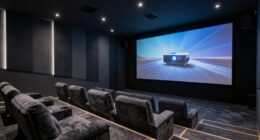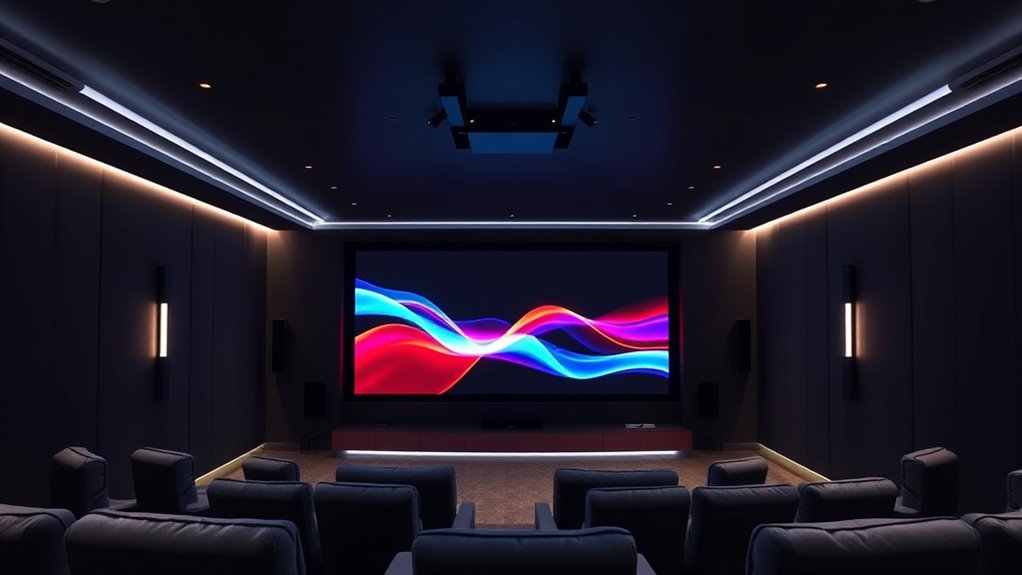
To maximize the immersive potential of DTS:X and Dolby Atmos with your projector, focus on precise speaker placement and proper calibration. Use calibration tools to balance sound levels and set distances for timing accuracy. Incorporate ceiling-mounted or upward-firing speakers for overhead effects. Taking the time to fine-tune your setup guarantees richer, more realistic soundscapes that fully envelop you. Keep going to discover the essential tips for revealing these advanced audio formats’ true power.
Key Takeaways
- Proper speaker placement, including overhead and surround speakers, is essential for immersive DTS:X and Dolby Atmos sound.
- Use calibration tools and test tones to balance speaker levels and set correct distances for optimal audio performance.
- Calibrating your projector’s audio system enhances sound depth, realism, and overall immersion in movies and games.
- Take time during setup to account for room acoustics and seating positions, ensuring accurate spatial audio reproduction.
- Regularly calibrate and fine-tune your system to unlock the full potential of next-gen audio formats with your projector.
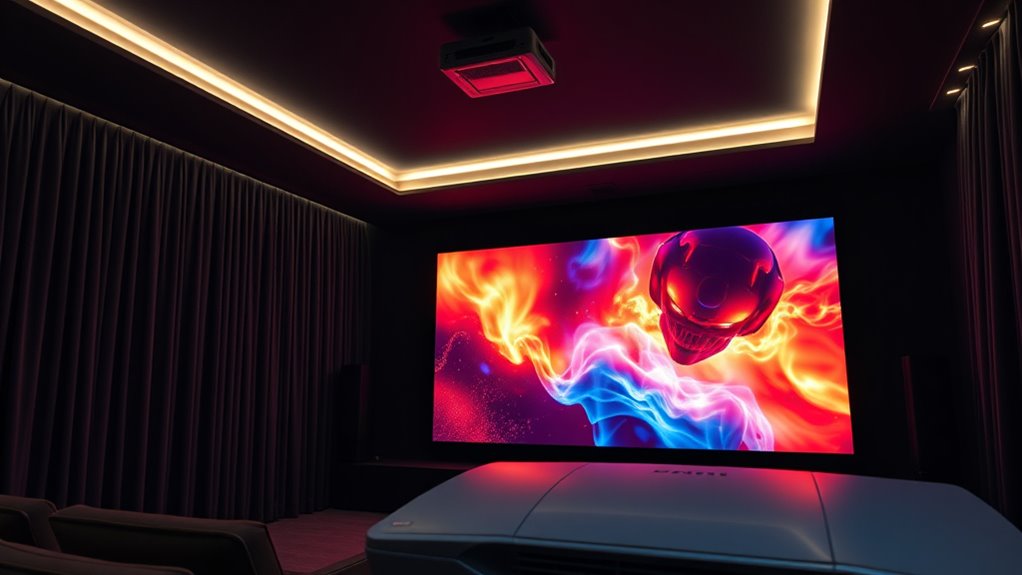
As home theaters and entertainment systems evolve, DTS:X and Dolby Atmos stand out as the next generation of immersive audio technology. These formats transform your viewing experience by creating a three-dimensional sound environment that surrounds you from all angles. To truly harness their potential, you need to focus on achieving ideal speaker calibration. Proper calibration ensures that each speaker delivers immersive sound accurately, making you feel like you’re right in the middle of the action. Without it, even the best audio formats can fall flat, leaving you with a less convincing experience.
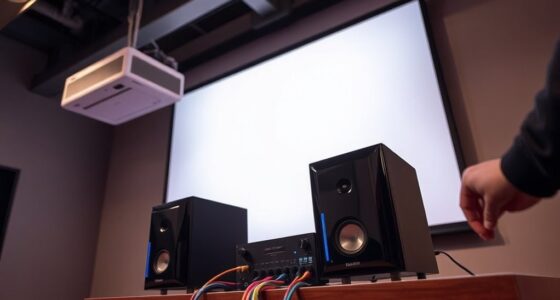
When setting up your projector and audio system, start by positioning your speakers thoughtfully. For Dolby Atmos or DTS:X, you’ll typically need ceiling-mounted or upward-firing speakers to create those overhead sound effects. Once in place, calibrate your system carefully. Most modern projectors and receivers come with calibration tools—use these to balance volume levels, adjust speaker distances, and fine-tune sound output. This step is vital because, even if your speakers are top-tier, poor calibration can lead to uneven sound distribution or a lack of depth in the audio experience.
Immersive sound depends heavily on precise calibration. It’s not just about having the right speakers but making sure they work together cohesively. When you calibrate properly, sounds like rain falling overhead, helicopters circling your room, or footsteps behind you become more convincing. You’ll notice a richer, more detailed soundstage that enhances the visuals on your screen. This is especially important when watching movies or playing video games, where audio cues guide your immersion and reaction.
Additionally, many calibration processes involve test tones and measurement microphones that help you identify and correct discrepancies. Take your time with this step; a few minutes of careful adjustment can greatly elevate your audio experience. Keep in mind that ambient room noise and seating position also influence how your system performs, so consider these factors during calibration. Using a calibration microphone and software can help automate much of this process, but understanding the basics ensures you’re getting the most out of your setup.
Achieving optimal speaker calibration is crucial to unlocking the full potential of DTS:X and Dolby Atmos. Ultimately, the combination of DTS:X, Dolby Atmos, and meticulous speaker calibration unlocks the full potential of immersive sound. When everything is properly aligned, your projector transforms from a simple display device into a portal that pulls you into the story, making every scene more vivid and engaging. With the right setup, you’ll feel like you’re part of the action, experiencing sound with clarity and depth that previous audio formats couldn’t deliver.

Polk Monitor XT90 Hi-Res Height Speaker Pair for 3D Sound Effect – Dolby Atmos-Certified, DTS:X and DTS Virtual:X Compatible, Surround Sound Speakers, 4" Dynamically Balanced Woofer, Midnight Black
HEIGHT SPEAKER PAIR FOR 3D AUDIO – Add an immersive height elevation to movies, music & games with…
As an affiliate, we earn on qualifying purchases.
As an affiliate, we earn on qualifying purchases.
Frequently Asked Questions
Do I Need Special Speakers for DTS:X or Dolby Atmos?
You don’t necessarily need special speakers for DTS:X or Dolby Atmos, but your speaker requirements do matter. To fully enjoy immersive sound, you’ll want ceiling or upward-firing speakers that can handle height channels. Proper audio calibration guarantees these systems work seamlessly. While some setups use existing speakers, investing in compatible, quality speakers enhances the experience, so check your system’s compatibility and calibrate carefully for the best Atmos or DTS:X performance.
Can I Upgrade My Existing Projector to Support Next-Gen Audio?
You can totally upgrade your existing projector to support next-gen audio—no need to toss it out! Just check your projector’s compatibility and consider some hardware upgrades, like adding an external receiver or audio processor. It’s like giving your setup superpowers. With a few simple tweaks, your projector can deliver immersive DTS:X and Dolby Atmos sound, making every movie night feel like a theater experience.
How Does Room Acoustics Affect Atmos and DTS:X Performance?
Room acoustics are vital to Atmos and DTS:X performance. If your space has poor sound absorption, echoes can distort audio clarity, while excessive reflective surfaces may muddle spatial effects. Proper speaker placement is essential; position speakers to optimize sound distribution and minimize reflections. Adjusting sound absorption materials like carpets or wall panels helps enhance immersion, ensuring you experience the full depth and precision of next-gen audio formats in your home theater.
Are There Content Restrictions for Streaming in Dolby Atmos or DTS:X?
Yes, there are content restrictions for streaming in Dolby Atmos or DTS:X. Due to licensing agreements, not all streaming services offer these formats, and some may limit access based on regional content licensing or device compatibility. You might encounter streaming limitations where certain movies or shows with Atmos or DTS:X are unavailable, so check your service’s content licensing and compatibility to guarantee you get the immersive audio experience you want.
What Is the Typical Cost Difference Between Standard and Next-Gen Audio Setups?
The price comparison between standard and next-gen audio setups varies, but generally, next-gen systems cost $500 to $2,000 more. You’ll likely face higher installation costs due to additional speakers and calibration. While standard setups are more budget-friendly, investing in DTS:X or Dolby Atmos enhances your audio experience. Consider your budget and space, as the upgrade can markedly improve sound immersion, just weigh the added costs carefully.

New Sony Calibration Mic Measurement Microphone ECM-AC2 Part Number 154277421 1-542-670-21 154271011 1-542-710-11 154267021 1-542-774-21, Auxiliary
Genuine SONY ECM-AC2 Calibration Microphone for SONY Audio Video Receiver Home Theater systems. Pic 2 shows common Error…
As an affiliate, we earn on qualifying purchases.
As an affiliate, we earn on qualifying purchases.
Conclusion
By embracing DTS:X and Dolby Atmos, you’re opening the door to a universe where sound surrounds you like an ocean’s embrace, elevating your home theater experience. Your projector, now more than just a visual tool, becomes a gateway to immersive audio adventures. So, don’t just watch—immerse yourself fully, turning your space into a symphony of sights and sounds that transports you beyond the screen into a domain of pure cinematic magic.

Wooden 5.1.2 Virtual Surround Sound System, 4 Surround Speakers Wired, 400W Peak Power, Sound Bars for Smart TV w/Subwoofer, 5.25'' Deep Bass, Home Theater TV System, ARC/OPT/BT/AUX, HiPulse N512
Spend on What Matters — Premium Sound, Real Materials: Dolby content is rare, but N512 delivers cinematic audio…
As an affiliate, we earn on qualifying purchases.
As an affiliate, we earn on qualifying purchases.

Professional Sound Level Calibrator Decibel Meter Calibration with Three Calibration Level at 94dB & 104dB & 114dB, SPL Meter Calibrator for dB Noise meter
Three Calibration Level 114dB, 94dB and 104dB with calibration frequency at 1KHz. The cavity diameter of this sound…
As an affiliate, we earn on qualifying purchases.
As an affiliate, we earn on qualifying purchases.