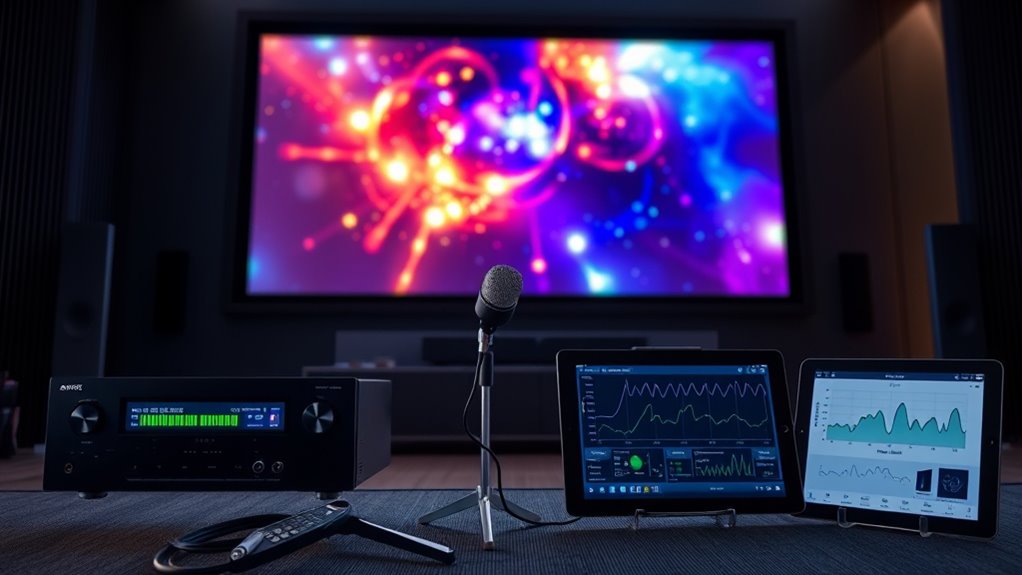

Using Audyssey or Dirac Live in projector-based systems helps optimize your audio by analyzing your room’s acoustics and adjusting speaker settings accordingly. These advanced calibration tools measure frequency response, timing, and phase to correct sound issues caused by room shape and furnishings. They automatically fine-tune your system for clearer dialogue, tighter bass, and a more immersive experience. To learn how to access the full potential of your setup, keep exploring these calibration techniques.
Key Takeaways
- Proper room setup and speaker placement are essential to maximize the effectiveness of Audyssey or Dirac Live calibration.
- These systems analyze room acoustics via microphone measurements to automatically optimize sound quality.
- Calibration adjusts equalization, delay, and phase to compensate for room reflections and speaker positioning.
- Integrating calibration with optimal room acoustics enhances clarity, bass response, and overall immersive sound.
- Regular calibration updates ensure consistent performance, especially after room changes or setup adjustments.
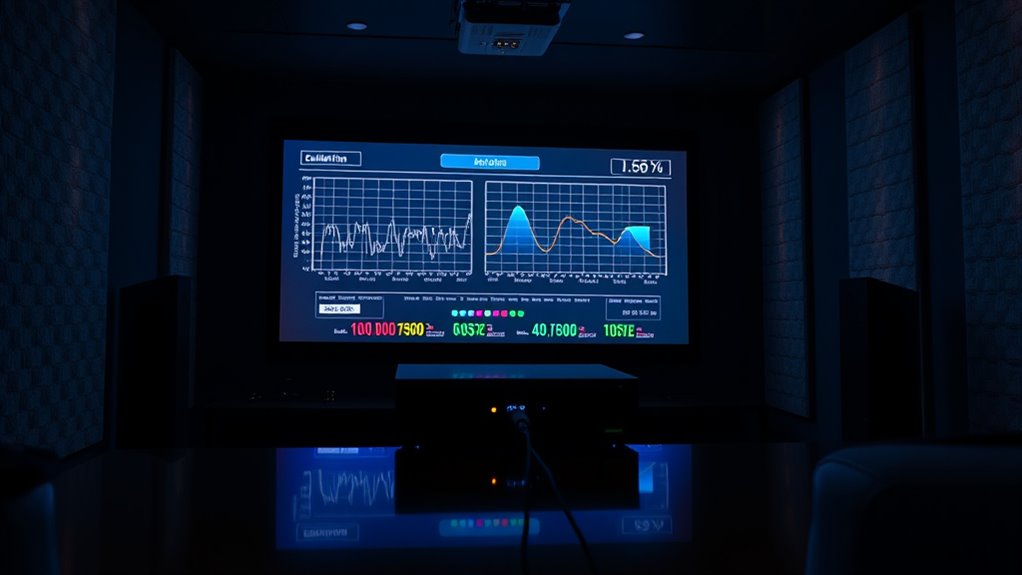
Have you ever wondered how precision instruments achieve such high accuracy? It all comes down to meticulous calibration, and when it comes to home theater systems, advanced calibration tools like Audyssey and Dirac Live play a crucial role in delivering that same level of precision. These systems analyze your environment and automatically adjust audio output to compensate for room acoustics, ensuring you get the clearest, most balanced sound possible. But before these tools can work their magic, you need to understand the importance of factors like room acoustics and speaker placement. Your room’s size, shape, and furnishings all influence how sound waves behave. Hard surfaces reflect sound, causing echoes and uneven frequency response, while soft furnishings absorb certain sounds, creating dead spots. Properly managing room acoustics involves strategic placement of furniture, rugs, and acoustic treatments. This directly impacts the effectiveness of advanced calibration systems. speaker placement becomes critical. Positioning your speakers correctly—avoiding corners, aligning them at ear level, and maintaining proper distances—can significantly reduce sound reflections and improve clarity. When you set up your projector-based system, paying attention to these details provides a solid foundation for advanced calibration systems to work effectively.
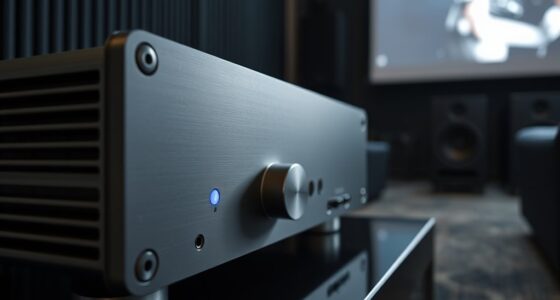
Once you’ve optimized room acoustics and speaker placement, you can utilize Audyssey or Dirac Live to fine-tune your audio. These calibration systems use microphones to measure how sound interacts with your space. They analyze the frequency response, timing, and phase of audio signals, then automatically adjust the amplifier’s output to correct anomalies. The process is straightforward: you run a calibration routine, and the system creates a detailed profile of your room’s acoustic characteristics. From there, it applies equalization, delay adjustments, and other corrections to deliver a smooth, balanced sound across all channels. The result is a more immersive experience, whether you’re watching a movie, playing a game, or listening to music. You notice tighter bass, clearer dialogue, and a more natural overall sound. With these advanced calibration tools, the need for manual adjustments diminishes, but understanding your room’s acoustics and speaker placement remains vital. They form the foundation upon which these systems can operate at their best. Essentially, by combining good setup practices with sophisticated calibration technology, you unlock the full potential of your projector-based system, creating an audio environment that rivals commercial cinemas. It’s about making sure every element—room acoustics, speaker placement, and calibration—works together seamlessly to produce the most accurate and enjoyable sound experience possible.

1500 ANSI Official Licensed Google TV Smart Projector, HAPPRUN 4K Full HD Home Theater with Auto Focus, Dolby Sound, Wi-Fi Bluetooth, Built-in Apps, Compatible with Phone & PC, Indoor & Outdoor Use
[ Built-in Officially Licensed Google TV ]-Enjoy the reliability of an officially certified Google TV projector. Stream Netflix,...
As an affiliate, we earn on qualifying purchases.
Frequently Asked Questions
Can Audyssey and Dirac Live Be Used Simultaneously?
Yes, you can use Audyssey and Dirac Live simultaneously, but it depends on your receiver or processor’s multichannel integration capabilities. Typically, you’d run one as the primary acoustic tuning system and then apply the other for fine-tuning. This setup allows for thorough calibration, optimizing sound quality through advanced acoustic tuning. Just make certain your system supports both and follow the manufacturer’s instructions to avoid conflicts or issues.
What Are the Best Microphone Placement Tips for Calibration?
Did you know proper microphone placement can boost calibration accuracy by up to 50%? For the best results, position your microphone at ear level, centered in the listening area, and away from walls or reflective surfaces. Keep it steady and pointed directly forward. Using multiple positions helps guarantee a balanced setup, leading to more precise calibration and a richer sound experience in your projector-based system.
How Do Calibration Settings Impact Motion Handling?
Calibration settings considerably affect motion handling by adjusting how your system manages motion smoothing and frame interpolation. Proper calibration reduces artifacts like ghosting or judder, ensuring smoother, more natural movement. When you optimize these settings, you prevent excessive motion smoothing that can make images look unnatural, and fine-tune frame interpolation to enhance clarity during fast-paced scenes. This results in a more immersive viewing experience with seamless motion and minimal distractions.
Are There Compatibility Issues With Specific Projector Brands?
Think of compatibility issues like trying to fit a square peg into a round hole. Some projector brands, like Sony or JVC, may have brand limitations that affect calibration with Audyssey or Dirac Live, causing potential compatibility hiccups. You might encounter settings that don’t align perfectly or limited control options. Always check your projector’s compatibility to guarantee seamless integration, so your calibration elevates your viewing experience instead of causing frustration.
Can User Adjustments Override Automatic Calibration Results?
Yes, you can override automatic calibration results with manual adjustments. User overrides allow you to fine-tune settings like tone, balance, or equalization after the initial calibration. This gives you control to tailor the audio or image output to your preferences, ensuring ideal performance. Keep in mind, manual adjustments may sometimes conflict with the automatic calibration, so it’s best to use them judiciously for the desired sound or picture quality.
![Projector-4K with WiFi and Bluetooth:[3000 ANSI/40W Dolby Audio/Official Licensed Apps], Outdoor-Projector with Smart OS 2.0 & AI Auto Focus,ONOAYO ONO5Pro 2.0 Smart Movie Projector for Indoor/Outdoor](https://m.media-amazon.com/images/I/411TCiwZ0EL._SL500_.jpg)
Projector-4K with WiFi and Bluetooth:[3000 ANSI/40W Dolby Audio/Official Licensed Apps], Outdoor-Projector with Smart OS 2.0 & AI Auto Focus,ONOAYO ONO5Pro 2.0 Smart Movie Projector for Indoor/Outdoor
[Hear the Difference–Hollywood-Grade Dual 40W Dolby Audio] Why spend $500 on a TV + soundbar or settle for...
As an affiliate, we earn on qualifying purchases.
Conclusion
By leveraging advanced calibration tools like Audyssey and Dirac Live, you access the full potential of your projector-based system. These technologies fine-tune audio and video for a truly immersive experience, making every viewing session exceptional. Isn’t it worth investing a little time to achieve perfect sound and picture? With proper calibration, you’ll wonder how you ever enjoyed your home theater without it. After all, quality entertainment deserves nothing less than the best possible calibration.
![[Officially-Licensed APP & 2500 ANSI] 4K Projector with WiFi and Bluetooth,TOF Real-Time Auto Focus Smart Projector, AuKing Outdoor Movie Home Theater Proyector with Omni-Adjustable Stand(Grey)](https://m.media-amazon.com/images/I/51jcTjFXrwL._SL500_.jpg)
[Officially-Licensed APP & 2500 ANSI] 4K Projector with WiFi and Bluetooth,TOF Real-Time Auto Focus Smart Projector, AuKing Outdoor Movie Home Theater Proyector with Omni-Adjustable Stand(Grey)
[Smart Projector Built-in APP – Cinema Experience, Anywhere] Experience effortless entertainment with the AuKing smart projector, which features...
As an affiliate, we earn on qualifying purchases.

【2200ANSI & Officially-Licensed APP】Smart 4K Projector with WiFi and Bluetooth, VISSPL 3D Dolby Audio and Auto Focus Portable Outdoor Projector, Movie Home Theater Proyector with 360° Adjustable Stand
[ Compatible with Netflix - No Extra Devices Needed ] - VISSPL Smart Projector: Hollywood in the palm...
As an affiliate, we earn on qualifying purchases.