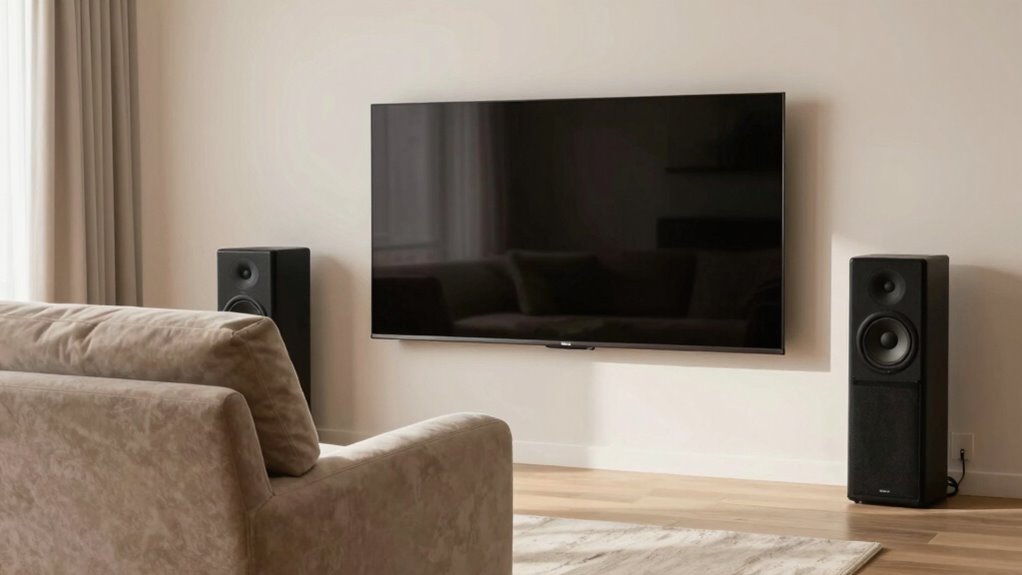

Start by choosing a high-quality screen suited to your room size and positioning it at eye level to minimize strain. Next, invest in a sound system that complements your setup, ensuring clear audio without overpowering visuals. Finally, arrange your seating to face the screen directly, with comfortable, adjustable furniture that supports good posture. Prioritizing these elements in this order helps create an immersive and comfortable viewing experience. Keep exploring for detailed tips to perfect your setup.

Get business pricing on your home office setup
- Business-only prices and quantity discounts
- Tax-exempt purchasing
- Multiple users, one account, clear invoices
Key Takeaways
- Start with selecting and positioning the screen at eye level to establish visual focus.
- Arrange seating to face the screen directly, ensuring optimal viewing angles and comfort.
- Invest in a balanced sound system, positioning speakers to complement the visual hierarchy.
- Adjust lighting to minimize glare on the screen and create an ambient environment that enhances viewing.
- Calibrate audio and seating ergonomics to support immersion and reduce fatigue during extended viewing.
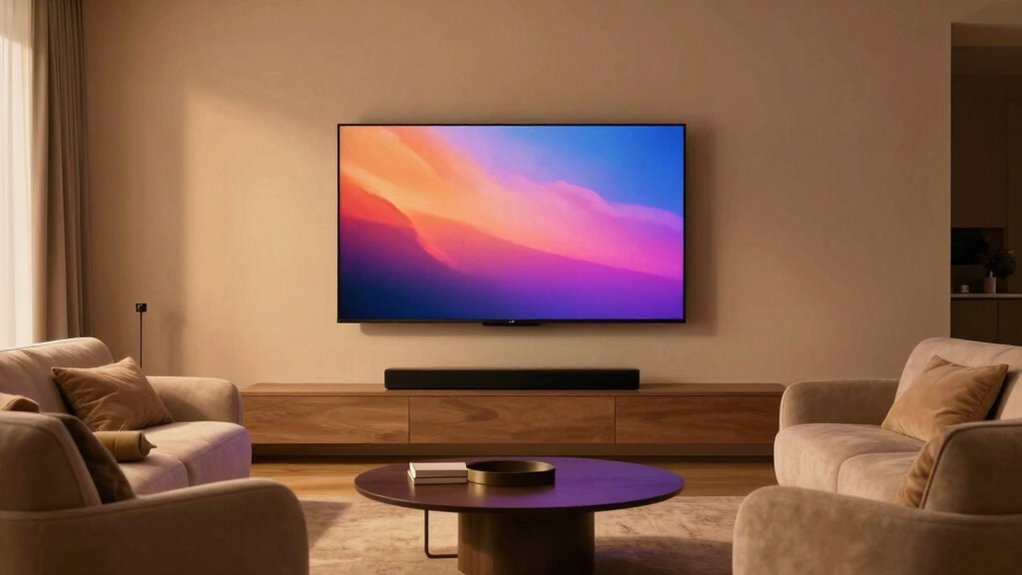
When setting up your home entertainment space, prioritizing screen, sound, and seating can make all the difference in creating an enjoyable viewing experience. The key is establishing a clear visual hierarchy, which guides your focus naturally toward the display without unnecessary distractions. Start by choosing a high-quality screen that fits your room size and viewing distance. Position it at eye level, ensuring your line of sight is direct and comfortable. This setup helps you maintain an ergonomic design, reducing neck strain and fatigue during extended viewing. A well-placed screen isn’t just about size but also about its placement relative to your seating and lighting; it should be the focal point, with other elements complementing rather than competing with it. Incorporating visual hierarchy principles ensures your attention remains on your screen, enhancing the overall experience.
Next, you want to contemplate sound. Good audio isn’t just about volume; it’s about clarity and immersion. Once your screen is in place, invest in a sound system that enhances your viewing without overpowering it. Speakers should be positioned to deliver balanced sound across the room, ideally with a surround sound setup that envelops you in the experience. Keep in mind that sound should complement the visual hierarchy—if your screen is the star, the audio should support it without drawing attention away. Proper placement and calibration ensure sound directs your focus toward the screen, creating a seamless sensory experience that feels natural and immersive. Additionally, understanding the importance of contrast ratio can help you appreciate how deeper blacks and brighter whites will elevate your viewing quality. To optimize your setup further, it’s important to consider audio connectivity options such as ARC, optical, or Bluetooth, which can improve sound quality and simplify device integration. Paying attention to acoustic treatments can also help improve sound clarity by reducing echoes and background noise.
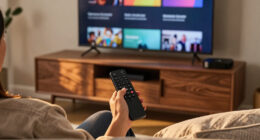
Seating comes last, but it’s equally essential. Your chairs or sofa should be arranged to face the screen directly, maintaining a comfortable viewing angle. Ergonomic seating reduces discomfort and encourages longer, more enjoyable viewing sessions. Consider the room’s layout, ensuring there’s enough space for everyone and that sightlines remain unobstructed. The seating should also be positioned to optimize the visual hierarchy—if your screen is the main focus, your seating arrangement should naturally direct attention toward it. Think about adjustable chairs or sofas that support good posture, preventing strain and fatigue, so you can focus solely on enjoying your entertainment.
As an affiliate, we earn on qualifying purchases.
Frequently Asked Questions
How Do Room Size and Shape Influence Your Prioritization?
Room size and shape considerably influence your prioritization by affecting room acoustics and furniture arrangement. In a smaller or irregularly shaped space, prioritize sound quality, adjusting furniture to minimize echo and improve clarity. Larger rooms allow for flexible seating and screen placement, so focus on optimizing sightlines and sound distribution. Understanding your room’s dimensions helps you balance sound, seating, and screen placement effectively, creating an enjoyable, functional environment tailored to its unique acoustics and layout.
What Budget Considerations Should Guide Your Choices?
Budget constraints shouldn’t limit your entertainment experience; instead, focus on cost-effective options that enhance your space. Prioritize your spending by first investing in a quality screen, then allocate funds for good sound, and finally, consider comfortable seating. Remember, you don’t need the most expensive gear—smart choices and strategic upgrades make a big impact without breaking the bank. Stay flexible and look for deals to create an immersive setup within your budget.
How Does Room Lighting Impact Screen Placement?
Room lighting considerably impacts screen placement because ambient lighting can cause glare, reducing picture clarity. You should position your screen away from windows or direct light sources to minimize glare and guarantee ideal viewing. Installing blackout curtains or dimmable lights helps control ambient lighting, improving contrast and reducing eye strain. Proper lighting setup not only enhances your viewing experience but also preserves the quality of your screen over time.
Are There Specific Brands Recommended for Each Component?
Imagine a sleek, immersive setup where every component sings in harmony. For screens, consider brands like LG or Sony for stunning visuals. Sound-wise, Bose or Sonos deliver crisp, rich audio. Seating from Ekornes or Herman Miller offers comfort without sacrificing style. When comparing products, focus on features that suit your space and budget. Trust these brands for reliable quality, and your home theater will impress every time you press play.
How Often Should I Update or Upgrade My Setup?
You should update or upgrade your setup whenever your personal preferences change or when technological advancements offer markedly improved features. Regularly assess if your current equipment still meets your needs or if new innovations can enhance your experience. Typically, upgrading every 3-5 years keeps you current, but if you notice lagging performance or outdated features, it’s time to contemplate an upgrade sooner. Stay informed about new tech to make wise choices.
As an affiliate, we earn on qualifying purchases.
Conclusion
By mastering the art of balancing screen, sound, and seating, you’re crafting a symphony where every element plays its perfect note. Think of your space as a stage, where each component takes its turn to shine—neither overshadowing the other. When you prioritize wisely, your environment transforms into a seamless dance, inviting comfort and clarity. Remember, it’s not just about arrangement, but creating a harmonious backdrop where every moment feels just right—like a well-tuned melody.
ergonomic reclining home theater seating
As an affiliate, we earn on qualifying purchases.
As an affiliate, we earn on qualifying purchases.
projector screen for home theater
As an affiliate, we earn on qualifying purchases.
As an affiliate, we earn on qualifying purchases.
Halloween Picks
halloween
As an affiliate, we earn on qualifying purchases.