
You should clean the exterior housing and lens of your projector with a soft microfiber cloth, using slightly dampened cleaner for stubborn smudges, and avoid harsh chemicals or abrasive materials. Use compressed air on vents, fans, and hard-to-reach areas. However, never open the projector or clean internal components unless you’re trained or follow manufacturer instructions. Properly maintaining your projector keeps it functioning well—continue exploring to learn more about safe cleaning practices.
Key Takeaways
- Clean the exterior housing, lens, and air filters; avoid internal components or circuit boards.
- Use a soft microfiber cloth and compressed air, avoiding harsh chemicals or direct liquid sprays.
- Leave internal electronic parts and circuit boards untouched unless instructed by professionals.
- Do not open the projector case or touch internal parts to prevent damage or static discharge.
- Always turn off, unplug, and cool the projector before cleaning to prevent injury or component damage.
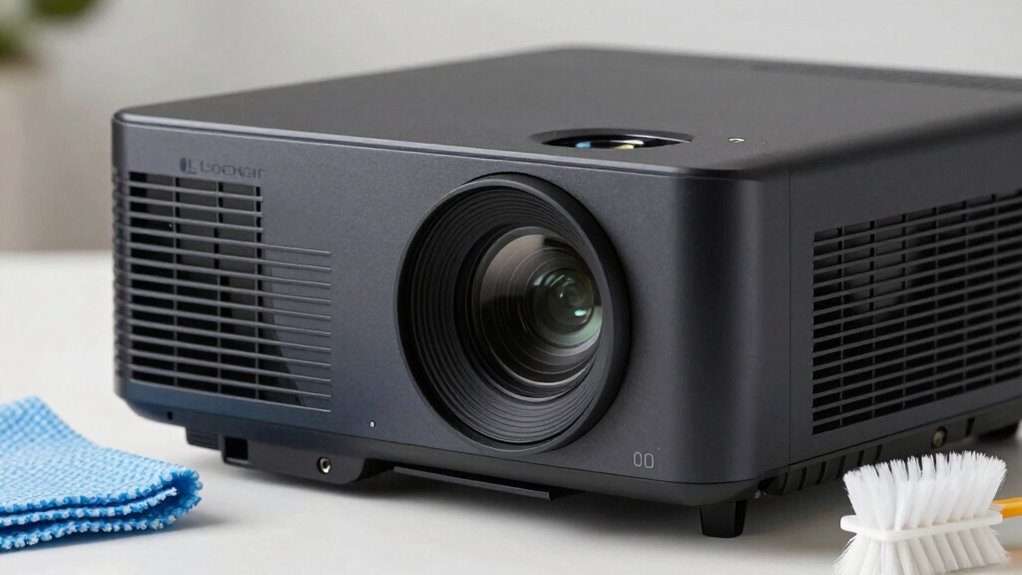
Keeping your projector in top shape requires knowing what to clean and what to leave alone. Proper maintenance routines are essential to guarantee it functions smoothly and lasts longer. The first step is understanding which parts need regular attention and which should be handled with care or left untouched. When it comes to cleaning, your goal is to remove dust, fingerprints, and debris without damaging sensitive components. Using the right cleaning tools makes all the difference. A soft, lint-free microfiber cloth is your best bet for wiping down surfaces gently. For stubborn smudges, slightly dampen the cloth with distilled water or a specialized electronic cleaner. Avoid using harsh chemicals or abrasive materials, as these can scratch or degrade surfaces. Compressed air can be very effective for removing dust from vents, fans, and hard-to-reach areas, but you should use it carefully—holding the can upright and short bursts prevents moisture from spraying out.
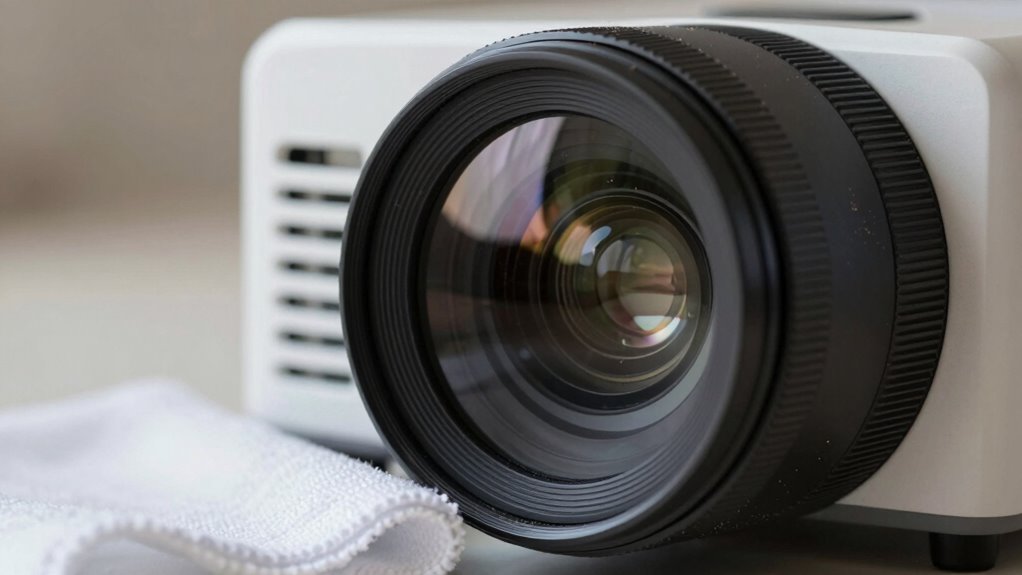
When performing maintenance routines, focus on cleaning the exterior housing, lens, and air filters. The lens is particularly delicate; use a blower brush or lens cleaning solution with a microfiber cloth to avoid scratches. Refrain from touching the lens directly with your fingers, since oils can leave smudges and distort the image quality. Air filters, if your projector has them, should be checked regularly and cleaned or replaced as needed. Dust accumulation can cause overheating and reduce projector lifespan. Always turn off and unplug the projector before cleaning, and allow it to cool down if it’s been running. This prevents accidental burns or damage. Additionally, understanding the importance of proper maintenance practices can significantly extend your projector’s lifespan and performance. Regularly inspecting and performing routine cleaning**** helps prevent dust buildup that can lead to overheating and component failure.
Certain parts of the projector should be left alone. The internal electronic components and circuit boards are sensitive and can be easily damaged by static electricity or improper cleaning methods. Unless you’re trained or instructed by the manufacturer, avoid opening the projector case. Similarly, avoid spraying any liquids directly onto internal parts or lenses—these are best cleaned with tools and methods explicitly designed for electronic devices. Remember, routine cleaning and gentle handling keep your projector performing at its best, but over-tinkering or aggressive cleaning can cause more harm than good. Stick to your maintenance routines, use the appropriate cleaning tools, and be gentle. When in doubt, consult your user manual or a professional technician to avoid costly mistakes. Proper care guarantees your projector stays clear, functional, and ready for your next presentation or movie night.
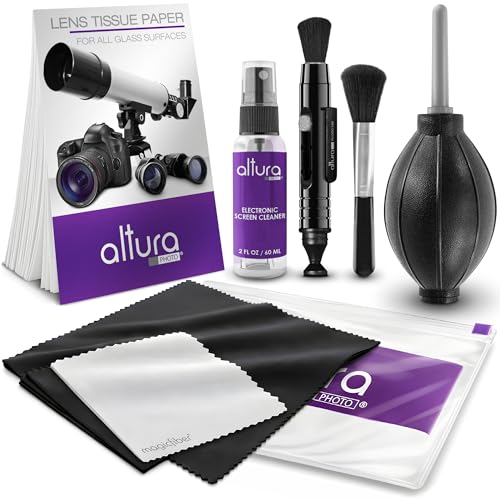
Altura Photo Camera Lens Cleaning Kit, Lens Cleaner for DSLR & Mirrorless
- Complete Cleaning Kit: Includes all essential cleaning tools
- Alcohol & Ammonia-Free: Safe for delicate lens coatings
- Safe for Coated Lenses: Removes dust and smudges safely
As an affiliate, we earn on qualifying purchases.
As an affiliate, we earn on qualifying purchases.
Frequently Asked Questions
Can I Use Household Cleaning Products on My Projector?
You shouldn’t use household cleaning products on your projector, especially for internal cleaning. These cleaners often contain chemicals that can damage delicate components or leave residues, affecting performance. Instead, use a soft, lint-free cloth slightly dampened with water or a cleaner specifically designed for electronics. For internal cleaning, it’s best to seek professional help or follow the manufacturer’s guidelines to avoid voiding your warranty or causing damage.
How Often Should I Clean the Projector Lens?
You should clean your projector lens every 20-30 hours of use or when you notice dust buildup or smudges. Regular lens cleaning prevents dust accumulation, which can degrade image quality. Use a soft, lint-free cloth and lens cleaning solution designed specifically for optics. Avoid harsh chemicals, and never touch the lens with your fingers. Consistent dust removal and gentle cleaning keep your projector performing at its best and extend its lifespan.
Is It Safe to Clean the Projector’s Internal Components?
Yes, it’s safe to clean your projector’s internal components if you follow proper procedures. Turn off and unplug the device first. Use compressed air to remove internal dust carefully, avoiding direct contact with delicate parts. Regular component maintenance helps prevent overheating and image issues, but avoid aggressive cleaning that could damage sensitive elements. If unsure, consult the manufacturer’s guidelines or seek professional help to guarantee safe and effective cleaning.
What Tools Are Best for Cleaning a Projector?
You should use soft, lint-free cleaning cloths for dust removal and cleaning the exterior of your projector. For delicate parts like lenses, opt for microfiber cloths to avoid scratches. Avoid harsh chemicals and abrasive tools. Compressed air can help remove dust from vents and internal areas, but be gentle. These tools guarantee effective cleaning without damaging sensitive components, keeping your projector in top shape.
Should I Turn off the Projector Before Cleaning?
You should turn off the projector before cleaning to guarantee safety and protect its projector power components. While it might seem quick to clean while still on, the risk of electrical shock or damage increases. Turning off the device allows it to cool down, reducing dust and debris buildup. Prioritizing cleaning safety helps maintain your projector’s longevity and performance, so always power down before beginning your cleaning routine.

MagicFiber Microfiber Cleaning Cloth, Glasses Cleaner, Eyeglass Wipes, 6pk
- High-Quality Microfiber Material: Absorbs dust, oil, smudges, and fingerprints
- Scratch-Free Cleaning: Leaves no scratches, streaks, or lint
- Versatile Use: Suitable for glasses, screens, and TVs
As an affiliate, we earn on qualifying purchases.
As an affiliate, we earn on qualifying purchases.
Conclusion
Now, imagine your projector as a delicate piece of art, where every speck of dust and smudge could dull its brilliance. By cleaning only what’s necessary—like the lens and vents—and leaving sensitive components untouched, you protect its intricate inner workings. Think of it as giving your projector a gentle spa day, restoring clarity without risking damage. Keep it clean, keep it safe, and watch your images shine as vividly as a starry night sky.

Staples Compressed Air Duster, 10 Oz Cans, 2-Pack
- Powerful Dust Removal: Removes dust from electronics and devices
As an affiliate, we earn on qualifying purchases.
As an affiliate, we earn on qualifying purchases.

High Temperature and Dust Resistant Air Filter Sponge for all kinds of Projectors (Can cut any size) (12 * 12 inch)
- Condition: Brand New
- Compatible Devices: Suitable for various projectors
- Packaging: Includes protective bubble film and plastic bag
As an affiliate, we earn on qualifying purchases.
As an affiliate, we earn on qualifying purchases.