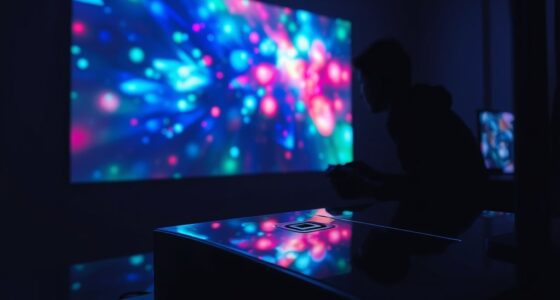

Big screen gaming feels incredible because it offers stunning visuals, a sense of scale, and a social experience that’s hard to beat. However, it also means you need a lot of space, high-quality accessories, and often a bigger investment. The setup can be less portable and more costly, especially with top-tier gear. If you’re curious about balancing immersive gaming with practical choices, there’s more to discover about these trade-offs and how to optimize your setup.
Key Takeaways
- Big screens enhance visuals and social interaction but require dedicated space and investment in quality accessories.
- Larger displays improve immersion but can cause lag and input delays without high-performance peripherals.
- Immersive VR offers personal, visceral experiences but is less suitable for extended sessions and may be isolating.
- Advanced projector tech boosts image quality on big screens but reduces portability and setup flexibility.
- Combining big screens with immersive accessories increases engagement but adds complexity and cost to the setup.
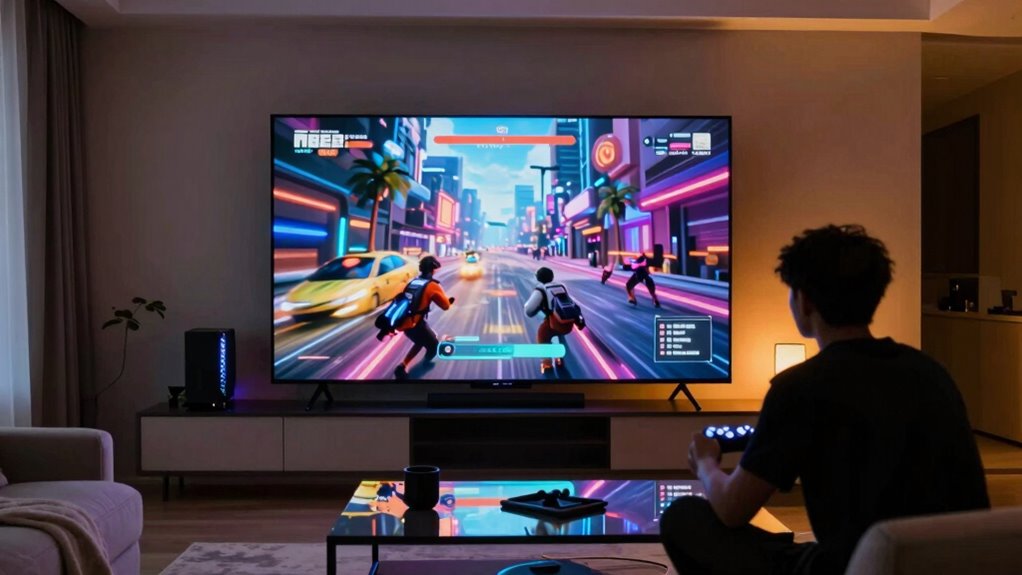
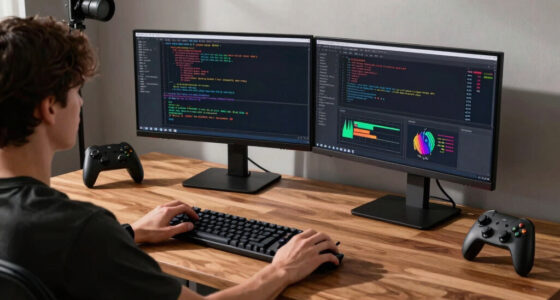
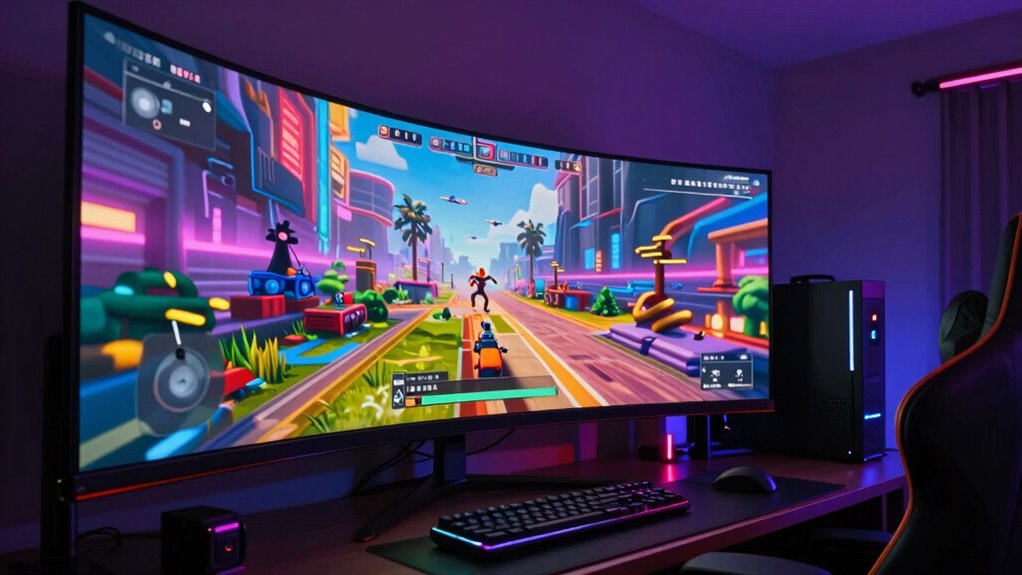
There’s something undeniably immersive about playing games on a big screen, and it’s no surprise that more gamers are upgrading their setups to enjoy this experience. When you sit in front of a large display, every detail pops, and the sense of presence elevates your gaming to new heights. This visual scale makes action sequences more intense and storytelling more engaging, pulling you deeper into the game world. To maximize this effect, many gamers invest in quality gaming accessories like high-refresh-rate monitors, sound systems, and even specialized controllers. These tools complement the big screen, creating a more seamless and responsive gaming environment.
However, if you’re looking for the ultimate immersion, you might consider VR. With VR immersion, you step into the game rather than just watch it, experiencing a 360-degree environment that feels incredibly real. While big screens offer a shared, physical presence that’s great for social gaming, VR provides a personal, intimate experience that can make you feel like you’re actually inside the game universe. The trade-off is that VR typically requires dedicated hardware, space, and a certain level of comfort with wearing headsets. It’s a different kind of immersion—more visceral and direct—but it’s not always as practical or comfortable for longer gaming sessions.
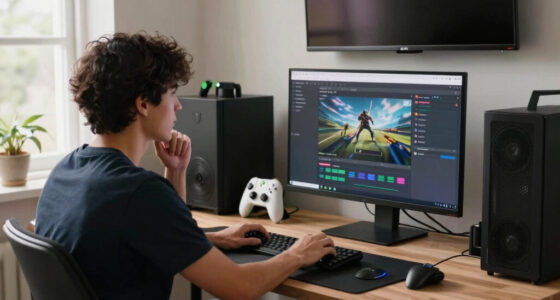
That said, integrating gaming accessories can bridge the gap between big screen gaming and VR immersion. For example, motion controllers, racing wheels, or flight sticks can make your gameplay more tactile and engaging, especially on a large display. These accessories add a layer of physicality that heightens the sense of presence, making the game feel more real. Some gamers even combine large screens with VR headsets, using accessories to further enhance the experience, though this setup can be complex and expensive. Advancements in digital content are continually expanding the possibilities for immersive gaming experiences across both big screens and VR platforms. Additionally, projector technology—such as high contrast ratios and color accuracy—plays a significant role in achieving the best possible image quality on a big screen. While big screens deliver stunning visuals and a communal atmosphere, they come with some trade-offs. You might need a dedicated space, and they can be less portable. Plus, the larger the screen, the more essential it becomes to have high-quality gaming accessories to avoid lag or input delays that can ruin your experience. The visual fidelity of your setup can greatly influence your overall enjoyment. Additionally, projector technology—such as high contrast ratios and color accuracy—plays a significant role in achieving the best possible image quality on a big screen. On the flip side, VR immersion offers a different kind of depth, but it’s often more isolating and physically demanding. Ultimately, your choice depends on what kind of immersion you crave and how much space and investment you’re willing to commit. Both options promise incredible gaming experiences—just different paths to get there.
high refresh rate gaming monitor
As an affiliate, we earn on qualifying purchases.
As an affiliate, we earn on qualifying purchases.
Frequently Asked Questions
Does Big Screen Gaming Require High-End Hardware?
Yes, big screen gaming often requires high-end hardware to guarantee smooth performance and vivid visuals. You need hardware compatibility with your large display, powerful graphics cards, and fast processors. Additionally, investing in gaming accessories like specialized controllers or sound systems can enhance your experience. Upgrading your hardware might be necessary to handle the demands of high-resolution gameplay, so be prepared to make some investments for the best big screen gaming experience.
How Does Screen Size Affect Gaming Performance?
Screen size greatly influences your gaming experience. A larger screen can make your game feel as immersive as stepping into a different world, but it may also challenge your device’s performance. You might notice a dip in visual clarity or increased lag if your hardware isn’t optimized for bigger displays. To maximize immersion without sacrificing quality, make sure your system can handle the increased demands of a bigger screen.
Is It Possible to Game on Multiple Screens Simultaneously?
Yes, you can game on multiple screens simultaneously. To do this effectively, guarantee multi-screen synchronization so the displays work seamlessly together, providing a smooth gaming experience. Additionally, immersive audio enhances your gameplay by creating a more realistic environment across all screens. Keep in mind, though, that setting up multi-screen gaming requires compatible hardware and software, and it can demand high processing power for peak performance.
What Are the Best Settings for Large Screens?
Did you know that 85% of gamers prefer optimized visuals for immersive experiences? To get the best settings for large screens, tweak your resolution to match your display’s native resolution for sharp visuals. Adjust your refresh rate for smooth gameplay, and set your sound setup to surround sound for full immersion. In your gaming room, make sure your brightness and contrast are balanced, reducing eye strain and enhancing clarity during intense moments.
Can Big Screen Gaming Cause Eye Strain?
Yes, big screen gaming can cause eye strain, leading to eye fatigue and visual discomfort. When you play on a large screen, you might unconsciously strain your eyes to see details or focus at close distances. To prevent this, take regular breaks, adjust your screen brightness, and maintain proper distance. Using anti-reflective glasses and following the 20-20-20 rule can also help reduce visual discomfort.
As an affiliate, we earn on qualifying purchases.
Conclusion
Just like Neo in The Matrix, you step into a new domain where the screen is your universe. Big screen gaming immerses you in a way handheld devices can’t match, but it comes with trade-offs—more setup, less portability. As you chase the thrill of cinematic vistas, remember that even the mightiest heroes face sacrifices. Embrace the adventure, knowing that the magic of the game still lies in your hands, whether on a giant screen or a small one.
gaming controller for big screen
As an affiliate, we earn on qualifying purchases.
As an affiliate, we earn on qualifying purchases.
As an affiliate, we earn on qualifying purchases.