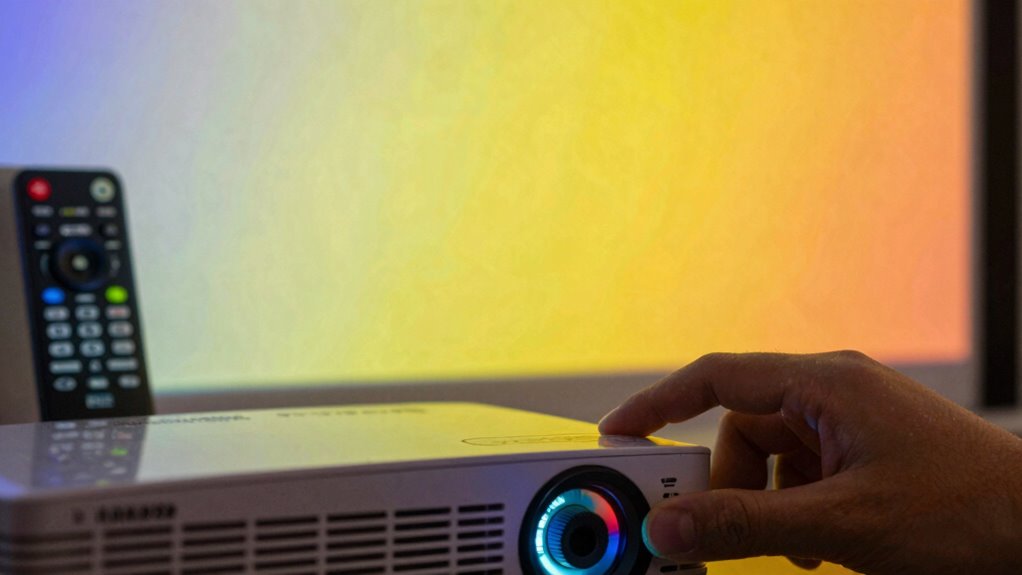

To fix color tint problems on your projector, start by adjusting the color settings in the menu, tweaking hue, saturation, and color balance until the picture looks natural. Check if the lamp is worn, as a degraded bulb can affect colors and may need replacing. Keep the projector clean by removing dust and debris, and consider professional help if issues persist, especially from internal faults or misalignments. More tips await as you explore further.
Key Takeaways
- Adjust color settings such as hue, saturation, and color balance through the projector’s menu for natural-looking colors.
- Replace the projector lamp if color shifts persist, as degraded lamps can cause color inaccuracies.
- Regularly clean filters and internal components to prevent dust buildup that may affect color quality.
- Check for internal faults or misaligned components, like color wheels, and seek professional inspection if needed.
- If issues persist after calibration and maintenance, consult a professional technician for internal diagnosis and repairs.
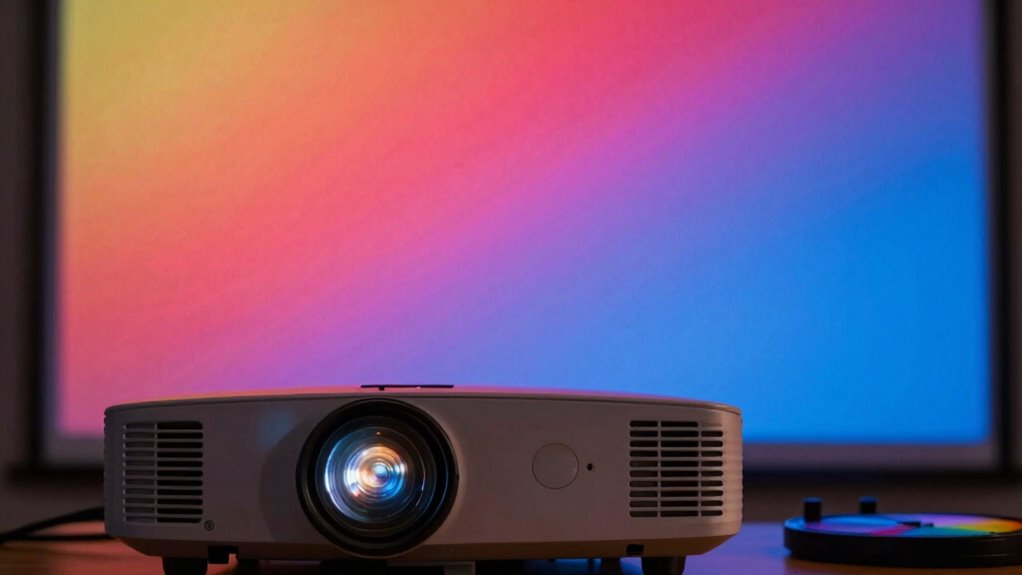
Have you ever noticed a strange color tint on your projector’s display? Maybe the image looks too red, green, or blue, and it just doesn’t seem right. This issue often stems from improper color calibration, which is essential for accurate color reproduction. To fix this, you need to access your projector’s menu and adjust the color settings. Most projectors allow you to manually tweak the hue, saturation, and color balance. Take your time to experiment with these controls until the colors look natural and true to life. If you’re unsure about the correct settings, consult your projector’s manual or look for calibration guides online that are specific to your model. Proper color calibration can drastically improve the picture quality and eliminate that unwanted tint.
However, if adjusting the settings doesn’t resolve the problem, the issue might be hardware-related, particularly with the lamp. Over time, projector lamps can degrade, causing inconsistent light output and color shifts. This is why lamp replacement becomes necessary after a certain usage period. When you replace the lamp, you often see an immediate improvement in image brightness, color accuracy, and overall display quality. Be sure to follow your manufacturer’s instructions carefully when replacing the lamp to avoid damaging your device. Also, keep an eye on the lamp’s lifespan, which is usually indicated in hours. If your projector’s lamp is near its end, replacing it can restore color fidelity and ensure your projector performs at its best. Additionally, regular maintenance, such as cleaning filters and internal components, can help prevent dust buildup that may affect internal components and cause color issues.
Sometimes, the color tint problem can be caused by a combination of factors, including dust buildup inside the projector or misaligned color wheels. Regular maintenance, like cleaning filters and internal components, can help prevent these issues. If you’ve tried calibrating the colors and replacing the lamp but still notice a tint, consider having a professional inspect your projector. They can check for internal faults or misalignments that might be contributing to the problem. Remember, addressing color tint issues promptly not only improves your viewing experience but also extends the lifespan of your projector. Proper calibration, timely lamp replacement, and routine maintenance are your best tools for keeping your projector’s display vibrant and accurate.

datacolor SpyderPro Monitor Calibration Tool: Ensures Accurate Color When Viewing and Editing Photos & Videos
ACHIEVE TRUE COLOR – Ensures your monitor displays colors accurately, critical for photography, design, and video editing, with…
As an affiliate, we earn on qualifying purchases.
As an affiliate, we earn on qualifying purchases.
Frequently Asked Questions
Can Color Tint Problems Affect Image Clarity or Sharpness?
Yes, color tint problems can affect both image clarity and sharpness. When the colors aren’t consistent, it creates color imbalance, which may lead to image distortion, making details harder to see clearly. You might notice blurriness or uneven color distribution, reducing overall sharpness. To maintain the best possible image quality, you should regularly check and adjust your projector’s color settings, ensuring color consistency and reducing distortion for a clearer, sharper picture.
Are There Specific Projector Models Prone to Color Tint Issues?
Ever notice some projectors seem cursed with color tint issues? Certain models, especially older or budget-friendly ones, are more prone to color calibration problems. To prevent this, stick to reputable brands and prioritize regular projector maintenance. These steps help guarantee consistent color accuracy, reducing tint issues. Keep your projector in good shape, and you’ll enjoy vibrant images without the distraction of unwanted color casts.
How Often Should I Calibrate My Projector to Prevent Tint Problems?
You should calibrate your projector at least once every three to six months to prevent tint issues. Use calibration tools to adjust the color temperature and guarantee accurate colors. Regular calibration helps maintain consistent image quality, avoiding color tint problems that can develop over time. If you notice color shifts or dull images, it’s a sign you need to recalibrate sooner. Consistent maintenance keeps your projector performing at its best.
Does Ambient Lighting Influence Color Tint Accuracy?
Yes, ambient light considerably influences color tint accuracy. When your room has bright or uneven lighting, it can wash out colors and cause your projector’s tint to appear off. To maintain color accuracy, keep ambient lighting controlled and consistent, ideally dimming lights during viewing. This helps your projector display colors more accurately, reducing tint issues, and ensuring a better viewing experience.
Can Replacing the Projector Bulb Resolve Color Tint Issues?
Replacing the projector bulb can sometimes resolve color tint issues, especially if the bulb’s lifespan is near its end, causing color shifts. When you swap out the bulb, it’s a good idea to recalibrate the color settings afterward. This guarantees your projector displays accurate colors, eliminating tint problems. Keep in mind, a new bulb alone may not fix severe tint issues if the color calibration isn’t adjusted properly.

COOBAN ELPLP96 /V13H010L96 Replacement Projector Lamp Bulb with Housing for Epson VS250 VS355 VS350 EX5260 EH-TW650 EB-S41 Powerlite Home Cinema 2150 /Powerlite Home Cinema 1060 2100 660 760 760HD
Life:Increasing the brightness of the bulb seems to be an easy task,The most difficult thing to break through…
As an affiliate, we earn on qualifying purchases.
As an affiliate, we earn on qualifying purchases.
Conclusion
Think of your projector as a delicate artist’s palette — when the colors aren’t right, the entire masterpiece suffers. By carefully adjusting your settings and troubleshooting common issues, you can restore its true colors and bring your images back to life. Don’t let a color tint overshadow your viewing experience; with patience and a few simple steps, you’ll have your projector shining brightly again, painting vivid scenes that captivate and inspire.

Aispour Camera Lens Cleaning Kit, 10-in-1 Camera Cleaning Kit, Camera Lens Cleaner and Camera Accessories, Includes Lens Cleaning Kit/Lens Cleaner/Lens Cleaning Pen/Soft Brush
WHAT YOU CAN GET: 1 camera lens Cleaner 50ml + 1 air blower + 1 two in one…
As an affiliate, we earn on qualifying purchases.
As an affiliate, we earn on qualifying purchases.

XvuaTeIw Universal Induction Cooker Motor Cooling Fan, 12-18V, High Speed, Low Noise, 8.4cm Blade Diameter, Compatible with Desktop, Gaming Console, Projector
Universal induction cooling fan, 12-18v can be universal, for the shape of the right hole spacing can be…
As an affiliate, we earn on qualifying purchases.
As an affiliate, we earn on qualifying purchases.