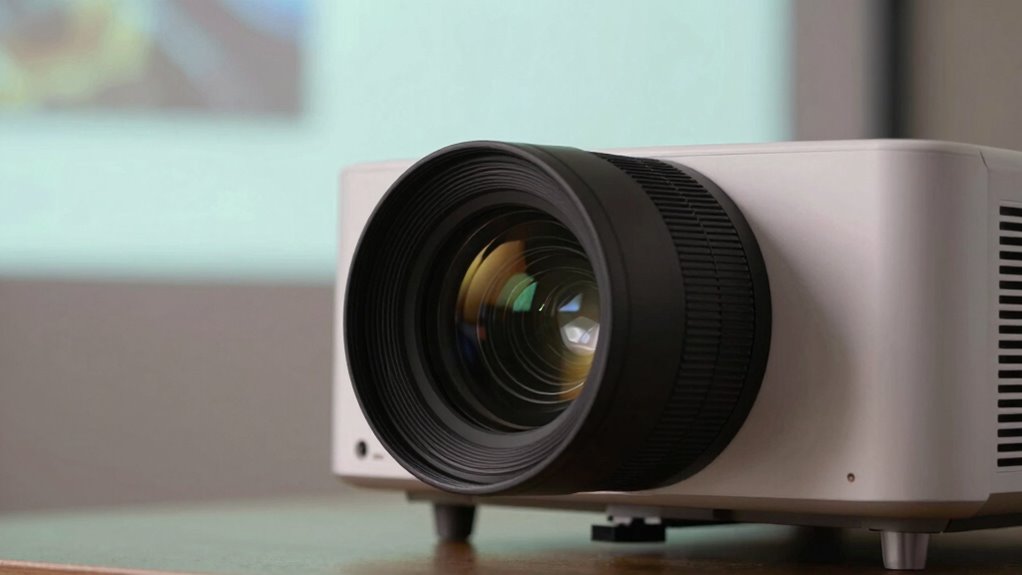

If your projector focus shifts during use, start by cleaning the lens gently with a soft, lint-free cloth and lens cleaner to remove dust or smudges. Check the focus adjustment mechanism for looseness or misalignment and tighten or realign if needed. Confirm your projector is stable and free of vibrations, and consider replacing the bulb if it’s dim or flickering. For persistent issues, internal optics might need professional realignment. Keep going to find out how to troubleshoot deeper problems.

Get business pricing on your home office setup
- Business-only prices and quantity discounts
- Tax-exempt purchasing
- Multiple users, one account, clear invoices
Key Takeaways
- Clean the lens gently with a soft, lint-free cloth and appropriate cleaning solution to prevent focus shifts caused by grime.
- Check and tighten focus adjustment mechanisms, including manual rings or electronic controls, to ensure stability.
- Replace dim or flickering bulbs to maintain consistent brightness and focus quality.
- Ensure the projector is placed on a stable surface and free from vibrations that can affect focus.
- If issues persist, have a professional realign internal optics or inspect for internal damage.
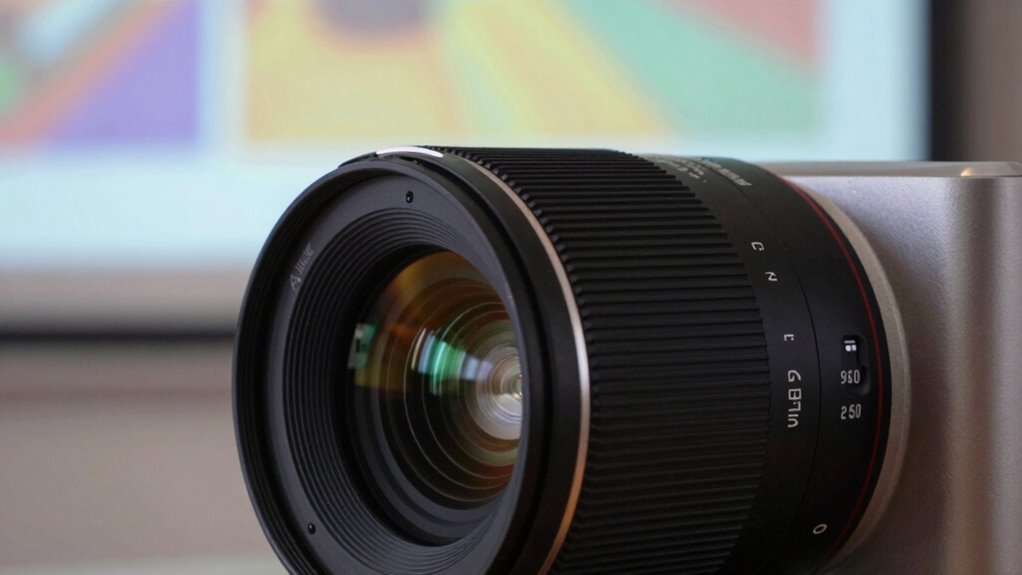
If your projector image appears blurry or out of focus, fixing the problem is often straightforward. The first step is to check the lens. Dust, fingerprints, or smudges on the lens can cause images to become unclear, especially if the focus seems to shift during use. Carefully perform lens cleaning using a soft, lint-free cloth or a lens cleaning solution specifically designed for optics. Avoid harsh chemicals that could damage the lens coating. Regular cleaning helps maintain a crisp image and prevents focus issues caused by grime buildup.
Next, consider the bulb. Over time, projector bulbs can weaken or shift slightly inside the housing, leading to inconsistent focus. If you’ve had your projector for a while or notice dimming or flickering, it might be time for a bulb replacement. A new bulb can restore brightness and proper alignment, which in turn helps the projector produce a sharper, more stable image. Always follow the manufacturer’s instructions when replacing the bulb, and ensure the projector is unplugged and cooled down before handling the bulb to avoid injury or damage.
Another common cause of fluctuating focus is the adjustment mechanism itself. Many projectors have manual focus rings or electronic focus controls. If these controls feel loose or don’t respond properly, check for any loose screws or mechanical obstructions. Tighten any loose parts carefully, but don’t overtighten, as this can damage the focus assembly. Sometimes, the focus shift can also be caused by misalignment of the projector’s lens or mounting. Verify that the projector is securely mounted or placed on a stable surface, with no shifts during operation. Ensuring proper lens alignment can help prevent focus issues caused by mispositioning. Additionally, paying attention to proper calibration can ensure that your focus remains consistent over time.
Furthermore, environmental factors like dust or vibrations can influence focus stability. Ensuring your projector is in a stable, vibration-free environment can help maintain consistent focus. Additionally, paying attention to filter sizing/flow and proper maintenance can also help prevent focus problems caused by dust and grime buildup inside the projector. Being aware of temperature and humidity effects can also help you troubleshoot focus issues more effectively. If focus issues persist despite cleaning and bulb replacement, consider adjusting the lens or consulting a professional technician. Sometimes, internal optics may need realignment or repair, especially if the focus shift occurs suddenly or dramatically.
Products Worth Considering

Philips Hue Essential Starter Kit with Bridge and 4 E26 Smart Bulbs

Philips Hue Smart Light Starter Kit with Bridge and 4 White and Color A19 Bulbs

Ring Alarm 5-Piece Kit
As an affiliate, we earn on qualifying purchases.
Frequently Asked Questions
Can Ambient Light Affect Projector Focus?
Ambient light can indeed affect your projector’s focus, as excessive or uneven lighting can cause glare or reflections that interfere with image clarity. This can make it seem like the focus isn’t consistent throughout your presentation or movie. To maintain focus consistency, you should control ambient light by dimming or blocking it, ensuring your projector’s lens can properly focus on the screen without interference, resulting in a clearer, sharper image.
Is It Normal for Focus to Shift During Extended Use?
Yes, it’s normal for focus to shift during extended use due to focus drift and stability issues. Over time, temperature changes, vibrations, or projector aging can cause the lens to slightly shift, affecting focus. To minimize this, regularly calibrate your projector, guarantee it’s on a stable surface, and avoid abrupt movements. Keeping your projector clean and well-maintained also helps maintain consistent focus during long sessions.
How Often Should I Clean the Projector Lens?
You should clean your projector lens whenever you notice dust, smudges, or a decline in image clarity. Regular lens cleaning prevents dirt from affecting focus and image quality. Aim to clean the lens every few months or more often if you use the projector frequently. Proper lens cleaning helps maintain sharp focus and prevents the need for constant focus adjustment during use, ensuring a clear, crisp picture every time.
Does Temperature Impact Projector Focus Stability?
You might notice that temperature stability directly impacts your projector’s focus. When temperatures fluctuate, it causes the lens and internal components to expand or contract, which messes with focus adjustment. To keep your projector sharp, guarantee it’s in a stable environment with consistent temperature. Sudden changes can make focus unstable during use, so maintaining a steady temperature minimizes adjustments needed and keeps your image clear.
Can a Damaged Lens Cause Focus Fluctuations?
Yes, a damaged lens can cause focus fluctuations. Lens damage, such as scratches or misalignment, leads to focus inconsistency because the light doesn’t pass through evenly. When the lens isn’t functioning properly, you’ll notice the image shifts in sharpness during use. To fix this, inspect the lens for damage and replace it if necessary. Ensuring the lens is clean and intact helps maintain stable, clear focus during projector operation.
Conclusion
As you gently turn the focus ring, imagine sharpening a blurry dream into crisp clarity. With each small adjustment, the hazy edges settle into sharp definition, like dawn breaking through fog. Your projector’s focus finds its home, the image aligning perfectly like stars in a clear night sky. Soon, your screen becomes a window to vivid, vibrant worlds—crisp and steady, ready for you to explore every detail without interruption.