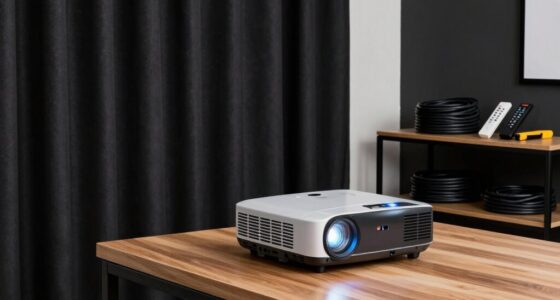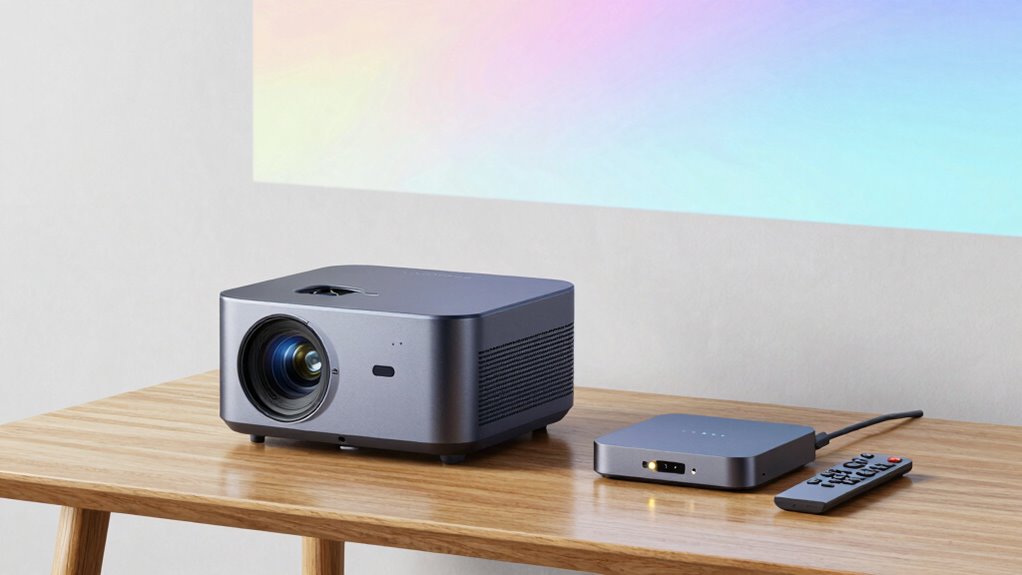

Smart projectors offer easy, built-in controls, quick access to popular apps like Netflix and YouTube, and a compact design that makes them simple to install in various spaces. They are user-friendly, especially for casual or shared viewing, but their software tends to be more limited and updated less frequently. External streaming boxes, on the other hand, provide a broader app selection, more advanced navigation, and regular updates. Keep exploring to see how these differences can fit your entertainment setup.
Key Takeaways
- Smart projectors integrate controls, content apps, and voice features, offering simplified operation, while streaming boxes rely on remotes or apps.
- Built-in apps on smart projectors provide quick access to streaming services, whereas streaming boxes offer a wider, more frequently updated app ecosystem.
- Smart projectors are compact and easier to install, reducing setup complexity, unlike external streaming devices that require additional space and wiring.
- Streaming boxes receive regular software updates enhancing features and security, while smart projectors typically have limited update frequency.
- Built-in interfaces on projectors are streamlined for casual viewing, whereas streaming boxes provide advanced navigation for extensive content libraries.
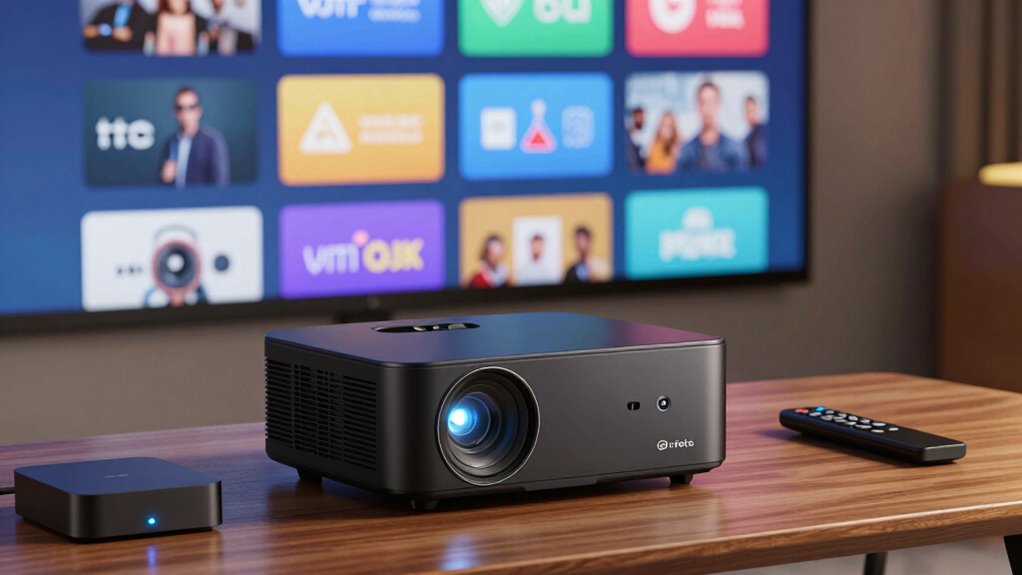
When choosing between a projector and a streaming box, understanding their core features can help you make an informed decision. Smart projectors and external streaming boxes both bring unique advantages, but knowing what sets them apart is key. Smart projectors often come equipped with interactive controls, allowing you to steer menus, select content, and adjust settings directly from the device itself. This integrated control simplifies operation, especially in shared or casual viewing scenarios. Many smart projectors also feature built-in apps, which give you instant access to popular streaming services like Netflix, YouTube, and Hulu. With these apps, you can browse and watch content directly on the projector without connecting to another device, simplifying your setup and reducing clutter. Additionally, the software ecosystem of smart projectors tends to be more streamlined, catering to quick, on-the-fly content access. Moreover, smart projectors often have compact designs that make them easier to install in various spaces, enhancing their convenience. Furthermore, some smart projectors incorporate voice control capabilities, allowing for even more intuitive operation through voice commands.
In contrast, external streaming boxes like Roku, Amazon Fire TV, or Apple TV are designed specifically for streaming content and generally require a separate display device, such as a TV or a projector. These boxes excel in delivering a wide range of apps, updates, and streaming options, often with more frequent updates and a broader app ecosystem than many smart projectors. They typically come with their own remote control, providing a dedicated way to browse content and control playback. While some streaming boxes do support voice commands and smart controls, they usually don’t have the same level of interactive controls integrated into the device itself. Instead, they rely on remote controls or app-based controls on your phone. Additionally, external streaming devices often support software updates that enhance functionality over time, keeping your device current with new features and security improvements. These updates can sometimes be more frequent and extensive than those available for built-in apps on projectors.
Another factor to contemplate is the user interface. Built-in apps on smart projectors are tailored for smaller screens and quick access, making it easy to find and play your favorite shows. External streaming boxes, on the other hand, often feature more robust interfaces optimized for navigating large libraries of content and multiple profiles. If you want a device that’s simple and integrated, a smart projector with built-in apps and interactive controls might suit you best. However, if you prefer a dedicated device with a vast app selection and frequent updates, an external streaming box could be preferable.
Ultimately, it boils down to your specific needs. If having a compact, all-in-one solution with intuitive controls and built-in apps matters most, a smart projector is a strong choice. But if you want maximum content variety, regular updates, and a dedicated remote, a streaming box will likely serve you better.

Projector with WiFi and Bluetooth, Electric Focus & Vertical Keystone, 1080P HD 4K Support, Smart Projector with Built-in Streaming Apps, Portable Projector for Outdoor & Home Movie
- Powered by Android 13: Access 10,000+ apps and 500,000+ titles
- Supports 4K and 1080P HD: Bright, vivid visuals with 800 ANSI lumens
- Auto vertical keystone correction: Adjusts ±15° for perfect alignment
As an affiliate, we earn on qualifying purchases.
As an affiliate, we earn on qualifying purchases.
Frequently Asked Questions
How Do Smart Projectors Handle Software Updates?
Smart projectors handle software updates through automatic firmware updates or manual downloads, ensuring you get the latest features and fixes. You usually receive notifications when updates are available, making it easy to keep your device current. However, be aware that compatibility issues can sometimes arise with new firmware, so it’s wise to check manufacturer instructions. Regular updates help improve performance and security, keeping your viewing experience smooth and reliable.
Can External Streaming Boxes Improve Picture Quality on Projectors?
Yes, external streaming boxes can improve picture quality on projectors. They often offer resolution enhancement and better image stabilization, which can make your viewing sharper and smoother. Even if your projector has decent built-in features, an external box can boost clarity and reduce flickering or shaky images. So, if you want a crisper, more stable picture, adding a streaming box is a smart move to enhance your overall viewing experience.
Are Smart Projectors Compatible With All Streaming Services?
Yes, smart projectors are generally compatible with most popular streaming services, allowing you to enjoy content easily. You can use voice control to navigate apps and search for shows hands-free, enhancing convenience. With app integration, you can connect your favorite streaming platforms directly to the projector. However, compatibility may vary based on the projector’s operating system, so it’s wise to check specific app availability before purchasing.
What Is the Average Lifespan of a Smart Projector’s Components?
You can expect a smart projector’s components to last around 5 to 10 years, depending on usage and maintenance. Component durability varies, with the lamp or LED light source typically lasting 20,000 to 30,000 hours. Power consumption influences lifespan; lower energy use often extends component life. Regular cleaning and proper ventilation also help, ensuring your projector’s features remain functional and efficient throughout its lifespan.
Do Streaming Boxes Offer Better Connectivity Options Than Projectors?
Sure, streaming boxes boast better connectivity options—wireless connectivity, in particular—making you feel like a tech wizard. They often support more hardware compatibility, too, enabling seamless integration with various devices. But beware: this convenience might come with a price of complexity. So, if you love juggling multiple gadgets and troubleshooting, streaming boxes are your hero. Otherwise, your smart projector might just surprise you with its surprisingly decent connectivity options.

2026 Android 14 TV Box, 4GB+128GB,WiFi 6, BT 5.0,MINI Keyboard
- Operating System: Android 14 with quad-core CPU
- Memory and Storage: 4GB RAM, 128GB ROM
- Video Output: Supports 8K HDR high-definition
As an affiliate, we earn on qualifying purchases.
As an affiliate, we earn on qualifying purchases.
Conclusion
Just like Pandora’s box, choosing between a smart projector and an external streaming box opens a world of possibilities. While projectors with built-in features offer simplicity and convenience, external streaming boxes provide flexibility and extensive app support. Think of it as weighing the wisdom of Athena versus the versatility of Hermes. Ultimately, your choice depends on whether you prefer an all-in-one experience or the freedom to customize your entertainment universe. Whichever path you choose, your home theater adventure awaits.
![Outdoor-Projector-4K [Built-in Google TV/180°Rotatable Stand/Voice Control/E-Focus],Sovboi Smart-Movie-Projector with WiFi6 and Bluetooth, 2500 Brightness Portable-Proyector for 10,000+ Streaming Apps](https://m.media-amazon.com/images/I/41o6vVK83gL._SL500_.jpg)
Outdoor-Projector-4K [Built-in Google TV/180°Rotatable Stand/Voice Control/E-Focus],Sovboi Smart-Movie-Projector with WiFi6 and Bluetooth, 2500 Brightness Portable-Proyector for 10,000+ Streaming Apps
- Built-in Google TV: Access 10,000+ streaming apps and channels
- WiFi 6 & Bluetooth 5.2: Seamless wireless connectivity for streaming and devices
- 180° Rotatable Stand: Adjust projection angle easily for versatile setups
As an affiliate, we earn on qualifying purchases.
As an affiliate, we earn on qualifying purchases.

Amazon Fire TV Stick 4K Plus (newest model) with AI-powered Fire TV Search, Wi-Fi 6, stream hundreds of thousands of movies and shows, free & live TV, find shows faster with Alexa+
- 4K Streaming Performance: Enhanced 4K streaming for optimal quality
- Updated Fire TV Interface: Modern design with quick access and recommendations
- Xbox Cloud Gaming: Stream Xbox games like Call of Duty and Hogwarts
As an affiliate, we earn on qualifying purchases.
As an affiliate, we earn on qualifying purchases.