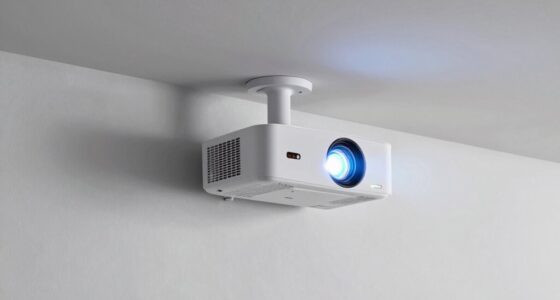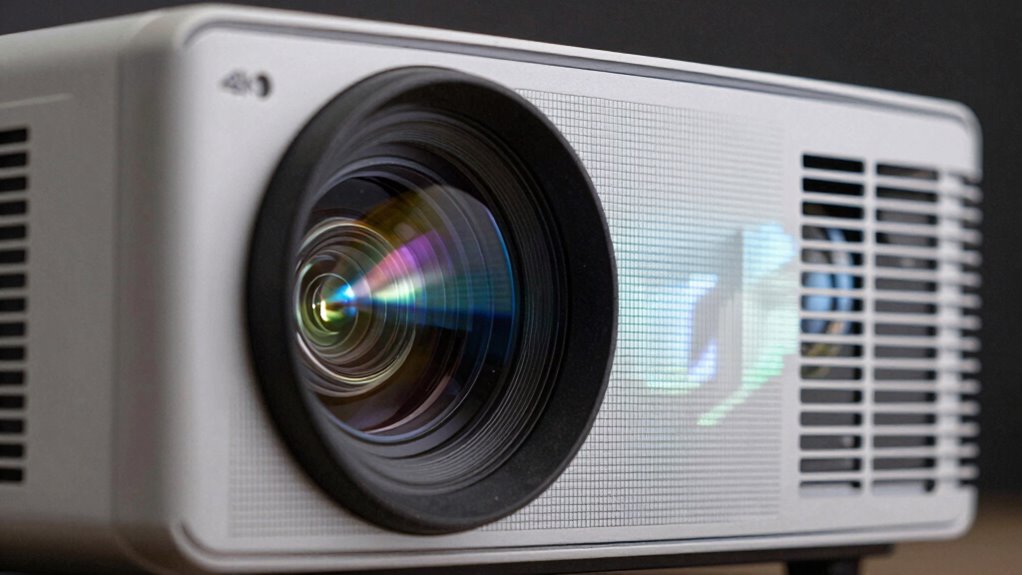

Pixel shifting in 4K projectors works by rapidly moving the image slightly between frames, allowing the projector to display multiple shifted images that blend into a single, high-resolution picture. This technique tricks your eyes into seeing a 4K image without needing a native 4K chip. It enhances detail and color accuracy for a better viewing experience. Keep exploring to discover how calibration and lens quality play vital roles in ensuring perfect image clarity.

Get business pricing on your home office setup
- Business-only prices and quantity discounts
- Tax-exempt purchasing
- Multiple users, one account, clear invoices
Key Takeaways
- Pixel shifting rapidly moves the image slightly between frames to simulate more pixels.
- Multiple shifted images are combined to create a seamless 4K resolution.
- Precise lens calibration ensures accurate pixel alignment and prevents blurring.
- High-quality lenses and proper calibration maintain sharpness and color accuracy.
- The process enhances perceived resolution without requiring native 4K chips.
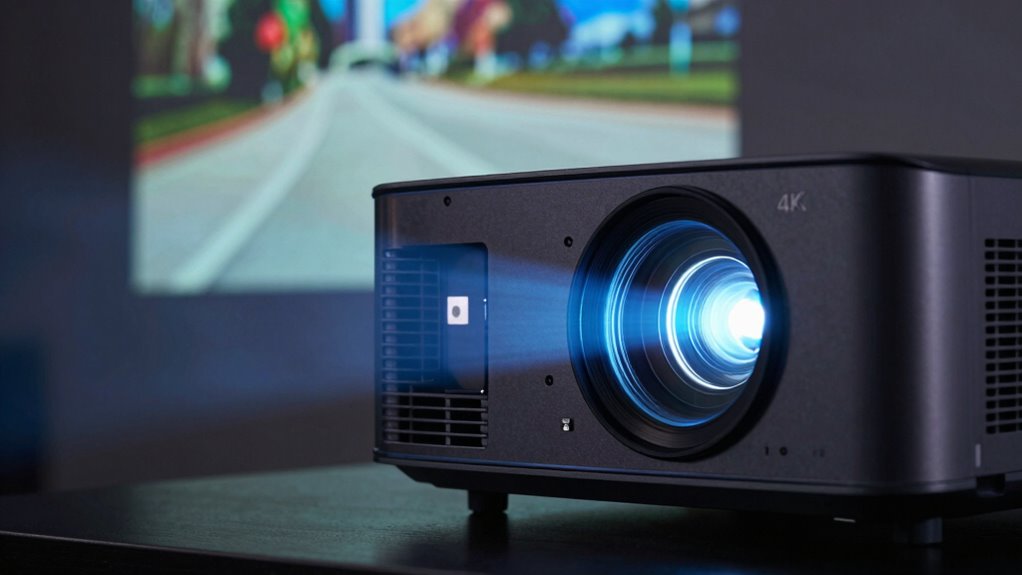
Pixel shifting is a technology that allows 4K projectors to produce ultra-high-definition images without the need for native 4K chips. Instead of relying on a single chip to display every pixel, pixel shifting works by rapidly moving the image slightly between frames. This movement enables the projector to alternate between different sets of pixels, effectively creating a full 4K resolution by combining multiple images. When you watch content, your eyes perceive a seamless, incredibly detailed picture. This process not only boosts resolution but also enhances color accuracy, making images appear more vibrant and true-to-life.
To achieve this, the projector’s internal system meticulously calibrates the lens using lens calibration techniques. Proper calibration guarantees that each pixel aligns perfectly during the shifting process, preventing blurring or ghosting effects. If the lens isn’t correctly calibrated, the shifted images can become misaligned, leading to a reduction in image sharpness and color fidelity. Lens calibration is vital because it guarantees that the pixel shifts happen precisely, maintaining the integrity of the ultra-high-definition display. This precise alignment helps preserve color accuracy, ensuring that colors stay consistent across the entire image, even during rapid shifts. When your projector is well-calibrated, the shifting process becomes almost invisible, resulting in a crisp, clear picture with accurate colors. Additionally, the quality of the lens significantly influences the effectiveness of pixel shifting, as lens distortion can negatively impact image clarity and color precision.
4K projector with pixel shifting technology
As an affiliate, we earn on qualifying purchases.
As an affiliate, we earn on qualifying purchases.
Frequently Asked Questions
Does Pixel Shifting Affect Viewing Angles?
Pixel shifting can slightly affect your viewing angles, but it generally doesn’t cause major issues. As you move off-center, you might notice some color inaccuracies or subtle changes in screen uniformity, which can impact your experience. However, for most viewers, the effect is minimal, and the improved resolution often outweighs concerns about viewing angle. To get the best picture, sit directly in front of the projector whenever possible.
Can Pixel Shifting Cause Motion Artifacts?
Pixel shifting can sometimes introduce subtle motion artifacts, which might resemble gentle motion smoothing effects. While these aren’t usually distracting, in fast-paced scenes, they can cause minor image distortion or ghosting. If you’re sensitive to such effects, adjusting the projector’s settings can help minimize them. Overall, pixel shifting offers sharp images without considerably compromising motion clarity, but a keen eye might notice slight irregularities during rapid movements.
How Does Pixel Shifting Impact HDR Performance?
Pixel shifting can boost HDR performance by enhancing brightness and improving color accuracy. It allows your projector to simulate higher resolution details, making HDR content look more vibrant and lifelike. However, in some cases, it might cause slight artifacts or motion blur, but overall, it helps deliver richer contrast and better color depth. This process guarantees you experience more immersive visuals with improved HDR quality.
Is Pixel Shifting Suitable for Fast-Paced Gaming?
Pixel shifting isn’t ideal for fast-paced gaming. As you race through quick scenes, this technique can cause motion blur and reduce responsiveness, impacting your gameplay experience. While it maintains color accuracy and keeps energy consumption reasonable, the slight lag and ghosting effects make it less suitable for rapid action. For the best gaming experience, look for projectors designed specifically for fast motion, rather than relying on pixel shifting technology.
What Maintenance Is Required for Pixel Shifting Technology?
You need to perform regular image calibration to guarantee pixel shifting maintains sharpness and accuracy. Keep the projector’s contrast enhancement settings optimized for the best picture quality, especially after long periods of use. Clean the lens and check for dust or debris that might affect image quality. Occasionally update the projector’s firmware to improve performance. Proper maintenance helps prevent issues and ensures your pixel shifting technology continues delivering crisp, high-resolution images.
high quality lens calibration for projectors
As an affiliate, we earn on qualifying purchases.
As an affiliate, we earn on qualifying purchases.
Conclusion
Now, imagine stepping into a room where the image on the screen feels almost alive, every detail crisp and vibrant. Pixel shifting works behind the scenes, subtly moving pixels to create that stunning 4K clarity. But what if this technology could be pushed even further? As you marvel at the sharpness today, the future holds even more intricate shifts and breakthroughs. The question isn’t just what you see now, but what’s coming next—ready to be revealed?
4K projector lens calibration tools
As an affiliate, we earn on qualifying purchases.
As an affiliate, we earn on qualifying purchases.
best 4K projectors for home theater
As an affiliate, we earn on qualifying purchases.
As an affiliate, we earn on qualifying purchases.
Fall Picks
fall essentials
As an affiliate, we earn on qualifying purchases.