
To build a projector room around your media console, start by positioning the console centrally and selecting a wall free of windows or reflections for your screen. Install dimmable, soft lighting and blackout shades to control natural light, and add acoustic panels to absorb echoes. Arrange seating for ideal viewing angles and keep cables organized using conduits. Focus on creating a cozy, stylish atmosphere that enhances your audio-visual experience. If you keep exploring, you’ll discover how to perfectly balance functionality and comfort.

Get business pricing on your home office setup
- Business-only prices and quantity discounts
- Tax-exempt purchasing
- Multiple users, one account, clear invoices
Key Takeaways
- Select a suitable wall free of reflective surfaces for projector and screen placement.
- Position the media console centrally for easy device access and organized wiring.
- Incorporate dimmable, soft lighting and blackout curtains to optimize viewing conditions.
- Use ceiling mounts for projectors and cable management solutions for a clutter-free setup.
- Arrange seating to maximize viewing angles while maintaining comfort and appropriate screen distance.
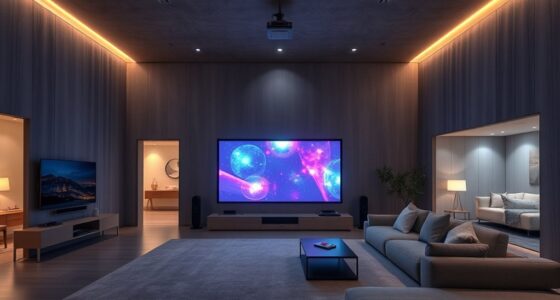
Creating a dedicated projector room around your media console can transform your space into a sleek, immersive entertainment hub. The key is to focus on elements that enhance both the visual and audio experience, starting with thoughtful lighting design. You want to eliminate glare and reflections that can diminish picture quality. Opt for dimmable, soft lighting options, such as recessed lights or wall sconces with adjustable brightness. Avoid harsh overhead lights, and consider installing blackout curtains or shades to control natural light, guaranteeing your projector’s image remains crisp and vibrant. Proper lighting design isn’t just about brightness; it’s about creating an ambiance that complements your viewing experience without causing distractions. Incorporating effective lighting strategies can significantly improve your room’s overall atmosphere and picture clarity.
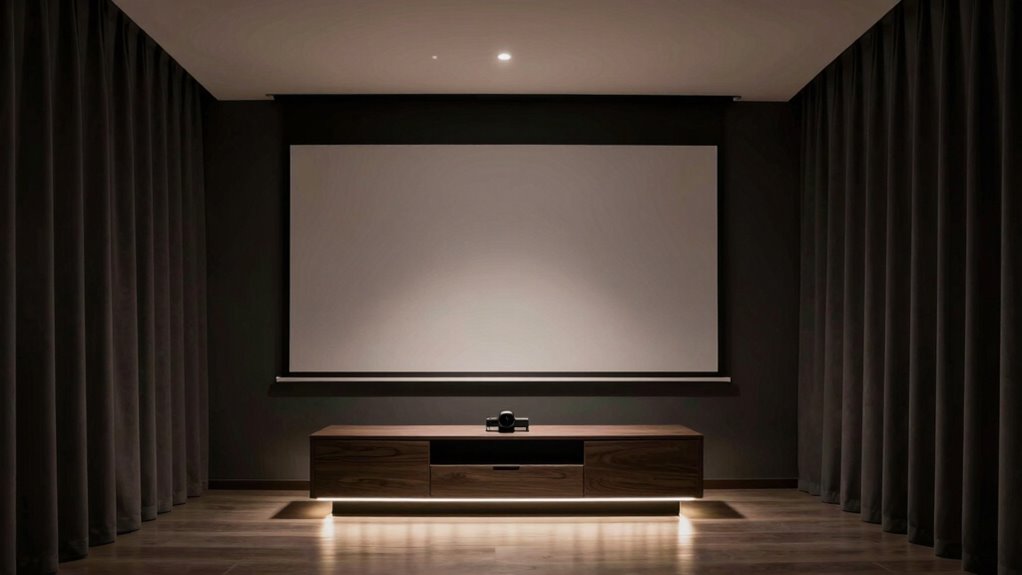
Create an immersive viewing space with adjustable, glare-free lighting and blackout curtains for optimal picture quality.
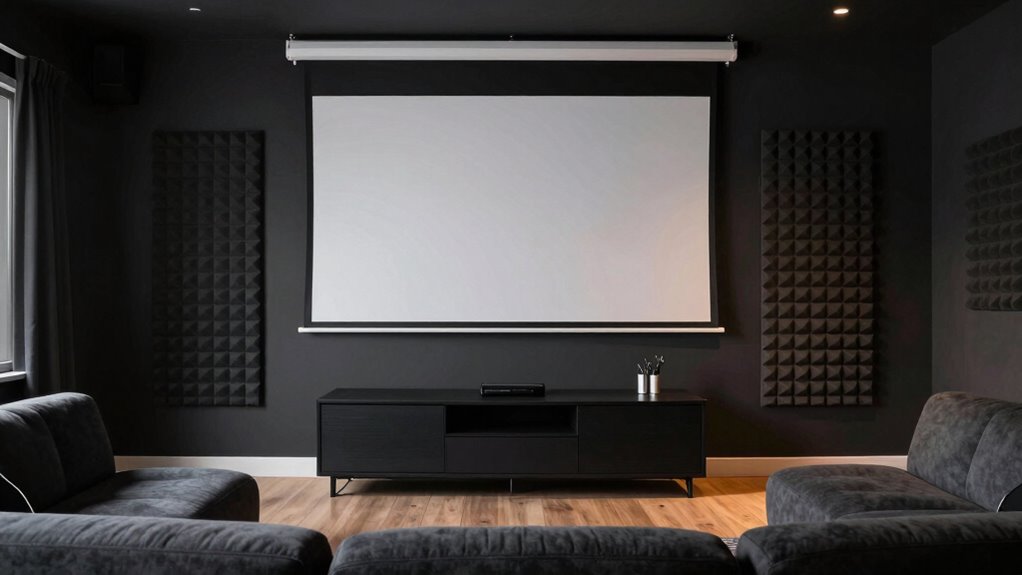
Alongside lighting, acoustic treatment plays a essential role in establishing an ideal environment. Sound quality can make or break your movie nights, so invest in acoustic panels or foam to absorb excess sound reflections and echoes. Position these panels strategically around the room, especially on walls directly opposite speakers and behind your seating area, to achieve clear, balanced audio. If your space allows, add bass traps and diffusers to manage low frequencies and uneven sound distribution. This treatment minimizes sound leakage and ensures that dialogue, music, and effects come through with clarity, making your viewing experience immersive and impactful. Additionally, home theater acoustics can be optimized with the right combination of materials and placement, further enhancing the overall sound quality.
As you build your projector room, keep your media console at the center of your design. Ensure it’s positioned to allow easy access to devices and ample space for wiring. From there, plan your screen placement carefully—preferably on a wall free of windows and reflective surfaces—and consider a ceiling mount for the projector to save space and create a clean look. Cable management is essential; use conduits or cable raceways to keep wires hidden and organized, maintaining a sleek aesthetic.
Don’t forget to think about furniture placement. Your seating should be arranged to maximize viewing angles and comfort. Distance from the screen should be proportional to its size to prevent eye strain. Incorporate sound-absorbing furniture or rugs to further enhance acoustics, creating a cozy environment that invites long movie nights. By paying attention to lighting design, acoustic treatment, and overall layout, you’ll craft a dedicated projector room that’s both stylish and functional, elevating your entertainment experience to new heights.
dimmable recessed lighting for home theater
As an affiliate, we earn on qualifying purchases.
As an affiliate, we earn on qualifying purchases.
Frequently Asked Questions
What Types of Projectors Are Best for a Dedicated Projector Room?
You should choose a high-quality, short-throw projector for your dedicated room, as they minimize shadows and are easier to place near screens. Opt for a projector with adjustable lens shift and keystone correction to optimize image alignment. Consider screen materials like matte white or ambient light-rejecting screens for better contrast and clarity. Proper projector placement guarantees even illumination and minimizes glare, creating an immersive viewing experience.
How Can I Improve Sound Quality in a Projector Room?
To improve sound quality in your projector room, focus on strategic speaker placement to guarantee even audio coverage and clear dialogue. Incorporate acoustic treatments like wall panels, bass traps, and diffusers to reduce echo and absorb unwanted sound reflections. These adjustments create a balanced acoustic environment, enhancing your listening experience. Proper speaker positioning combined with effective acoustic treatments makes your projector room sound more immersive and enjoyable.
What Are the Ideal Room Dimensions for a Projector Setup?
Think of your projector room as a tailored suit—fit matters. Ideally, aim for dimensions around 12-20 feet long, 10-15 feet wide, and 8-10 feet high for ideal viewing. Proper lighting design minimizes glare and reflections, while furniture arrangement guarantees clear sightlines and comfort. This balance creates an immersive experience, letting your media setup shine without distractions or space constraints.
How Do I Control Lighting to Reduce Glare and Reflections?
You control lighting by using dim, adjustable ambient lighting to prevent glare and reflections. Install blackout curtains on windows to block out external light sources, keeping the room dark when needed. Keep light fixtures away from the screen and opt for indirect lighting options. This setup minimizes reflections, enhances picture quality, and creates a best viewing environment for your projector, ensuring you enjoy clear, vivid images without distractions.
What Maintenance Is Required for Long-Term Projector Use?
Did you know projectors typically last around 7,000 hours? To keep yours in top shape, regularly clean filters to prevent overheating and dust buildup. Keep an eye on the bulb’s lifespan, and replace it when brightness dims or signs of wear appear. Regular maintenance, including cleaning filters and timely bulb replacements, guarantees your projector performs consistently and lasts longer, giving you a better viewing experience.
blackout curtains for projector room
As an affiliate, we earn on qualifying purchases.
As an affiliate, we earn on qualifying purchases.
Conclusion
Creating a dedicated projector room around your media console transforms your space into an immersive entertainment hub. With over 60% of homeowners investing in home theater upgrades, it’s clear that personalized media rooms are becoming increasingly popular. By carefully planning your layout and choosing the right equipment, you’ll enjoy stunning visuals and sound quality right in your own home. So, start designing today—your ultimate movie experience is just a project away!
acoustic panels for home theater
As an affiliate, we earn on qualifying purchases.
As an affiliate, we earn on qualifying purchases.
As an affiliate, we earn on qualifying purchases.
Fall Picks
fall essentials
As an affiliate, we earn on qualifying purchases.