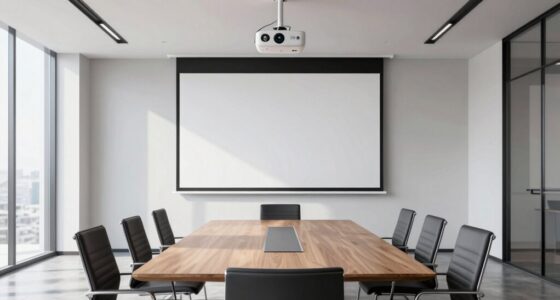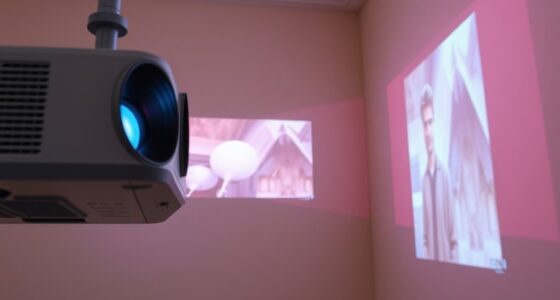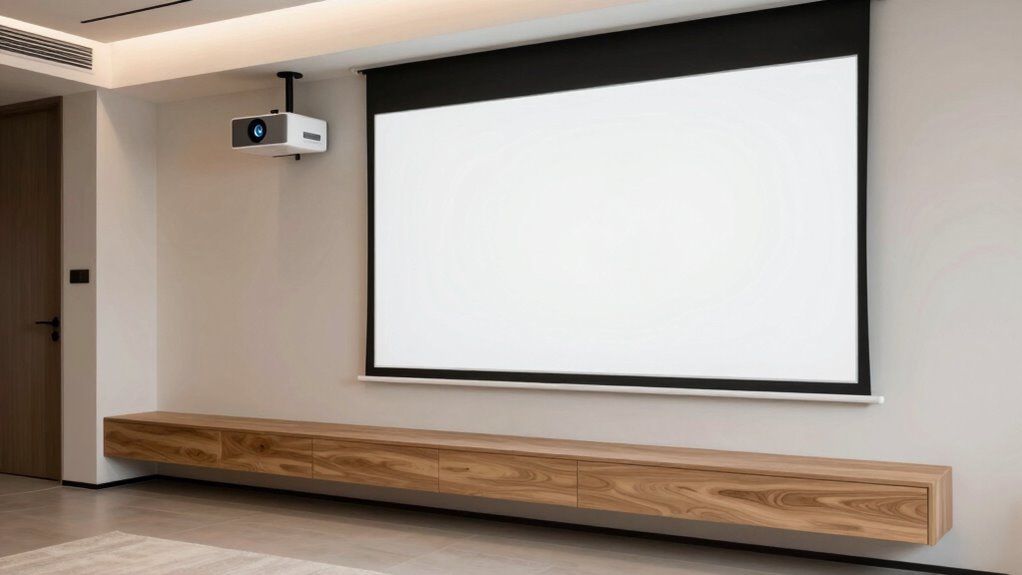
To plan a projector setup around built-in furniture, choose a spot with a clear line of sight that won’t block your furniture. Mount the projector on the ceiling or a sturdy stand aligned with the screen. Measure throw distance carefully to match your projector’s specs. Conceal cables with covers or run them behind furniture for a clean look. Keep lighting conditions in mind for the best image quality. If you want more tips, you’ll find plenty of helpful details to guarantee a seamless setup.
Key Takeaways
- Measure and select a projector placement that aligns with existing built-in furniture to avoid obstruction and maintain aesthetics.
- Mount the projector on the ceiling or a sturdy shelf, ensuring it doesn’t interfere with built-in units or seating.
- Position the projection screen on a flat, unobstructed wall surface at eye level for comfortable viewing from built-in seating areas.
- Run cables behind furniture or use wireless options to keep wiring hidden and preserve the room’s integrated look.
- Adjust the projector and screen placement to optimize image quality while complementing the built-in furniture layout.
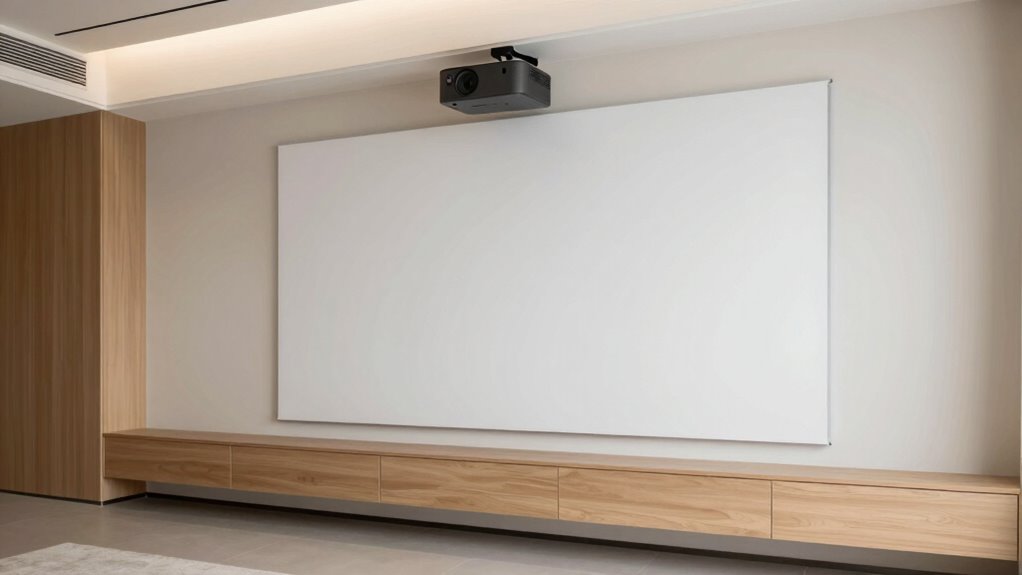
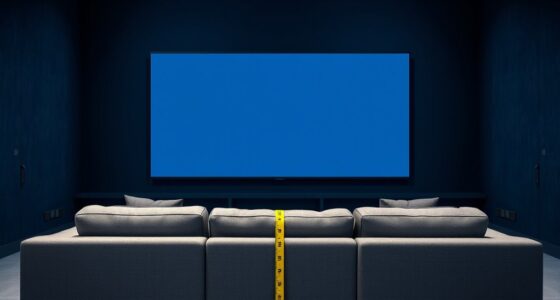
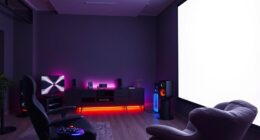
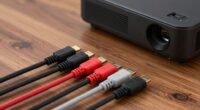
Are you wondering how to set up a projector effectively for your space? When working around built-in furniture, you need to think carefully about screen placement. Since your furniture is fixed, you want to select a spot where the projector can deliver a clear, bright image without interference. Usually, mounting the projector on the ceiling is the most seamless option, as it keeps the setup tidy and out of the way. If ceiling mounting isn’t possible, placing it on a sturdy shelf or a dedicated stand close to the built-ins can work, but make sure it’s aligned with the screen area. You’ll want to aim for a projector throw distance that matches your screen size, so measurements before installation are essential. Remember, the goal is to avoid shadows or obstructions caused by furniture, so position the projector where it has a clear line of sight. Additionally, considering the contrast ratio of your projector can help optimize image quality, especially in rooms with varying lighting conditions. Ensuring proper image alignment is also crucial for a crisp picture, especially when the projector is mounted off-center. Cable management becomes even more critical when your space involves built-in furniture. Since you’re working with fixed furniture, loose cables can clutter the area and detract from the room’s aesthetic. To keep things streamlined, plan your cable routes carefully. Use cable covers or conduits to hide wires running along walls or ceilings. If possible, run cables behind or within the furniture to keep them out of sight. Wireless options are also worth considering—they eliminate the need for long HDMI or power cords altogether, reducing clutter and making adjustments easier. When running cables, ensure they’re secured properly to prevent tripping hazards or accidental disconnections, especially if the furniture or projector is moved slightly during cleaning or maintenance. It’s also helpful to consider lighting conditions when choosing your projector placement, as ambient light can significantly impact image brightness and clarity. Proper Cable management can further enhance the room’s aesthetics and safety by keeping cords organized and out of the way. You might also want to explore environmentally friendly craft ideas that can help enhance your space’s aesthetics or reduce clutter, such as custom tissue paper accents or eco-conscious decor. The placement of your projection screen should complement your furniture layout, so measure the available wall space and select a flat, unobstructed surface that’s visible from all seating areas. If your built-in furniture includes a media console or entertainment unit, align the screen with it for a cohesive look. Remember that the screen’s height and angle influence viewing comfort, so position it at eye level when seated. This might mean mounting it on the wall or using a specialized stand. Throughout your planning, keep in mind the importance of screen placement for visibility and the ease of cable management for a clutter-free setup. With thoughtful planning, your built-in furniture won’t hinder your projector installation—instead, it will integrate seamlessly into a sleek, functional entertainment area.
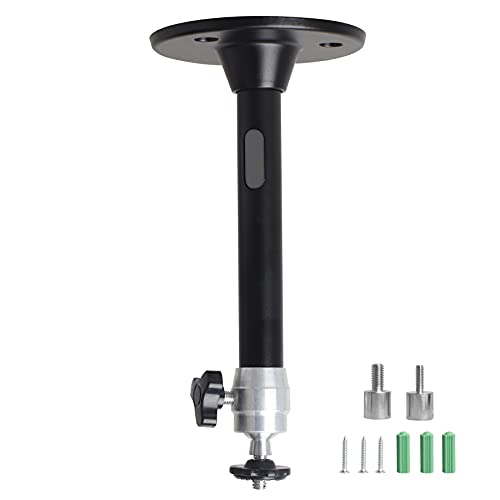
YiePhiot Mini Ceiling Wall Projector Mount Stand Compatible with QKK, DR.J, DBPOWER, Anker, VANKYO, AAXA, Jinhoo, PVO, TMY, AuKing and Most Other Mini Projector (175mm, Black)
Universal Mount: The Universal Projector Mount is compatible with most mini projectors, including CLOKOWE, HAPPRUN, ELEPHAS, NICPOW and…
As an affiliate, we earn on qualifying purchases.
As an affiliate, we earn on qualifying purchases.
Frequently Asked Questions
What Types of Projectors Are Best for Built-In Furniture Setups?
For built-in furniture setups, you should choose projectors with high projection brightness, ideally 2,500 lumens or more, to guarantee a clear image in various lighting conditions. Compact, lightweight models work best for seamless mounting options, whether ceiling-mounted or integrated into furniture. Look for projectors with flexible mounting features, like adjustable brackets or keystone correction, to fit your space perfectly without disrupting your furniture design.
How Do I Hide Projector Wires in Built-In Furniture?
You can hide projector wires in built-in furniture by using cable concealment solutions like wire channels, raceways, or cord covers that match your furniture color. Incorporate wiring management techniques such as running cables behind panels or inside hollow furniture sections. Secure cables neatly with clips or adhesive strips, ensuring a clean look. This way, your setup remains sleek, organized, and free of visible wiring clutter.
Can I Upgrade the Projector Later Without Remodeling?
Yes, you can upgrade your projector later without remodeling, as long as you choose a compatible model with your existing setup. Consider ease of access for projector maintenance and verify the new projector supports remote control compatibility. This way, you can swap out the unit smoothly, keep the wiring discreet, and avoid extensive renovations, making future upgrades simple and efficient.
What Are the Safety Considerations for Built-In Projector Installations?
Did you know that improper cable management causes over 25% of electrical fires? When installing a built-in projector, prioritize safety by securing cables to prevent tripping hazards and guarantee proper cable management. Also, check that your setup complies with fire safety standards, avoiding overheating and ensuring ventilation. Regularly inspect connections and wiring, and use fire-resistant materials where possible, to keep your space safe and secure.
How Do I Adjust Focus and Image Alignment in Custom Setups?
To adjust focus and image alignment, start with image calibration by using the projector’s on-screen menu. Fine-tune the focus adjustment until the picture is sharp across the entire screen. Then, tweak the lens shift and keystone settings to align the image properly, ensuring it fits perfectly within your built-in furniture setup. Regularly revisit these adjustments for the best picture quality and a seamless viewing experience.

Wireless HDMI Transmitter and Receiver 400FT/120M, LDS Antenna Low-Latency Dual-Band 5.8+2.4G, 4K Decode 10Bit 1.08 Billion Hues Display Video and Audio to Monitor from Projector/TV (Blue)
True Plug & Play with ZeroDrop Tech: No Wi-Fi, apps, or Bluetooth needed—just plug and play in under…
As an affiliate, we earn on qualifying purchases.
As an affiliate, we earn on qualifying purchases.
Conclusion
Planning your projector setup around built-in furniture can save space and create a seamless look. Remember, nearly 70% of home theater enthusiasts report improved viewing experiences when their projectors are thoughtfully integrated into their rooms. By choosing the right location and considering your furniture layout, you’ll enjoy a clutter-free, immersive entertainment area. So, take your time, measure carefully, and turn your space into the perfect viewing haven—your future self will thank you!

N NOROCME 192 PCS Cable Management Kit 4 Wire Organizer Sleeve,11 Cable Holder,35Cord Clips 10+2 Roll Cable Organizer Straps and 100 Fastening Cable Ties for Computer TV Under Desk, black,clear
Cable Management Kit: 4pcs Cable Sleeves( 20 in L x 0.4 in w), 20pcs reusable wire ties,35Cable Clips…
As an affiliate, we earn on qualifying purchases.
As an affiliate, we earn on qualifying purchases.
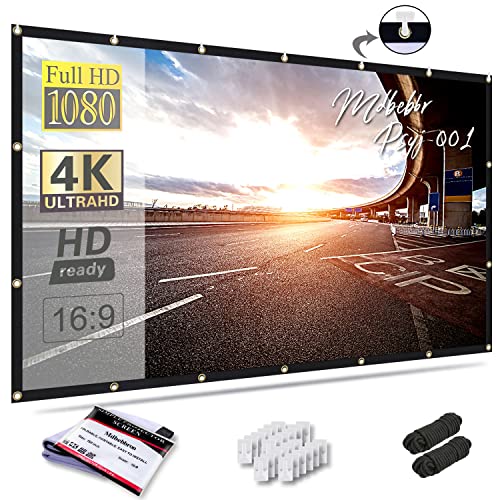
Mdbebbron 120 inch Projector Screen 16:9 Foldable Anti-Crease Portable Projector Movies Screens for Home Theater Outdoor Indoor Support Double Sided Projection
CONVENIENT TO STORAGE AND CARRY : Compact one-piece,lightweight and folding design. You can fold the projector screen in…
As an affiliate, we earn on qualifying purchases.
As an affiliate, we earn on qualifying purchases.