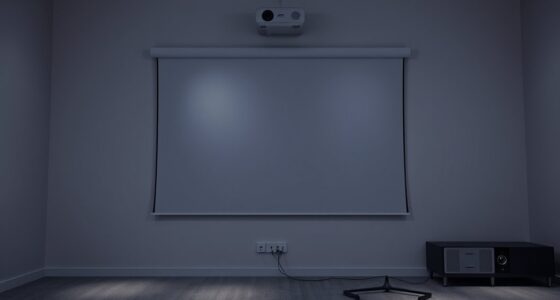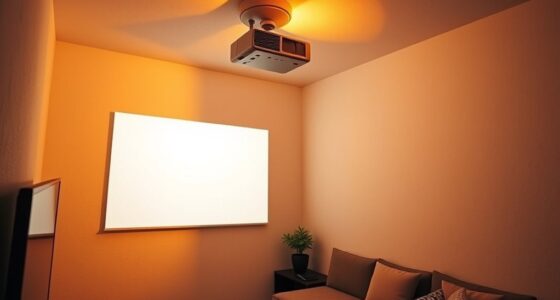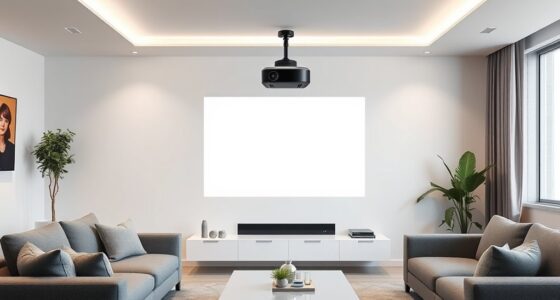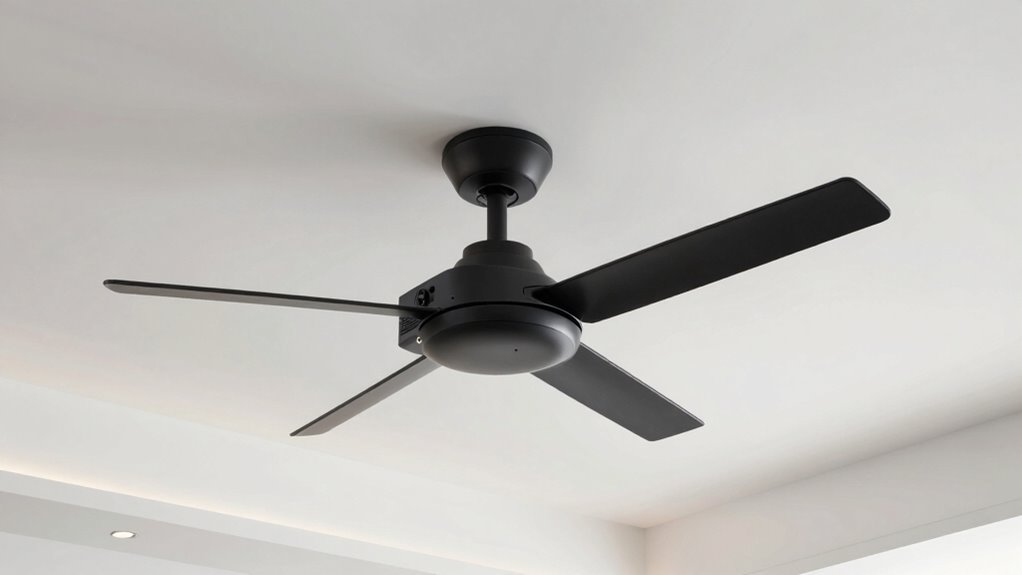
To place your projector near ceiling fans and light fixtures, carefully choose a spot that avoids direct airflow and glare. Keep it away from the path of fan blades to prevent dust and vibrations from affecting the image quality. Position the projector so that light doesn’t cause reflections or wash out the display. Adjust the height and tilt for a clear, centered picture. For detailed tips on safe installation and ideal setup, continue exploring these guidelines.
Key Takeaways
- Position the projector away from direct airflow from ceiling fans to prevent dust buildup and vibrations.
- Avoid placing the projector directly beneath light fixtures to minimize glare and reflections.
- Adjust the projector’s tilt and height for a centered, sharp image, considering distance from the screen.
- Ensure mounting and placement do not obstruct or interfere with ceiling fans or light fixtures.
- Regularly inspect the setup for stability and secure cables to prevent hazards around ceiling fixtures.
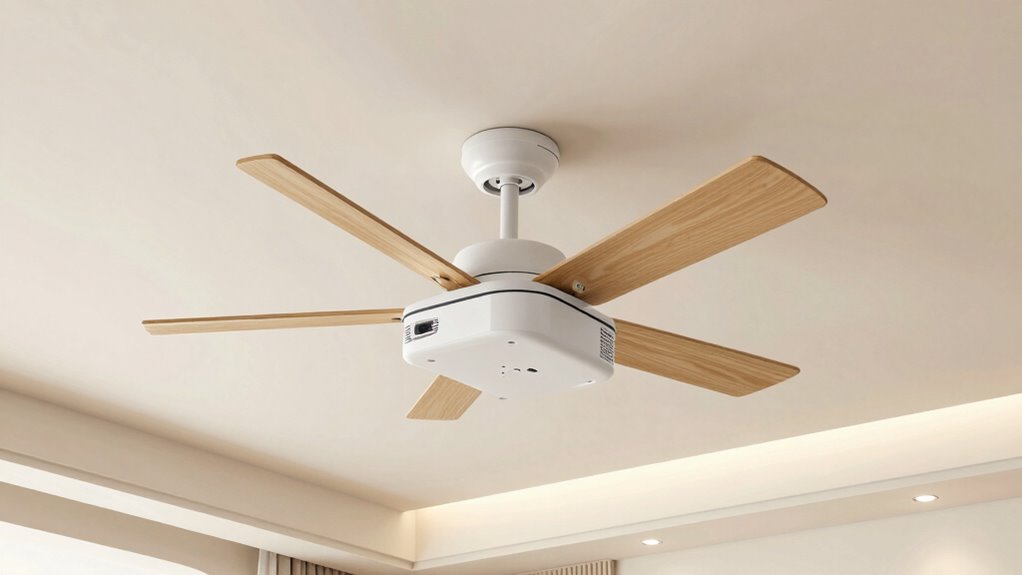
When placing a projector near ceiling fans and light fixtures, you need to take into account both safety and image quality. The placement of your projector influences how well you see the picture and how secure the setup remains over time. To achieve this, you should carefully consider your mounting options. Wall mounts, ceiling mounts, and even portable stands are all viable choices, but each has its own safety precautions. Ceiling mounts, for example, are popular because they keep the projector out of the way and free up space, but you must guarantee they are securely installed into a ceiling joist or a suitable support to prevent accidents. If you’re using a ceiling mount, double-check the weight capacity and installation instructions to avoid any risk of the projector falling, which could cause damage or injury.
Securely install ceiling mounts into joists to ensure safety and prevent accidents.
When selecting mounting options, think about the location of ceiling fans and light fixtures. You want the projector to be positioned so that airflow from fans doesn’t blow dust or produce vibrations that could affect image stability. Additionally, avoid placing the projector directly beneath light fixtures, as glare or reflections can diminish picture clarity. Proper mounting also involves considering the distance from the screen and the angle of projection. A well-positioned mount allows you to adjust the projector’s tilt and height, ensuring a sharp, centered image without distortion.
Safety precautions are essential throughout this process. Make sure all mounting hardware is rated for the projector’s weight and that you use the correct tools for installation. If you’re unsure about your skills, it’s best to consult a professional. Avoid hanging the projector from weak or cracked ceilings, and never compromise on quality hardware just to save money. Keep the area around the projector clear of clutter and ensure cables are managed securely to prevent tripping hazards. When running power cords or HDMI cables, use cable protectors or conduits to avoid accidental disconnections or damage.
Finally, regularly check the stability of your setup, especially if you notice any wobbling or loose fittings. Periodic inspections help spot potential issues before they become safety hazards. To conclude, by carefully choosing your mounting options and adhering to safety precautions, you can enjoy a crisp, well-positioned image without risking damage to your equipment or injury. Proper placement around ceiling fans and light fixtures requires thought and effort, but it’s essential for a safe, high-quality viewing experience.

Tonalee Projector Mount Wall or Ceiling Projection Mount Bracket with Adjustable Height and Extendable Arms Mounts for Home and Office Projector
- Compatible with most projectors: Supports various projector types
- Adjustable height and extendable arms: Customizable projection angles
- Multiple installation options: Ceiling or wall mounting
As an affiliate, we earn on qualifying purchases.
As an affiliate, we earn on qualifying purchases.
Frequently Asked Questions
Can Projectors Be Safely Installed Near Ceiling Fans?
Yes, you can safely install projectors near ceiling fans if you guarantee proper placement. Keep the remote control’s signal unobstructed and avoid direct airflow that might interfere with the projector’s heat vent or power supply. Position the projector away from the fan blades to prevent vibrations and damage. Regularly check that the remote control works well and that the power supply remains stable, ensuring safe, ideal operation.
How Does Light Fixture Placement Affect Projector Image Quality?
Lighting interference from poorly placed fixtures can considerably reduce your projector’s image quality. You might notice reflection issues or uneven brightness if lights are directly in the projector’s path or reflect off nearby surfaces. To avoid this, position light fixtures away from the projection area, ensuring they don’t cast glare or cause reflections. Proper placement helps maintain clear, vibrant images, making your viewing experience smoother and more enjoyable.
Are There Specific Projector Mounts Designed for Ceiling Fan Areas?
Yes, there are specific projector mounts designed for ceiling fan areas that guarantee ceiling fan compatibility. These mounts provide flexible positioning, allowing you to avoid fan blades and light fixtures easily. When choosing projector mounting options, look for adjustable mounts with extension arms or swivel heads. This way, you can securely install your projector while maintaining safe clearance around ceiling fans, assuring ideal image quality without interference.
What Safety Precautions Are Recommended for Ceiling Fan Projector Installation?
Did you know electrical wiring issues cause nearly 20% of home fires? To stay safe, guarantee your projector installation around ceiling fans includes proper electrical wiring and secure mounting. Keep heat dissipation in mind by avoiding blocking vents or placing the projector too close to heat sources. Turn off power before working, use insulated tools, and double-check connections. These precautions protect you from electrical hazards and overheating risks.
How Do I Prevent Dust Buildup on Projector Lenses Near Ceiling Fixtures?
To prevent dust buildup on your projector lenses near ceiling fixtures, regularly perform lens cleaning using a soft, lint-free cloth and lens cleaner. To improve dust prevention, consider installing dust covers or enclosures around the projector, and guarantee the room is well-ventilated and dust-free. Keep the area clean, and schedule routine inspections to maintain clear lenses and ideal projector performance.

DYNAVISTA Full Motion Universal Ceiling Projector Mount Bracket with Adjustable Height and Extendable Arms Rotating Swivel Mount for Home and Office Projector (Black)
- Universal Compatibility: Supports most projector brands
- Durable Material: Made from heavy-duty steel
- Maximum Load Capacity: Supports up to 30 lbs
As an affiliate, we earn on qualifying purchases.
As an affiliate, we earn on qualifying purchases.
Conclusion
Ultimately, placing a projector near ceiling fans and light fixtures requires careful planning, precise positioning, and thoughtful adjustments. You want to guarantee clear visuals, minimize glare, and maintain safety. You want to optimize your viewing experience, enhance your room’s aesthetics, and preserve your equipment’s longevity. By balancing these priorities, you create a space that’s functional, comfortable, and visually stunning. You want to enjoy your movies, your presentations, and your entertainment without compromise or hassle.

DRIVUU 311Pcs Cable Management Organizer Kit 4 Cable Sleeve Split
- Complete Cable Management Kit: Includes sleeves, ties, clips, and mounts
- Various Cable Clips: 6 types, 65 pieces, strong and non-toxic
- Premium PET Sleeves: Sturdy, flexible, self-wrapping design
As an affiliate, we earn on qualifying purchases.
As an affiliate, we earn on qualifying purchases.
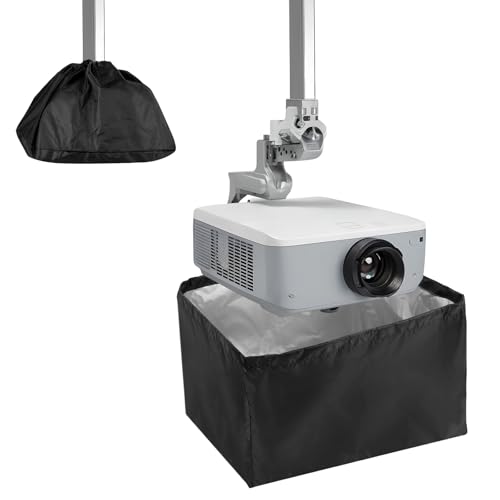
Anicuta Mini Projector Cover For Ceiling Mounted And Outdoor
- Durable Waterproof Material: Made of high-density 420D Oxford fabric
- Weather and Dust Resistant: Protects against UV, dust, and harsh weather
- Adjustable Fit Design: Retractable cord for secure, snug fit
As an affiliate, we earn on qualifying purchases.
As an affiliate, we earn on qualifying purchases.