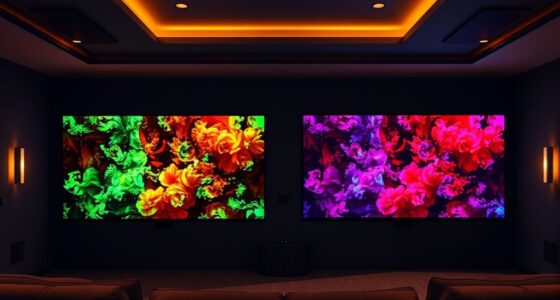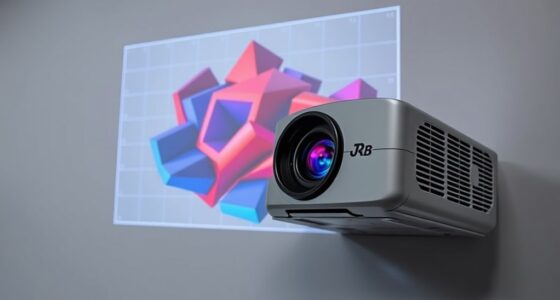

Modern projectors support 3D by using technologies like DLP, LCD, or LCoS, which create immersive depth effects with compatible glasses and content. To get started, choose a projector with built-in 3D support, verify you have the right glasses, and set up your space properly. Calibration and connection quality are key to vibrant visuals without ghosting or flickering. If you’re interested in learning detailed setup tips and choosing the right model, there’s more to discover.

Get business pricing on your home office setup
- Business-only prices and quantity discounts
- Tax-exempt purchasing
- Multiple users, one account, clear invoices
Key Takeaways
- Modern projectors support 3D through technologies like DLP, LCD, and LCoS, enabling immersive visual experiences.
- Ensure compatibility by checking projector specifications for 3D signal support and required glasses.
- Setup involves proper placement, calibration, and using high-quality HDMI cables for seamless 3D content transmission.
- Choose a dark, distraction-free environment to maximize 3D visual clarity and reduce flickering or ghosting.
- Beginners should focus on matching projector features with their intended use, like gaming, movies, or presentations.
Getting Started With 3D Support in Projectors
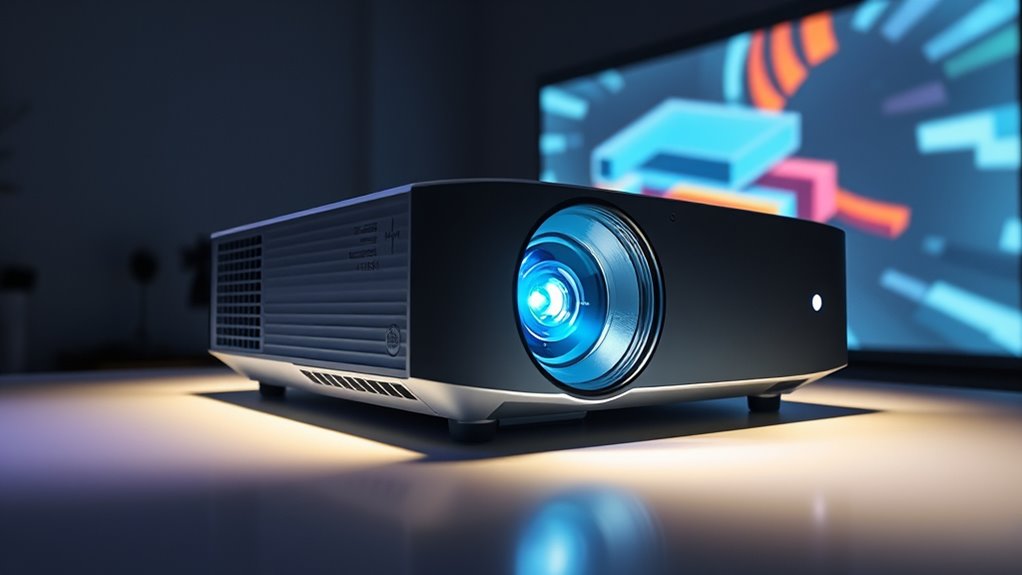
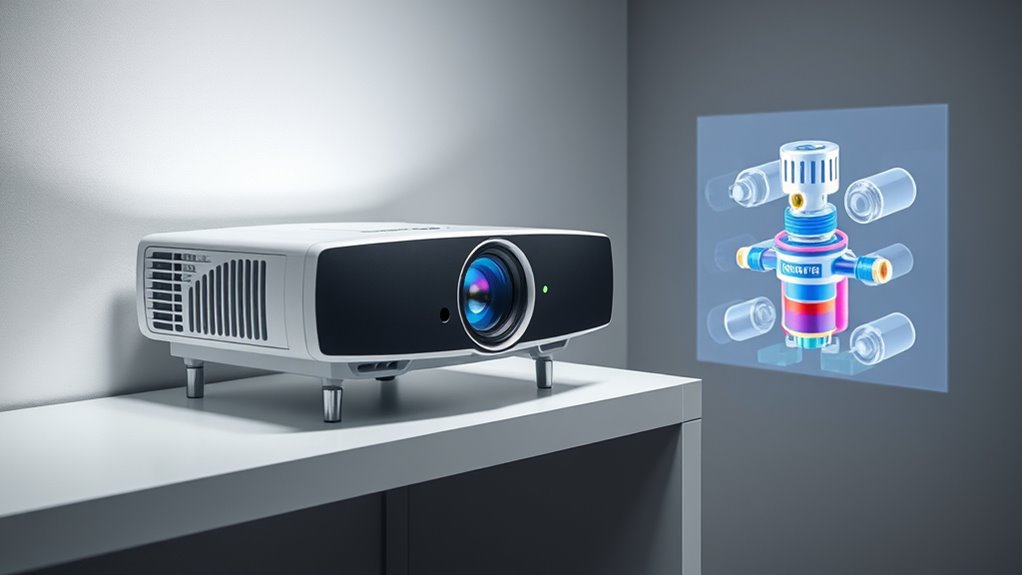
Have you ever wondered how modern projectors deliver immersive 3D experiences? The answer lies in advanced projection technology that allows for stunning depth and realism. 3D support in projectors has become more accessible, making it easier for beginners to enjoy cinematic-quality visuals at home or in a classroom. These projectors use specific techniques, such as active or passive 3D, to create the illusion of three-dimensional space, often requiring compatible glasses and content designed for 3D viewing. When choosing a 3D-capable projector, it’s vital to understand the underlying projection technology. Some models use DLP (Digital Light Processing), which offers sharp images and quick response times, while others might rely on LCD or LCoS (Liquid Crystal on Silicon) panels. Each technology has its advantages regarding brightness, color accuracy, and motion handling, so pick one that aligns with your intended use.
Once you’ve selected the right projector, the installation process becomes imperative for peak 3D performance. Proper setup guarantees you get the best image quality and reduce issues like ghosting or flickering. Start by choosing a suitable location—preferably a dark room with a flat, clean surface or a dedicated projection screen. Position the projector at the right distance from the screen to achieve the ideal image size; most projectors come with throw distance calculators to help with this. Make sure the projector is level and centered to prevent keystone distortion, which can ruin the immersive effect. When mounting or placing the projector on a shelf, ensure it’s stable and secure, and consider the angle to avoid any unwanted shadows or glare.
Connecting your projector correctly is equally important. Use high-quality HDMI cables that support 3D signals to guarantee seamless transmission of 3D content. If your device has multiple HDMI ports, assign the correct one for 3D playback. Additionally, check that your source device, like a 3D Blu-ray player or streaming device, is compatible and configured properly for 3D output. Calibration is the final step—adjust the focus, keystone correction, and image alignment to produce a crisp, centered picture. For the best experience, read your projector’s manual for specific installation tips related to 3D settings and ensure that your environment minimizes ambient light to heighten the 3D effect. Proper alignment and calibration are essential for achieving the best 3D visual quality, ensuring your immersive experience is both vibrant and comfortable. With proper setup, you’ll enjoy vibrant, immersive 3D visuals that bring movies, games, or presentations to life right in your space.
Frequently Asked Questions
Can All Projectors Support 3D Without Additional Accessories?
Not all projectors support 3D technology out of the box. To guarantee compatibility, check the projector’s specifications for 3D support, as many models require specific features or settings. If your projector isn’t compatible, you might need additional accessories like 3D glasses or a compatible graphics card. Always verify projector compatibility before purchasing to enjoy seamless 3D viewing, avoiding the need for extra equipment later.
How Does 3D Support Affect Projector Image Quality?
3D support can impact your projector’s image quality by affecting image resolution and color accuracy. When displaying 3D content, the projector often reduces resolution slightly to process the stereoscopic images, which might make visuals less sharp. Additionally, some projectors may struggle to maintain accurate colors in 3D mode, leading to less vibrant images. To guarantee the best quality, choose a projector with strong 3D capabilities and high resolution.
Is 3D Support Compatible With All Types of 3D Glasses?
3D support isn’t compatible with all types of 3D glasses because display technology varies. You need to check glasses compatibility, as some projectors work best with active shutter glasses, while others use passive polarized ones. Make sure your projector’s display technology matches your glasses to enjoy seamless 3D viewing. Using incompatible glasses may result in poor image quality or no 3D effect at all.
What Are the Main Differences Between Active and Passive 3D Support?
Oh, the thrilling world of display technology! Active 3D support uses shutters and requires batteries, offering sharper images but at a higher cost and potential flicker. Passive 3D, meanwhile, uses polarized glasses, giving a more comfortable view but with lower resolution. The main difference lies in your viewing experience—active provides better detail, while passive is simpler and more affordable. Choose based on your preference for clarity or comfort.
Do 3D Projectors Require Special Calibration or Setup?
Yes, 3D projectors often require special calibration and setup procedures to guarantee ideal performance. You’ll need to adjust projector calibration settings, such as convergence and geometry, so the 3D effect aligns perfectly. Follow the manufacturer’s instructions carefully, as proper setup involves configuring the 3D glasses sync and ensuring your display source is compatible. Taking the time for accurate calibration guarantees a seamless, immersive 3D viewing experience.
Conclusion
With a little curiosity and confidence, you can confidently conquer 3D support in modern projectors. Immerse yourself in the details, discover the differences, and don’t doubt your digital dominance. By mastering the basics, you’ll make your movies more mesmerizing and your presentations more powerful. So, step up, stay savvy, and start your 3D journey today—because with a little knowledge, you’ll soon be a pro, perfectly poised to project and impress.
Columbus Day / Indigenous Peoples' Day Picks
long weekend sales
As an affiliate, we earn on qualifying purchases.