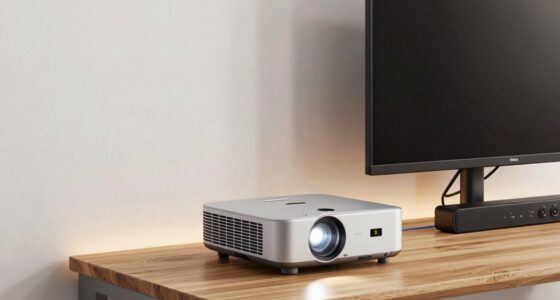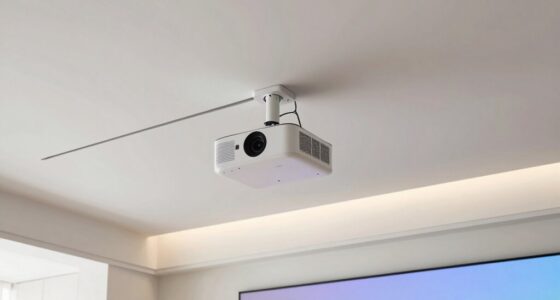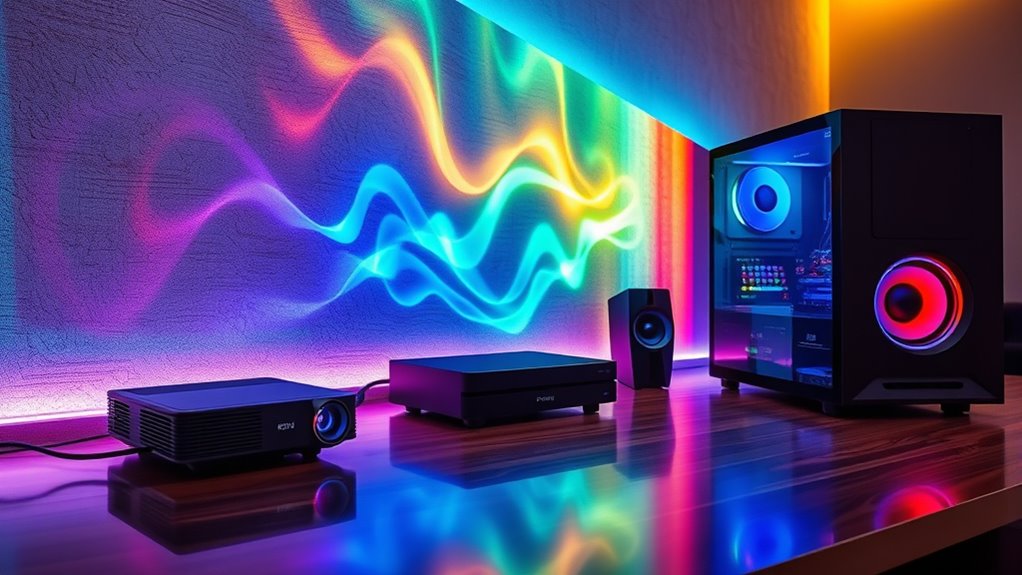
To integrate your projector with surround sound from consoles or PC, start by connecting your audio device to your system via an AV receiver or soundbar supporting surround sound. Make certain speaker placement creates an immersive environment, positioning front, surround, and subwoofers correctly. Calibrate your audio settings using built-in tools to sync visuals and sound seamlessly. Fine-tuning these elements boosts your gaming experience, and exploring further will help you optimize your setup for maximum immersion.
Key Takeaways
- Position speakers strategically around the room, including front, surround, and subwoofers, to create an immersive surround sound environment.
- Use compatible surround sound systems or soundbars that support multi-channel audio for consoles and PC.
- Calibrate audio settings with room acoustics and speaker placement to ensure accurate sound localization and synchronization.
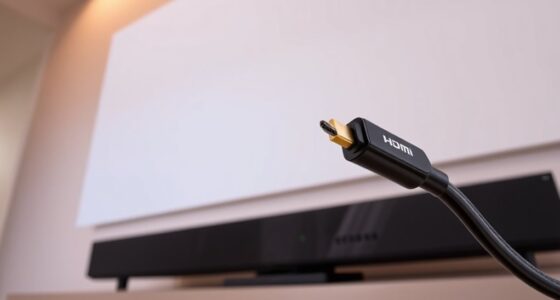
- Connect the projector to your audio system via HDMI ARC, optical, or Bluetooth for seamless audio transmission.
- Test with familiar games to fine-tune speaker positioning and calibration for optimal surround sound experience.
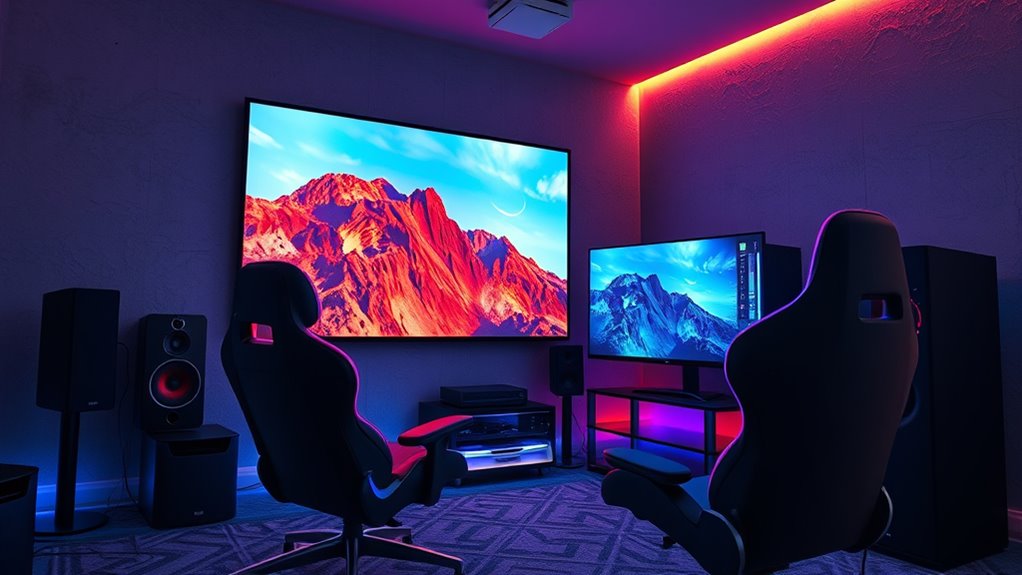
Connecting your projector with gaming audio can greatly enhance your gaming experience by creating an immersive environment. When you set up your audio system properly, you’ll feel like you’re right inside the game, whether you’re battling enemies or exploring vast worlds. The key to achieving this lies in effective audio calibration and strategic speaker placement. These steps ensure your sound is balanced, clear, and positioned perfectly around you, making every moment more engaging.
Start by focusing on audio calibration. This process involves adjusting your sound settings so that the audio output matches your room’s acoustics and your personal preferences. Many gaming consoles and PCs have built-in audio calibration tools, or you can use an external system or software for more precision. Calibration helps in balancing volume levels, adjusting for echoes, and eliminating any audio delays, so sounds come through accurately and in sync with your visuals. Proper calibration is vital; it ensures that footsteps, gunfire, and ambient noises are distinct and correctly positioned, giving you an edge in recognizing enemy locations and reacting swiftly.
Focus on audio calibration to match your room’s acoustics and enhance gaming clarity and positioning.
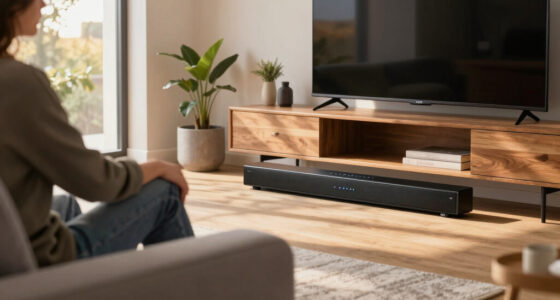
Next, consider speaker placement. Your goal is to create a surround sound environment that envelops you, which means positioning your speakers thoughtfully around your gaming area. If you’re using a soundbar, place it directly beneath or above your projector for ideal stereo imaging. For a multi-speaker setup, position the front left and right speakers at ear level, angled slightly toward your seating area. The center channel should be aligned with your screen to anchor dialogue, while surround speakers should be placed slightly behind and to the sides of your seating position, ideally at ear level or slightly above. Subwoofers should be positioned on the floor, away from corners, to produce deep bass without muddling the overall sound. Proper speaker placement ensures sound moves naturally around you, creating a convincing 3D audio landscape that complements the visuals.
Additionally, knowing that surround sound technology can significantly improve your audio immersion helps in selecting the right equipment to match your setup. Once you’ve calibrated your audio and arranged your speakers correctly, test the system with familiar games. Listen for the accuracy of directional sounds and adjust as needed. Keep in mind that room acoustics and furniture can affect sound quality, so don’t hesitate to tweak speaker positions or calibration settings until everything sounds just right. With these steps, integrating your projector with gaming audio transforms your setup into a true cinematic experience—where visuals and sound synchronize perfectly, pulling you deeper into every game you play.
surround sound soundbar for gaming
As an affiliate, we earn on qualifying purchases.
As an affiliate, we earn on qualifying purchases.
Frequently Asked Questions
Can I Connect Multiple Audio Sources to My Projector Simultaneously?
Yes, you can connect multiple audio sources to your projector, but it depends on its audio input compatibility. To switch between sources smoothly, look for models with audio source switching capabilities or use an external switcher. This setup allows you to manage different audio inputs, like consoles and PCs, seamlessly. confirm your projector supports the necessary connections, and consider an audio switcher if you want effortless audio source switching.
What Are the Best Wireless Options for Gaming Audio Integration?
Imagine immersing yourself in rich, surround sound without tangled wires. Wireless transmitters and Bluetooth adapters are your best options, seamlessly streaming game audio from consoles or PC to your speakers or headsets. Choose high-quality Bluetooth adapters for low latency, or opt for dedicated wireless transmitters designed for gaming. These solutions keep your setup clean, letting you focus on the game while your audio flows effortlessly through the air.
How Do I Reduce Latency When Using External Audio With My Projector?
To reduce audio delay with your external setup, use low-latency audio cables like HDMI or optical connections, which minimize audio delay. Keep cable management tidy to prevent signal interference and accidental disconnections. Avoid wireless options with high latency, and consider using audio sync settings on your projector or sound system to fine-tune timing. These steps guarantee your game audio stays synchronized with the visuals, enhancing your gaming experience.
Is It Possible to Upgrade My Projector’s Built-In Speakers for Gaming?
Imagine your projector as a mighty fortress, but its built-in speakers are like tiny sentries with limited reach. Upgrading your projector speakers can transform this fortress into a grand hall of immersive sound, enhancing your gaming audio experience. You can add external speakers or replace the built-in ones for better clarity and surround sound. This upgrade elevates your gaming environment, making every explosion and whisper feel more vivid and engaging.
What Compatibility Issues Might Arise Between Different Gaming Consoles and Projectors?
You might face HDMI compatibility issues, as some projectors don’t support the latest HDMI standards used by newer gaming consoles. Additionally, video resolution problems could occur if your projector doesn’t match the console’s output, leading to blurry or distorted images. Before connecting, verify your projector’s HDMI ports are compatible and check if it can handle the resolution your console outputs for seamless gaming experience.
As an affiliate, we earn on qualifying purchases.
Conclusion
By integrating your projector with gaming audio, you create an immersive experience that rivals high-end theaters. Did you know that 65% of gamers prefer surround sound for more realistic gameplay? Combining a quality projector with surround sound not only elevates your gaming sessions but also makes every moment feel cinematic. So, don’t settle for just visuals—enhance your setup and turn your gaming space into an epic entertainment hub.
multi-channel home theater speakers
As an affiliate, we earn on qualifying purchases.
As an affiliate, we earn on qualifying purchases.
gaming room speaker calibration tools
As an affiliate, we earn on qualifying purchases.
As an affiliate, we earn on qualifying purchases.