
Gain ratings on projector screens might seem straightforward, but they don’t tell the whole story. A high gain number means the screen reflects more light, making images appear brighter, but it doesn’t guarantee better picture quality or even light distribution. It can cause hotspots or glare and doesn’t account for ambient light or viewing angles. To truly understand what gain can do for you, keep exploring the facts behind those numbers.

Get business pricing on your home office setup
- Business-only prices and quantity discounts
- Tax-exempt purchasing
- Multiple users, one account, clear invoices
Key Takeaways
- Gain measures reflected light intensity, not image quality or sharpness.
- Higher gain screens reflect more light directly, but can cause hotspots and uneven brightness.
- Gain numbers do not reveal how well a screen manages ambient light or disperses light.
- The ideal gain depends on room lighting; high gain suits controlled environments, low gain suits bright rooms.
- A higher gain doesn’t automatically mean a better picture; light dispersion and ambient light handling are crucial.
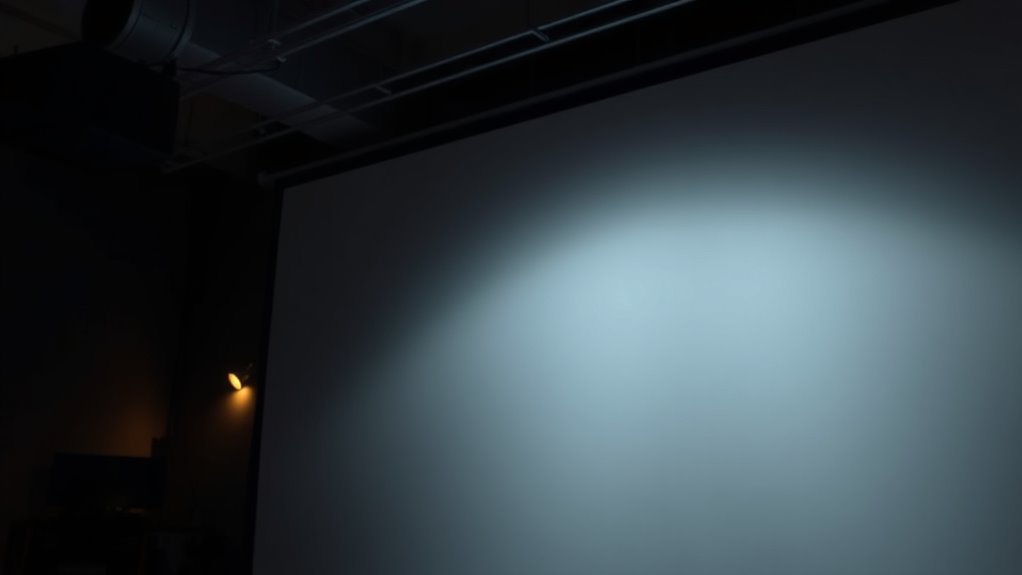
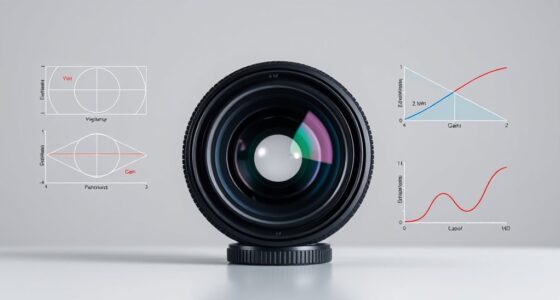
When choosing a projector screen, understanding the concept of gain can be confusing, and many myths circulate about what it really means. Gain measures how much light the screen reflects compared to a standard white board, but it doesn’t tell the whole story. Instead, it’s more about how the screen manages light dispersion—how it distributes light across the viewing area—and how it handles ambient light in your environment. A higher gain, like 2.0, reflects more light directly back to you, resulting in a brighter image. Yet, that brightness often comes with a narrower viewing angle, meaning if you sit off to the side, the picture can appear dim or washed out. Conversely, a lower gain, such as 0.8, produces a softer, more diffuse reflection, spreading light more evenly across wider angles, which can be better in rooms with ambient light.
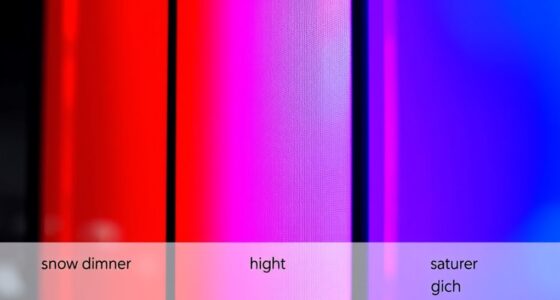
Many people believe that a high-gain screen automatically guarantees a sharper, more vivid picture, but that’s misleading. Gain numbers alone don’t account for the quality of light dispersion or how well the screen handles ambient light. For example, in a brightly lit room, a high-gain screen might seem to improve brightness, but it can cause hotspots—areas that are overly bright—and reduce image uniformity. This uneven light distribution can make details harder to see, especially if the projector isn’t very powerful. On the other hand, a low-gain screen minimizes these issues, providing a more consistent image in environments with lots of ambient light. It disperses light more evenly, preventing glare and hotspots that distract from the content.
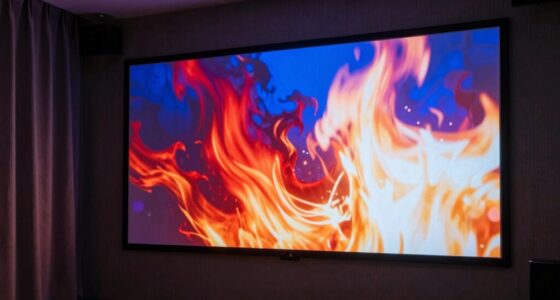
Understanding how light behaves on different screens helps you pick the right one for your space. If your room has controlled lighting, a higher gain screen might give you a punchier image with more contrast. But if ambient light is unavoidable—like windows letting in sunlight—you’ll benefit from a lower gain surface that disperses light more evenly, maintaining clarity without washing out the picture. Remember, the goal isn’t just to pick the highest gain number but to match the screen’s light dispersion qualities with your room’s lighting conditions. This way, you’ll enjoy a vivid, uniform image without the false assurance that a high gain automatically means better picture quality. In essence, gain is just one piece of the puzzle, and understanding how it influences light dispersion and ambient light management is key to making an informed choice. Additionally, light behavior on different screens plays a crucial role in overall picture quality, especially in environments with varying lighting conditions.
projector screen with adjustable gain
As an affiliate, we earn on qualifying purchases.
As an affiliate, we earn on qualifying purchases.
Frequently Asked Questions
How Does Room Lighting Affect Screen Gain Performance?
Room lighting, especially ambient light, directly impacts your screen gain performance. Bright ambient light reduces contrast and image clarity, making high-gain screens appear washed out. To enhance, place your screen away from windows or light sources and consider screen placement that minimizes glare. Using blackout curtains or adjusting room lighting helps maintain ideal contrast, ensuring your projector’s image remains vivid and sharp regardless of ambient light levels.
Can a High-Gain Screen Improve Image Contrast?
A high-gain screen can boost image contrast by up to 50%, making dark scenes look richer and more defined. It also helps reduce glare, ensuring brighter images without washing out colors. This improved contrast enhances color accuracy, so your visuals stay vivid and true to life. Keep in mind, though, that too high a gain might increase glare, so choose a balance that suits your room’s lighting conditions.
Is Screen Gain Consistent Across Different Projector Brands?
No, screen gain isn’t consistent across different projector brands because of material variations and brand-specific manufacturing processes. You’ll notice that one brand’s high-gain screen may perform differently than another’s, even if they claim similar gain levels. This inconsistency means you should consider testing different brands and materials to find the best match for your projector and viewing environment, rather than relying solely on gain numbers.
How Does Screen Gain Impact Viewing at Various Angles?
Screen gain markedly impacts your viewing angle and light reflection. Higher gain screens reflect more light directly back to you, which can cause hot spots and reduce image quality at wider angles. As your viewing angle increases, the image may appear dimmer and less vivid on high-gain screens. To guarantee consistent quality, choose a screen with a gain that balances brightness and viewing angle, avoiding excessive reflection or loss of clarity.
Are There Health Concerns Related to High-Gain Screens?
An ounce of prevention is worth a pound of cure, so you should be aware of health risks and glare concerns with high-gain screens. While they can cause more glare, which may strain your eyes, there’s little evidence of serious health issues. To stay safe, adjust your screen angle, keep the room well-lit, and take regular breaks. This way, you enjoy your viewing without risking unnecessary eye strain or discomfort.
high gain projector screen for dark rooms
As an affiliate, we earn on qualifying purchases.
As an affiliate, we earn on qualifying purchases.
Conclusion
Understanding projector screen gain is like tuning a radio—you need to find the right frequency for clear sound. Don’t get caught up in the numbers alone; they’re just part of the story. Focus on your environment, your projector, and your viewing needs. When you combine these elements, you’ll create a viewing experience that’s as crisp and vibrant as a perfectly tuned station. Remember, the right screen gain is your key to a true visual symphony.
low gain projector screen for bright rooms
As an affiliate, we earn on qualifying purchases.
As an affiliate, we earn on qualifying purchases.
projector screen with wide viewing angle
As an affiliate, we earn on qualifying purchases.
As an affiliate, we earn on qualifying purchases.
Fall Picks
fall essentials
As an affiliate, we earn on qualifying purchases.