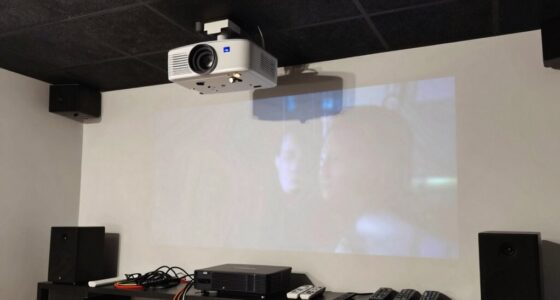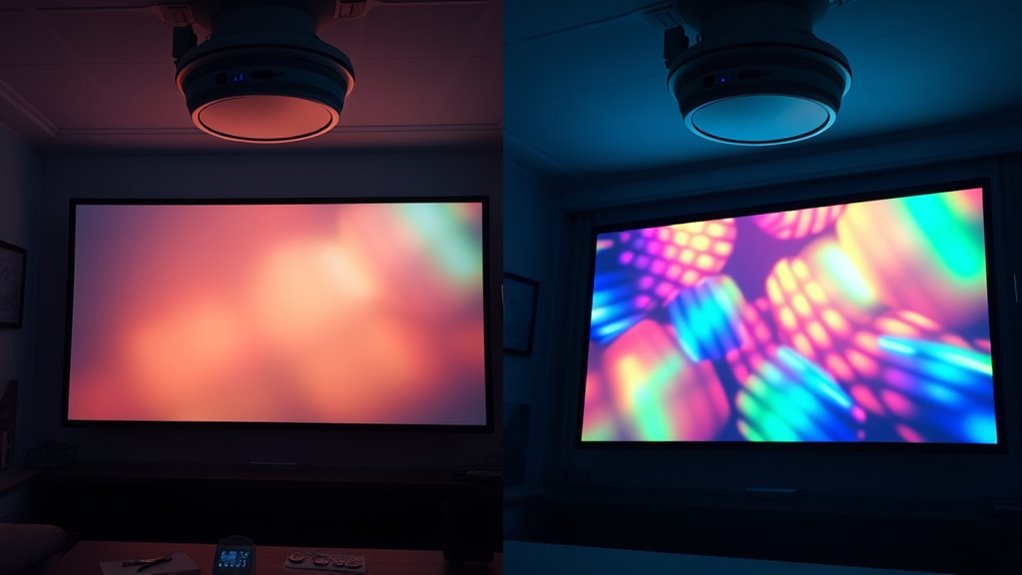
Eco Mode and Bright Mode affect your projector’s performance and energy use. Eco Mode lowers power consumption, reducing heat and extending the device’s life, but it produces a dimmer image suitable for dim environments. Bright Mode increases brightness for vibrant visuals but uses more energy and can shorten the lamp’s lifespan. Understanding these differences helps you choose settings based on your space and priorities—stick around to discover how to optimize each mode for your needs.

Get business pricing on your home office setup
- Business-only prices and quantity discounts
- Tax-exempt purchasing
- Multiple users, one account, clear invoices
Key Takeaways
- Eco Mode reduces power consumption, heat, and extends projector lifespan, but produces a dimmer image.
- Bright Mode maximizes image brightness and clarity, ideal for well-lit environments, but increases energy use and wear.
- Eco Mode offers lower operational costs, quieter operation, and better energy efficiency, suitable for dim rooms and energy-conscious use.
- Bright Mode enhances visual impact with vivid images, necessary for daytime presentations or high-visibility settings.
- Choosing between modes depends on lighting conditions, image clarity needs, and balancing performance with device longevity.
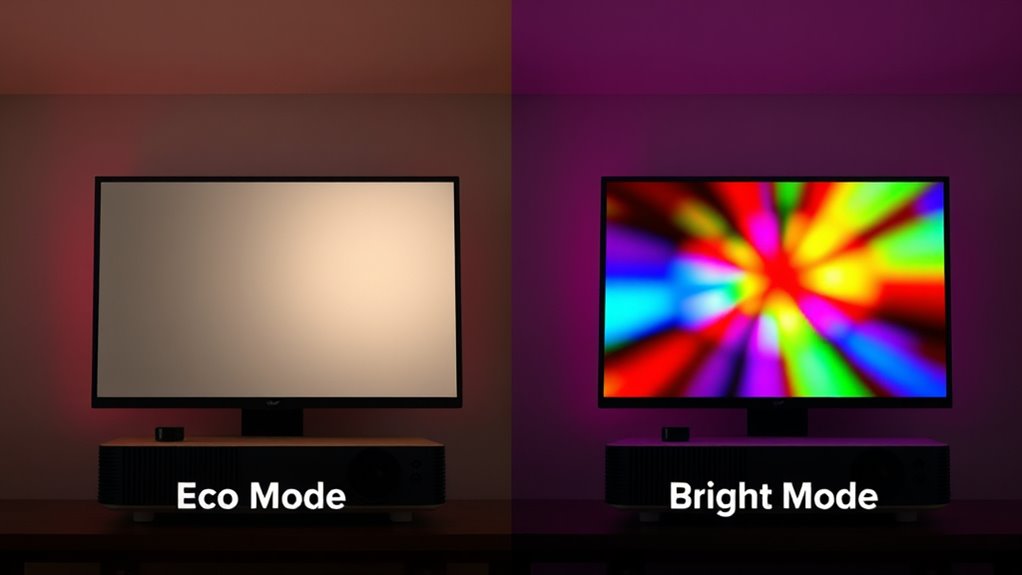
When choosing between Eco Mode and Bright Mode on your device or vehicle, understanding their differences can help you make smarter decisions about performance and energy use. These modes are designed to optimize how your projector functions, affecting both energy savings and image brightness. Eco Mode typically reduces power consumption, making it ideal when you want to save energy and extend the device’s lifespan. In contrast, Bright Mode maximizes image brightness, which is essential for well-lit rooms or presentations requiring high visual clarity.
Eco Mode saves energy and extends device lifespan; Bright Mode offers vivid images for well-lit environments.
In Eco Mode, your projector conserves energy by lowering the lamp’s power output, which also reduces heat generation. This results in lower electricity bills and less wear on the projector’s components over time. The trade-off is a dimmer image, which might be less vibrant but still clear enough for most viewing needs. If you’re in a dim room or don’t require maximum brightness, Eco Mode can be a smart choice, especially if you’re conscious about energy savings. It’s also quieter because the cooling fans don’t have to work as hard, adding to the overall efficiency and comfort during use.
Switching to Bright Mode, on the other hand, boosts the lamp’s power to produce a brighter image. This setting is perfect when you need vivid visuals, such as during daytime presentations or in rooms with ambient light. However, keep in mind that increased brightness comes with higher energy consumption, which can lead to quicker lamp wear and higher electricity costs. If your priority is image clarity and impact, Bright Mode delivers superior visual quality, but it’s less energy-efficient and may require more maintenance over time.
The choice between these modes depends on your specific needs. For energy savings and longer device life, Eco Mode is the way to go, especially if lighting conditions are manageable. If visual impact is vital and the environment allows, Bright Mode ensures your images are crisp and eye-catching. Remember, some projectors allow you to customize these settings further, balancing brightness and power use to suit your preferences. By understanding how each mode influences energy savings and image brightness, you can optimize your projector’s performance while managing costs and device longevity effectively. Additionally, Glycolic Acid benefits can influence the longevity of skincare devices by promoting better skin health, which is important for maintaining clear visuals in presentations.
As an affiliate, we earn on qualifying purchases.
Frequently Asked Questions
How Do Eco Mode and Bright Mode Affect Projector Lifespan?
Choosing eco mode extends your projector bulb’s longevity by reducing heat and wear, while bright mode can shorten it due to higher energy consumption. Eco mode lowers energy use, which not only conserves power but also protects the bulb from premature burnout. Bright mode, although ideal for well-lit rooms, accelerates bulb degradation. So, if you want your projector to last longer, opt for eco mode whenever possible.
Can Switching Modes Impact Audio Quality During Presentations?
Switching modes can impact your audio quality during presentations. In eco mode, sound volume might decrease slightly, affecting audio clarity, especially with quieter sounds. Bright mode usually boosts sound volume for better clarity and louder output. If you notice muffled audio or difficulty hearing, adjust the mode or manually increase the volume. Choosing the right setting guarantees your audience hears everything clearly without sacrificing audio quality or clarity.
Are There Any Energy Savings Differences Between Eco and Bright Modes?
Switching to eco mode considerably reduces your projector’s energy consumption, helping you save on electricity costs. Eco mode dims the lamp and lowers power use, making it more energy-efficient than bright mode. By choosing eco mode during presentations or less demanding tasks, you can enjoy noticeable cost savings over time. It’s a simple way to cut down energy use while maintaining adequate performance, especially for long-term or frequent projector use.
How Quickly Can a Projector Switch Between Eco and Bright Modes?
You can switch between eco and bright modes almost instantly, often within a second or two, making it easy to adapt to your needs. This quick shift helps maintain color accuracy and manage fan noise effectively, ensuring your viewing experience remains smooth. Keep in mind, some projectors might take a moment to stabilize after switching, but generally, the change is seamless, allowing you to optimize brightness and energy use effortlessly.
Do Different Projector Brands Implement Eco and Bright Modes Differently?
You’ll find that different projector brands implement eco and bright modes with varying approaches, often reflecting their brand customization options. Some brands offer simple, one-touch toggles, while others allow detailed adjustments for brightness, contrast, and power consumption. These mode implementation differences mean you might experience faster switching or more tailored settings depending on the brand. Always check your projector’s manual to understand how your specific model handles these modes, ensuring peak performance.
As an affiliate, we earn on qualifying purchases.
Conclusion
Choosing between eco mode and bright mode is like picking the path that best suits your journey—each has its own strengths. Eco mode conserves energy and extends your projector’s lifespan, while bright mode delivers vivid visuals at a cost. Ultimately, it’s about aligning your choice with your needs. Remember, the right setting isn’t just about brightness; it’s about illuminating your experience wisely, like a lighthouse guiding your way through the fog of options.
projector energy saving settings
As an affiliate, we earn on qualifying purchases.
As an affiliate, we earn on qualifying purchases.
As an affiliate, we earn on qualifying purchases.
Fall Picks
fall essentials
As an affiliate, we earn on qualifying purchases.