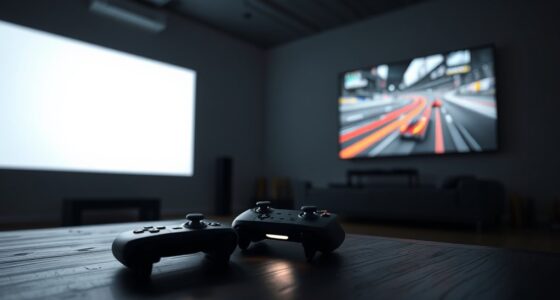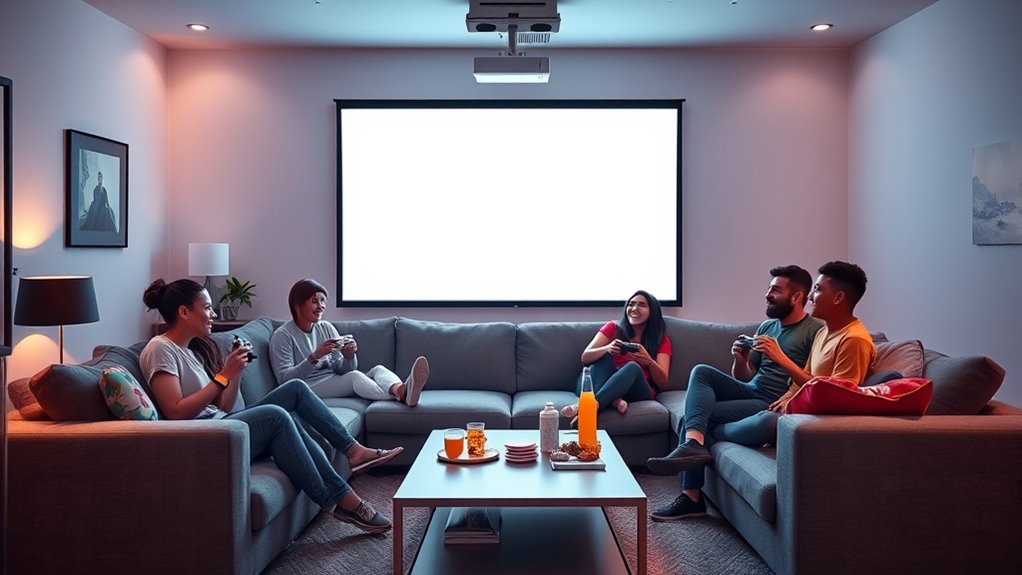
To set up couch co-op gaming with a projector, start by calibrating the image for clarity and correct proportions using projector settings or calibration tools. Position the projector at the right distance and angle to avoid shadows and glare, and minimize ambient light to enhance visibility. Enhance sound by connecting external speakers or soundbars for synchronized audio, and gather all necessary accessories like controllers and extension cords. For more tips on creating an immersive, hassle-free gaming setup, keep exploring this guide.
Key Takeaways
- Calibrate your projector properly to ensure sharp, correctly proportioned images and minimize distortion for group viewing.
- Position the projector at the right distance and angle to prevent shadows, glare, and ensure a clear, large display.
- Connect high-quality external speakers or soundbars to synchronize audio perfectly with on-screen actions.
- Gather essential accessories like controllers and extension cords, and conduct a test run to confirm setup stability and comfort.
- Minimize ambient lighting and create a cozy environment to enhance image contrast and immersion during group gameplay.
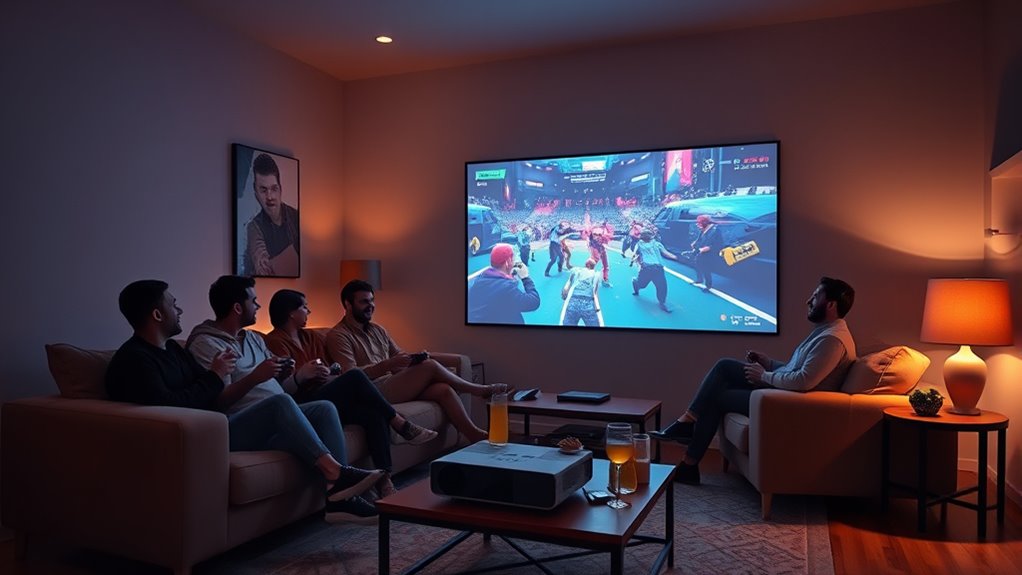
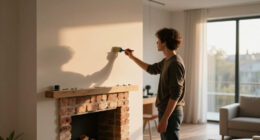
If you’re looking to elevate your gaming nights, setting up a couch co-op experience with a projector can transform your living room into an epic theater. This setup isn’t just about the big screen; it’s about creating an immersive environment where you and your friends can immerse yourselves in your favorite games together. To get it right, start with proper screen calibration. You want the image to be sharp, correctly proportioned, and free of distortion. Use the projector’s settings or a calibration tool to fine-tune the focus, keystone, and aspect ratio. Make certain the image is aligned with your wall or screen surface prevents awkward distortions and helps everyone enjoy a clear, immersive view. Remember, a well-calibrated screen makes gameplay more enjoyable and less straining on your eyes.
Next, pay attention to audio synchronization. Good sound quality is vital for a true co-op experience, especially in games where audio cues guide gameplay or heighten excitement. Many projectors have built-in speakers, but they often don’t deliver the quality or volume you need for group play. Connect external speakers or a soundbar to your setup to achieve richer, more consistent audio. Once connected, test for audio synchronization—make sure the sound matches what’s happening on screen without noticeable delay. If you notice lag, adjust the audio delay settings on your audio device or in the game’s audio options. Proper audio sync ensures that everyone stays engaged and that the game’s narrative and cues aren’t lost or confusing. Additionally, considering the placement of speakers can significantly enhance the sound experience and overall immersion.
Ensure audio sync for a seamless co-op experience by adjusting delay settings and using external speakers or soundbars.
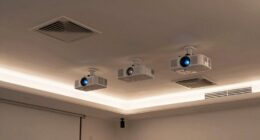
Positioning your projector at the right distance and angle is also key. You want to avoid shadows or glare that can distract or obscure parts of the screen during gameplay. Use a stable surface or a ceiling mount to keep the projector steady. Make sure the screen size is appropriate for your space—too large and it can become blurry or pixelated; too small and it defeats the purpose of a projector. Also, consider ambient lighting—darker rooms improve image contrast and visibility.
Finally, gather all necessary accessories—game controllers, extension cords, and maybe even a mini fridge nearby for snacks. Once everything’s set, do a quick test run to check the calibration, sound sync, and overall comfort. With these steps, you’ll create a seamless and immersive couch co-op gaming setup that’s perfect for group fun, delivering a cinematic experience right in your living room.

DSLRKIT Lens Focus Calibration Tool Alignment Ruler Folding Card,Pack of 2
- Lens Focus Calibration Tool: Assesses auto-focus accuracy
- Adjusts Focus Settings: Helps fine-tune camera focus
- Compatible with Nikon, Canon, Sony: Supports major camera brands
As an affiliate, we earn on qualifying purchases.
As an affiliate, we earn on qualifying purchases.
Frequently Asked Questions
How Many Players Can Comfortably Play on a Projector Setup?
You can comfortably fit 4 to 6 players on a projector setup, depending on the screen size and seating arrangement. Larger screens provide better visibility for everyone, so aim for at least a 100-inch display for group play. Arrange your seating in a semi-circle or U-shape to make certain everyone has a clear view and easy access to controllers. Adjust the projector distance to optimize the screen size for your space.
What Are the Best Projector Resolutions for Gaming?
The best projector resolutions for gaming are typically 1080p (Full HD) or higher, such as 4K, which offer superior display clarity. Resolution options like 1080p provide sharp images with minimal lag, ideal for fast-paced games. If you want stunning visuals and detailed graphics, investing in a 4K projector enhances your experience. Always choose a projector with good refresh rates and low input lag to keep gameplay smooth and immersive.
How Do I Reduce Input Lag During Co-Op Gaming?
Think of input lag as a delay in a relay race; every millisecond counts. To reduce input lag during co-op gaming, enable ‘Game Mode’ on your projector, which prioritizes response time over image processing. Use a low-latency HDMI cable, keep your firmware updated, and connect directly to your console or PC. Managing gaming latency becomes smoother when you optimize these settings, giving you a more responsive and seamless gaming experience.
Can I Use a Portable Projector Outdoors for Gaming?
Yes, you can use a portable projector for outdoor gaming, but make sure it’s bright enough—at least 2,500 lumens—to handle ambient light. Choose a model with good connectivity options like HDMI or wireless streaming for easy setup. Guarantee you have a flat, stable surface for projection, and consider weatherproofing or bringing a protective cover. This way, your outdoor gaming sessions stay fun and hassle-free.
What Are the Ideal Projector Distances for Different Room Sizes?
In small rooms, place your projector 6-8 feet away for a clear 100-inch screen, while larger spaces need 10-15 feet for maximum visuals. With a projector brightness of at least 2,500 lumens, you’ll get bright images even in well-lit rooms. Proper projector placement guarantees the image size fits your space, making gaming immersive. Remember, the right distance improves clarity, so measure your room carefully before setting up.

Assistrust Sound Bar for Smart TV, Soundbar with Bluetooth/ARC/Opt/AUX Connect, Auto Volume Boost, 3 Equalizer Modes, 2 in 1 Detachable Soundbar for TV/PC/Gaming/Projectors
- Auto Volume Boost: Automatic loudness enhancement for clarity
- Multiple Placement Options: Horizontal, vertical, tabletop, wall mount
- Powerful 80W Sound: Rich audio with 4 drivers for immersive experience
As an affiliate, we earn on qualifying purchases.
As an affiliate, we earn on qualifying purchases.
Conclusion
Now that you’ve got your projector set up for couch co-op gaming, you’re ready to turn your living room into an epic arena. With the right setup, you can bring friends together and create memories that shine brighter than the screen itself. Think of your gaming space as a canvas—each game a stroke of fun, blending into a masterpiece of shared experience. So, gear up and jump in—your perfect gaming adventure awaits just beyond the screen.

Solidock 20AC Power Strip with USB Ports, Heavy Duty Surge Protector Power Strip 15 Amp, 6Ft Extension Cord with Multiple Outlets
- 26-in-1 Power Strip: 20 AC outlets and 6 USB ports
- Universal Voltage Compatibility: Suitable for 120V to 240V circuits
- High Power Capacity: 1875W/15A surge protection
As an affiliate, we earn on qualifying purchases.
As an affiliate, we earn on qualifying purchases.

【Officially-Licensed APP & Native 1080P】Thinnest 1.81" Smart Mini Projector Lens with WiFi and Bluetooth, Auto Focus & Keystone Portable Outdoor Projector, VOPLLS 4K Home Movie Projector Lens
- Compatibility with Streaming Services: Works with Netflix, YouTube, Prime Video
- Officially Licensed Content: Secure, regularly updated 4K HDR titles
- Compact and Lightweight Design: Slim 1.81-inch portable projector
As an affiliate, we earn on qualifying purchases.
As an affiliate, we earn on qualifying purchases.