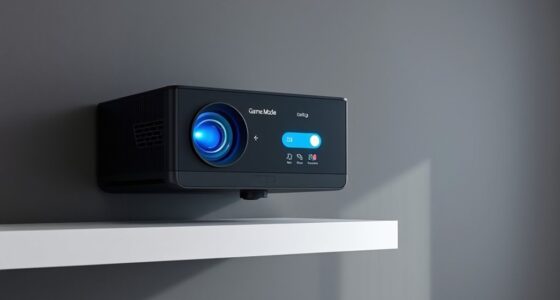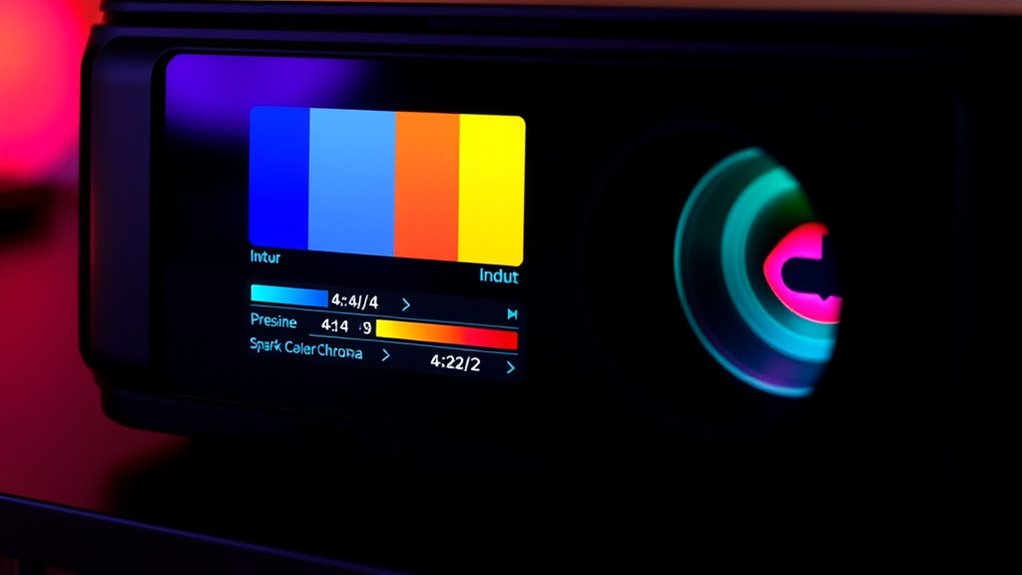

To optimize your projector for gaming, choose 4:4:4 chroma subsampling if your device supports it, as it preserves full color detail, resulting in sharper and more vibrant images. Using 4:2:2 may save bandwidth but can cause slight color smearing and reduced sharpness. Adjusting input settings to match your source device guarantees minimal lag and the best picture quality. Keep exploring to discover how fine-tuning these settings can elevate your gaming experience even further.

Get business pricing on your home office setup
- Business-only prices and quantity discounts
- Tax-exempt purchasing
- Multiple users, one account, clear invoices
Key Takeaways
- 4:4:4 chroma preserves full color detail, resulting in sharper, more vibrant images ideal for gaming.
- 4:2:2 reduces bandwidth, potentially causing slight color smearing and lower image fidelity.
- Enabling 4:4:4 enhances visual clarity but may marginally increase input lag, so test for balance.
- Match source device output settings with projector input to optimize color accuracy and responsiveness.
- Use “Game” or “Low Latency” modes to minimize input lag while maintaining high-quality chroma settings.
To guarantee your projector delivers the best picture quality, it’s essential to optimize the input settings correctly. When gaming or watching high-definition content, two critical factors influence your experience: color depth and input lag. These settings determine how your projector processes and displays signals, directly affecting image clarity, color accuracy, and responsiveness.
First, understanding color depth is key. It refers to the number of bits used to represent each color, with higher color depths providing more vibrant and accurate colors. When you choose between 4:4:4 and 4:2:2 chroma subsampling, this impacts how color information is compressed and transmitted. 4:4:4 offers full color detail, preserving the richness and sharpness of images, which is vital for gaming where visual fidelity matters. On the other hand, 4:2:2 reduces some color information to save bandwidth, which can sometimes lead to subtle color smearing or less precise visuals. If your projector and source support 4:4:4, enabling it ensures you get the maximum color depth, enhancing the overall picture quality and making gaming more immersive.
Input lag, the delay between your input and on-screen response, plays a significant role in fast-paced gaming. Optimizing input lag involves choosing input settings that prioritize low latency. Generally, selecting a mode labeled “Game” or “Low Latency” on your projector minimizes processing time, giving you quicker response times. When discussing chroma subsampling, using 4:4:4 can sometimes introduce slightly more processing overhead compared to 4:2:2, potentially increasing input lag marginally. However, many modern projectors handle 4:4:4 efficiently, so the impact on input lag is minimal if your device supports it. The key is to test both settings and see which provides the best balance of visual quality and responsiveness.
In practical terms, adjusting these settings involves navigating your projector’s menu, selecting the input source, and choosing appropriate options for chroma or color sampling. Always ensure your source device — like a gaming console or PC — is configured to output at the desired chroma setting. Remember, the combination of high color depth and low input lag delivers optimal performance, especially for competitive gaming or high-fidelity multimedia experiences.
Ultimately, optimizing input settings isn’t just about pushing the highest resolution; it’s about balancing color accuracy through settings like 4:4:4 with the need for minimal input lag. When you fine-tune these parameters, you’ll notice sharper, more vibrant images and a more responsive, enjoyable gaming experience.
As an affiliate, we earn on qualifying purchases.
Frequently Asked Questions
How Does Chroma Subsampling Affect Motion Clarity in Gaming?
Chroma subsampling impacts motion clarity by reducing color detail during fast movements, which can cause slight blurring or ghosting in gaming. With 4:2:2, you might notice less color accuracy and more motion artifacts compared to 4:4:4, which offers sharper, clearer images. However, 4:2:2 uses less bandwidth, making it ideal if your setup has bandwidth constraints. Choose based on your priority: color fidelity or smoother motion.
Can I Notice Difference Between 4:4:4 and 4:2:2 on All Projectors?
You might notice a difference between 4:4:4 and 4:2:2 chroma on some projectors, especially those with higher color fidelity. However, on many projectors, the visual perception of this difference is subtle or even imperceptible. Factors like the projector’s quality and your viewing conditions influence whether you’ll see a clear distinction. For the best experience, test both settings to see which offers supreme color clarity for your gaming.
Is Higher Chroma Sampling More Demanding on My Graphics Card?
Higher chroma sampling, like 4:4:4, can increase your graphics card workload because it demands more from its video processing capabilities. When you use 4:4:4, your GPU handles more detailed color information, which can slightly impact performance, especially in demanding games. If your graphics card isn’t very powerful, you might notice some drops in frame rates or increased latency, so consider your GPU’s capabilities before choosing higher chroma settings.
What Settings Optimize Input Lag for Competitive Gaming?
To optimize input lag for competitive gaming, set your projector to the lowest latency mode, often called “Game Mode,” and disable any post-processing features. Use a 4:2:2 chroma setting to reduce bandwidth requirements, which can improve responsiveness. Keep color accuracy balanced by avoiding overly compressed settings that might cause color shifts. These adjustments guarantee minimal input lag without sacrificing essential visual quality, giving you a competitive edge.
Do Different Game Genres Benefit From Specific Chroma Settings?
Like a painter choosing colors, you should match chroma settings to game genres. For shooters and fast-paced games, 4:2:2 reduces artifacts and keeps input lag minimal, helping with precision. For immersive story-driven games, 4:4:4 enhances color accuracy, making visuals richer. Different genres benefit from specific settings because they prioritize either clarity or realism, so tailor your chroma to optimize artifact reduction and color fidelity accordingly.
gaming projector with 4:4:4 chroma support
As an affiliate, we earn on qualifying purchases.
As an affiliate, we earn on qualifying purchases.
Conclusion
Remember, when it comes to your projector settings, less is sometimes more. If you’re prioritizing sharpness for gaming, 4:4:4 offers richer colors and detail, but if you want smoother performance, 4:2:2 might be better. Ultimately, experiment to see what works best for you. As the saying goes, “A stitch in time saves nine”—taking the time to optimize now can save you frustration later and elevate your gaming experience.
As an affiliate, we earn on qualifying purchases.
As an affiliate, we earn on qualifying purchases.
Fall Picks
fall essentials
As an affiliate, we earn on qualifying purchases.