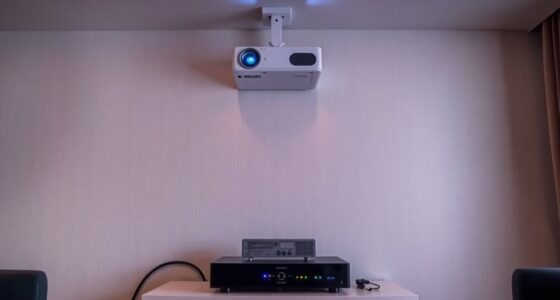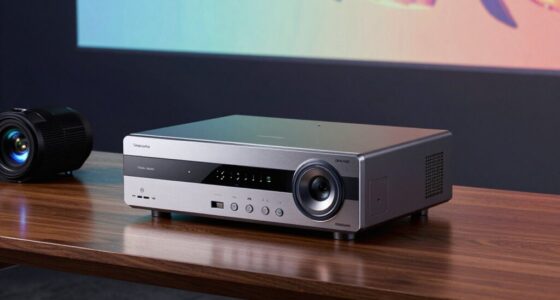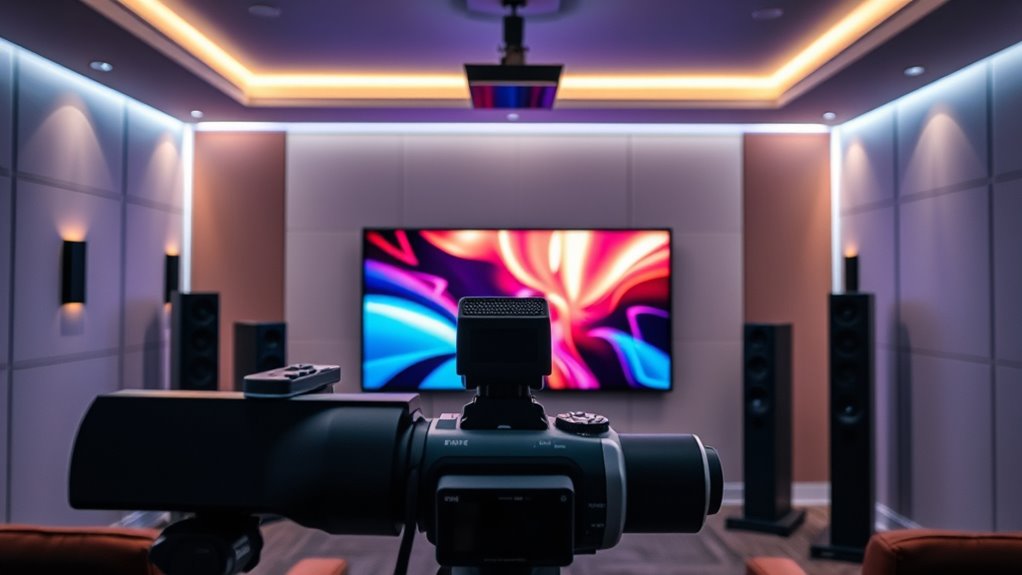

To guarantee your surround sound matches your big screen, start by placing your speakers properly—fronts at ear level and equidistant, angled between 22 to 30 degrees from your seat, with the center aligned with the TV’s center. Surround speakers should be behind or to the sides, ideally above ear level. Use your AV receiver’s calibration tools, and fine-tune speaker levels and distances for ideal sound. Continue exploring to discover how precise placement and calibration truly elevate your audio experience.

Get business pricing on your home office setup
- Business-only prices and quantity discounts
- Tax-exempt purchasing
- Multiple users, one account, clear invoices
Key Takeaways
- Use AV receiver calibration tools and microphones to automatically analyze and adjust speaker levels and distances.
- Position speakers at ear level and form proper angles (22-30 degrees) to create an accurate, immersive soundstage.
- Avoid placing speakers too close to walls or corners to prevent reflections and sound distortion.
- Manually fine-tune speaker levels and placement after calibration for optimal audio-visual alignment.
- Consider room acoustics, furniture, and obstacles to enhance sound clarity and ensure audio matches on-screen action.

Have you ever wondered how to get the most immersive experience from your surround sound system? It all starts with a proper audio setup, and a key part of that is speaker placement. When you’re setting up your system, think about where each speaker should go to create a balanced, realistic soundstage. The goal is to make every sound feel as though it’s coming from the direction it’s meant to, matching the on-screen action perfectly. To do this, you need to pay attention to where you position your speakers. Typically, your front left and right speakers should be placed at ear level, equidistant from your viewing position. They should form an angle of about 22 to 30 degrees from your seat, creating a natural stereo image that mimics real-world sound. The center channel speaker, which handles dialogue and main audio cues, should be directly above or below your TV, aligned with the screen’s center. This ensures dialogue remains clear and anchored to the action on the screen. Surround speakers should be placed slightly behind and to the sides of your seating area, ideally at ear level or slightly above. This placement envelops you in sound, adding depth and dimension to your experience. Avoid placing speakers too close to walls or corners, as this can cause sound reflections or boominess that distort the audio. Instead, give each speaker some space to breathe for a cleaner, more accurate sound. Additionally, understanding speaker technology can help you choose the best components for your setup, ensuring you get the most out of your calibration efforts.
Once your speakers are positioned, the next step is calibration. Many modern AV receivers include calibration tools that use microphones to analyze your room’s acoustics and automatically adjust speaker levels and distances. While these tools are helpful, don’t rely solely on them. It’s worth manually fine-tuning the speaker levels and distances to suit your preferences and room specifics. Remember, your room’s shape, furniture, and even the placement of objects can influence sound quality. Small adjustments, like angling speakers slightly inward or outward, can make a big difference in achieving a cohesive, immersive audio experience. Proper speaker placement isn’t just about aesthetics; it’s about creating a foundation for effective calibration and ensuring your surround sound matches the visual intensity on your big screen. When you invest time in setting your audio setup correctly, you’ll notice a significant improvement in how engaging and realistic your movies and games feel. Every scene, every whisper, and every explosion will resonate with clarity and precision, pulling you deeper into the story.
AV receiver calibration microphone
As an affiliate, we earn on qualifying purchases.
As an affiliate, we earn on qualifying purchases.
Frequently Asked Questions
How Often Should I Recalibrate My Surround Sound System?
You should recalibrate your surround sound system whenever you notice changes in sound quality, speaker distance, or sound reflection issues. Typically, doing this every six months to a year helps maintain ideal audio performance. Regular calibration ensures your speakers are correctly aligned, distances are accurate, and sound reflections are minimized, providing an immersive experience that matches your big screen perfectly. Don’t forget to recheck after any room modifications or new equipment.
Can I Calibrate My System Without Professional Tools?
You can absolutely DIY calibration with just your smartphone apps—it’s like wielding a superhero gadget! While professional tools offer precision, many smartphone apps are surprisingly effective for basic setups. Use calibration apps to adjust speaker levels and delays, but remember, for ultimate accuracy, investing in professional calibration or tools is ideal. With patience and careful tuning, you can get impressive sound quality without needing expert equipment.
Does Room Size Affect Calibration Settings?
Yes, room size affects calibration settings because larger rooms often have different acoustics, requiring adjustments for ideal sound. You should consider room acoustics and sound absorption, which influence how sound waves travel and reflect. In bigger spaces, you might need to increase volume or tweak speaker settings to compensate for sound loss or echo. Proper calibration ensures your audio matches your big screen experience, regardless of room size.
What’s the Ideal Speaker Placement for Optimal Sound?
You should position your speakers for ideal sound by placing them at ear level when seated, forming a triangle with your listening spot. Proper speaker positioning enhances sound diffusion, creating a more immersive experience. Don’t underestimate the importance of symmetry; evenly spaced speakers avoid sound imbalance. Adjusting placement slightly can considerably improve clarity and depth, so experiment within these guidelines for the best cinematic audio.
How Do I Troubleshoot Audio Discrepancies After Calibration?
If you notice audio discrepancies after calibration, start by checking phase alignment and speaker phasing. Confirm all speakers are correctly wired and that their phases are aligned, as mismatched phase can cause sound cancellation or reinforcement issues. Use your receiver’s test tone feature to identify any out-of-phase speakers, then adjust their wiring or settings until the sound is balanced and cohesive, restoring peak surround sound performance.
surround sound speaker placement kit
As an affiliate, we earn on qualifying purchases.
As an affiliate, we earn on qualifying purchases.
Conclusion
By calibrating your surround sound, you transform your room into a cinematic universe—where every whisper and explosion feels real. Think of it as tuning a musical instrument; when perfectly aligned, every note sings in harmony. Don’t settle for less—embrace the art of calibration. With a little effort, you’ll gain access to immersive audio that makes your favorite movies leap off the screen. After all, isn’t life better when it sounds just right?
home theater speaker calibration tools
As an affiliate, we earn on qualifying purchases.
As an affiliate, we earn on qualifying purchases.
adjustable speaker stands for surround sound
As an affiliate, we earn on qualifying purchases.
As an affiliate, we earn on qualifying purchases.
Fall Picks
fall essentials
As an affiliate, we earn on qualifying purchases.