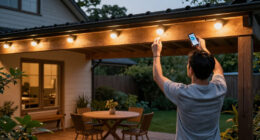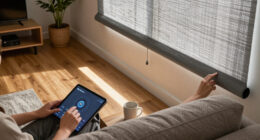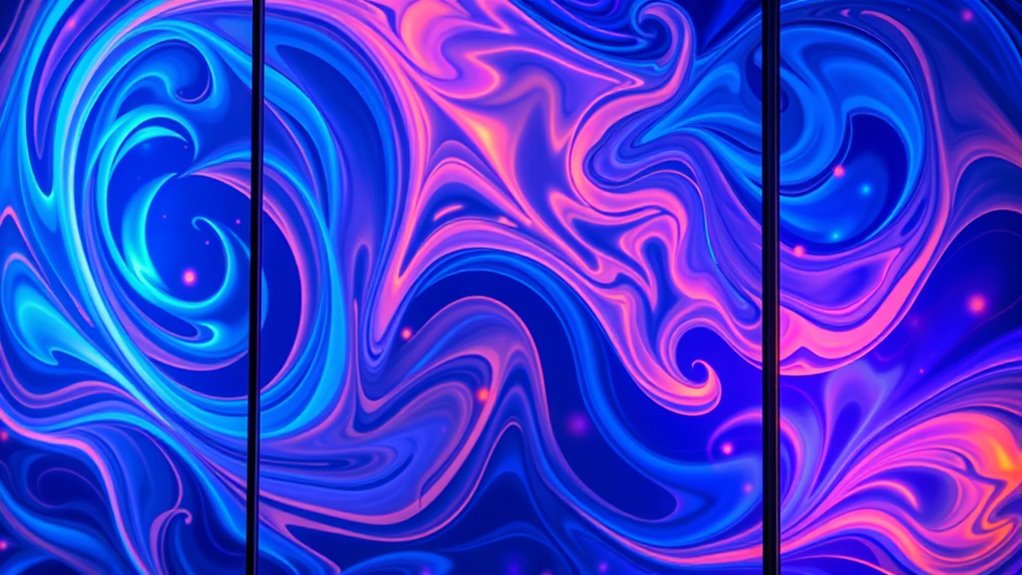
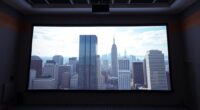
To turn windows into screens, use bright, high-lumen projectors like laser or digital models designed for ambient light. Make sure the glass or plexiglass surface is clean, smooth, and free of smudges for sharp images. Position your projector perpendicular to the surface and adjust for distortion, especially on curved surfaces. Proper calibration and controlling ambient lighting help create vivid, impactful displays. Keep exploring to discover more tips for seamless, eye-catching projections on glass.

Get business pricing on your home office setup
- Business-only prices and quantity discounts
- Tax-exempt purchasing
- Multiple users, one account, clear invoices
Key Takeaways
- Use high-brightness laser or digital projectors to ensure visibility on glass or plexiglass surfaces.
- Clean and smooth the glass surface thoroughly for sharp, undistorted projection images.
- Position the projector perpendicular to the glass to minimize distortion and optimize image clarity.
- Employ calibration tools/software to align and adjust images for curved or reflective surfaces.
- Control ambient lighting to enhance brightness and contrast for clear, vibrant projections on glass.
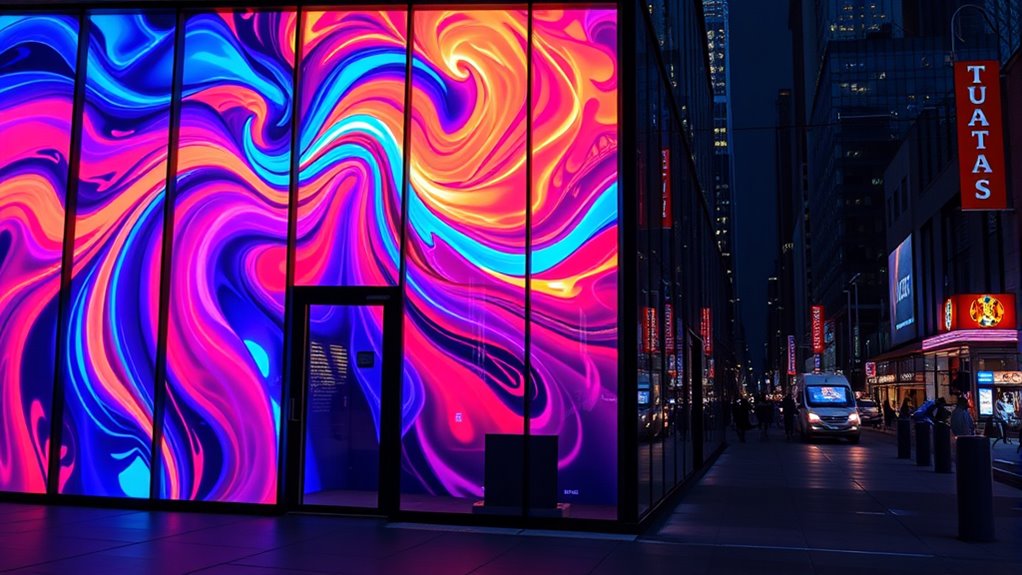
Have you ever wondered how to project images clearly onto glass or plexiglass surfaces? If so, you’re not alone. This technique is transforming the way we think about displays and visual communication, especially in the realms of interactive art and architectural displays. When you project onto transparent surfaces, you open a world of creative possibilities, turning ordinary windows or panels into dynamic screens that captivate and engage viewers. The key lies in understanding how to optimize your projection setup to guarantee sharp, vibrant images that seamlessly integrate with the glass or plexiglass surface.
First, consider the type of projector you use. For projecting onto transparent surfaces, laser projectors or high-lumen digital projectors work best because they produce brighter images that can cut through ambient light. You’ll also want to select the right lens and throw distance to match the size of your desired display area. The surface itself is essential—smooth, clean, and free of scratches or smudges. A pristine surface ensures that the projected image remains crisp and undistorted, which is indispensable for creating effective architectural displays or engaging interactive art installations.
Next, think about the positioning of your projector. To get a clear, undistorted image, the projector should be perpendicular to the glass surface or set at an ideal angle that minimizes distortion. If you’re working with curved or non-flat surfaces, you might need to employ specialized lens adjustments or software correction tools. Also, consider the environment: ambient light can dilute the brightness of your projection, so controlling lighting conditions enhances visibility and impact.
When designing interactive art or architectural displays on glass, you can incorporate touch or motion sensors to make the installation more engaging. By integrating sensors, viewers can interact directly with the projected images, adding an immersive element that elevates the experience. This approach is especially popular in museums, public art projects, or commercial spaces where the goal is to draw attention and invite participation.
Finally, calibration is indispensable. Use calibration tools or software to align your image precisely with the glass surface, ensuring it fits perfectly and appears sharp from different viewing angles. Regular maintenance, such as cleaning the glass and checking equipment alignment, keeps your projections consistent and professional. Additionally, understanding the importance of contrast ratio helps in selecting the right projector for the best visual effects, especially on reflective surfaces.
high-lumen laser projector for glass projection
As an affiliate, we earn on qualifying purchases.
As an affiliate, we earn on qualifying purchases.
Frequently Asked Questions
What Are the Best Types of Projectors for Glass Surfaces?
You should choose projectors with high projection brightness, ideally over 3,000 lumens, to guarantee clear images on glass surfaces. Look for models with short-throw or ultra-short-throw capabilities to minimize glare and distortion. Additionally, consider glass surface coatings that reduce reflections and improve image quality. By matching your projector’s brightness with the glass’s reflective properties, you’ll get vibrant, sharp visuals perfect for turning windows into screens.
How Does Ambient Lighting Affect Projection Quality?
Think of ambient light as the silent assassin of your projection‘s clarity; it silently erodes the contrast, making images appear washed out. When there’s too much ambient light, your projection’s contrast diminishes, dulling colors and details. To keep your display sharp and vibrant, control ambient light as much as possible, creating a darker environment. This maximizes projection contrast and guarantees your visuals shine brightly, even on glass or plexiglass surfaces.
Can This Technology Be Used Outdoors Effectively?
Yes, this technology can work outdoors if you guarantee weather resistance and proper surface adhesion. You’ll need a projector designed for outdoor use, along with a durable, weatherproof coating on the glass or plexiglass to prevent damage from rain or sunlight. Also, consider how ambient light affects visibility; using high-brightness projectors helps maintain a clear image. With these precautions, outdoor projections can be effective and impressive.
What Maintenance Is Required for Glass Projection Screens?
You might think glass projection screens are maintenance-free, but they do need some care. Regular cleaning tips include using a soft, lint-free cloth and a gentle glass cleaner to avoid scratches and residue. Durability considerations mean you should check for cracks or chips periodically, especially if used outdoors. Keep the surface smooth and clean to guarantee the best image quality and longevity of your projection setup.
Are There Safety Concerns With Projecting Onto Glass or Plexiglass?
Yes, there are safety concerns when projecting onto glass or plexiglass. You should take safety precautions to prevent injuries from broken or shattering glass, especially if the material isn’t durable. Consider using tempered or laminated glass for added safety and regularly inspect the glass for cracks or damage. Ensuring proper installation and handling minimizes risks, so always prioritize glass durability and safety measures to protect yourself and others.
projection calibration tools software
As an affiliate, we earn on qualifying purchases.
As an affiliate, we earn on qualifying purchases.
Conclusion
Just as Da Vinci transformed blank canvases into masterpieces, you can turn plain glass or plexiglass into captivating screens. With the right projection techniques, you wield the power to create dynamic displays that captivate and inspire. Imagine your windows becoming portals to new worlds, much like Alice’s rabbit hole leading to wonder. Embrace this innovative approach, and let your space tell stories that resonate beyond the ordinary. The future of display is in your hands—ready to be revealed.
projector lens adjustment for curved surfaces
As an affiliate, we earn on qualifying purchases.
As an affiliate, we earn on qualifying purchases.
ambient light control for projectors
As an affiliate, we earn on qualifying purchases.
As an affiliate, we earn on qualifying purchases.
Fall Picks
fall essentials
As an affiliate, we earn on qualifying purchases.