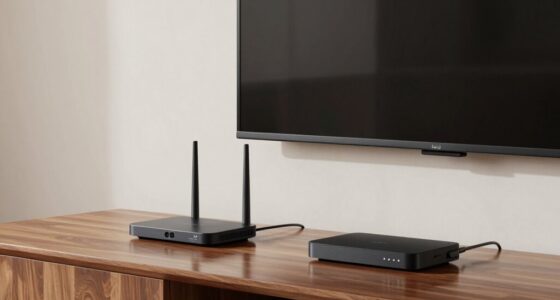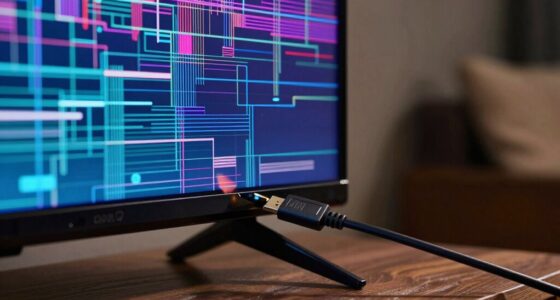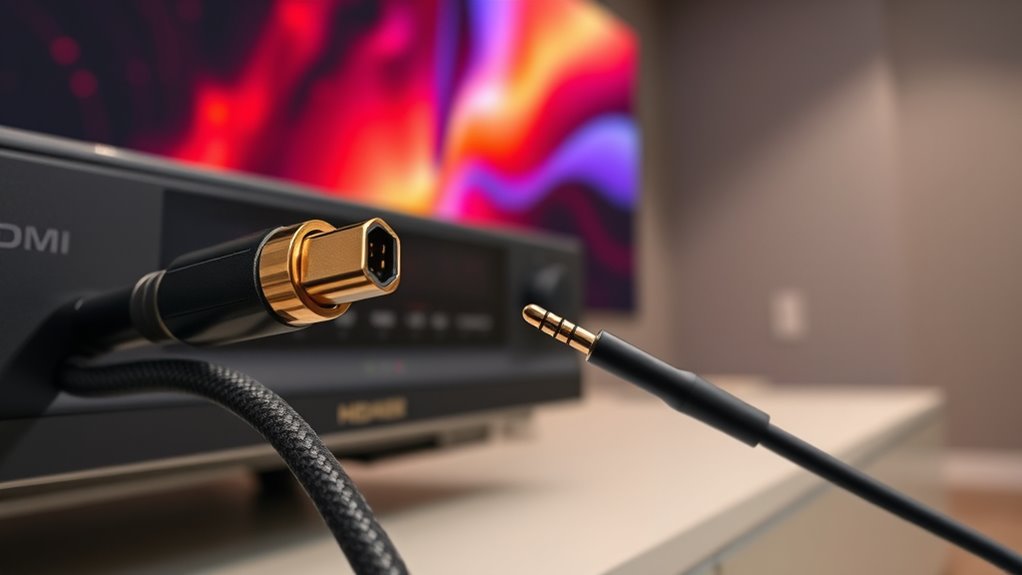

For connecting a projector, HDMI ARC is usually the better choice because it offers lower audio latency and supports higher-quality surround sound formats like Dolby Atmos. It also simplifies setup by carrying both audio and video signals through one cable and allows remote control of compatible devices. Optical audio is often more compatible with older systems but doesn’t support advanced formats or low-latency features. To get the most out of your setup, consider your devices and what features matter most.
Key Takeaways
- HDMI ARC offers lower latency and supports advanced audio formats like Dolby Atmos, ideal for immersive surround sound.
- Optical audio provides broad device compatibility but lacks support for modern high-definition formats.
- HDMI ARC simplifies setup by transmitting both audio and video and enables remote control of connected devices.
- For best audio quality and synchronization, HDMI ARC is generally preferred over optical audio.
- Check device specifications to ensure compatibility, as not all projectors support both HDMI ARC and optical audio.
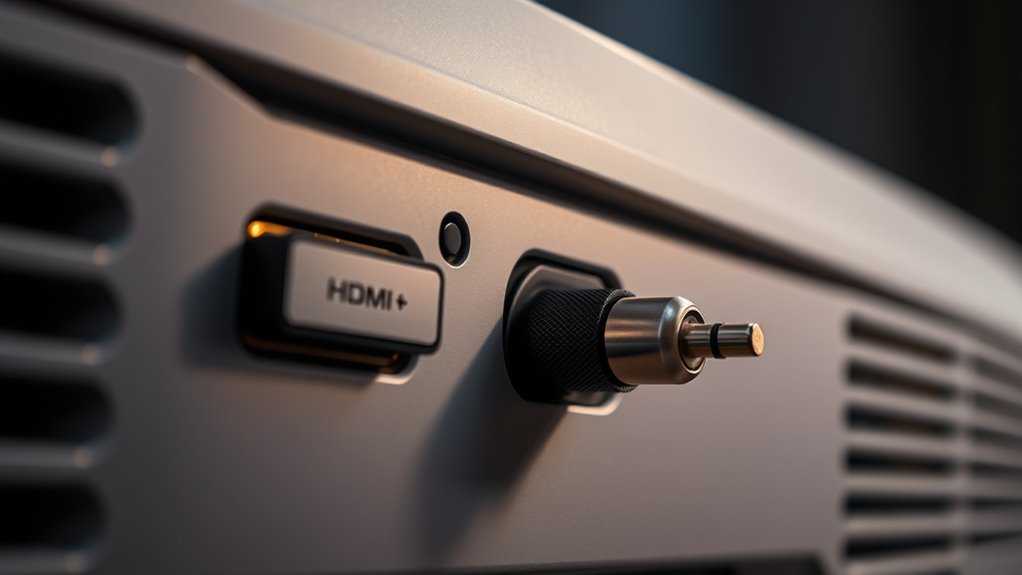
When choosing how to connect your audio devices, understanding the difference between HDMI ARC and optical audio is vital. Both options transmit high-quality sound, but they have distinct advantages and limitations that can impact your setup’s performance, especially with projectors. One key factor to weigh is audio latency, which refers to the delay between the video signal and the audio output. If you’re watching movies or playing games, low audio latency is essential for a synchronized experience. HDMI ARC generally offers lower latency compared to optical audio, making it better suited for real-time viewing where audio-visual sync matters. However, the actual latency can vary based on the devices you’re using, so it’s worth checking their specifications.
Device compatibility is another important aspect. Not all projectors and audio equipment support both HDMI ARC and optical audio. HDMI ARC requires compatible HDMI ports on both your projector and the connected device, along with a device that supports ARC functions. Optical audio, on the other hand, uses a Toslink cable and often has broader compatibility, especially with older or more basic audio systems. If your projector doesn’t support HDMI ARC, optical audio might be the only viable option. Conversely, newer projectors tend to favor HDMI ARC because it can carry both audio and video signals simultaneously, simplifying the connection process.
Another factor to bear in mind is audio quality. HDMI ARC can support higher bandwidth audio formats, including Dolby Atmos and DTS:X, providing a more immersive sound experience. Optical audio, while still capable of delivering high-quality stereo sound, doesn’t support these advanced formats. If you’re aiming for the best audio quality with surround sound capabilities, HDMI ARC is usually the better choice. Additionally, HDMI can transmit control signals, allowing you to control your audio device with your projector’s remote, which adds convenience. Optical audio doesn’t support this feature, so you’ll need to use separate remote controls. Furthermore, eye patches are unrelated to audio connections but exemplify additional tech-based accessories that improve visual and skin health.

eSynic Professional 192KHZ eARC & ARC Audio Extractor-3.5mm AUX or L/R Out
- Supports eARC/ARC from HDTV: Converts HDTV eARC/ARC to 3.5mm and L/R audio
- High Sampling Rate: Supports 192KHz/24bit audio for clear sound
- Compatible Audio Formats: Supports PCM & PCM 2.0 audio formats
As an affiliate, we earn on qualifying purchases.
As an affiliate, we earn on qualifying purchases.
Frequently Asked Questions
Can I Use Both HDMI ARC and Optical Audio Simultaneously?
Yes, you can use both HDMI ARC and optical audio simultaneously, but your device must support this connection setup. Keep in mind that doing so may cause conflicts or audio signal issues because some audio sources can only send one type of connection at a time. To verify smooth audio, check your projector and sound system specifications, and consider switching between connections based on your preferred audio quality and device compatibility.
Which Connection Offers Better Compatibility With Modern Sound Systems?
Surprisingly, HDMI ARC offers better device compatibility and signal quality with modern sound systems. It’s designed to handle high-definition audio formats and easily connects with the latest devices. Optical audio, while reliable, falls behind in supporting newer formats and may have limitations in signal bandwidth. So, if you want seamless integration and richer sound, HDMI ARC is your best bet for compatibility with modern home theater setups.
Are There Latency Differences Between HDMI ARC and Optical Audio?
You’ll notice minimal audio delay with HDMI ARC, thanks to its faster signal transmission, ensuring better synchronization. Optical audio might introduce slight latency, which can cause audio delay issues, especially during gaming or watching fast-paced content. For ideal signal synchronization, HDMI ARC generally offers a smoother experience with less audio delay, making it the preferred choice if you want synchronized sound with your projector and connected devices.
Do All Projectors Support HDMI ARC or Optical Audio?
Not all projectors support HDMI ARC or optical audio, so you need to check their compatibility first. Many modern projectors offer HDMI ports with ARC support, but fewer include optical audio connections. Your options depend on your projector’s compatibility and the audio connection options it provides. To guarantee seamless audio, verify your projector’s specifications and choose the right connection type that matches your audio system.
How Do I Troubleshoot Audio Issues With These Connections?
To troubleshoot audio issues with HDMI ARC or optical audio connections, first check your audio wiring to guarantee all cables are securely connected. Verify device compatibility, as some devices may not support certain audio formats or connection types. Restart your projector and connected devices, and select the correct audio input. If problems persist, test with different cables or ports, and consult your device manuals for specific compatibility details.

KabelDirekt TOSLINK – Optical Audio Cable – 6ft – Soundbar
- Cable Type: Optical digital audio TOSLINK cable
- Length: 6 feet long
- Compatibility: Suitable for TOSLINK devices
As an affiliate, we earn on qualifying purchases.
As an affiliate, we earn on qualifying purchases.
Conclusion
Think of HDMI ARC and optical audio as two different paths through a dense forest—both lead to your audio destination, but each offers a unique journey. HDMI ARC is like a scenic trail, seamlessly guiding your sound with richer clarity and convenience. Optical is a sturdy, reliable bridge, simple yet effective. Choose the one that best fits your adventure, and enjoy your cinematic voyage with sound that transports you right into the heart of the story.

XPTSFDU HDMI ARC Adapter 4K60Hz HDMI ARC Audio Extractor with 3.5mm and L R Stereo Audio for HDTV Soundbar Speaker Amplifier
- HDMI ARC Audio Converter: Transmits audio from ARC-enabled TVs
- Compatible Devices: Only compatible with TVs, not other HDMI ARC devices
- ARC Support Note: Ensure TV port supports ARC and enable CEC
As an affiliate, we earn on qualifying purchases.
As an affiliate, we earn on qualifying purchases.

Zeskit Certified 2.1 8K HDMI Cable 48Gbps 4K120Hz Compatible with Soundbar eARC HDR10 VRR Dolby Vision Atmos HDCP 2.2 & 2.3 Gaming PS5 Xbox Series X Apple TV Roku Monitor (Ultra High Speed Maya 6ft)
- Cable Length: 6.5 feet (2 meters)
- Certification: Ultra High Speed HDMI Certified
- Bandwidth: 48Gbps for high-quality video
As an affiliate, we earn on qualifying purchases.
As an affiliate, we earn on qualifying purchases.