Your projector’s colors can look different from your TV because of the technologies they use. Projectors often rely on LCD, DLP, or LCoS, which can affect color vibrancy and accuracy. Additionally, projectors usually need manual calibration, and ambient lighting can wash out their colors, making them appear duller. Modern TVs, especially LED or OLED types, tend to produce more vibrant and consistent colors out of the box. To understand how these factors play a role, you’ll want to explore more detailed differences.
Key Takeaways
- Projectors use different display technologies (LCD, DLP) that affect color accuracy and vibrancy compared to TVs.
- TVs are typically factory-calibrated for precise color reproduction, while projectors often need manual calibration.
- Ambient lighting can wash out projector colors, making them appear duller than TV images.
- Projectors generally have less advanced color management systems than modern OLED or LED TVs.
- The inherent technological differences and environmental factors contribute to color disparities between projectors and TVs.
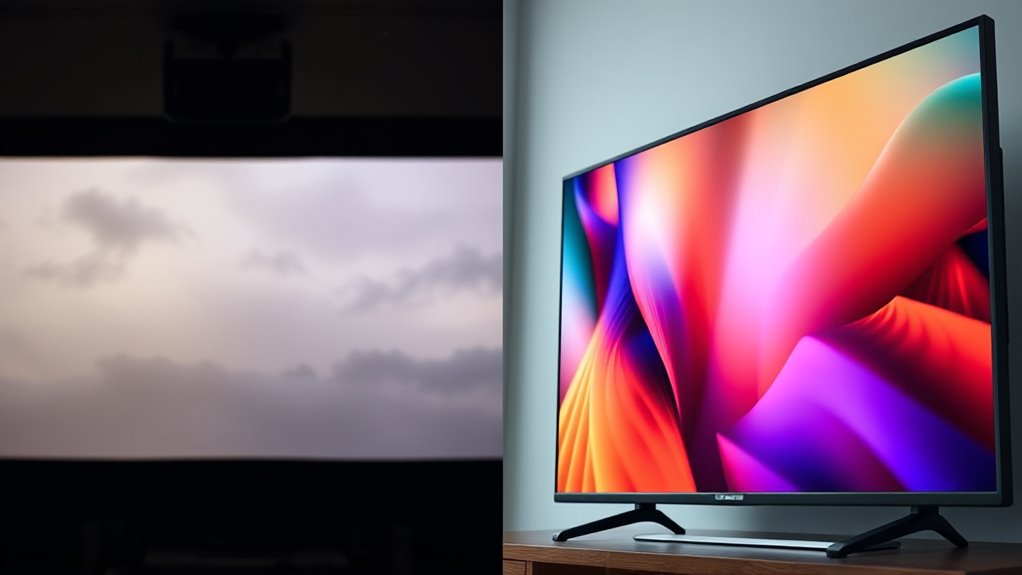
When choosing between a projector and a TV for your viewing setup, understanding how their colors differ is essential. The reason your projector’s colors might look different from your TV’s often comes down to their display technology and how they handle color calibration. Each device uses a distinct method to produce images, which impacts the accuracy and vibrancy of colors you see on screen. Recognizing these differences helps you enhance your viewing experience and troubleshoot color inconsistencies.
Projectors rely on a different display technology than TVs. Most projectors use either LCD, DLP, or LCoS technology, which influences how colors are rendered. For example, LCD projectors use liquid crystal panels to modulate light and produce images, while DLP projectors use tiny mirrors to reflect light through a color wheel. These technologies can sometimes result in less precise color reproduction compared to modern LED or OLED TVs, which have direct pixel illumination and better control over color accuracy. As a result, colors projected onto a wall or screen might appear less vibrant or slightly different in hue compared to the crisp, vivid colors produced by your TV.
Color calibration plays a crucial role in how accurately colors appear on your device. TVs often come factory-calibrated with advanced color management systems, ensuring that the colors are true to life right out of the box. In contrast, projectors frequently require manual calibration to achieve ideal color performance. If your projector isn’t properly calibrated, you might notice washed-out colors, overly saturated hues, or a color cast that makes everything look off. Adjusting the projector’s color settings—such as contrast, brightness, and color temperature—can greatly improve color accuracy, but it requires some technical know-how. Without proper calibration, the natural differences in display technology become more apparent, leading to the perception that your projector’s colors are inferior or simply different from your TV’s.
Another factor worth noting is ambient lighting. Projectors depend heavily on the environment’s lighting conditions; bright rooms can wash out colors, making them appear dull or muted. TVs, especially those with high-brightness screens like OLEDs or QLEDs, are less affected by ambient light and maintain consistent color vibrancy across different lighting conditions. This environmental sensitivity can contribute to the perceived color disparity between your projector and your TV. Additionally, color management systems in modern devices play a role in how colors are displayed, further influencing the overall color accuracy and consistency.
projector color calibration tools
As an affiliate, we earn on qualifying purchases.
As an affiliate, we earn on qualifying purchases.
Frequently Asked Questions
Can Calibration Fix Color Discrepancies Between My Projector and TV?
Yes, calibration can rectify color discrepancies between your projector and TV. By adjusting your device’s color settings and performing proper color calibration, you ensure that the colors look consistent across both screens. This process fine-tunes brightness, contrast, and color balance, helping you achieve more accurate and uniform visuals. Regular calibration is essential for maintaining color accuracy and enjoying a better viewing experience on both your projector and TV.
Do Different Projector Brands Produce Different Color Qualities?
Yes, different projector brands produce varying color qualities due to brand consistency and differences in color technology. You might notice that some brands emphasize vibrant colors, while others focus on realism or color accuracy. These variations result from proprietary color processing, light source types, and display technologies. So, when choosing a projector, consider the brand’s reputation for color fidelity and how their technology aligns with your viewing preferences.
How Does Ambient Lighting Affect Projector Color Accuracy?
Ambient light substantially impacts your projector’s color accuracy by washing out images and altering color perception. When there’s too much ambient light, colors may appear faded or less vibrant, making it harder to see true hues. To improve color fidelity, minimize ambient lighting, use blackout curtains, or add ambient light control solutions. This helps your projector produce more accurate, vivid colors, enhancing your viewing experience.
Are Projector Color Issues More Common With Older Models?
Like a vintage wine, an aging projector can develop color issues over time. Older models often experience degraded color calibration, making their colors less accurate than newer ones. As the internal components wear out, the projector’s ability to reproduce true-to-life colors diminishes. Regular maintenance and calibration can help, but if your projector is quite old, it might be more prone to color inaccuracies, requiring professional adjustments or replacement.
Do Screen Materials Impact Color Display on Projectors?
Yes, screen materials impact your projector’s color display. You should consider the screen coatings and color filters used because they influence how colors appear. A high-quality screen with proper coatings enhances color accuracy, while specific filters can adjust hues for better vibrancy. If your projector’s colors seem off, upgrading or adjusting your screen’s coatings or filters can markedly improve color fidelity and overall picture quality.

Calibrite Display 123 Monitor Calibration Colorimeter for Photo Editing and Color Accurate Viewing, Easy 1 2 3 Software Workflow, USB C Connection, and Before and After Check, Supports 2 Displays
- Compact Design: Approximately 34mm tall and 37mm diameter
- USB C Connectivity: Supports modern USB C ports for easy connection
- Supports Two Displays: Calibrates up to 2 monitors simultaneously
As an affiliate, we earn on qualifying purchases.
As an affiliate, we earn on qualifying purchases.
Conclusion
Now that you know why your projector’s colors differ from your TV’s, it’s clear that calibration and technology play big roles. Remember, even in the age of smartphones, projectors can feel like they’re straight out of a sci-fi flick, with their unique color profiles. So, take a few moments to tweak settings, and you’ll enjoy a viewing experience that’s as vivid as a 4K streaming binge. It’s like bringing the cinema home—without needing a flux capacitor.
As an affiliate, we earn on qualifying purchases.

ViewSonic PX700HDH 3700 Lumens 1080p Projector, High Brightness and Supercolor Technology for Smooth Home Entertainment, 1.1x Optical Zoom, and Vertical Keystone for Flexible Setup, and Dual HDMI
- Resolution: Full HD 1920x1080p
- Brightness: 3700 Lumens
- Throw Ratio: 1.5-1.6
As an affiliate, we earn on qualifying purchases.
As an affiliate, we earn on qualifying purchases.