
To prevent overheating, regularly clean dust and debris from your projector’s vents and filters, and verify it’s placed in a well-ventilated spot away from direct heat sources. Check the cooling fan for dust or damage and replace it if needed. Keep an eye on the lamp’s lifespan, as older bulbs generate more heat, and replace them before they cause issues. If you fix these common causes, your projector stays cooler—and there’s more to learn to keep it running smoothly.
Key Takeaways
- Regularly clean vents, filters, and fans to prevent dust buildup that impairs cooling.
- Replace the projector lamp timely to avoid increased heat from aging or end-of-life lamps.
- Ensure the projector is placed in a well-ventilated area away from direct sunlight and heat sources.
- Inspect and maintain the cooling fan to ensure proper airflow and replace it if it’s malfunctioning.
- Elevate or reposition the projector to improve airflow and prevent heat accumulation in confined spaces.
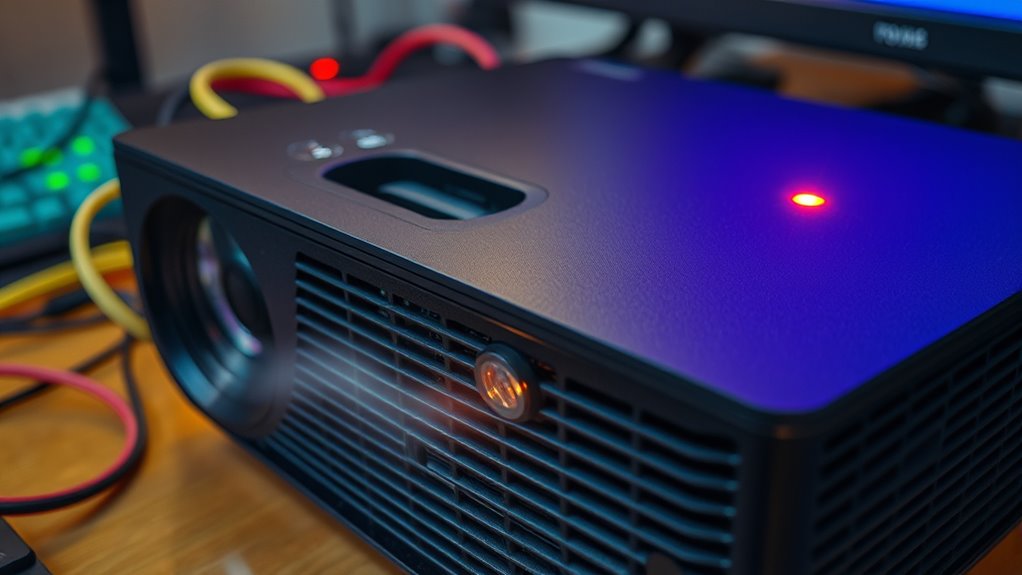
Have you ever experienced your projector shutting down unexpectedly during a presentation? It’s frustrating and disruptive, but often the culprit is overheating. When your projector gets too hot, it automatically powers off to prevent damage, leaving you scrambling to troubleshoot the problem. One common cause is a buildup of dust and debris inside the device, which blocks airflow and hampers cooling. To prevent this, regular maintenance like cleaning out vents and filters is essential. Another key factor is the condition of the lamp. Over time, the lamp’s brightness diminishes, and it may need a lamp replacement. When the lamp is nearing the end of its life, it can generate more heat than usual, causing the projector to overheat and shut down prematurely. Replacing the lamp promptly can help maintain ideal temperature levels and keep your projector running smoothly.
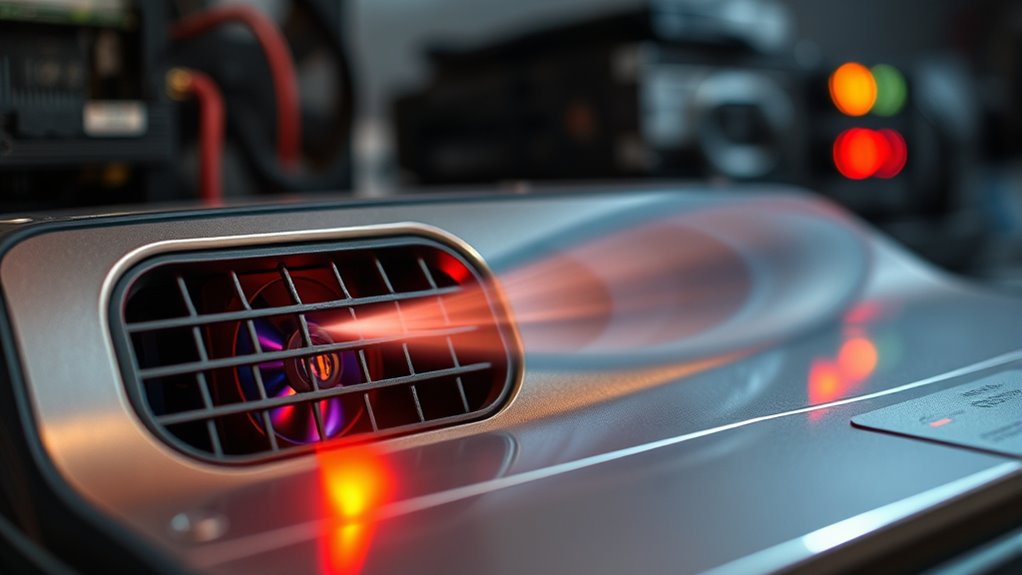
Beyond the lamp, the cooling system plays a critical role in temperature regulation. The cooling fan is your projector’s primary tool for expelling hot air and drawing in cooler air from the environment. If the fan isn’t functioning properly—perhaps due to dust accumulation, wear and tear, or mechanical failure—it can’t do its job effectively. This leads to heat buildup inside the device, increasing the likelihood of overheating. Regularly inspecting and cleaning the cooling fan is a simple yet essential step. If you notice unusual noises or the fan isn’t spinning freely, it’s time to replace it. Ignoring these signs can result in persistent overheating, which could damage internal components and shorten your projector’s lifespan. Additionally, the cooling system itself may need an upgrade or repair if it’s not providing adequate temperature regulation.
Additionally, environmental factors contribute considerably to overheating issues. Using your projector in a hot or poorly ventilated room makes it harder for the cooling system to do its job. To keep temperatures down, ensure your projector is placed in a well-ventilated space, away from direct sunlight or heat sources. Elevate it slightly to improve airflow underneath and around it. If your projector is in a confined cabinet or enclosed space, consider moving it out into the open or adding additional ventilation. These small adjustments can make a big difference in temperature management.
projector cooling fan replacement
As an affiliate, we earn on qualifying purchases.
As an affiliate, we earn on qualifying purchases.
Frequently Asked Questions
Can Overusing a Projector Cause Permanent Damage?
Yes, overusing a projector can cause permanent damage, reducing its lifespan. When you run it continuously without proper overheating prevention, internal components may overheat and wear out faster. To avoid this, make sure you give your projector regular breaks, keep vents clean, and use cooling fans if available. Proper maintenance and avoiding excessive use can help extend your projector’s lifespan and prevent irreversible damage.
How Often Should I Clean My Projector’s Air Filters?
Think of your projector’s air filter as its lungs—if you neglect it, it’ll struggle to breathe. You should clean your air filter at least once every 3 to 6 months, depending on usage and environment. Regular air filter maintenance prevents overheating and keeps your projector running smoothly. Keep an eye out for dust buildup and perform cleaning frequency checks to guarantee peak performance and longevity.
Is It Safe to Use a Fan to Cool the Projector?
Using a fan to cool your projector can be safe if you place it correctly and use proper cooling accessories. Position the fan for ideal airflow, avoiding direct contact with the device. Consider using cooling stands or vents designed for projectors to enhance airflow. Make sure the fan’s power source is stable, and avoid obstructing the vents. This setup helps prevent overheating without risking damage.
What Are the Signs of Internal Component Overheating?
You’ll notice signs of internal component overheating through rising internal temperature, which can cause the projector to shut down unexpectedly. Warning indicators include flickering images, strange noises, or a burning smell. If you see these signs, it’s vital to turn off the device and let it cool down. Ignoring these warning indicators can lead to permanent damage, so keep an eye on the temperature and act promptly.
Can a Faulty Power Supply Lead to Overheating?
A faulty power supply can definitely turn your projector into a hot potato. Power supply issues and voltage fluctuations act like a rollercoaster ride, stressing internal components and causing overheating. When the power supply malfunctions, it can’t deliver consistent voltage, making the projector work harder than it should. This extra strain leads to excessive heat buildup, which can damage your device over time. Always check your power source to keep your projector cool and running smoothly.
projector dust filter cleaning kit
As an affiliate, we earn on qualifying purchases.
As an affiliate, we earn on qualifying purchases.
Conclusion
To keep your projector running smoothly, always guarantee proper ventilation and regular cleaning. For example, imagine you’re preparing for an important presentation, and suddenly your projector overheats. By promptly turning it off, cleaning the vents, and allowing it to cool, you prevent damage and avoid delays. Taking these simple steps saves you time and money, so stay proactive in maintaining your projector’s health. Keep it cool, and your presentations will always shine without interruption.
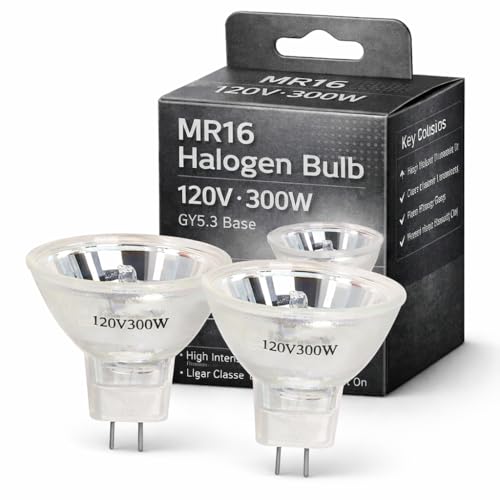
Wadoy EL-H 120V 300W Projector Bulbs, Multi-Mirror MR16 GY5.3 Base Compatible with Eastmann Kodakk EL-H AF B-2A E-2 600H 650H 750H 800H 840H 850H Overhead Projectors Lighting Lamp with 2-Flat Pin
【Precision Compatibility】Compatible with Kodakk Carousel 760H, RC55, features MR16 blub with 2-flat GY5.3 base type. Perfect replacement for…
As an affiliate, we earn on qualifying purchases.
As an affiliate, we earn on qualifying purchases.
projector ventilation stand
As an affiliate, we earn on qualifying purchases.
As an affiliate, we earn on qualifying purchases.