To fix color tints effectively, you need to understand key calculations like adjusting color balances, using the right models (RGB and CMY), and measuring shifts with Delta E. These calculations help you balance hues, saturation, and lightness, and select complementary colors for correction. Mastering color temperature and tint sliders also plays a big role. If you keep exploring, you’ll discover how precise these calculations can truly improve your color corrections.
Open a free Amazon Business account
Business pricing, bulk buying and tax-exempt orders.
As an affiliate, we earn on qualifying purchases.
Key Takeaways
- Accurate color model understanding (RGB, CMY) is essential for precise tint adjustments and maintaining color fidelity.
- Quantifying color differences with Delta E helps evaluate perceptual shifts and ensures consistent color reproduction.
- Proper calculation of color balance adjustments involves measuring and fine-tuning red, green, and blue channels within safe ranges.
- Using complementary colors effectively neutralizes unwanted tints through opposite hue balancing on the color wheel.
- Adjusting HSL parameters (hue, saturation, lightness) and color temperature/tint sliders optimizes visual harmony and emotional impact.
As an affiliate, we earn on qualifying purchases.
Understanding RGB and CMY Color Models
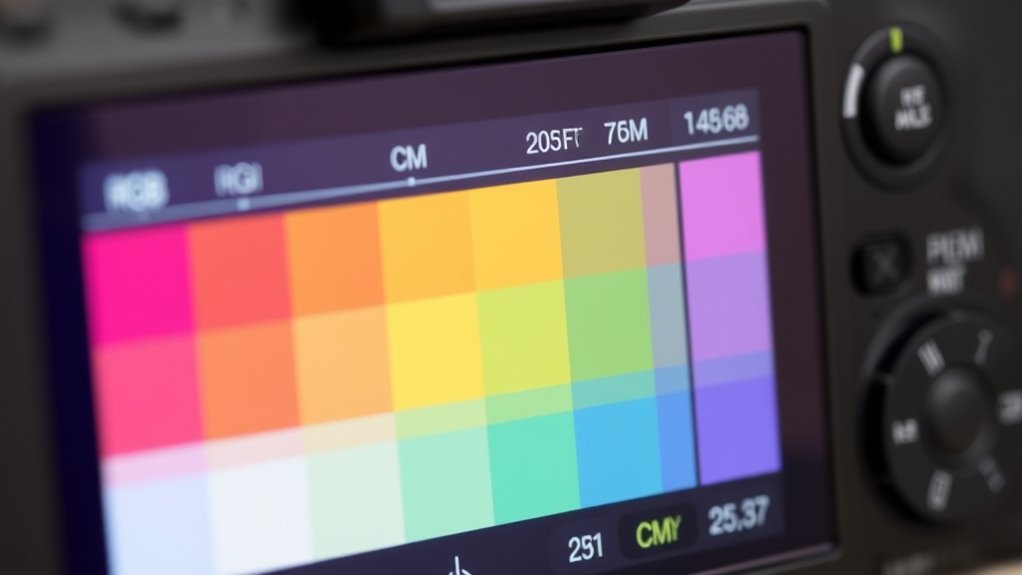
Have you ever wondered how digital screens and printers produce such vibrant colors? It all starts with understanding the RGB and CMY color models. RGB, or Red, Green, Blue, uses additive color mixing, where combining these colors creates a broad spectrum of hues. This model is ideal for digital displays because it mimics how light works. On the other hand, CMY, or Cyan, Magenta, Yellow, employs subtractive color mixing based on pigment theory. When these pigments combine, they absorb certain wavelengths of light, producing the colors you see in print. Recognizing the differences between these models helps you understand how colors are created and manipulated in both digital and print mediums. Mastering these concepts is essential for accurate color tint adjustments and ensuring your colors look just right. Color theory plays a crucial role in understanding how these models interact and influence your designs.
As an affiliate, we earn on qualifying purchases.
Calculating Color Balance Adjustments

To achieve accurate color balance adjustments, you need to understand how to calculate the right tweaks for each color channel. Your goal is to enhance color harmony and improve visual perception by balancing reds, greens, and blues precisely. Start by measuring the current levels and determine the necessary shifts. Use this simple guide:
| Color Channel | Adjustment Range | Effect on Visual Perception |
|---|---|---|
| Red | + or – 10% | Warmer or cooler tones |
| Green | + or – 8% | Neutralizes color shifts |
| Blue | + or – 12% | Adds depth or brightness |
Adjust each channel carefully, noting how they influence overall harmony. Small, calculated tweaks lead to natural, balanced images that are pleasing to the eye. Additionally, understanding how air quality impacts overall health can help you create a more comfortable and healthier environment.
As an affiliate, we earn on qualifying purchases.
The Role of Hue, Saturation, and Lightness (HSL) in Tint Corrections
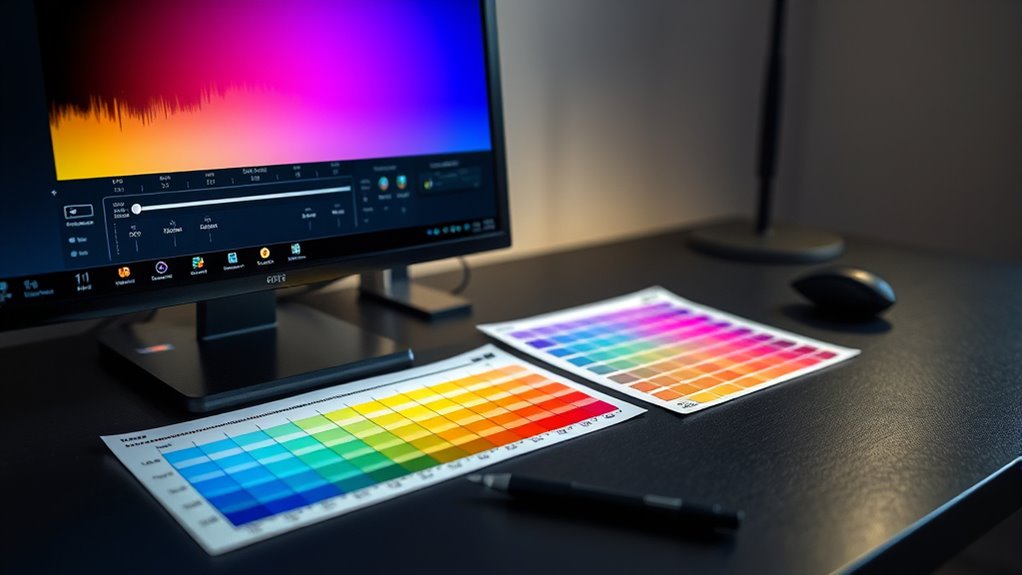
You can improve tint corrections by understanding how hue shifts affect color accuracy. Adjusting saturation levels helps you control the intensity of the tint, making it more natural or vivid. Modulating lightness influences how bright or dark the tint appears, completing your color adjustments. Incorporating knowledge of exfoliation benefits can also inform how you approach color corrections by understanding how skin texture and tone can impact overall appearance.
Understanding Hue Shifts
Ever wonder how subtle changes in hue can dramatically improve a tint correction? Hue shifts influence how colors relate, affecting color harmony and perceptual differences. When you adjust hue, you’re aligning colors to create a more balanced look, avoiding jarring mismatches. Even small hue tweaks can enhance overall harmony, making the correction appear seamless. Here’s a quick guide:
| Original Hue | Adjusted Hue | Effect |
|---|---|---|
| Red | Slightly Orange | Warms up skin tones |
| Blue | Cyan | Brightens shadows |
| Green | Olive | Adds subtle earthiness |
Understanding these shifts helps you see how minor hue adjustments can lead to major visual improvements, ensuring your tint fixes are both natural and perceptually pleasing. Regularly assessing and organizing your workspace can also streamline your editing process, making adjustments more efficient.
Adjusting Saturation Levels
Adjusting saturation levels plays a vital role in refining tint corrections by controlling the intensity of colors. When you tweak saturation, you’re influencing how vivid or muted the colors appear, directly impacting vibrancy enhancement and overall color vibrance. Higher saturation makes colors pop, creating a lively, energetic look. Conversely, lowering saturation helps achieve a softer or more muted tone, preventing oversaturation. Imagine:
- Bright, eye-catching reds and blues that grab attention
- Subtle pastel shades with a delicate, calming effect
- Muted earth tones that blend seamlessly into backgrounds
- Adjusting saturation can also help balance colors in Color Tint Fixes Glossary, ensuring a harmonious visual outcome.
Modulating Lightness Effect
Modulating lightness is essential for fine-tuning tint corrections, as it influences how bright or dark colors appear without altering their hue or saturation. Adjusting lightness helps you achieve better color harmony by balancing overall tones, ensuring the image feels cohesive. When you modify lightness thoughtfully, you enhance visual perception, making colors more appealing and easier for viewers to interpret. This control allows you to emphasize or subdue specific areas, creating depth and dimension. Proper lightness adjustments prevent colors from seeming washed out or overly harsh, maintaining a natural look. By understanding how the hue, saturation, and lightness work together, you can refine tint corrections precisely, ensuring your colors look vibrant yet harmonious and true to your intended mood. Additionally, considering color harmony principles can help guide your lightness adjustments for more aesthetically pleasing results.
As an affiliate, we earn on qualifying purchases.
Using Color Temperature and Tint Sliders Effectively
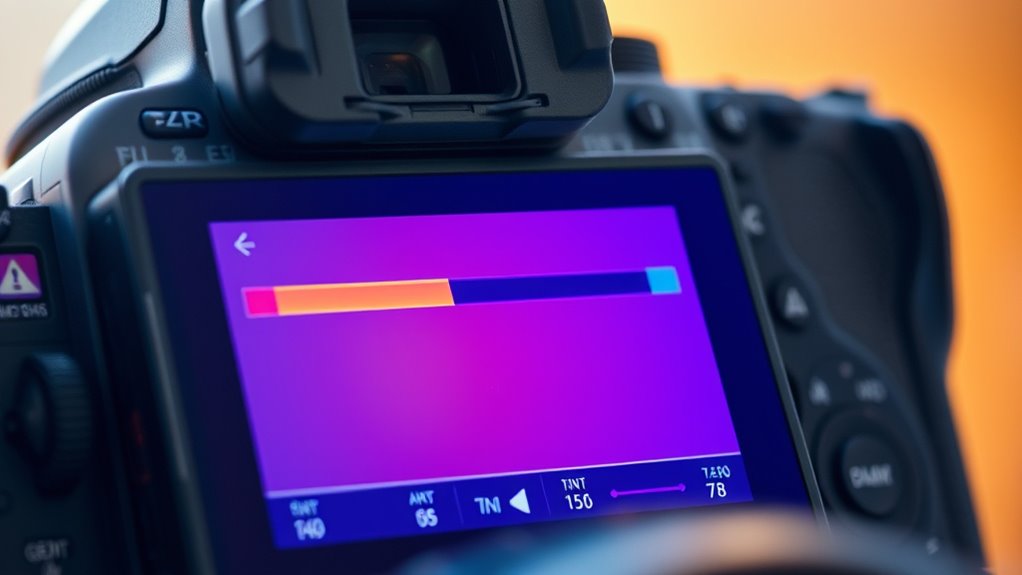
To get the most natural and visually appealing results when working with color correction, you need to understand how to use the Color Temperature and Tint sliders effectively. These tools influence the psychological impact of your images and tap into cultural associations we have with certain hues. For example, adjusting the temperature can make a scene feel warm and inviting or cold and distant. The tint slider shifts colors along green-magenta boundaries, affecting mood and perception. Visualize:
- A warm, golden sunset evoking comfort and nostalgia
- A cool, bluish tone creating detachment or calmness
- A magenta hue that suggests vibrancy or surrealism
Mastering these sliders helps control emotional responses and cultural cues, ensuring your edits align perfectly with your intended message. Additionally, contrast ratio plays a vital role in how well details are rendered in different lighting conditions, directly impacting the perceived depth and sharpness of your images.
Applying Complementary Colors for Corrective Tints
You can fix color issues by choosing opposite hues on the color wheel to neutralize unwanted tones. Be sure to balance the intensity of the complementary color so it corrects without creating new problems. Adjusting these elements carefully will help you achieve a more natural, accurate look. Additionally, understanding basic color theory principles can enhance your ability to select the right tints for any space.
Choosing Opposite Hues
When correcting unwanted color tints, choosing the right opposite hues is essential. Using complementary color theory helps you identify hues directly across from each other on the color wheel, creating effective contrast. By applying hue harmony principles, you ensure your corrections look natural and balanced. Visualize the process:
- Imagine a soft yellow tint on a surface, and then select a purple hue to counteract it.
- Think of a greenish tint needing a vibrant red to neutralize it effectively.
- Picture a bluish tint balanced out with an orange hue for a harmonious correction.
Choosing the appropriate opposite hues requires understanding their relationship and how they interact. This approach helps you make precise adjustments, ensuring the corrective tint blends seamlessly with the original, maintaining color consistency and visual harmony.
Balancing Color Intensity
Balancing color intensity is essential when using complementary colors for corrective tints because applying too much of a contrasting hue can result in unnatural or overly vivid adjustments. To maintain color harmony and support accurate visual perception, you should carefully regulate the amount of complementary color added. Too little may not correct the issue, while too much can distort the original tone. Use the following guidelines:
| Complementary Color | Adjustment Tip |
|---|---|
| Blue and Orange | Add gradually, monitor for balance |
| Red and Green | Use small doses for subtle effect |
| Yellow and Purple | Combine in moderation for natural look |
This approach ensures your corrections blend seamlessly, preserving the intended visual harmony. Additionally, understanding different crochet styles for locs can help you customize your corrective techniques for textured hair.
Quantifying Color Shifts With Delta E Values

Ever wonder how to measure the exact difference between two colors? Delta E values help you do just that by quantifying color shifts objectively. This measurement considers how our color perception varies, ensuring accurate results. When working on visual ergonomics, understanding these shifts is essential—small differences can impact clarity and comfort. Imagine:
- A digital screen’s hue subtly changing, affecting readability
- Paint colors matching less precisely than you thought
- Consistent color reproduction across printing processes
- Recognizing perceptual differences that influence visual comfort and accuracy
Delta E provides a numerical value indicating the magnitude of the shift. The lower the value, the closer the colors are perceived. This metric helps you make informed decisions, ensuring color consistency and ideal visual ergonomics, which ultimately enhances viewer experience and reduces eye strain.
Frequently Asked Questions
How Do Ambient Lighting Conditions Affect Tint Correction Accuracy?
Ambient lighting conditions greatly impact tint correction accuracy because they influence your color perception. When ambient light varies, your eyes interpret colors differently, making it harder to achieve precise tint adjustments. Bright or colored lighting can distort how you see the tint, leading to errors. To guarantee accuracy, perform tint corrections under consistent, neutral lighting conditions, minimizing the effects of ambient light on your perception.
Can Color Tint Fixes Be Automated for Real-Time Editing?
Yes, color tint fixes can be automated for real-time editing. You’ll want to leverage advanced color calibration tools and software that analyze your footage instantly. These tools adjust tint and color grading dynamically, ensuring consistent results regardless of ambient lighting or camera settings. Automation speeds up your workflow and maintains color accuracy while allowing you to focus on creative decisions, making real-time color correction both efficient and precise.
What Are Common Mistakes to Avoid in Color Balance Calculations?
Did you know that improper color calibration can cause color errors in over 70% of digital displays? To avoid mistakes, double-check your color balance calculations regularly, especially when applying gamma correction. Misjudging the impact of gamma can lead to inaccurate tint fixes, so always verify your inputs and use consistent calibration tools. This guarantees your color tint fixes are precise, avoiding costly rework and maintaining true-to-life visuals.
How Do Different Display Devices Impact Tint Correction Consistency?
Different display devices impact tint correction consistency because each requires precise display calibration to achieve accurate color accuracy. You need to adjust settings for monitors, projectors, or screens individually, as their inherent color profiles vary. If you skip proper calibration, your tint corrections won’t be consistent across devices. Always calibrate each device carefully to maintain uniform color accuracy, ensuring your tint fixes look correct regardless of the display you’re working with.
Are There Industry Standards for Acceptable Color Shift Thresholds?
Yes, industry guidelines set acceptable color shift thresholds, typically around a 1-2 delta E value for professional work. You should aim to stay within these standards to guarantee consistent tint correction, regardless of display device differences. By monitoring color tolerance levels, you can maintain uniformity across various screens, which is vital for quality control. Following these thresholds helps you achieve accurate, reliable color reproduction in your projects.
Conclusion
Mastering color tint fixes is essential to achieve perfect visuals. For example, if you notice a yellowish tint in your photos, applying complementary blue can restore balance. By understanding RGB, CMY, and using tools like Delta E, you can precisely correct color shifts. With practice, you’ll confidently tweak hue, saturation, and lightness, ensuring your images look vibrant and accurate every time. Don’t skip these calculations—they’re your secret to flawless color correction.
Flea & tick season Picks
flea and tick prevention
As an affiliate, we earn on qualifying purchases.