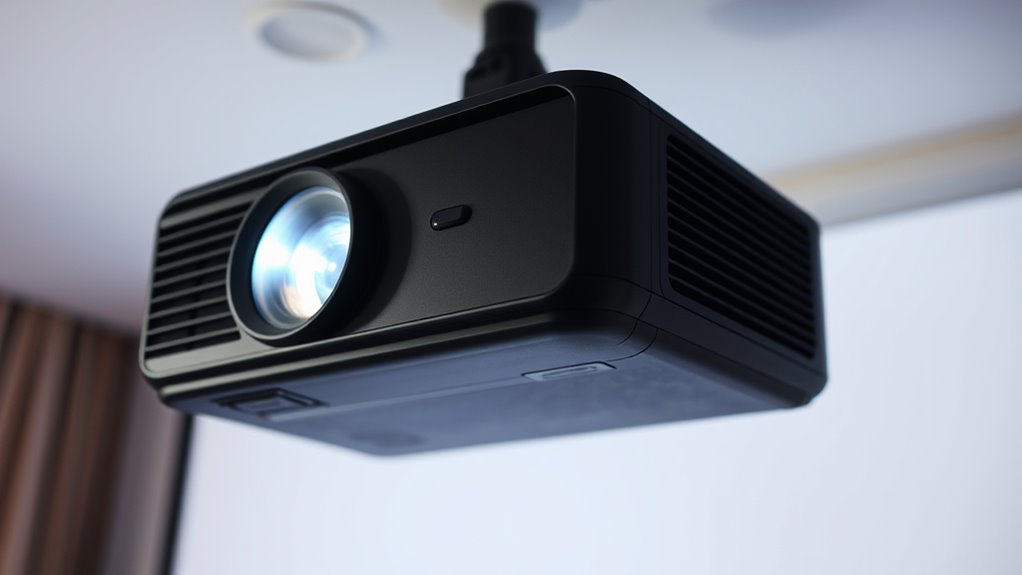

If your projector keeps losing focus, it’s likely due to lens misalignment, a dim or aging bulb, or dust on the lens. Handling or vibrations can shift the lens, causing blurry images. Sometimes, the focus needs fine-tuning via the controls or menu. Dust or fingerprints also reduce clarity, so regular cleaning helps. If the problem persists, internal issues like overheating or component wear may be involved. To get your projector sharp again, explore these causes in more detail.
Key Takeaways
- Lens misalignment caused by handling or vibrations can lead to blurry images, requiring realignment or adjustment screws.
- Dim or old bulbs reduce brightness, making it difficult to achieve a sharp focus; replacing them restores clarity.
- Environmental factors like dust, fingerprints, or smudges on the lens can impair focus; regular cleaning is essential.
- Focus settings may shift due to vibrations or knocks; fine-tune the focus ring or digital controls regularly.
- Internal issues such as overheating or dust buildup inside the projector can interfere with focus, necessitating maintenance or professional servicing.
projector lens alignment tool
As an affiliate, we earn on qualifying purchases.
As an affiliate, we earn on qualifying purchases.
Troubleshooting Focus Issues in Your Projector
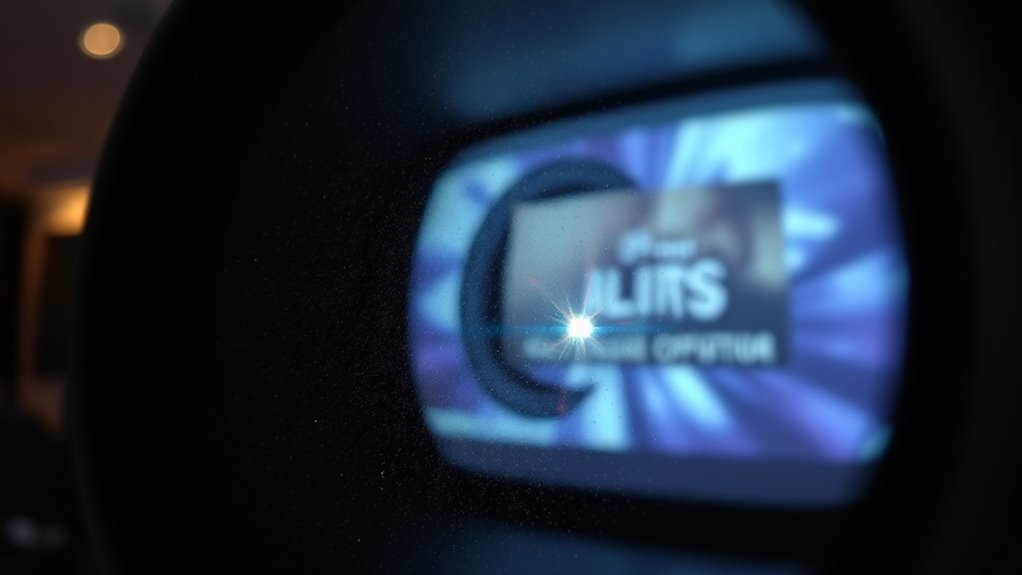
If your projector suddenly starts losing focus, it can be frustrating and disrupt your presentation or movie night. One common cause is misalignment of the lens. Over time, the lens can shift slightly due to handling, transportation, or natural wear and tear, causing the projected image to become blurry or fuzzy. Carefully inspecting the lens alignment is your first step. Most projectors have adjustable lenses or alignment screws that allow you to fine-tune the focus. Make small adjustments and check the image clarity after each turn. Proper lens alignment ensures that the light passes through the lens correctly, producing a sharp, clear image.
Misaligned lens can cause blurry images; check and fine-tune the focus for a sharper projection.
Another factor to contemplate is bulb brightness. If your projector’s bulb isn’t operating at ideal brightness levels, you might notice a decrease in image clarity, making it seem like it’s losing focus. Dimming bulbs can cause the projected image to appear hazy or less defined, especially in well-lit rooms. Replacing an old or dim bulb can restore the brightness needed for a crisp picture. When doing so, ensure you select the correct replacement bulb for your model, as using the wrong type can affect both brightness and focus. Also, keep in mind that some projectors have adjustable brightness settings. Increasing the brightness settings can compensate for a dimming bulb temporarily, but replacing the bulb is the best long-term solution.
Beyond lens alignment and bulb brightness, you should also check the focus ring or adjustment dial. Sometimes, accidental knocks or vibrations can cause the focus to shift. Turn the focus knob slowly, checking for a sharper image as you go. If your projector has digital focus controls, use the menu options to fine-tune the focus instead of relying solely on the physical dial. Remember, environmental conditions like dust or smudges on the lens can also affect focus. Regularly cleaning the lens with a microfiber cloth can prevent blurry images caused by dirt or fingerprints.
Additionally, the presence of HEPA filtration and other air quality features in some projectors can influence internal components if filters are clogged or if dust accumulates inside, potentially impacting focus and image clarity. In some cases, overheating or internal component issues can interfere with focus. If you’ve tried adjusting the lens, replacing the bulb, and cleaning the lens, but the problem persists, it might be time to consult a professional or think about replacing the projector. Regular maintenance and careful handling go a long way in preventing focus issues, ensuring your projector continues to deliver sharp images whenever you need them.

COOBAN ELPLP96 /V13H010L96 Replacement Projector Lamp Bulb with Housing for Epson VS250 VS355 VS350 EX5260 EH-TW650 EB-S41 Powerlite Home Cinema 2150 /Powerlite Home Cinema 1060 2100 660 760 760HD
Life:Increasing the brightness of the bulb seems to be an easy task,The most difficult thing to break through…
As an affiliate, we earn on qualifying purchases.
As an affiliate, we earn on qualifying purchases.
Frequently Asked Questions
Can Ambient Light Affect My Projector’s Focus?
Yes, ambient light can affect your projector’s focus stability. Bright lighting creates glare and reduces contrast, making it harder for your projector to maintain a sharp image. When ambient light is too strong, your projector may struggle to stay focused, resulting in blurry or fluctuating images. To improve focus stability, reduce ambient light by dimming or turning off lights in the room, and use a projector with good contrast capabilities.
Does Lens Cleanliness Impact Focus Quality?
Yes, lens cleanliness considerably impacts focus quality. Dirt, smudges, or dust on your projector lens can cause blurry images and hinder proper focus adjustment. Regular lens maintenance guarantees the lens stays clear, allowing you to fine-tune the focus effectively. To maintain ideal picture quality, clean your lens gently with a microfiber cloth and check the focus after each cleaning. Proper lens care keeps your projector performing at its best.
How Often Should I Calibrate My Projector’s Focus?
Think of your projector’s focus adjustment like tuning a musical instrument—you want it just right. You should calibrate your projector’s focus every 3 to 6 months or whenever image sharpness declines. Regular calibration keeps the picture crisp and clear, preventing blurry visuals. If you notice fuzziness or shifting focus, don’t wait—perform focus adjustment promptly. Staying on top of calibration frequency guarantees your projector consistently delivers a sharp, vibrant display.
Are There Specific Projector Models Prone to Focus Problems?
Certain projector models are more prone to focus problems, especially older or budget-friendly ones. You might notice focus issues more often with projectors that have less advanced lens technology or those exposed to frequent movement and handling. If you own a model known for focus problems, regular calibration and careful handling can help maintain clarity. Upgrading to a higher-quality projector with better focus adjustment features can also reduce these issues.
Can Using a Projector on an Uneven Surface Cause Focus Issues?
An unstable surface can subtly challenge your projector’s focus, affecting its stability and leading to blurry images. When you place your projector on an uneven surface, it struggles with surface calibration, causing slight tilts and misalignments. To guarantee sharp focus, always choose a stable, level spot. Proper projector stability helps maintain consistent focus, so your viewing experience remains crisp and clear, free from unnecessary distractions.

MagicFiber Microfiber Cleaning Cloth, 6 Pack – Premium Cloth for Glasses, Lens, Screens & More
Glasses cleaner – Sourced from the highest quality microfiber that absorbs and removes dust, oil, smudges, fingerprints, dirt,…
As an affiliate, we earn on qualifying purchases.
As an affiliate, we earn on qualifying purchases.
Conclusion
If your projector keeps losing focus, don’t give up hope—this tiny problem can feel like the end of the world, but it’s usually fixable. By following these simple steps, you’ll restore crystal-clear images and reclaim your movie nights or presentations. Imagine the frustration melting away as your projector finally behaves perfectly, transforming your space into a cinematic paradise. Don’t let fuzzy images ruin your experience—take action now and enjoy a razor-sharp display that’ll blow your mind!
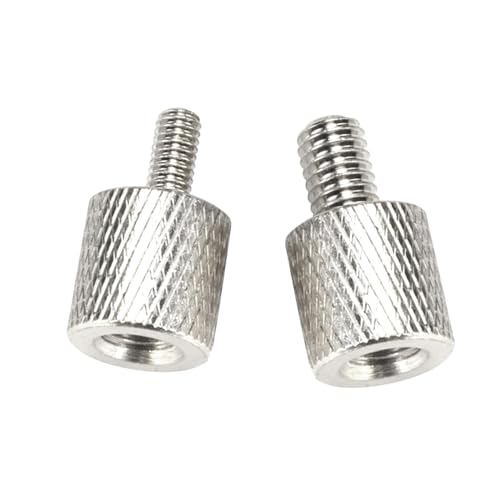
Projector Mount Tripod Screw Thread Adapters Converters Female 1/4 in / 6.35 mm to Male 0.23 in / 5.9 mm or 0.15 in / 3.9 mm M4 M6 Screws Adapter Bushing for Mini Projector Mount Camera Tripod
Screw Adapter Thread: M6: Female 1/4 inch(6.35 mm) to male 0.23 inch(5.9 mm), M4: Female 1/4 inch(6.35 mm)…
As an affiliate, we earn on qualifying purchases.
As an affiliate, we earn on qualifying purchases.