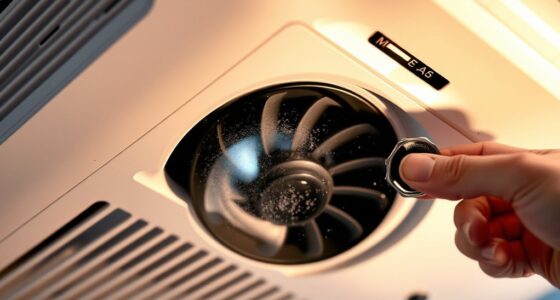

If you hear a loud pop from your projector, turn it off immediately, unplug it, and let it cool down completely. Wear gloves and goggles to protect against flying glass and debris, then carefully inspect the scene for shattered bulbs or glass fragments. Clean up glass carefully using a broom, vacuum, or dustpan, and dispose of broken parts safely. For internal damage or safety concerns, contact a professional. Staying cautious helps prevent injury—you’ll discover more tips to handle it safely.
Key Takeaways
- Unplug the projector immediately, allow it to cool, and wear protective gear before inspecting for damage.
- Carefully assess the scene, noting glass shards, bulb fragments, and potential electrical hazards.
- Collect debris using a broom or vacuum with a hose, then safely dispose of broken parts following hazardous waste guidelines.
- Inspect internal components for damage and clean remaining glass, consulting professionals if necessary before reuse.
- Regularly maintain and replace bulbs proactively, and follow safety procedures to prevent future explosions.
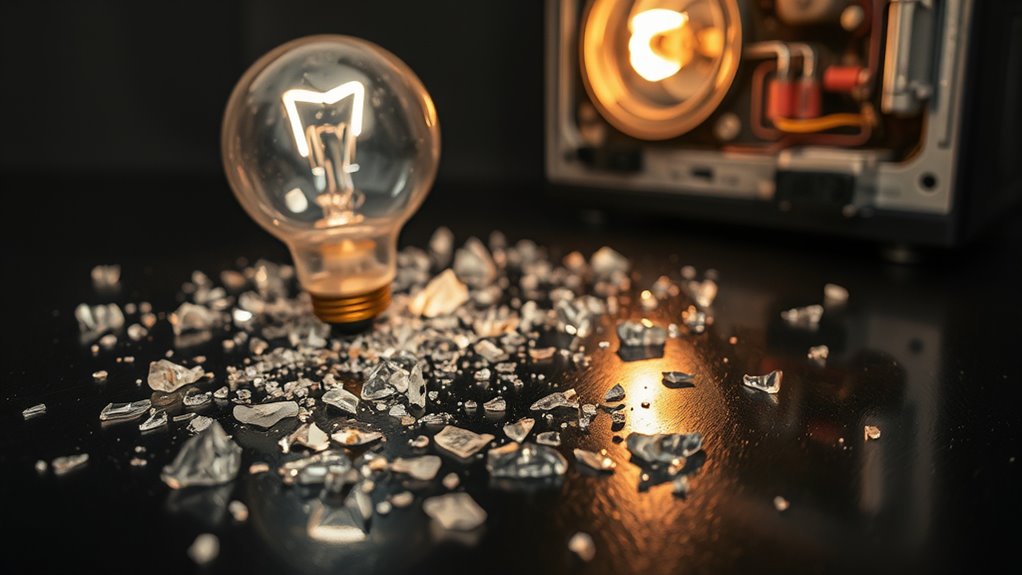
A projector bulb explosion can happen suddenly and cause chaos if you’re unprepared. One moment, everything’s running smoothly, and the next, you’re faced with shattered glass and potential hazards. Knowing how to respond quickly and safely is vital to minimize damage and protect yourself. The first step is to prioritize safety precautions. Before approaching the area, make sure that the projector is unplugged and cooled down to prevent burns or electrical shocks. Wear thick gloves and safety goggles to shield your eyes and hands from broken glass and debris. Keep others away from the scene until you’ve assessed the situation. Once you’ve secured the area, carefully examine the projector to identify the extent of the damage. Be cautious, as tiny shards of glass and fragments of the bulb may be scattered around. Avoid touching broken parts with bare hands, as glass can be sharp and cause injuries. Additionally, be aware of the potential hazards posed by damaged electrical components and handle them with extra caution.
After you’ve assessed the scene, it’s time to carry out proper cleanup procedures. Gather a sturdy broom and dustpan, or a vacuum cleaner with a hose attachment, to carefully collect the glass fragments. Do this slowly to prevent spreading the shards further. Place the debris into a thick, sealed plastic bag or container for disposal. If the bulb exploded inside the projector, you’ll need to remove the remaining parts carefully, following the manufacturer’s instructions or consulting a professional if you’re unsure. Never attempt to repair or replace the bulb yourself unless you have proper training; mishandling can result in further accidents or damage.
Once the debris is cleared, check the projector for any residual glass or debris that might have lodged inside. Use a damp cloth to wipe down the interior surfaces gently, ensuring no shards remain. If you notice any damage to the projector’s internal components, contact a professional repair service before attempting to use it again. It’s also prudent to inspect the area for any remaining tiny glass particles that might pose health risks. Dispose of the broken bulb and contaminated materials safely, following local disposal regulations for hazardous waste.
Finally, review your safety precautions for future use. Always handle projector bulbs with care, following manufacturer guidelines, and consider replacing old or fragile bulbs proactively. Regular maintenance and inspections can prevent unexpected explosions and keep your workspace safe. By adhering to proper safety precautions and cleanup procedures, you can effectively manage a projector bulb explosion, minimizing risks and ensuring everyone’s safety. Remember, quick, calm action combined with proper safety measures makes all the difference in these unexpected situations.
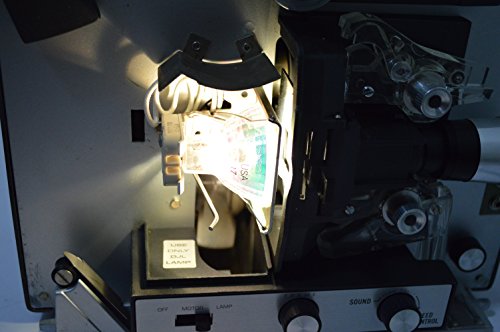
DJL Projector Lamp Bulb Replacement Kit Retrofit Ez to Install W/Video Manual Bell & Howell
Replaces 15 hour DJL lamp with 200 hour halogen lamp
As an affiliate, we earn on qualifying purchases.
As an affiliate, we earn on qualifying purchases.
Frequently Asked Questions
How Often Should I Replace My Projector Bulb?
You should replace your projector bulb based on its lifespan, which is typically around 1,500 to 2,000 hours of use. To guarantee peak performance, follow the manufacturer’s recommended replacement schedule, usually every 1,500 hours. Keep an eye on brightness levels and image quality; if they decline, it’s time for a new bulb. Regularly monitoring your projector helps prevent unexpected failures and maintains your viewing experience.
Can I Continue Using a Projector After a Bulb Explosion?
Think of your projector as a delicate symphony; when a bulb explodes, the music stops. You shouldn’t continue using it after a bulb explosion, as it signals a breakdown in projector maintenance and could damage internal components. The explosion indicates the bulb has reached the end of its lifespan, and using the projector further risks costly repairs. Always replace the bulb promptly to keep your display shining brightly.
What Are the Signs of an Impending Bulb Explosion?
You can often spot warning signs of an impending bulb explosion by paying attention to your projector. Look for flickering images, dimming brightness, or unusual noises, which indicate the bulb’s lifespan is nearing its end. These warning signs suggest it might be time to replace the bulb before it explodes, preventing damage and ensuring your projector continues to operate smoothly. Regular maintenance helps catch these signs early.
Are There Specific Safety Gear Recommendations During Bulb Replacement?
Imagine you’re replacing your projector bulb when it suddenly shatters. To stay safe, always wear protective gloves and eye protection. These safety gear items shield you from sharp glass shards and potential exposure to hazardous materials inside the bulb. For example, a tech worker avoided injury by donning gloves and goggles during replacement. Prioritizing safety gear guarantees you handle the bulb confidently while minimizing risks of injury.
Is It Safe to Dispose of a Broken Projector Bulb in Regular Trash?
You shouldn’t dispose of a broken projector bulb in regular trash because of potential hazards. For proper bulb disposal, follow trash safety guidelines, which often recommend placing the broken bulb in a sealed container or plastic bag to prevent glass shards from causing injury. Check local regulations for hazardous waste disposal, as some projector bulbs contain materials that require special handling. Always prioritize safety to avoid accidents and environmental harm.
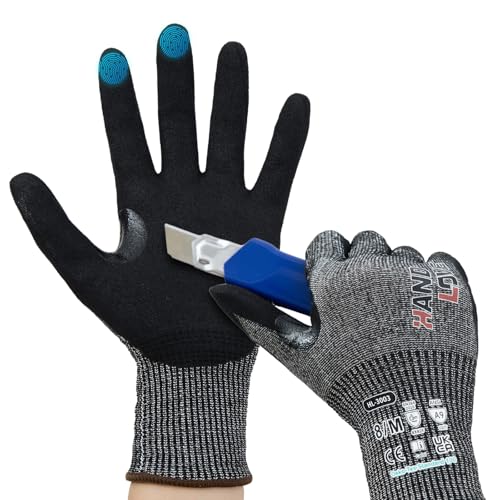
HandLove Cut Resistant Gloves – ANSI A9 Cut Proof Safety Work Gloves | Sandy Nitrile Anti-Slip, Touchscreen, Durable, PFAS Free | Wood Carving, Gardening, Glass Cutting, Car Repair – Black,1Pair,L
PROVIDING EXCEPTIONAL CUT PROOF PROTECTION — HandLove cut resistant gloves, designed as ANSI A9 cut resistant gloves, offer…
As an affiliate, we earn on qualifying purchases.
As an affiliate, we earn on qualifying purchases.
Conclusion
Remember, a projector bulb explosion is like a sudden thunderclap in a quiet sky—unexpected but manageable. Stay calm, turn off the projector immediately, and unplug it to prevent further damage. Allow the bulb to cool completely before handling or replacing it. By treating the situation with care and respect, you’ll navigate this storm safely and restore your viewing peace, knowing you’ve weathered the unexpected with confidence, much like a seasoned sailor steering through a sudden squall.

Shark Upright Vacuum, Navigator Lift-Away Deluxe with Large Dust Cup Capacity, HEPA Filter, Swivel Steering, Upholstery Tool & Crevice Tool, Blue, NV360
POWERFUL SUCTION: Deep-clean carpets and tackle bare floors with multi-surface powerful suction.
As an affiliate, we earn on qualifying purchases.
As an affiliate, we earn on qualifying purchases.

Trashanium Biohazard Waste Bags, 10-Gallon, 100 Count, Red, No Leak Bags, Medical Grade, Safe Infectious Waste Disposal
DURABLE, STRONG, & LEAKS FREE – Keep all biohazard and infectious materials safely stored away with our 12-micron…
As an affiliate, we earn on qualifying purchases.
As an affiliate, we earn on qualifying purchases.