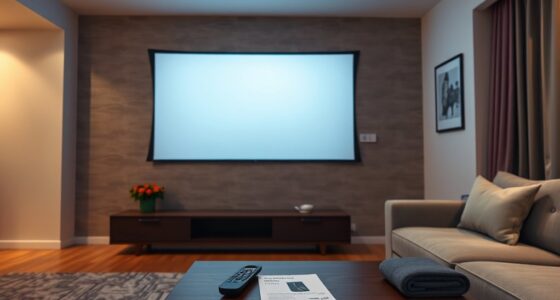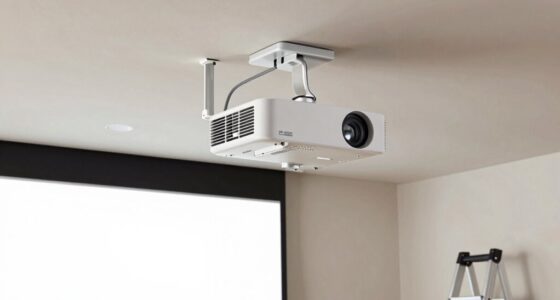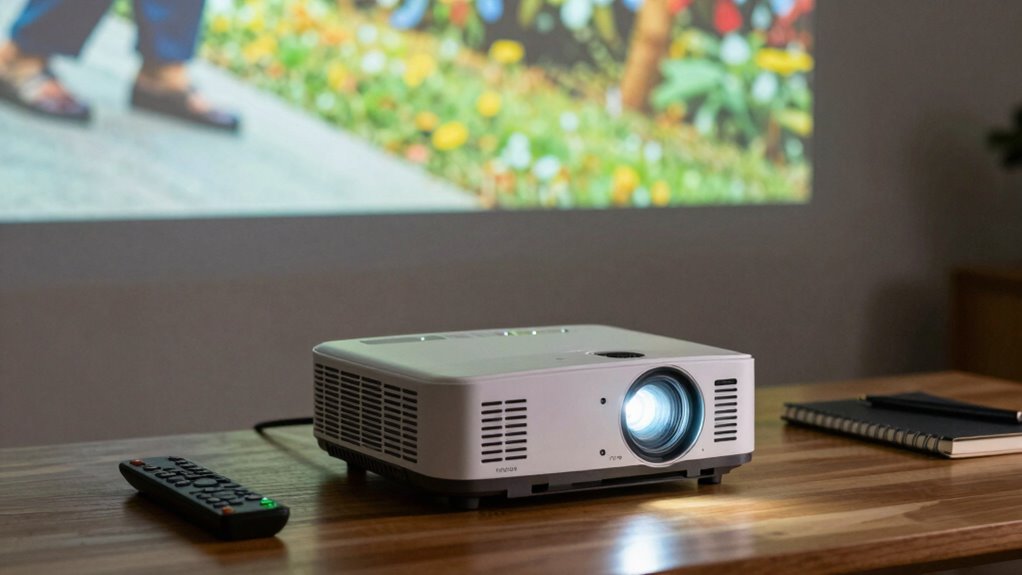

A good zoom range in a projector lets you easily adjust image size without moving the device, giving you more setup flexibility. It’s especially useful in rooms with limited space or irregular layouts, as it allows you to fine-tune the image for the best view. With a wider zoom, you can adapt to different screen sizes and distances quickly. Stay with us to discover how a quality zoom range can improve your entire projection experience.

Get business pricing on your home office setup
- Business-only prices and quantity discounts
- Tax-exempt purchasing
- Multiple users, one account, clear invoices
Key Takeaways
- A wider zoom range offers greater flexibility for adjusting image size without repositioning the projector.
- It enables fine-tuning of the projected image for optimal presentation quality.
- A broad zoom range accommodates various room sizes and projection distances effectively.
- High-quality lenses ensure clear images across all zoom levels, maintaining visual sharpness.
- Proper zoom range selection simplifies installation and adjustment, enhancing overall setup convenience.
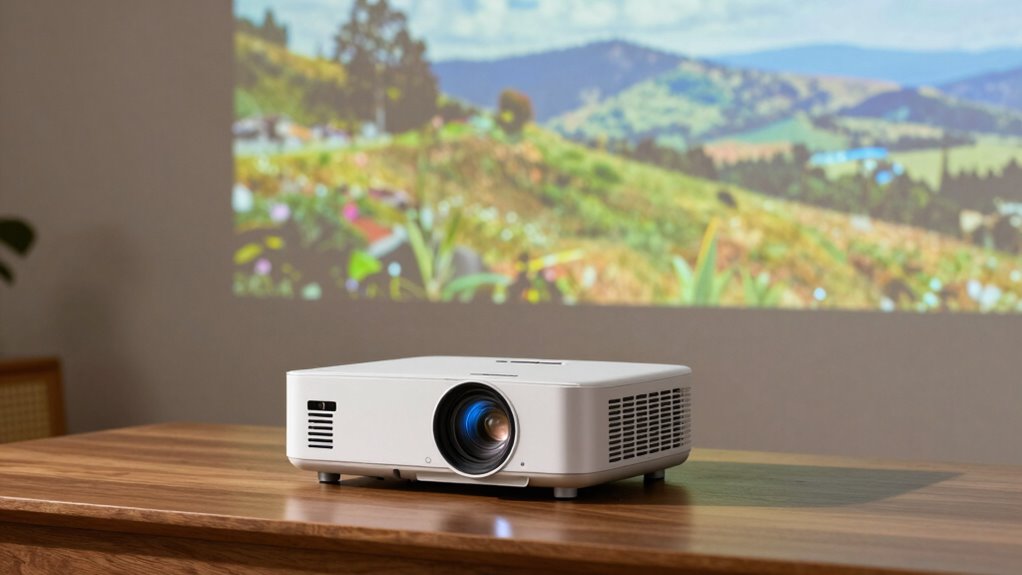
Have you ever wondered how a projector can display such large images from a small device? It’s pretty impressive, and the secret lies partly in the zoom range. When you’re choosing a projector, the zoom range can seem like a minor feature, but it greatly impacts your setup flexibility. A good zoom allows you to adjust the image size without moving the projector closer or farther from the screen. This flexibility is especially handy if your installation space isn’t fixed or if you want to fine-tune your image during setup or presentations.
One of the key factors that determine how well a zoom range works in your setup is lens quality. High-quality lenses tend to produce sharper images and maintain clarity at different zoom levels, ensuring your projection stays crisp whether you’re zoomed in or out. Cheaper lenses, on the other hand, may introduce distortions or reduce image sharpness when you adjust the zoom, making your picture look less professional. So, if you’re investing in a projector with a broad zoom range, it’s worth paying attention to the lens quality to guarantee your images remain clear and vibrant across all zoom levels.
High-quality lenses ensure sharp, clear images across all zoom levels, making your projection look professional and vibrant.
Projection distance also plays a crucial role in how you’ll use the zoom feature. The projection distance — the space between your projector and screen — limits how much you can zoom in or out effectively. For example, if you have a short throw projector, your zoom range might be more limited because the distance to the screen is already constrained. Conversely, long throw projectors often have a more extensive zoom range, giving you greater flexibility to adjust the image size without moving the device. Knowing your specific projection distance helps you choose a projector that offers a zoom range suited to your space. If your room is small, a projector with a wide zoom range might not be as necessary, but having some flexibility can still make setup easier. Additionally, understanding lens performance can help you select a projector that maintains good image quality across its zoom capabilities.
Furthermore, considering projection distance and its influence on zoom functionality can help prevent potential limitations during setup or use. It’s also important to consider how cabling solutions and proper installation can maximize your projector’s performance and ease of adjustment. Ultimately, a good zoom range combined with high lens quality offers you more control and convenience. You can adapt to different room sizes, fine-tune your image, and avoid the hassle of repositioning your projector constantly. Keep in mind that the projection distance will influence what zoom range is practical for your setup. When selecting a projector, balancing these factors ensures you get a device that fits your space and provides the image quality you need. This way, your projection setup remains simple, effective, and visually impressive.
As an affiliate, we earn on qualifying purchases.
Frequently Asked Questions
How Does Zoom Range Affect Image Quality?
A wider zoom range can slightly impact image quality, often causing some lens distortion and reducing image sharpness at extreme zoom levels. When you zoom in or out, the projector’s lens adjusts, which may introduce distortions if not well-designed. However, a good quality projector minimizes these issues. Generally, a moderate zoom range helps maintain ideal image clarity and sharpness without sacrificing flexibility.
Can a Wider Zoom Range Replace Lens Shift?
A wider zoom range can’t replace lens shift because lens shift adjusts the image position without causing lens distortion or image cropping. While a broad zoom can help frame your image, it doesn’t offer the precise, distortion-free repositioning that lens shift provides. Relying solely on zoom may lead to image cropping or quality loss, whereas lens shift maintains full image integrity and avoids distortion, making it essential for flexible projector placement.
Is a Higher Zoom Range Better for All Room Sizes?
A higher zoom range isn’t always better for all room sizes; it’s like trying to fit a giant puzzle piece where it doesn’t belong. You’ll need to take into account your screen placement and room acoustics before choosing. A wider zoom offers flexibility in adjusting image size, but if your room is small or has limited space, a lower zoom may be better, ensuring clear visuals without crowding the setup.
Does Zoom Range Impact Projector Brightness?
Zoom range doesn’t directly impact projector brightness, but it can influence image quality through lens distortion and image scaling. A wider zoom might introduce slight distortions, requiring you to adjust settings, which can affect perceived brightness. Conversely, a narrow zoom often maintains image clarity and brightness consistency. So, while zoom range mainly affects image framing, consider lens quality to minimize distortion and guarantee ideal brightness.
How Does Zoom Range Influence Setup Flexibility?
Ever wondered how zoom range affects your setup flexibility? A wider zoom range lets you easily adapt to various room sizes without repositioning the projector. It often requires compatible lenses and motorized adjustment features for smooth, precise control. With this flexibility, you can confidently set up in different spaces, saving time and effort. Don’t overlook zoom range—it’s key to achieving a versatile, hassle-free projection experience.
As an affiliate, we earn on qualifying purchases.
Conclusion
Understanding zoom range helps you choose the right projector for your space, ensuring you get the perfect image size without sacrificing quality. Did you know that projectors with a wider zoom range can adapt to rooms from 5 to 30 feet, offering more flexibility? This means you don’t have to worry about exact distances or additional lens adjustments. With the right zoom, you’ll enjoy clear, flexible viewing—making your setup more versatile and hassle-free.
As an affiliate, we earn on qualifying purchases.
long throw projector with adjustable zoom
As an affiliate, we earn on qualifying purchases.
As an affiliate, we earn on qualifying purchases.
Halloween Picks
halloween
As an affiliate, we earn on qualifying purchases.