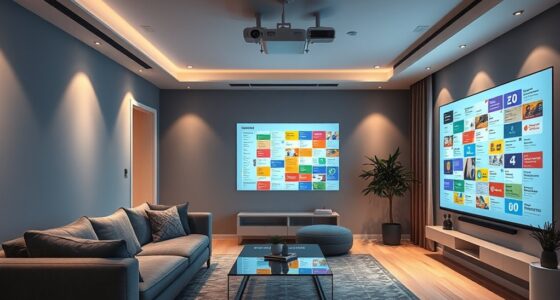

To avoid common mistakes when mounting a projector, make sure to choose the right ceiling mount for your device’s weight and size, and plan the placement carefully to ensure a clear, unobstructed view from all seats. Measure the distance accurately to match the throw ratio, and adjust the projector for perfect alignment. Also, conceal cables for safety and aesthetics. Keep these tips in mind, and you’ll create a reliable, high-quality setup—if you keep exploring, you’ll get even better at it.
Key Takeaways
- Ensure accurate measurements and proper placement to prevent image distortion and poor picture quality.
- Choose a suitable ceiling mount that can support your projector’s weight and allows for adjustments.
- Position the screen at eye level and avoid placing it too high or low for comfortable viewing.
- Manage cables effectively to prevent tripping hazards and maintain a clean setup.
- Double-check all connections and alignment after installation to ensure optimal image quality and stability.
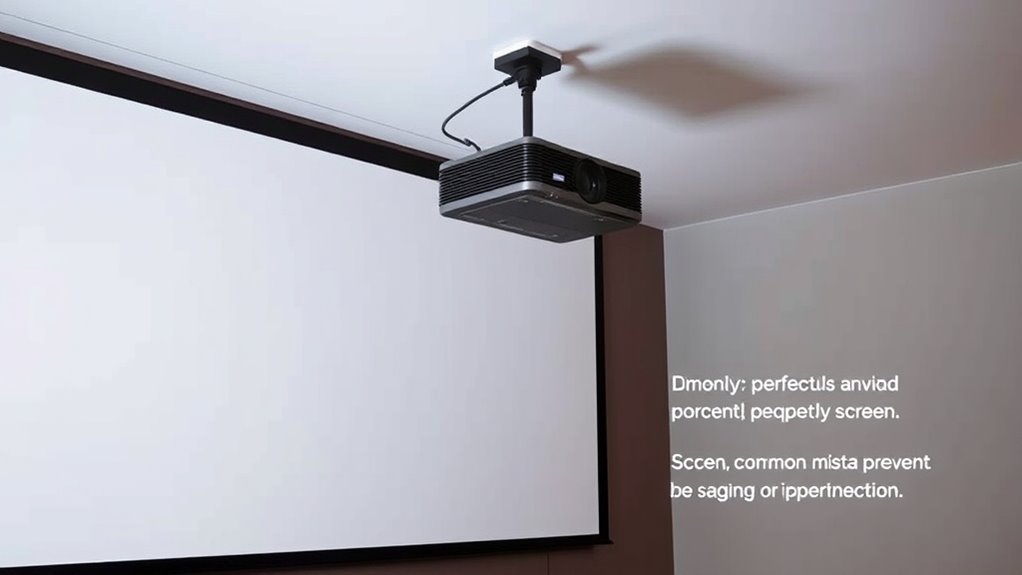
Mounting a projector might seem straightforward, but skipping careful planning can lead to frustrating issues like poor image quality or uneven alignment. One of the most critical steps is getting the projection screen placement right. You need to consider the size and position of the screen relative to your seating area, ensuring everyone has a clear view without distortion or shadows. If you place the screen too high or too low, viewers might have to strain or shift awkwardly to see the display properly. Think about the distance between the projector and the screen as well; too close, and the image may be unclear or distorted, too far, and it won’t fit the space well. Proper placement guarantees ideal image sharpness and brightness.
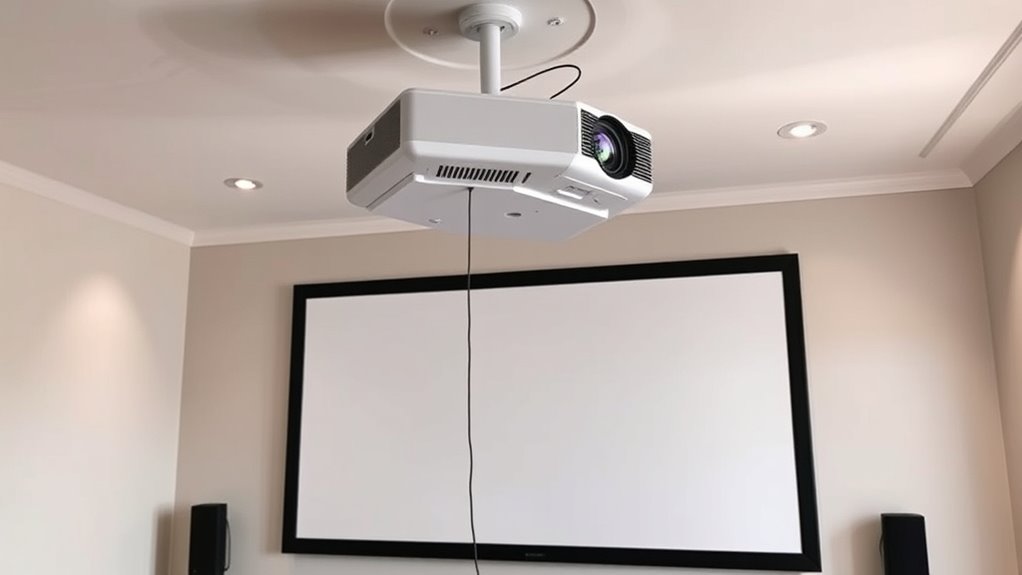
When it comes to mounting options, ceiling mount options are typically the most stable and versatile. They keep the projector out of the way and provide a clean look. But not all ceiling mounts are created equal. You need to select one that matches your projector’s weight and size, and that offers the adjustability you need for perfect alignment. Fixed mounts are simple but don’t allow for adjustments once installed, which can be problematic if your setup isn’t perfect initially. Adjustable or motorized mounts, on the other hand, give you the flexibility to fine-tune the projector’s position after installation, helping you achieve the ideal image alignment without hassle.
Before you start mounting, double-check your measurements and think about the room layout. Measure the distance from the projector to the screen to ensure it matches your projector’s throw ratio for a clear, focused image. Also, think about the height of the ceiling and whether you’ll need a mount that can tilt or swivel. It’s essential to plan for power outlets and cable management as well. Concealing cables keeps the setup tidy and prevents accidents or disconnections. Additionally, understanding contrast ratio can help you choose the right projector setup to maximize image quality in your space.
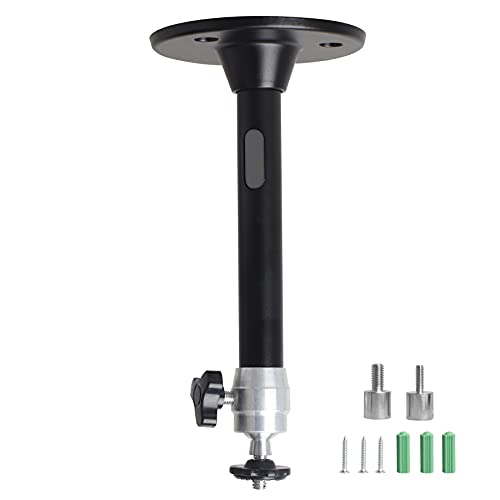
YiePhiot Mini Ceiling Wall Projector Mount Stand Compatible with QKK, DR.J, DBPOWER, Anker, VANKYO, AAXA, Jinhoo, PVO, TMY, AuKing and Most Other Mini Projector (175mm, Black)
Universal Mount: The Universal Projector Mount is compatible with most mini projectors, including CLOKOWE, HAPPRUN, ELEPHAS, NICPOW and…
As an affiliate, we earn on qualifying purchases.
As an affiliate, we earn on qualifying purchases.
Frequently Asked Questions
How Do I Choose the Right Projector Mount?
To select the appropriate projector mount, consider your projector placement and wall compatibility. Measure the space to guarantee the mount can reach your desired height and angle. Check if your wall can support the weight and mounting hardware. Choose a mount with adjustable arms for flexible positioning. By matching your projector’s specifications with the mount’s features, you ensure a secure and ideal setup for your viewing experience.
What Tools Are Needed for Installation?
You’ll need a drill, screwdriver, level, measuring tape, and possibly a stud finder for installation. Use the drill to make holes, then secure the mount with screws. Keep a level nearby to guarantee your projector is straight. Make sure your power outlet is accessible for plugging in the projector and any cables. Don’t forget to double-check the placement of your projection screen to align it perfectly with your mounted projector.
How High Should I Mount My Projector?
You should mount your projector at a height that aligns with the most favorable projection distance based on your screen size. Typically, position it so that the lens is level with the top of the screen or slightly above, ensuring clear images without distortion. Check your projector’s specifications for ideal projection distance, which helps achieve sharp focus and proper image size, preventing the need for unnecessary adjustments later.
Can I Mount a Projector on a Sloped Ceiling?
Yes, you can mount a projector on a sloped ceiling, but you need to take into account ceiling texture and projector alignment. Use a universal mount with adjustable brackets to accommodate the slope, ensuring the projector stays level. Check the ceiling texture first; if it’s uneven or textured, use appropriate anchors or mounting hardware to secure it. Proper alignment prevents distorted images and maintains a clear, sharp display.
How Do I Hide the Cables Effectively?
Think of your cables as unruly vines that need taming. To hide them effectively, use cable management solutions like conduit, cable raceways, or adhesive clips. Conceal the wires along the ceiling or walls, running them behind furniture or molding for a seamless look. This not only keeps your space tidy but also prevents accidents. With these concealment techniques, your setup will look sleek and professional, free of distracting clutter.

XINLEI Universal Projector Screen Wall Mount L-Brackets Hanging Ceiling Mount, 6 inch Adjustable Extension with Hook for Home Projector and Movie Screens, Hold up to 66 lbs, White PRL003W
UNIVERSAL: Compatible with most manual or spectrum projector screen on the market. Suitable for wood stud, concrete wall,…
As an affiliate, we earn on qualifying purchases.
As an affiliate, we earn on qualifying purchases.
Conclusion
So, there you have it—avoid these five mounting mistakes, or risk turning your home theater into a comedy of errors. Who knew that positioning your projector could be so tricky? But hey, if you enjoy the thrill of guessing and the surprise of a wonky image, go ahead and ignore these tips. Otherwise, follow them, and enjoy crisp, professional-quality viewing—because nothing says “cinema experience” like not having to squint or play hide-and-seek with your image.

DRIVUU 311Pcs Cable Management Organizer Kit 4 Cable Sleeve Split,53Cable Clips 12Cord Clips Holder,22 Cable Ties, 20 Adhesive Wall Cable Tie, 200Fasten Cable Ties for TV Office Home Electronics
Cable Management Kit:4pcs Cable Sleeves( 20 in L x 0.4 in w), 20pcs reusable wire ties,53Cable Clips 12Cord…
As an affiliate, we earn on qualifying purchases.
As an affiliate, we earn on qualifying purchases.

INTBUYING Electric Projector Ceiling Mount 39In Hidden Ceiling Projector Mount Universal 110V 25W with Wireless Remote Control 22lbs Max Load for Cinema Church with 20x 20 in Fixing Plate
Hidden Type Telescopic Projector Lift: Projector ceiling mount adjustable Height adopts a hidden design and rises above the…
As an affiliate, we earn on qualifying purchases.
As an affiliate, we earn on qualifying purchases.