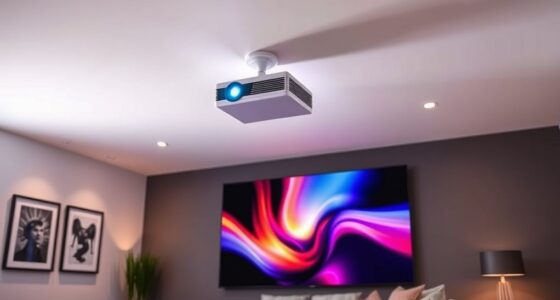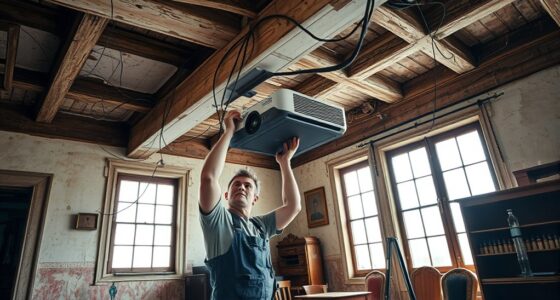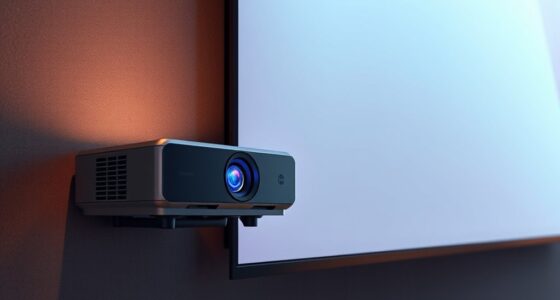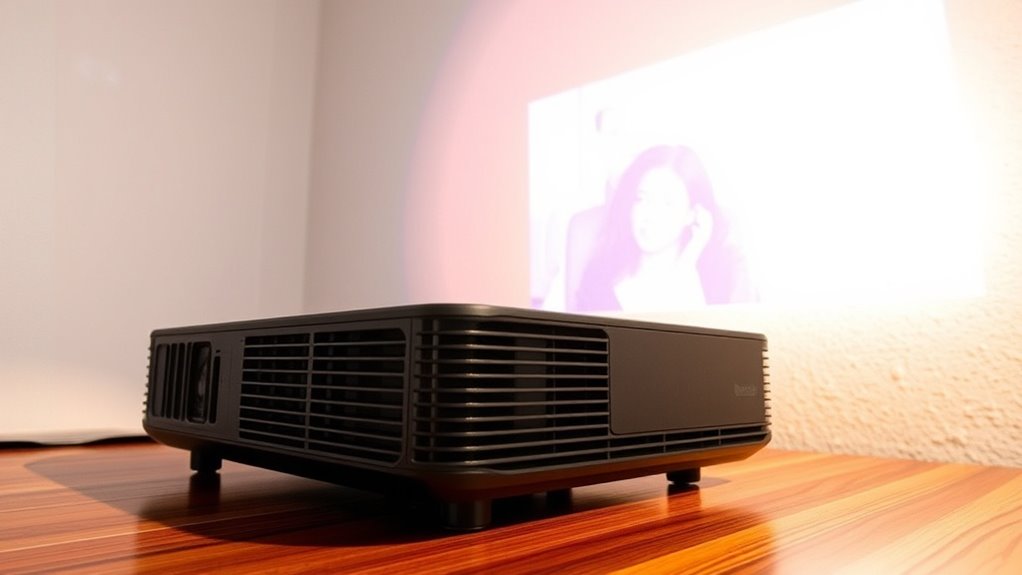
When using a projector at an angle, horizontal lens shift helps you adjust the image position without distorting it. This feature moves the lens sideways, so you can project from the side or at an angle while keeping the image sharp and rectangular. Unlike digital keystone correction, lens shift maintains image quality by avoiding digital distortions. If you want to maximize your setup flexibility and preserve image clarity, understanding how horizontal lens shift works will be especially useful.
Key Takeaways
- Horizontal lens shift moves the lens sideways, allowing image adjustment without tilting or digital correction.
- It helps maintain image sharpness and geometry when projecting at an angle.
- Using lens shift reduces the need for keystone correction, preserving image clarity.
- Limited lens shift capabilities can restrict projector placement options at angled setups.
- Selecting a projector with adjustable horizontal lens shift enhances projection flexibility and image quality.

Using projectors at an angle can be a practical solution when ideal mounting options aren’t available, but it requires understanding how tilting affects the image quality. When you position a projector off-center or at an upward or downward tilt, the image can become distorted, making keystone correction a crucial feature to evaluate. Keystone correction adjusts the shape of the projected image, helping you correct the trapezoidal distortion caused by projection angles. However, relying solely on keystone correction can sometimes introduce its own issues, such as slight blurriness or loss of image clarity, especially if overused.
Tilting the projector impacts the image geometry, leading to keystone distortion that can make the picture look skewed or uneven. If you’re projecting onto a flat surface but the projector isn’t aligned perfectly perpendicular, the top or bottom of the image may appear wider or narrower than the other side. This is where understanding the role of keystone correction becomes essential. Using the correction feature allows you to manually or automatically adjust the image shape to achieve a more rectangular display. But it’s important to note that excessive keystone correction can sometimes cause image distortion, reducing sharpness and detail, especially around the edges.
Tilting causes keystone distortion, which can skew the image; proper correction helps, but overuse may reduce clarity.
Horizontal lens shift offers an alternative to digital keystone correction, allowing you to move the lens horizontally without physically repositioning the projector. This feature is especially helpful when you need to project from an angle but want to avoid the image distortion associated with keystone correction. With horizontal lens shift, you can keep the image geometrically correct while maintaining a consistent focus and clarity, which is often compromised when relying on keystone correction alone. This makes it a preferred choice for setups where precise image quality matters.
When using a projector at an angle, it’s best to minimize the amount of keystone correction needed by adjusting the projector’s position as much as possible. If you must project at an angle, use the lens shift feature if your projector includes it, because it preserves image quality better than digital correction methods. Be aware, though, that some projectors have limited lens shift, so understanding the specifications before purchasing can save you headaches later. Additionally, choosing a projector with horizontal lens shift can greatly improve the quality and ease of angled projection setups.
projector with horizontal lens shift
As an affiliate, we earn on qualifying purchases.
As an affiliate, we earn on qualifying purchases.
Frequently Asked Questions
Can Lens Shift Impact Image Quality?
Yes, lens shift can impact image quality if not used properly. When you shift the lens horizontally, it may cause some image distortion, especially if you need to rely on keystone correction. This correction can sometimes reduce sharpness or introduce artifacts. To maintain the best quality, try to align your projector as straight as possible, minimizing the need for extensive keystone adjustments and ensuring a clearer, more accurate image.
Are There Projectors Without Lens Shift Features?
About 30% of projectors lack lens shift features, which limits your mounting flexibility and can create installation challenges. Without lens shift, you might need to position the projector precisely, often requiring complex adjustments or additional equipment. These projectors are less forgiving when it comes to off-center mounting, making installation more difficult and less adaptable to different spaces. If mounting flexibility matters, consider models with lens shift capabilities.
How Does Lens Shift Affect Projector Installation?
Lens shift considerably impacts your projector installation by enhancing mounting options and installation flexibility. It allows you to adjust the image position without moving the projector itself, making it easier to align the display perfectly on your screen. This feature reduces the need for precise mounting and complex adjustments, giving you more options for placement. With lens shift, you can achieve a professional setup even in tight or unconventional spaces.
Can Lens Shift Be Adjusted During Use?
Oh, absolutely, you can tinker with lens shift during use—if your projector’s fancy enough. Many models boast lens shift flexibility, allowing you to make adjustments on the fly, enhancing installation options. Just remember, not all projectors are so accommodating; some require a full recalibration or even turning off to tweak. So, yes, enjoy the ease of fine-tuning, but don’t expect miracles from every device.
What Are the Limitations of Horizontal Lens Shift?
Horizontal lens shift offers mounting flexibility and helps with image alignment, but it has limitations. You can’t shift the lens beyond the projector’s specified range, which varies by model. Pushing the shift too far can cause image distortion or vignetting. Additionally, not all projectors feature adjustable lens shift, so your options may be restricted if you need significant adjustments for proper alignment.
adjustable lens shift projector
As an affiliate, we earn on qualifying purchases.
As an affiliate, we earn on qualifying purchases.
Conclusion
Now that you understand how horizontal lens shift lets you project at an angle, you can transform your space effortlessly. Imagine your projector seamlessly aligning with your screen, like a painter adjusting their brush—no awkward repositioning needed. Just as a window lets in natural light without distortion, proper lens shift guarantees crisp, aligned images even from tricky angles. With this knowledge, you’re ready to create a perfect picture, no matter where you place your projector.

【Officially-Licensed APP & Native 1080P】Thinnest 1.81" Smart Mini Projector with WiFi and Bluetooth, Auto Focus & Keystone Portable Outdoor Projector, VOPLLS 4K Support Home Movie Projector
【Compatibe with Netflix, No Extra Devices Needed】This isn’t just a projector—it’s your "Hollywood Digital Pass." Instantly access a…
As an affiliate, we earn on qualifying purchases.
As an affiliate, we earn on qualifying purchases.
short throw projector with lens shift
As an affiliate, we earn on qualifying purchases.
As an affiliate, we earn on qualifying purchases.