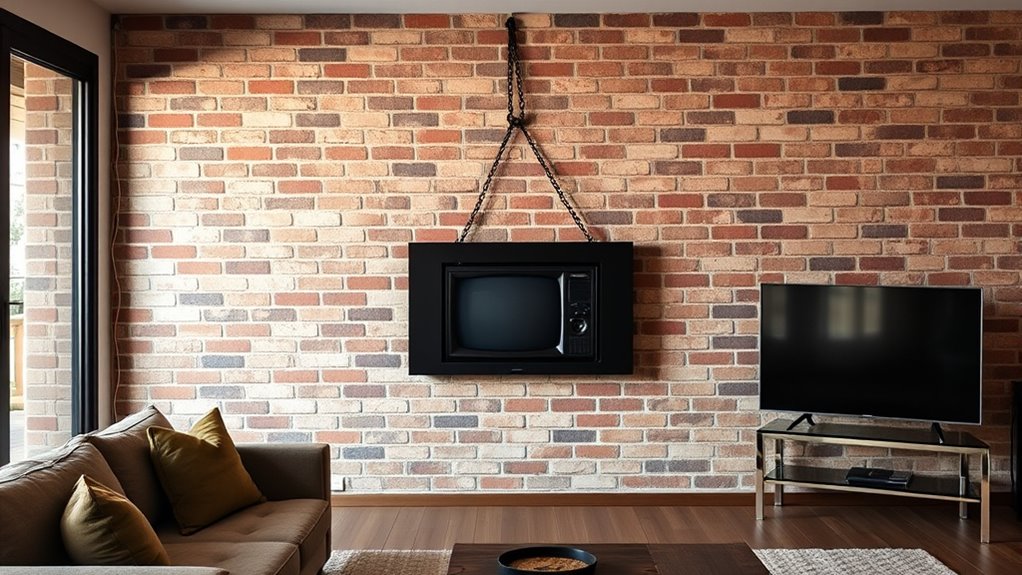

When choosing between wall mounting, hanging, or using a stand for your screen, consider your space, mobility needs, and permanence. Wall mounting saves space and creates a sleek look but requires proper installation and support. Hanging offers a flexible, temporary solution, while stands allow easy repositioning without tools. Each option has its advantages and safety tips; exploring these details will help you pick the perfect setup for your environment.
Key Takeaways
- Wall mounting saves space and offers a sleek, permanent setup, ideal for home theaters and offices.
- Portable stands provide flexibility and easy repositioning, suitable for events or rental spaces.
- Proper installation, including wall type and hardware selection, is crucial for safety and stability.
- Hanging screens typically involve ceiling mounts or hooks, offering a temporary or adjustable option.
- Consider space, permanence, mobility needs, and safety factors to choose the best installation method.
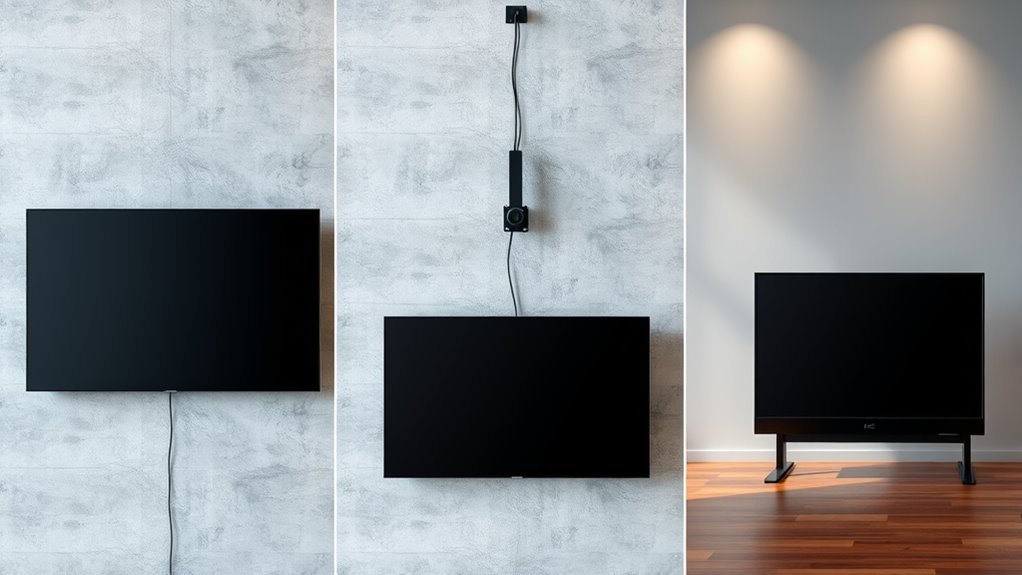
Installing a screen might seem straightforward, but it requires careful preparation and attention to detail to guarantee a perfect fit. Whether you’re opting for wall mounting or using portable stands, understanding the essentials ensures your display is secure, functional, and visually appealing. Wall mounting offers a sleek, space-saving solution, especially if you want a clean look without clutter. To do this properly, you need to select the right brackets compatible with your screen’s size and VESA pattern. Use a level to ensure the mount is perfectly aligned, and consider the wall type—whether drywall or concrete—to choose the appropriate anchors or screws. It’s important to locate studs or solid backing to support the weight, preventing any accidents down the line. Once mounted, you’ll appreciate how wall mounting keeps your space tidy and minimizes distractions, making it ideal for home theaters, offices, or public displays. Incorporating sound considerations can further enhance your viewing environment, especially if you integrate sound systems or soundproofing to complement your setup.
On the other hand, hanging your screen on portable stands grants flexibility that wall mounting can’t provide. Portable stands are a great choice if you frequently rearrange your space or need a temporary setup. When selecting a stand, verify its weight capacity and stability features. Look for stands with adjustable height options to customize the viewing angle, and choose a sturdy base to prevent tipping. Setting up these stands is generally quick—just assemble, place your screen, and you’re ready to go. This method is perfect for trade shows, presentations, or gaming setups where mobility matters. Plus, portable stands allow you to position your screen at different locations without the hassle of wall anchors or drilling. They’re especially useful in rental spaces or situations where permanent installation isn’t feasible.
Both wall mounting and portable stands come with their own advantages and considerations. Wall mounting creates a seamless look and saves space but requires more effort and precision during installation. Portable stands, meanwhile, offer convenience and flexibility but might take up more room and need a stable surface. Your choice depends on your specific needs—whether you prioritize a neat, permanent setup or the ability to move and adjust your screen easily. Whichever method you decide on, make sure to follow safety guidelines, use quality mounting hardware or stands, and double-check your work before fully committing. Proper installation not only enhances your viewing experience but also ensures your screen remains secure and functional over time.

WALI Projector Mount Ceiling/Wall - Universal 3-in-1 Bracket with Extension Pole, Height Adjustable Holder for LCD/DLP Projectors, Supports up to 44lbs (PM-003-W), White
Compatibility: Universal Projector Mount Bracket for Both Ceiling and Wall Installation. Applicable to mounting holes distance between 8.9’’to...
As an affiliate, we earn on qualifying purchases.
Frequently Asked Questions
Which Mounting Option Offers the Best Picture Quality?
Wall mounting often offers the best picture quality and image clarity because it minimizes reflections and glare, providing a more direct viewing angle. Hanging displays can sometimes introduce slight distortions or uneven positioning, impacting clarity. Stands may cause a slight reduction in picture quality due to potential vibrations or reflections from surrounding surfaces. Ultimately, wall mounting maximizes your screen’s visual performance, offering the clearest, most vibrant image.
How Does Installation Cost Compare Among Methods?
You’ll find that installation expenses vary depending on the mounting method you choose. Wall mounting usually has higher mounting costs because it requires wall brackets and professional installation, which can add to your overall expenses. Hanging options tend to be less costly if you already have the necessary hardware, but stand-mounted screens often have lower mounting costs since they don’t need wall modifications. Consider your budget and setup preferences when choosing.
Are There Size Restrictions for Wall Mounts?
Did you know that your wall mount size limitations depend on the mount’s design and your wall’s compatibility? Larger screens often require heavy-duty mounts, which may not fit every wall type. Always check the mount size limitations and verify your wall can support the weight and size of your screen. To avoid surprises, measure your space carefully and choose a mount compatible with your wall to secure your TV safely.
What Safety Precautions Are Necessary During Installation?
During installation, you should guarantee wall reinforcement to support the screen’s weight and prevent accidents. Use proper tools and secure anchors, especially if mounting on drywall. Manage cables neatly with cable management solutions to avoid tripping hazards and damage. Always double-check the mount’s stability before hanging the screen. Wearing safety gear like gloves and goggles adds extra protection. Taking these precautions helps ensure a safe and secure setup.
Can I Switch Between Mounting Methods Easily?
Yes, you can switch between mounting methods, but it depends on your screen’s compatibility and the mounting hardware. For adjustment flexibility and mounting versatility, choose a universal mount or adaptable bracket. Be prepared to reconfigure brackets and verify your wall or surface supports the new setup. Keep in mind, some methods may require tools or professional help for a secure, safe changeover, especially between wall-mounted and stand options.

PUTORSEN Adjustable Projector Ceiling Mount,Universal Projector Shelf for Ceiling and Wall, Holds up to 22lbs,No Hole Installation, Hidden Cable Routing, Black
Versatile Application: PUTORSEN projector ceiling mount is compatible with most manual or spectrum projector screens, Also can be...
As an affiliate, we earn on qualifying purchases.
Conclusion
Choosing the right screen setup is like finding the perfect spot on a stage—you want it to shine without overshadowing the room. Whether wall-mounting, hanging, or using a stand, each option has its perks. I once set up a home theater, thinking a stand would do, only to realize wall mounting gave me that sleek, immersive feel I craved. Trust your space, and you’ll create a viewing experience that truly steals the show.

DYNAVISTA Full Motion Universal Ceiling Projector Mount Bracket with Adjustable Height and Extendable Arms Rotating Swivel Mount for Home and Office Projector (Black)
Universally Compatible: This projector ceiling mount supports most projector brands with distance between the mounting holes on back...
As an affiliate, we earn on qualifying purchases.

Aurzen Ceiling Projector Mount Bracket, 360° Rotation & 90° Tilt, Adjustable 9"-15" Length, ¼-Inch Screw, Compatible with TMY, HAPPRUN, Yaber, Epson & Most Projectors
Note: Not compatible with Aurzen D1 MAX
As an affiliate, we earn on qualifying purchases.