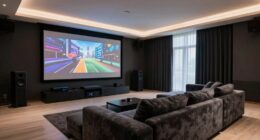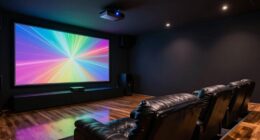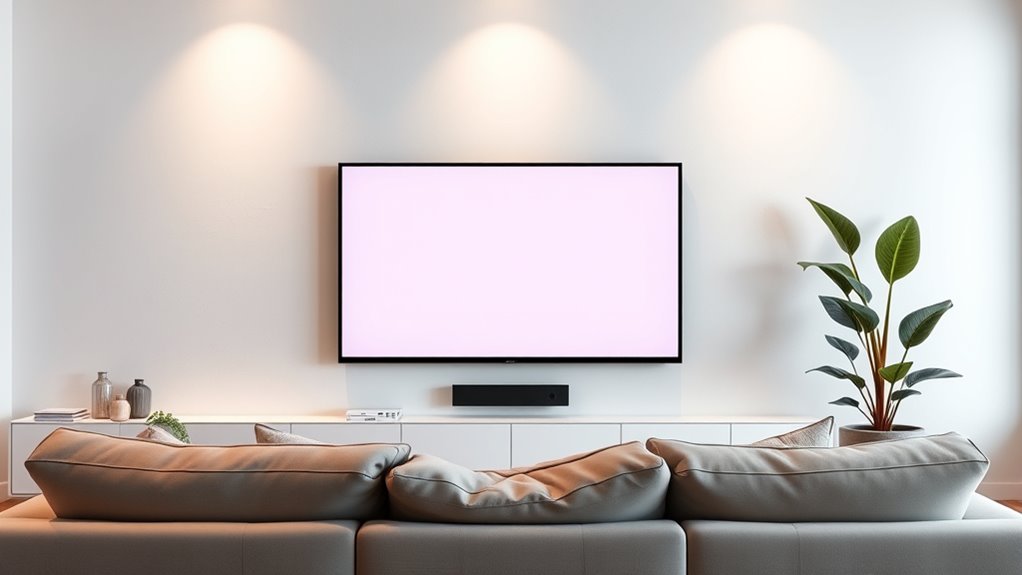
For ideal viewing height, wall mounting usually works best because it keeps the screen at eye level, reducing neck strain and providing a natural viewing experience, especially in rooms with controlled lighting. Ceiling mounting creates a sleek look and allows flexible projection angles, ideal for larger or irregular spaces. Your choice depends on room lighting, space, and accessibility needs. Keep exploring for tips on making the best decision for your setup.
Key Takeaways
- Mount screens at eye level for natural viewing and reduced neck strain, whether on the wall or ceiling.
- Wall mounting offers easier access for adjustments and maintenance compared to ceiling mounts.
- Ceiling mounting creates a minimalist look and allows flexible projection angles for larger or irregular rooms.
- Consider room lighting; wall mounts help reduce glare in bright spaces, while ceiling mounts suit dark, controlled environments.
- Choose the mounting height based on seating arrangement to ensure comfortable viewing angles and minimize image distortion.
Deciding whether to mount your screen on the ceiling or the wall can considerably impact your viewing experience. It’s a choice that influences everything from comfort to picture quality, especially when considering factors like projection angle and room lighting. When you’re positioning your screen, think about how viewers will sit and how the room’s lighting conditions might affect visibility. Mounting on the wall often offers a straightforward setup, allowing you to align the screen at eye level, which minimizes strain and provides a natural viewing angle. This setup generally works well if your room has controlled lighting, such as blackout curtains or dimmable lights, because it reduces glare and reflections that can obscure the picture.
Mounting your screen on the wall offers a simple setup, reducing glare and ensuring a natural, eye-level viewing experience.
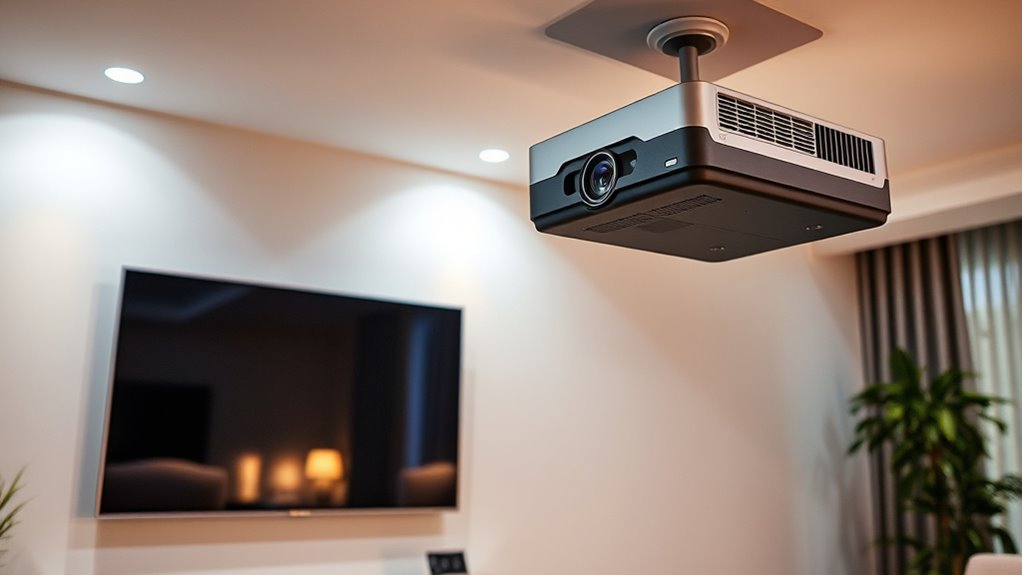
On the other hand, ceiling mounting can be advantageous if you’re aiming for a clean, minimalist look or if space is limited. When you hang your screen from the ceiling, you’re free to adjust the projection angle to maximize viewing, especially in larger rooms or irregular layouts. Ceiling mounts also help eliminate obstructions and can make the room feel more open. However, it’s vital to consider how the projection angle interacts with room lighting; if lights are directed toward the screen or if windows cause frequent glare, the image quality might suffer. You’ll need to position ceiling-mounted screens carefully, perhaps with adjustable mounts or blackout shades, to guarantee the projection angle minimizes the impact of ambient light.
Lighting plays a vital role in your decision. If your room has bright or fluctuating lighting, mounting the screen on the wall at a lower height allows you to control reflections better and maintain a consistent projection angle. Conversely, in darker rooms or spaces with controlled lighting, ceiling mounting can work seamlessly, especially if you’re using a projector that allows for flexible installation angles. Also, consider how easy it will be to access and service the screen once mounted. Wall mounts are usually more accessible for adjustments or repairs, whereas ceiling mounts might require more effort to reach.
Ultimately, your choice depends on your room’s layout, lighting conditions, and how you prefer to experience your content. Both options can deliver excellent viewing experiences if you carefully evaluate the projection angle and room lighting. By aligning your mounting choice with these factors, you guarantee your screen is positioned for ideal comfort, clarity, and immersion.

Official Licensed Google TV Smart Projector, HAPPRUN 4K UHD Home Theater with Dolby Sound, Wi-Fi & Bluetooth, Built-in Streaming Apps, Compatible with Games Consoles & Smartphone, Indoor & Outdoor Use
[ Built-in Official Licensed Google TV ] - Without additional equipment, the smart projector can directly access Netflix,...
As an affiliate, we earn on qualifying purchases.
Frequently Asked Questions
What Are the Best Mounting Options for Irregular or Textured Ceilings?
For irregular or textured ceilings, you should consider mounting adhesives designed for uneven surfaces, which provide strong, flexible support. Additionally, ceiling reinforcement with sturdy anchors or brackets guarantees the mount stays secure despite the surface irregularities. Combining high-quality adhesives with reinforcement options gives you a reliable solution, preventing sagging or detachment. This approach helps you achieve a safe, stable installation tailored to challenging ceiling textures.
How Does Room Lighting Affect Screen Placement Choices?
In the grand scheme of home theater setup, lighting conditions considerably influence your screen placement. You should position your screen where glare management is easiest, avoiding direct windows and bright lights. Use blackout curtains or dimmable lights to optimize viewing. By controlling ambient light, you guarantee a clear picture and minimal distractions, creating an immersive experience that even a Renaissance artist would admire. Your goal: balance lighting to enhance contrast and reduce reflections.
Can Adjustable Mounts Improve Viewing Comfort in Multi-Use Spaces?
Yes, adjustable mounts can considerably enhance your viewing comfort in multi-use spaces. They offer flexible mounting options, allowing you to easily change the screen’s position for ergonomic viewing angles. This adaptability guarantees everyone can enjoy ideal screen height and angle, regardless of the activity or room layout. With a versatile mount, you create a more comfortable, ergonomic environment, making it easier to switch between tasks or viewers without sacrificing comfort.
What Are Safety Considerations for High-Mounted or Ceiling Screens?
When installing high-mounted or ceiling screens, prioritize electrical safety by ensuring all wiring is properly insulated and secured to prevent fire hazards. Use certified mounting equipment and avoid overloading circuits. Regularly inspect connections for wear or damage, and keep the area clear of combustible materials. Proper installation and maintenance reduce risks of electrical accidents and fire hazards, ensuring your setup remains safe and reliable for everyday use.
How Do Different Screen Sizes Influence Optimal Placement Height?
Imagine a giant screen so vast it could swallow a room—your screen size dramatically impacts the ideal viewing height. For large screens, position the viewing height at eye level to avoid neck strain and ensure immersive clarity. Smaller screens allow for slightly higher placement, but always keep the center of the screen aligned with your natural eye level. Adjusting for screen size guarantees a comfortable, cinematic experience every time.
![Projector-4K with WiFi and Bluetooth:[3500 ANSI/60W Dolby Audio/Official Licensed Apps], Outdoor-Projector with Smart OS 2.0 & AI Auto Focus,ONOAYO ONO5Pro 2.0 Smart Movie Projector for Indoor/Outdoor](https://m.media-amazon.com/images/I/41fylkjOTIL._SL500_.jpg)
Projector-4K with WiFi and Bluetooth:[3500 ANSI/60W Dolby Audio/Official Licensed Apps], Outdoor-Projector with Smart OS 2.0 & AI Auto Focus,ONOAYO ONO5Pro 2.0 Smart Movie Projector for Indoor/Outdoor
[Hear the Difference–Hollywood-Grade Dual 60W Dolby Audio] Why spend $500 on a TV + soundbar or settle for...
As an affiliate, we earn on qualifying purchases.
Conclusion
Choosing between ceiling and wall mounting is like finding the perfect spot for a star in your sky—you want it just right. By considering your viewing height and room layout, you’ll guarantee a comfortable, cinematic experience every time. Remember, the right placement transforms your space from ordinary to extraordinary, making your screen feel like the centerpiece of your home. So, measure twice, mount once, and enjoy watching your favorite content come alive with clarity and comfort.

HAPPRUN 2500 ANSI Lumens Outdoor Projector with Built-in Streaming Apps, 4K Decoding Resolution, Dolby Audio, WiFi 6 and Bluetooth 5.2 for Indoor and Outdoor Home Theater
[ Built-in Streaming System ] – No extra equipment needed. This smart projector gives you direct access to...
As an affiliate, we earn on qualifying purchases.

4K Projector Built-in Google TV: 2500 ANSI/Auto Lens Cap & 4D Keystone/Auto Focus & AI Voice Control, Sovboi Smart Portable Projector with WiFi6 & Bluetooth, Outdoor Movie Proyector for Streaming Apps
【Smart Google TV Projector: Unlimited Apps, Zero Restrictions】Elevate your home theater with the Sovboi E30Max. Ditch the external...
As an affiliate, we earn on qualifying purchases.