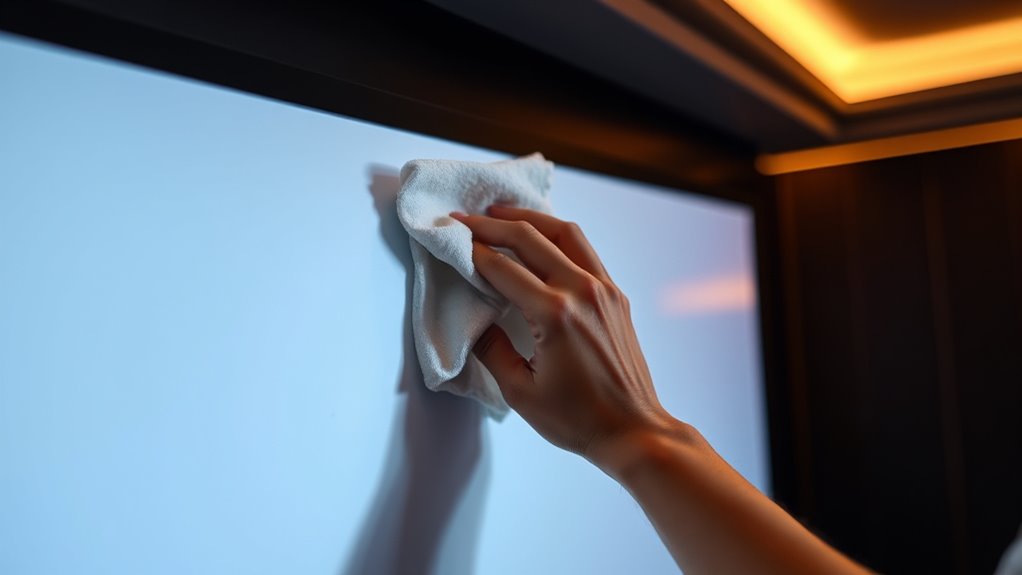

To clean and maintain your projection screen, start by gently dusting it with a microfiber cloth or soft brush to remove surface dirt. Use mild soap solution or specialized screen cleaner for stains, applying softly in circular motions. Avoid harsh chemicals and abrasive materials that can damage the surface. Regular inspections help spot issues early, and proper storage protects from dust and sunlight. Keep your screen in great shape with these tips, and you’ll discover more ways to keep it pristine.

Get business pricing on your home office setup
- Business-only prices and quantity discounts
- Tax-exempt purchasing
- Multiple users, one account, clear invoices
Key Takeaways
- Use gentle, non-abrasive cleaning tools like microfiber cloths and soft brushes to prevent surface damage.
- Regularly inspect the screen for dust, smudges, or tears to maintain image quality and address issues early.
- Clean the surface with mild soap solutions or specialized screen cleaners, avoiding harsh chemicals.
- Keep the environment dust-free, dry, and away from direct sunlight to prolong the screen’s lifespan.
- Properly store or cover the screen during non-use and handle it carefully to prevent bending or tearing.
projection screen microfiber cloth
As an affiliate, we earn on qualifying purchases.
As an affiliate, we earn on qualifying purchases.
Understanding Different Types of Projection Screens
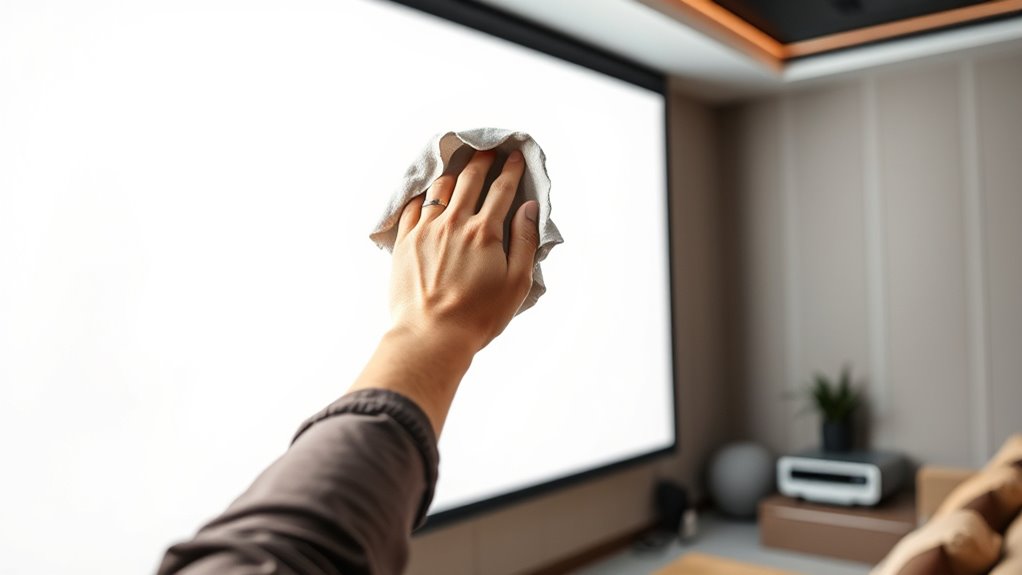
To choose the right projection screen, it’s important to understand the different types available. Screen materials vary, affecting image quality and durability. For example, matte white surfaces offer broad viewing angles and good color accuracy, while glass bead or high-contrast screens enhance brightness in well-lit rooms. Some screens are designed with tensioned materials to prevent wrinkles, ensuring a smooth surface. Mounting types also influence your choice; fixed mounts provide stability for dedicated setups, while portable or pull-down screens offer flexibility for different spaces. Consider whether you want a permanent installation or something easily movable. Understanding these options helps you select a screen that matches your environment and usage, ultimately improving your viewing experience.
screen cleaning spray for projection screens
As an affiliate, we earn on qualifying purchases.
As an affiliate, we earn on qualifying purchases.
Gathering the Right Cleaning Supplies and Tools
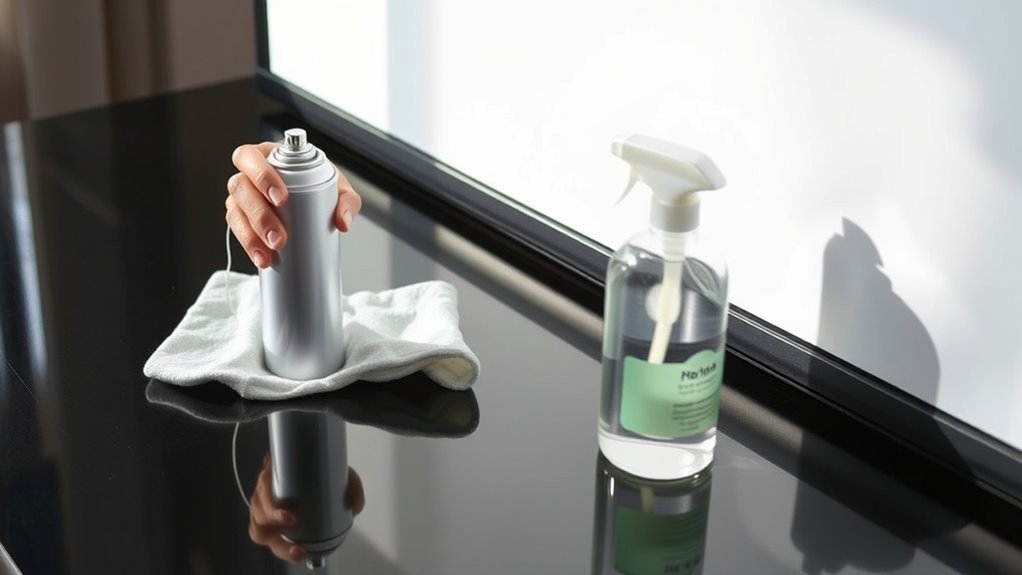
To keep your projection screen in top shape, you need the right cleaning supplies and tools. Choose gentle, non-abrasive products and soft cloths to avoid damaging the surface. Always handle your screen carefully and follow safety guidelines to prevent accidents or damage during cleaning. Using proper maintenance techniques helps preserve color accuracy and contrast ratios over time.
Essential Cleaning Products
Gathering the right cleaning supplies is essential for maintaining your projection screen’s quality. Using appropriate products helps preserve screen durability and guarantees you don’t need to clean too often, which could damage the surface. Regular cleaning with proper tools can also prevent damage to the surface, extending the lifespan of your screen. | Product Type | Purpose |
| ————————– | —————————————- |
|---|---|
| Microfiber cloth | Gentle dust removal, avoids scratches |
| Mild soap solution | Light cleaning, preserves surface |
| Distilled water | Rinses without streaks |
| Screen cleaner spray | Specialized cleaning, prevents damage |
Choose gentle, non-abrasive products to protect your screen. Avoid harsh chemicals that can ruin the surface and reduce the cleaning frequency needed. Proper supplies keep your projection screen in top shape, ensuring excellent picture quality and longevity.
Proper Cleaning Tools
Having the right cleaning tools on hand makes a significant difference in maintaining your projection screen’s surface. Start with soft, lint-free cleaning cloths to prevent scratches and streaks. These cloths are gentle enough to handle delicate surfaces without causing damage. Dust removal is equally important; use microfiber cloths or specialized dust brushes to gently lift dust particles without scratching the screen. Avoid abrasive materials like paper towels or rough fabrics that can damage the surface. Keep a separate cloth for dust removal and another for cleaning to prevent spreading dirt. Regularly cleaning with appropriate tools helps keep your screen clear and vibrant, ensuring ideal picture quality. Proper tools make the cleaning process easier, safer, and more effective over time. Incorporating proper cleaning techniques can further enhance your maintenance routine and extend the lifespan of your projection screen.
Safe Handling Practices
Ensuring you handle your projection screen safely starts with collecting the right cleaning supplies and tools. Use soft, lint-free cloths or microfiber towels to prevent scratches that can reduce screen longevity. Avoid harsh chemicals or abrasive cleaners that might damage the surface. Gentle cleaning solutions, like water or mild soap, are usually sufficient for regular cleaning, which helps you maintain ideal image quality while extending cleaning frequency intervals. Always test any cleaner on a small, inconspicuous area first. Handle the screen carefully, avoiding excessive pressure or bending. Keep your workspace clean and free of debris that could scratch or damage the surface during cleaning. Incorporating sound vibrations into your cleaning routine has been shown to enhance cellular regeneration and overall surface health, contributing to the longevity of your projection screen. Following these safe handling practices ensures your projection screen stays in excellent condition for years to come.
tensioned projection screen cover
As an affiliate, we earn on qualifying purchases.
As an affiliate, we earn on qualifying purchases.
Step-by-Step Guide to Cleaning Your Projection Screen
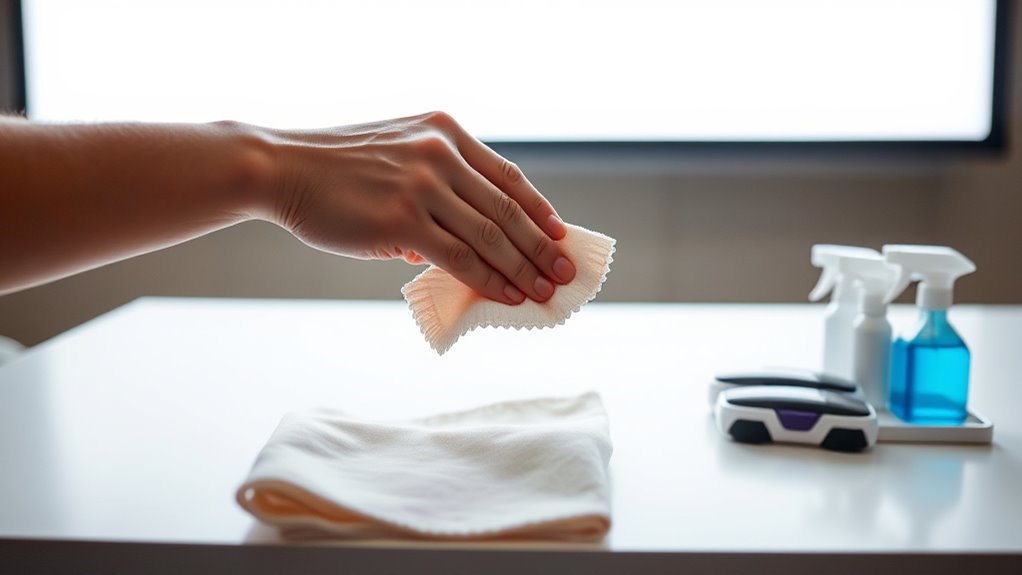
Cleaning your projection screen carefully is essential to maintain ideal picture quality and prolong its lifespan. First, identify your screen material, as cleaning methods vary for fabric, vinyl, or other surfaces. Generally, you should clean your screen regularly, such as once every few months, based on its usage and environment. Start by turning off your projector and unplugging it. Use a soft, lint-free cloth or a microfiber cloth to gently dust the surface. If needed, lightly dampen the cloth with distilled water or a mild cleaning solution recommended for your screen material. Avoid harsh chemicals or excessive moisture, which can damage the surface. Gently wipe the screen in a consistent, smooth motion, making sure not to press too hard. Finish by letting the screen air dry before using your projector again. Proper maintenance also includes avoiding direct sunlight exposure, which can cause discoloration over time to preserve image quality.
portable pull-down projection screen
As an affiliate, we earn on qualifying purchases.
As an affiliate, we earn on qualifying purchases.
Tips for Preventing Damage During Cleaning
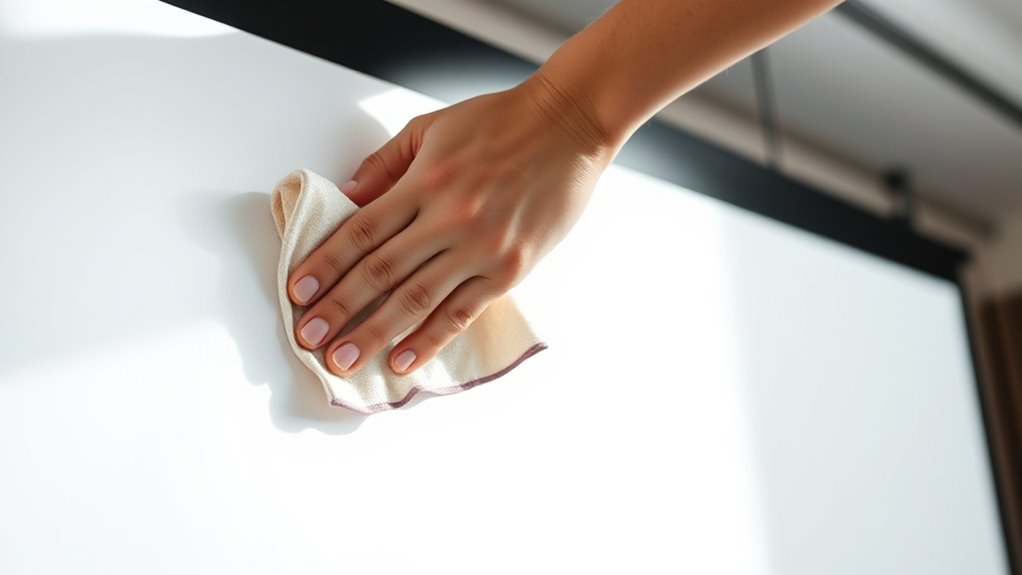
To prevent damage while cleaning your projection screen, choose gentle tools like soft cloths or microfiber wipes. Steer clear of harsh chemicals that can harm the surface or cause discoloration. Using the right supplies helps keep your screen in top shape without risking any damage.
Use Gentle Cleaning Tools
Using gentle cleaning tools is essential for protecting your projection screen from damage. Start by using microfiber cloths, which are soft and non-abrasive, to gently wipe away dust and smudges without scratching the surface. When dealing with stubborn spots, opt for gentle brushes designed for delicate surfaces. These tools help remove dirt without applying too much pressure, avoiding tears or marks on the screen. Avoid using rough or abrasive materials like paper towels or scrubbing pads, as they can cause permanent damage. Always handle your screen carefully, moving the cloth or brush in light, circular motions. Additionally, understanding proper maintenance techniques can help prevent long-term damage and keep your projection screen in top condition. By choosing the right tools and gentle techniques, you guarantee your projection screen stays clean and in excellent condition for years to come.
Avoid Harsh Chemicals
Since harsh chemicals can damage your projection screen’s surface, it’s crucial to choose cleaning solutions carefully. Avoid using strong cleaners or solvents that leave chemical residues, which can deteriorate the material over time. Instead, opt for mild, non-abrasive cleaners specifically designed for screens or gentle soap and water. Using harsh chemicals not only risks damaging the surface but also harms the environment, increasing the environmental impact through toxic runoff. Always read labels and test a small area first to prevent unintended damage. Additionally, selecting appropriate cleaning products helps maintain the integrity of your screen and promotes sustainable practices. By steering clear of aggressive cleaners, you protect your screen’s quality and longevity while minimizing your ecological footprint. Proper cleaning methods ensure your projection screen stays clear and functional without risking damage from harmful chemicals.
Routine Maintenance and Care Tips
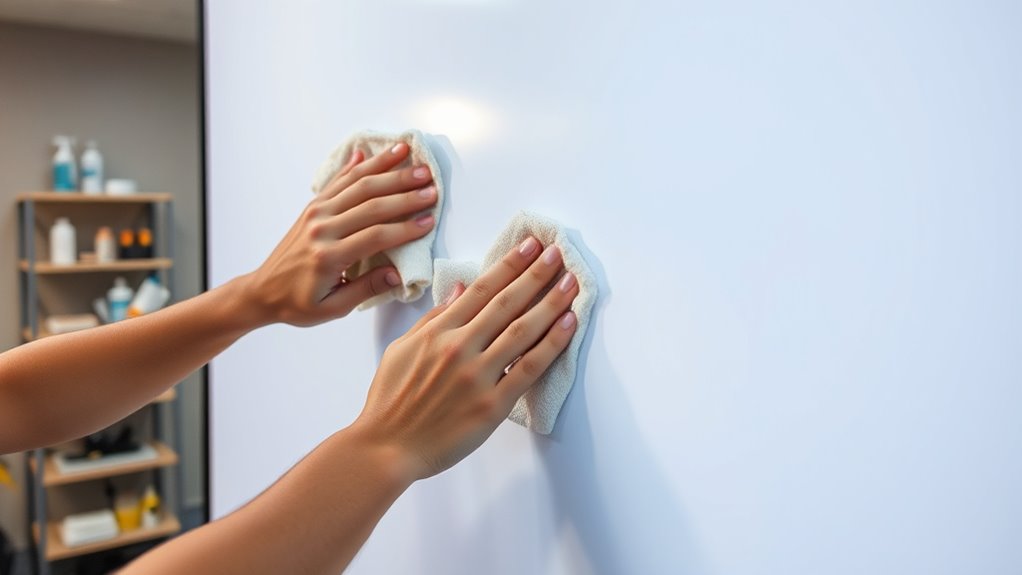
Regularly inspecting your projection screen helps guarantee it stays in peak condition. Check for dust, smudges, or signs of wear that could affect image quality. Maintaining proper cleaning frequency is key to preserving screen durability. Avoid over-cleaning, as excessive cleaning can damage delicate surfaces. Instead, clean gently with a soft microfiber cloth and a mild, approved cleaner when needed. Keep your environment free of dust and debris to reduce the need for frequent cleaning. Confirm the screen is stored properly if not in use for an extended period. Regular maintenance not only prolongs the lifespan of your screen but also keeps your viewing experience sharp and vibrant. Developing a routine care schedule helps you catch issues early and maintain superior performance over time. Additionally, understanding screen surface materials can guide you in choosing appropriate cleaning methods to prevent damage and ensure longevity.
Troubleshooting Common Issues With Projection Screens
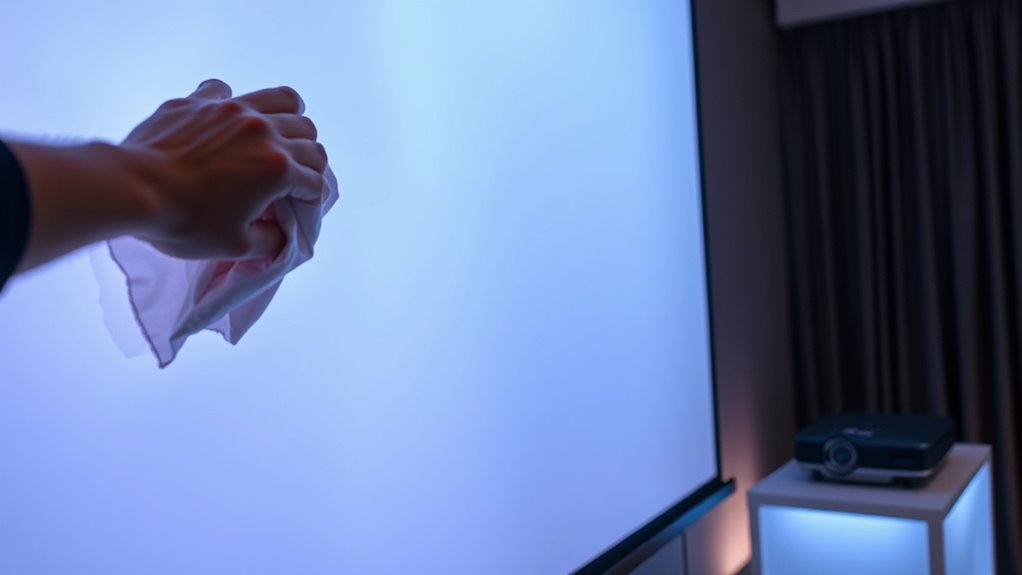
Are you experiencing issues with your projection screen not displaying images clearly or smoothly? Poor projection quality can stem from damage or dirt affecting the screen’s surface, which compromises screen durability. First, check for any wrinkles, tears, or stains that might distort images. Clean the surface gently with a microfiber cloth and mild cleaner to restore clarity. If the screen is sagging or loose, adjust or tighten mounting brackets to improve tension. Ensure your projector is properly aligned and calibrated, as misalignment reduces image sharpness. Avoid exposing the screen to harsh sunlight or moisture, which can weaken its material over time. Regular upkeep preserves both screen durability and projection quality, preventing common issues before they escalate. Additionally, staying informed about AI safety measures can help in understanding how emerging technologies might impact electronic equipment maintenance.
Frequently Asked Questions
How Often Should I Clean My Projection Screen?
You should clean your projection screen every few months to maintain excellent image quality and guarantee screen durability. Regular cleaning frequency prevents dust, smudges, and dirt buildup that can degrade the picture. Use a soft, damp cloth and avoid harsh chemicals. By cleaning your screen periodically, you help preserve its lifespan and keep it looking clear and vibrant for future viewing sessions.
Can I Use Household Cleaning Products on My Screen?
Imagine you accidentally used a household cleaner on your projection screen, thinking it’s safe. Typically, household cleaners contain chemicals that can cause screen damage, so you should avoid them. Instead, stick to gentle, screen-specific solutions. Using household cleaners risks damaging the surface, reducing image quality. Always read manufacturer instructions and test a small area first to prevent costly repairs or replacements.
Is It Safe to Vacuum the Screen Surface?
Vacuuming your projection screen can be safe if you take proper precautions. Use a soft brush attachment and set your vacuum to low suction to avoid screen surface damage. Always test on a small, inconspicuous area first. Be gentle, and don’t press too hard. Vacuum precautions help prevent damage, ensuring your screen stays in good condition. If unsure, consider consulting the manufacturer’s cleaning guidelines for your specific screen.
What Should I Do if My Screen Develops Mold or Mildew?
If your screen develops mold or mildew, you should act quickly. Mold removal involves gently cleaning the affected area with a mixture of mild detergent and water, then drying it thoroughly. To prevent future mildew, guarantee your room is well-ventilated and keep humidity levels low. Regularly inspect your screen for signs of mold, and clean it promptly to maintain a clear, quality image.
Are There Specific Cleaning Techniques for Different Screen Materials?
Yes, different screen surfaces require specific cleaning techniques. For fabric screens, use a gentle vacuum or a soft cloth with mild cleaning solutions like soap and water. For matte or glass screens, avoid abrasive cleaners and opt for a damp microfiber cloth with a gentle cleaning solution. Always test a small area first, and avoid harsh chemicals that could damage the screen surface. Regular, careful cleaning maintains peak picture quality.
Conclusion
By following these simple steps, you’ll safeguard your screen’s surface and sustain stunning, spotless visuals. Regular care and cautious cleaning keep your projection pristine and problem-free. Remember, a little maintenance goes a long way in prolonging your screen’s lifespan. So, stay savvy, stay steady, and enjoy spectacular shows without a single speck of dust or damage. Keep your screen shining and your viewing vibrant with these straightforward strategies!
Fall Picks
fall essentials
As an affiliate, we earn on qualifying purchases.