
The smartest first upgrade for your projector room is upgrading the connectivity and sound system. This creates a strong, versatile foundation for immersive entertainment, allowing you to stream content wirelessly and enjoy better audio quality. Eliminating cable clutter and adding wireless speakers simplifies setup and boosts overall experience. Focusing on these upgrades now means future enhancements, like improved projectors or lighting, will be even more effective. If you stick around, you’ll discover how to maximize your space’s potential.

Get business pricing on your home office setup
- Business-only prices and quantity discounts
- Tax-exempt purchasing
- Multiple users, one account, clear invoices
Key Takeaways
- Prioritize wireless connectivity to eliminate clutter and enable seamless streaming from multiple devices.
- Upgrade the sound system first for immersive audio that complements high-quality visuals.
- Focus on establishing a reliable, high-speed internet connection to support future streaming and smart features.
- Adding wireless mirroring capabilities simplifies content sharing and enhances viewing flexibility.
- Building a solid foundation with connectivity and sound prepares the room for future projector and lighting upgrades.
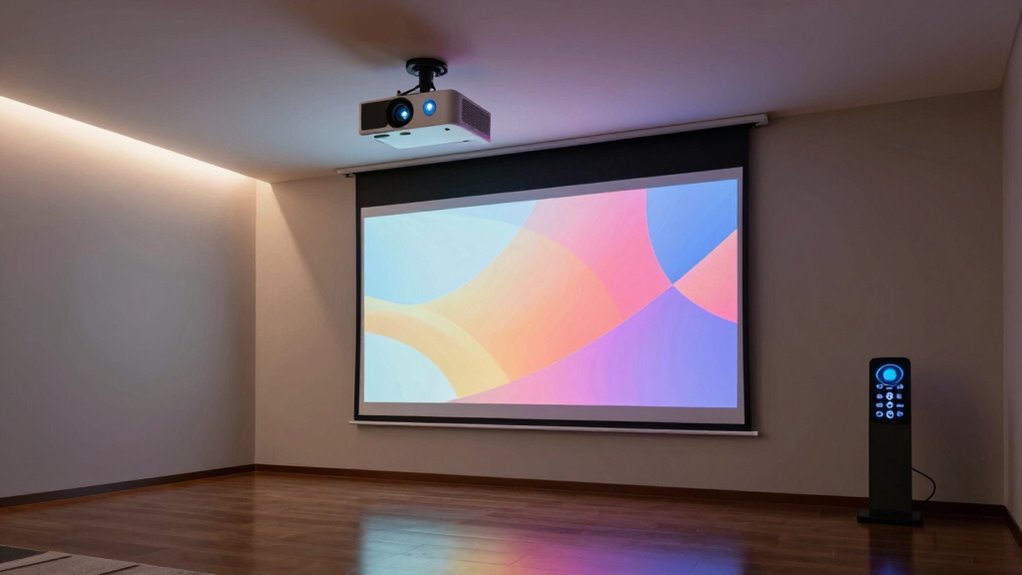
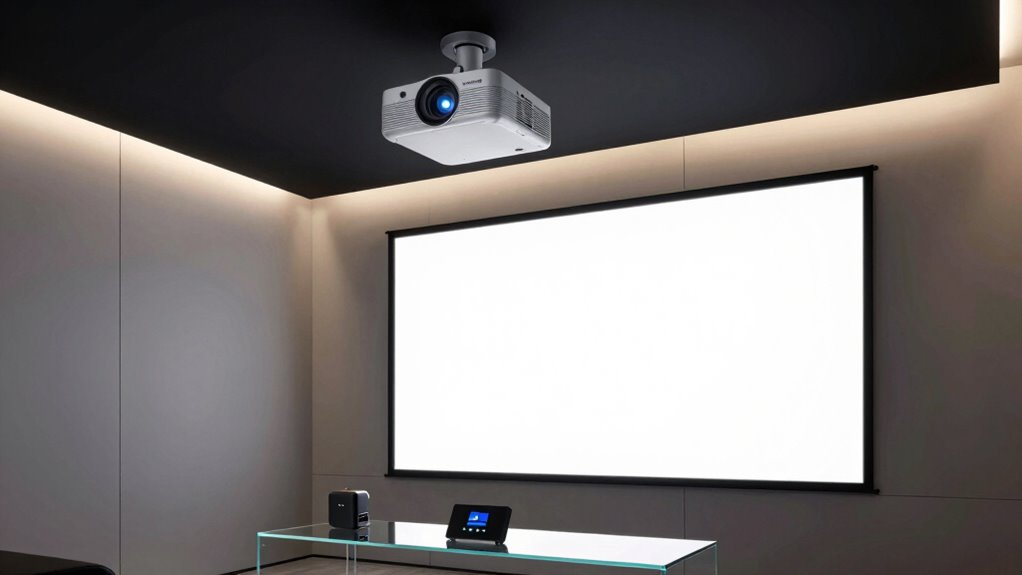
Upgrading your projector room can markedly enhance your viewing experience, and choosing the smartest first upgrade sets the foundation for future improvements. While many focus on upgrading the projector itself or adding better screens, the most impactful upgrade you can make initially is often centered around connectivity and sound. Specifically, investing in wireless connectivity options and sound system enhancement can transform your space into a true home theater. These upgrades don’t just improve picture quality—they elevate the entire experience, making it more seamless, immersive, and user-friendly.
Wireless connectivity is a game-changer because it eliminates the clutter of cables and allows you to stream content directly from your devices without hassle. Imagine sitting comfortably, controlling your movies, shows, or presentations from your smartphone or tablet without having to fuss with HDMI cables or adapters. With a wireless streaming device or a smart projector equipped with Wi-Fi, you can easily connect to popular services like Netflix, Hulu, or YouTube. Plus, wireless mirroring from your phone or laptop means you can display everything on your big screen effortlessly. This convenience is especially valuable if you want a clutter-free setup and quick access to a variety of content sources. It also future-proofs your room, as newer devices increasingly support wireless connections, reducing the need for frequent hardware updates. Incorporating wireless technology into your setup can significantly streamline your entertainment experience and keep your system compatible with upcoming innovations. Additionally, selecting devices that support standards and protocols ensures seamless integration across different platforms and devices. Paying attention to color accuracy in your setup can further enhance the visual quality of your content, making your viewing experience even more immersive. Enhancing your setup with reliable network connectivity can also minimize buffering issues and improve streaming quality.
Wireless streaming and mirroring simplify setup, reduce clutter, and ensure quick access to your favorite content effortlessly.
Equally important is sound system enhancement. Even a high-quality projector can fall flat without good audio. Upgrading your sound system makes a noticeable difference in your overall experience, immersing you in the content rather than just visually experiencing it. You might consider adding a soundbar or a multi-speaker surround sound system that connects wirelessly to your projector setup. Wireless speakers are simple to install and allow you to position sound sources for optimal acoustics without tangled cables running across the room. Better audio quality captures the nuances of dialogue, music, and effects, making every viewing session more engaging and lifelike. This upgrade is often more affordable than replacing your entire projector or screen but delivers a surprisingly substantial enhancement.
Starting with wireless connectivity and sound system improvements creates a solid foundation for your projector room. These upgrades offer convenience, flexibility, and immersive audio that elevate your entertainment experience. Once these are in place, you’ll find it easier to add other enhancements later, whether it’s a better projector, ambient lighting, or acoustic treatments. In essence, focusing on connectivity and sound first ensures your projector room isn’t just visually impressive but also seamlessly integrated and audibly captivating. That’s the smartest first upgrade you can make, setting your space up for long-term enjoyment and future upgrades.
wireless streaming device for projector
As an affiliate, we earn on qualifying purchases.
As an affiliate, we earn on qualifying purchases.
Frequently Asked Questions
How Much Should I Budget for the First Projector Room Upgrade?
You should budget around $2,000 to $5,000 for your first projector room upgrade, depending on your needs. Focus on upgrade essentials like a high-quality projector, sound system, and proper lighting. Budget planning helps you allocate funds efficiently, ensuring you get the best value without overspending. Prioritize the most impactful upgrades first, such as a good projector and sound setup, to create an impressive and functional space.
What Are the Best Projector Brands for Home Theaters?
You should consider brands like Epson, Sony, and Optoma for your home theater. They offer excellent options with high screen resolution and adjustable projector throw, ensuring clear images and flexible placement. Epson’s 4K projectors excel in resolution, Sony provides premium quality, and Optoma offers affordability with great features. Focus on these brands to get the best picture quality and compatibility with your room’s size and lighting conditions.
How Do I Choose the Right Screen Size for My Room?
You should choose your screen size based on your room’s dimensions, keeping in mind the ideal viewing distance. Consider the screen material, as some enhance image clarity better than others, and match the aspect ratio to your projector’s native format for a seamless experience. A good rule of thumb is to sit at a distance roughly 1.5 to 2.5 times the screen’s diagonal for comfortable viewing.
What Lighting Conditions Affect Projector Performance the Most?
Ambient lighting and wall reflections markedly impact your projector’s performance. Bright ambient light washes out the image, reducing contrast and clarity, so controlling it is key. Wall reflections can cause glare or distort the image, making it harder to see details. To optimize performance, dim or control ambient lighting, use blackout curtains, and choose matte wall finishes to minimize reflections. These adjustments help guarantee your projector displays a crisp, vivid image.
Can I Upgrade My Projector Without Rewiring My Room?
Yes, you can upgrade your projector without rewiring your room. Focus on optimizing screen placement for better image quality and consider adding an audio enhancement system to improve sound. These upgrades don’t require extensive wiring and can substantially boost your viewing experience. Just ensure your current setup supports the new projector’s connections and consider wireless options for seamless integration.
wireless soundbar for home theater
As an affiliate, we earn on qualifying purchases.
As an affiliate, we earn on qualifying purchases.
Conclusion
Upgrading your projector room with smart lighting might surprise you, but it’s a game-changer. Did you know that smart lighting can improve image clarity and reduce eye strain? Not only does it create the perfect viewing environment, but it also saves energy. Investing in this upgrade costs less than you might think and offers instant benefits. So, don’t overlook this simple change—your movie nights will never be the same!
wireless projector mirroring device
As an affiliate, we earn on qualifying purchases.
As an affiliate, we earn on qualifying purchases.
high-speed Wi-Fi router for streaming
As an affiliate, we earn on qualifying purchases.
As an affiliate, we earn on qualifying purchases.
Halloween Picks
halloween
As an affiliate, we earn on qualifying purchases.