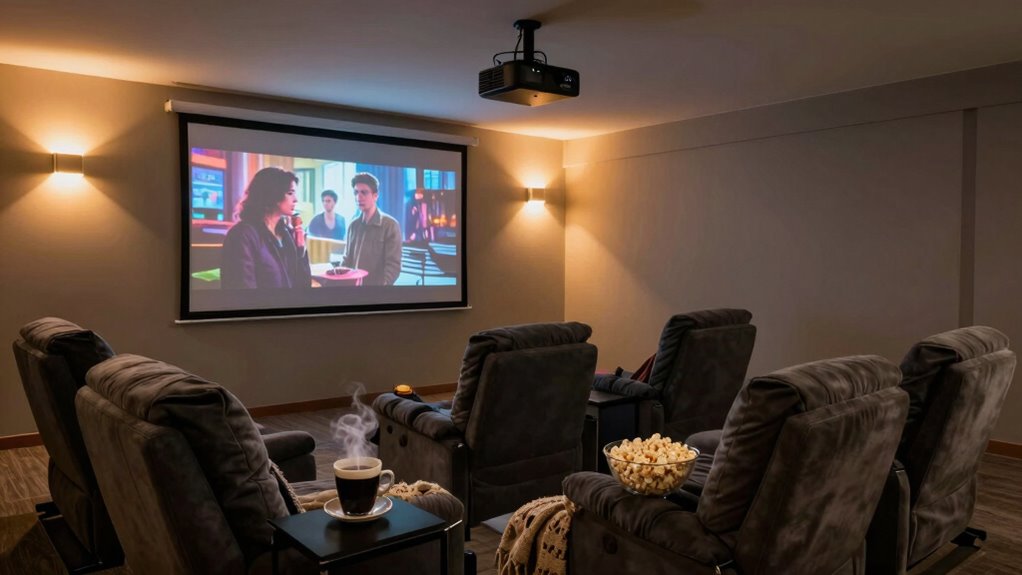

To keep your projector room comfortable for long movie sessions, focus on soundproofing with thick curtains, carpets, and sealing gaps to reduce noise and echoes. Control lighting with blackout curtains and dimmable or smart lighting to create the perfect atmosphere. Maintain a consistent temperature with quiet HVAC systems and good airflow. Choose plush seats and add cozy blankets for comfort. Combining these tips will help you enjoy extended movie marathons without discomfort or distractions—keep exploring for more expert advice.

Get business pricing on your home office setup
- Business-only prices and quantity discounts
- Tax-exempt purchasing
- Multiple users, one account, clear invoices
Key Takeaways
- Incorporate soundproofing methods like acoustic panels and sealing gaps to reduce noise and echo.
- Use dimmable or smart lighting to create adjustable, glare-free illumination.
- Maintain a comfortable temperature with reliable HVAC and proper ventilation.
- Choose plush, supportive seating with cushions and blankets for extended comfort.
- Arrange furniture for optimal viewing angles and ensure easy movement within the space.
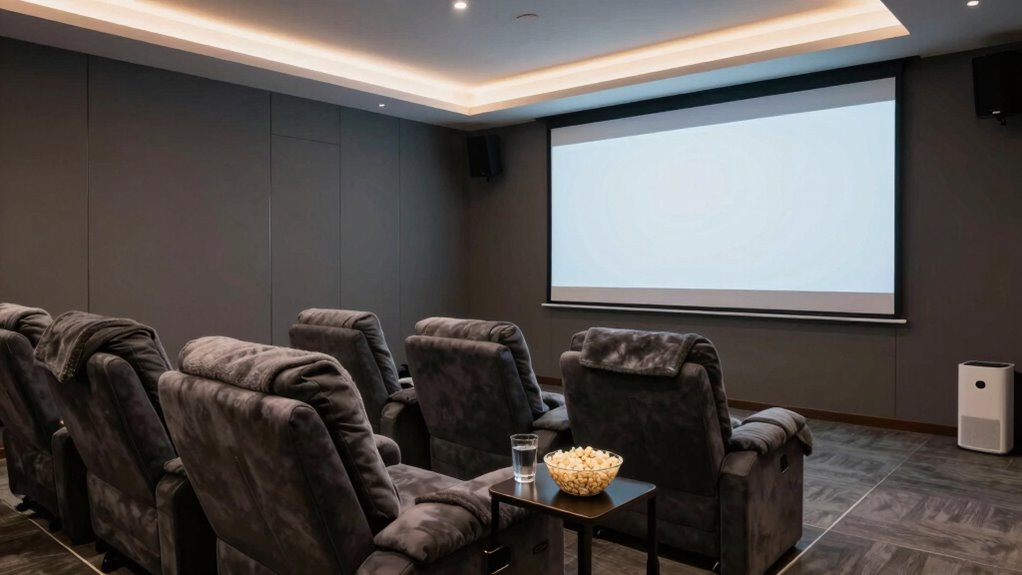
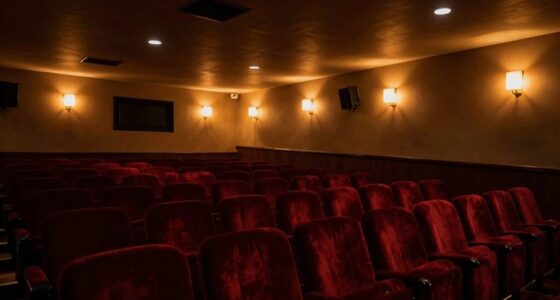
Watching movies for hours can be a great experience, but without proper comfort in your projector room, it can quickly become uncomfortable. One of the most vital aspects to consider is controlling the noise levels. Soundproofing techniques can dramatically reduce external sounds and prevent your movie sessions from being disrupted by outside noise or echoes. You might want to add thick curtains, carpets, or acoustic panels to absorb sound waves. Installing weatherstripping around doors and sealing any gaps can also prevent noise leakage, creating a quieter environment that allows you to fully immerse yourself in the film without distractions. Additionally, soundproofing materials play a crucial role in enhancing your room’s acoustics and minimizing unwanted noise. Proper placement of these materials can significantly improve sound quality and reduce echoes or reverberation, making the viewing experience more enjoyable. To optimize your room further, consider using Soundproofing techniques tailored specifically for home theater setups, which can be highly effective in creating a professional-grade sound environment. Proper lighting control options are equally essential for a long movie session. Proper lighting helps set the right mood and reduces eye strain, especially in a darkened room. Using blackout curtains or shades can block out sunlight or streetlights, ensuring consistent darkness regardless of the time of day. Consider installing dimmable lighting fixtures or smart lighting systems that allow you to adjust brightness on demand. This way, you can create a cozy, cinematic atmosphere and avoid harsh overhead lights that could cause glare or discomfort when watching for extended periods. Additionally, positioning lights away from the projector and screen minimizes reflections and glare, enhancing your viewing experience.
Effective soundproofing ensures a quiet, immersive movie experience free from outside distractions.
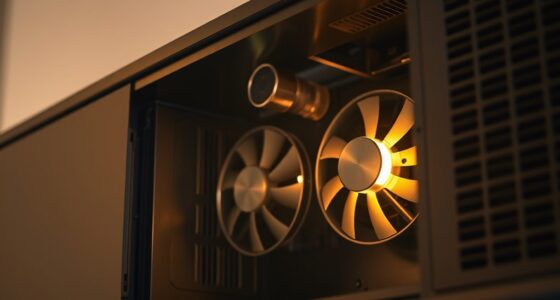
Comfort isn’t just about noise and lighting; temperature regulation also plays a key role. Long movie sessions can get uncomfortable if the room becomes too warm or chilly. Use a reliable air conditioning or heating system to maintain a consistent, comfortable temperature. Ventilation is equally important, so ensure your room has good airflow without creating drafts or noise that might interfere with your viewing. Comfortable seating is another vital element—choose plush sofas or recliners that support your body during hours of viewing, and add cushions or blankets for extra coziness.
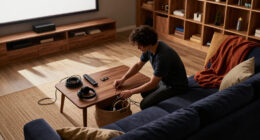
Finally, think about the overall setup to maximize comfort. Arrange your furniture to face the screen directly, and keep pathways clear for easy movement. Position speakers at appropriate distances to produce balanced sound without overwhelming the room or causing fatigue. By combining soundproofing techniques, effective lighting control options, temperature management, and comfortable furniture, you create an environment that’s ideal for long, enjoyable movie sessions without discomfort. This thoughtful setup allows you to focus fully on the film, making every viewing experience as immersive and relaxing as possible.
soundproof acoustic panels for home theater
As an affiliate, we earn on qualifying purchases.
As an affiliate, we earn on qualifying purchases.
Frequently Asked Questions
What Are the Best Lighting Options for a Projector Room?
You should choose soft ambient lighting, like dimmable wall sconces or LED strips, to avoid glare and enhance picture clarity. Opt for dark wall colors such as navy or charcoal to minimize reflections and improve contrast. Keep lighting adjustable so you can brighten the room for setup and dim it during movies. This combination creates an ideal environment, ensuring your viewing experience remains immersive and comfortable during long movie sessions.
How Can I Reduce Noise From the Projector?
To reduce projector noise, start by properly placing the projector on a stable, insulated surface to minimize vibrations. Use soundproofing techniques like acoustic panels or foam around the room to absorb sound. Additionally, position the projector away from seating areas and consider installing a sound barrier or enclosure. These steps help diminish noise, creating a more comfortable environment for long movie sessions.
What Type of Seating Is Most Comfortable for Long Sessions?
You should opt for plush, ergonomic seating with supportive cushions and durable seating material, like memory foam or leather, for long movie sessions. Look for seats that promote good posture support, such as recliners or sectionals with adjustable features. These options keep you comfortable, reduce fatigue, and prevent discomfort during extended viewing. Ensuring proper posture and quality materials makes your movie marathon more enjoyable and relaxing.
How Do I Prevent Screen Glare During Movies?
To prevent screen glare during movies, you should minimize ambient light by dimming or turning off unnecessary lights. Use blackout curtains or blinds to block outside reflections, and position your projector and screen away from windows or light sources. Also, consider anti-reflective screens or matte finishes to reduce screen reflections, which helps maintain clear, vivid images. Managing ambient light and reflections creates an immersive viewing experience free of glare distractions.
What Are the Ideal Room Dimensions for Comfort?
You should aim for a room around 12×15 feet for comfort, providing enough space for movement and equipment. Incorporate soundproofing techniques like acoustic panels to minimize noise disruptions. Maintain a consistent temperature with good ventilation or a dedicated HVAC system, ensuring it stays cool and comfortable during long sessions. Proper room dimensions combined with effective soundproofing and temperature control create an ideal space for immersive movie experiences.
As an affiliate, we earn on qualifying purchases.
Conclusion
Creating a comfortable projector room makes long movie sessions enjoyable and stress-free. Don’t let discomfort ruin your experience—invest in good ventilation, cozy seating, and adjustable lighting. Remember, a well-maintained space can turn an ordinary night into a memorable movie marathon. Even if it takes a little effort now, you’ll thank yourself later for the perfect viewing environment. After all, your comfort shouldn’t be a compromise when enjoying your favorite films.
blackout curtains for projector room
As an affiliate, we earn on qualifying purchases.
As an affiliate, we earn on qualifying purchases.
As an affiliate, we earn on qualifying purchases.
Fall Picks
fall essentials
As an affiliate, we earn on qualifying purchases.