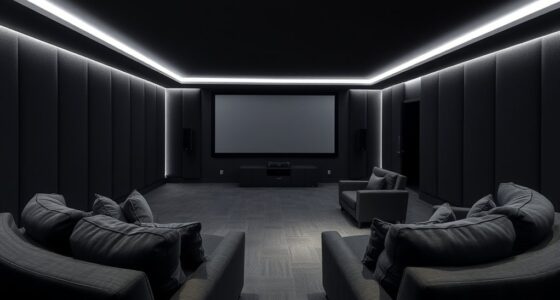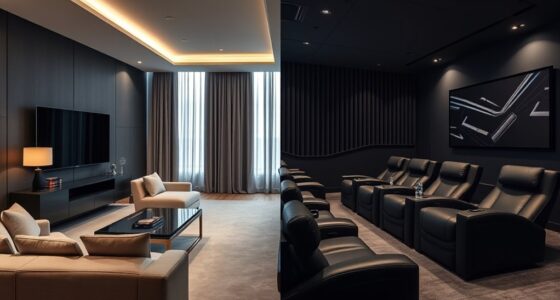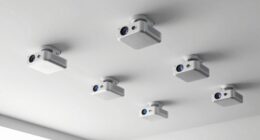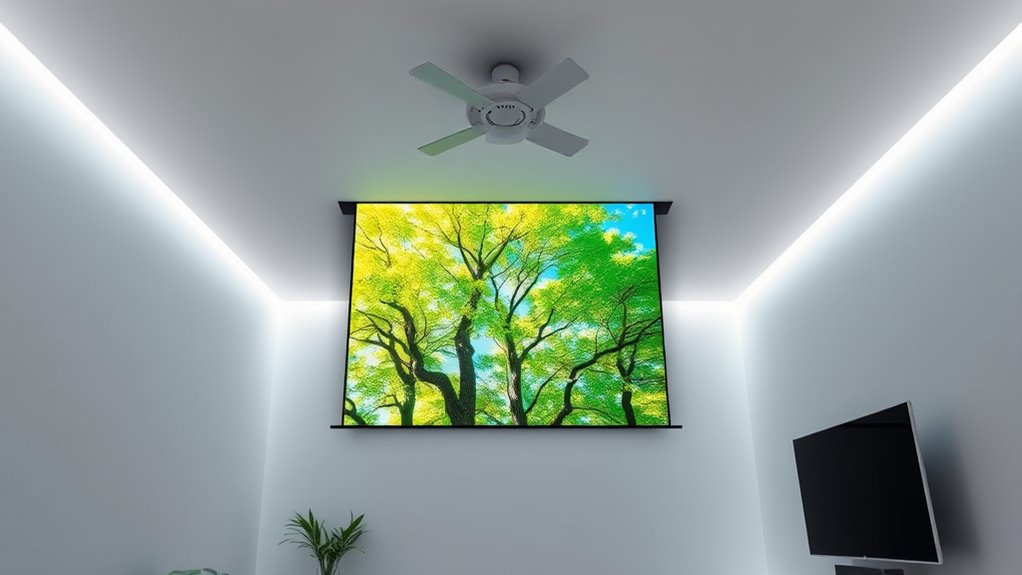

Using the ceiling as a projection surface in small rooms saves space and creates a clean, streamlined look, especially if you opt for ceiling mounting. It minimizes clutter and reduces interference from furniture, making the setup neater. However, installing and aligning a ceiling projector can be more complex than projecting onto a wall, which is easier to reposition and adjust. If you want to explore the advantages, challenges, and setup tips further, there’s more to uncover.
Key Takeaways
- Ceiling projection saves space and maintains a sleek look, ideal for small rooms with limited surface area.
- Walls are easier to reposition and adjust, offering flexible setup options in compact spaces.
- Ceiling mounting requires precise alignment and suitable hardware but reduces clutter and furniture interference.
- Wall projection may need higher brightness projectors and light control for clear images in bright environments.
- Surface quality and room lighting significantly impact image clarity, whether projecting on ceiling or wall surfaces.
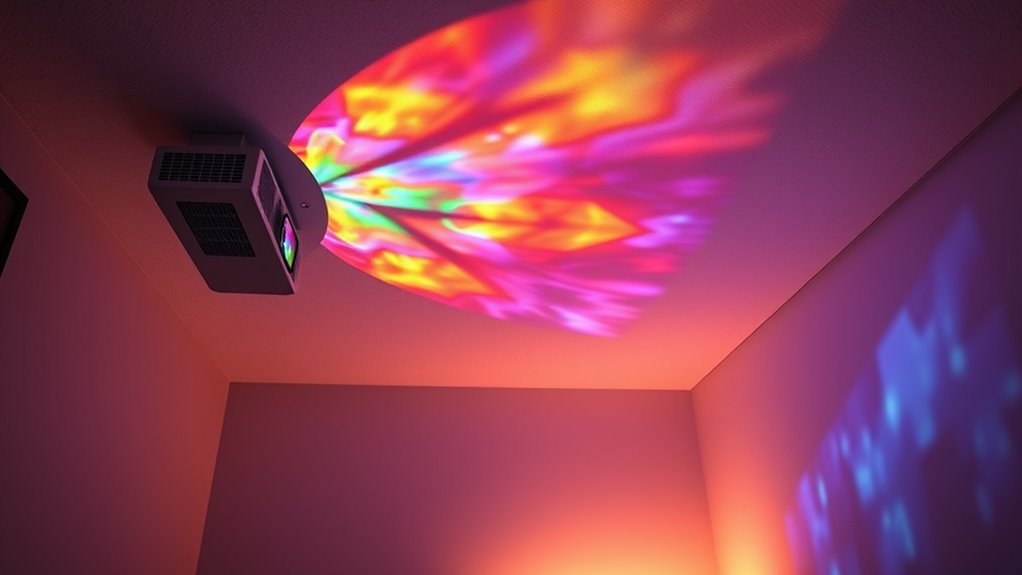
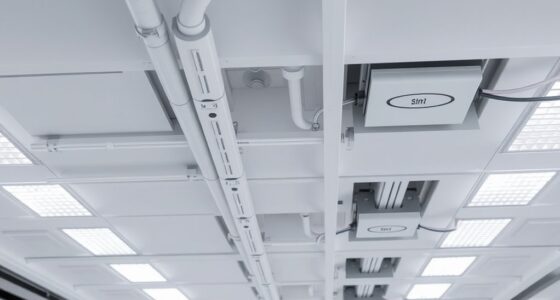
When choosing between wall and ceiling projection, understanding the key differences can help you make the best decision for your space. One of the most important factors to consider is projector placement. In small rooms, mounting the projector on the ceiling can save space and keep the setup clean, but it also influences how you position the projector to get the best image. Ceiling mounting requires precise alignment and a suitable mounting bracket, but it offers a streamlined look and minimizes clutter. On the other hand, placing the projector on a table or shelf against the wall offers more flexibility for adjustments, especially if you’re experimenting with different angles or need to move the projector frequently.
Room lighting plays a vital role in choosing whether to project onto the ceiling or wall. Small rooms tend to have limited control over ambient light, which can wash out images, especially if the projector isn’t bright enough. When projecting onto a ceiling, the light reflections are less direct, and you might find that controlling room lighting becomes a bit easier because you can position furniture and curtains to block or diffuse light sources. If you project onto a ceiling, you’ll want to ensure the projector has enough lumens to compensate for the ambient light in your room. Conversely, projecting onto a wall can sometimes intensify the effects of ambient lighting, making it essential to choose a projector with higher brightness levels or to darken the room as much as possible. Additionally, understanding the differences in projection surfaces can significantly affect image quality and viewing comfort.
Another aspect to consider is the surface you’re projecting onto. A ceiling serves as an unconventional screen, and you’ll need to ensure it’s painted with a neutral, matte color to prevent light from reflecting unevenly. Walls are typically designed to be more accommodating, but in small rooms, a dark or matte wall surface might be necessary to enhance image clarity.
Ultimately, your decision hinges on balancing projector placement and how room lighting impacts your viewing experience. Ceiling projection in small rooms can be sleek and space-saving, but it demands careful setup and consideration of lighting conditions. Wall projection is more straightforward but can be hindered by ambient light unless you have a high-brightness projector. Whichever option you choose, understanding these factors guarantees you get the best possible image quality and maximize your small room’s potential.

WALI Projector Mount Ceiling/Wall - Universal 3-in-1 Bracket with Extension Pole, Height Adjustable Holder for LCD/DLP Projectors, Supports up to 44lbs, White (PM-003-W)
Compatibility: Universal Projector Mount Bracket for Both Ceiling and Wall Installation. Applicable to mounting holes distance between 8.9’’to...
As an affiliate, we earn on qualifying purchases.
Frequently Asked Questions
Can Ceiling Projections Cause Damage to Ceiling Surfaces?
Ceiling projections generally won’t cause damage if you consider ceiling paint durability and ceiling material compatibility. Using a lightweight projector and ensuring your ceiling surface is compatible helps prevent issues. Avoid placing excessive weight or high heat devices that could weaken the paint or ceiling material over time. Regularly check for signs of wear, and use a suitable projector to protect your ceiling’s integrity while enjoying your projection setup.
How Do Light Reflections Differ Between Wall and Ceiling Projections?
They say “what you see is what you get,” and with light reflection, that rings true. Ceiling projections often produce softer, more diffuse light, reducing glare because of surface texture differences. Walls, especially textured ones, can reflect light unevenly, creating glare or shadows. So, if you want a smoother, more uniform image, ceiling projection is your best bet, as it minimizes harsh reflections and enhances picture clarity.
Are Ceiling Projections Suitable for All Room Types and Ceiling Heights?
Ceiling projections may not suit all room types or ceiling heights. Low ceilings can cause shadows or limited image size, while high ceilings might require a more powerful projector. You should consider room acoustics, as sound reflections can be affected. Also, furniture placement matters; avoid blocking the projection path or creating clutter that hampers viewing. Proper planning guarantees your ceiling projection functions well regardless of room size or setup.
What Are the Best Projector Settings for Ceiling-Based Screens?
You should start with proper projection calibration for clear images, adjusting brightness, contrast, and keystone settings. Consider your ceiling material—smooth surfaces like painted drywall work best, while textured or reflective ceilings might require different adjustments. Use a low lamp mode to prevent overheating, and align your projector properly to avoid distortion. These settings guarantee sharp images and ideal performance, making ceiling projection a seamless experience in small rooms.
How Does Ambient Light Impact Ceiling Projection Quality?
Ambient light notably impacts your ceiling projection quality by reducing contrast and making the image harder to see. When there’s too much ambient light, you’ll notice decreased brightness and clarity, even if your projector has high projection brightness. To improve your viewing experience, control ambient light by dimming or blocking it, and choose a projector with high lumens. This way, your ceiling projection remains sharp and vibrant despite lighting conditions.

PUTORSEN Adjustable Projector Ceiling Mount,Universal Projector Shelf for Ceiling and Wall, Holds up to 22lbs,No Hole Installation, Hidden Cable Routing, Black
Versatile Application: PUTORSEN projector ceiling mount is compatible with most manual or spectrum projector screens, Also can be...
As an affiliate, we earn on qualifying purchases.
Conclusion
Whether you choose wall or ceiling projection, your goal remains the same: create an immersive viewing experience. Consider your space, your needs, and your preferences. Will a wall provide a larger canvas or a ceiling offer a more seamless look? Think about visibility, accessibility, and ambiance. Ultimately, selecting the right surface transforms your small room into a mesmerizing home theater. Make your choice, set your screen, and enjoy endless entertainment—your perfect projection awaits.

Aurzen Ceiling Projector Mount Bracket, 360° Rotation & 90° Tilt, Adjustable 9"-15" Length, ¼-Inch Screw, Compatible with TMY, HAPPRUN, Yaber, Epson & Most Projectors
Note: Not compatible with Aurzen D1 MAX
As an affiliate, we earn on qualifying purchases.

DYNAVISTA Full Motion Universal Ceiling Projector Mount Bracket with Adjustable Height and Extendable Arms Rotating Swivel Mount for Home and Office Projector (Black)
Universally Compatible: This projector ceiling mount supports most projector brands with distance between the mounting holes on back...
As an affiliate, we earn on qualifying purchases.