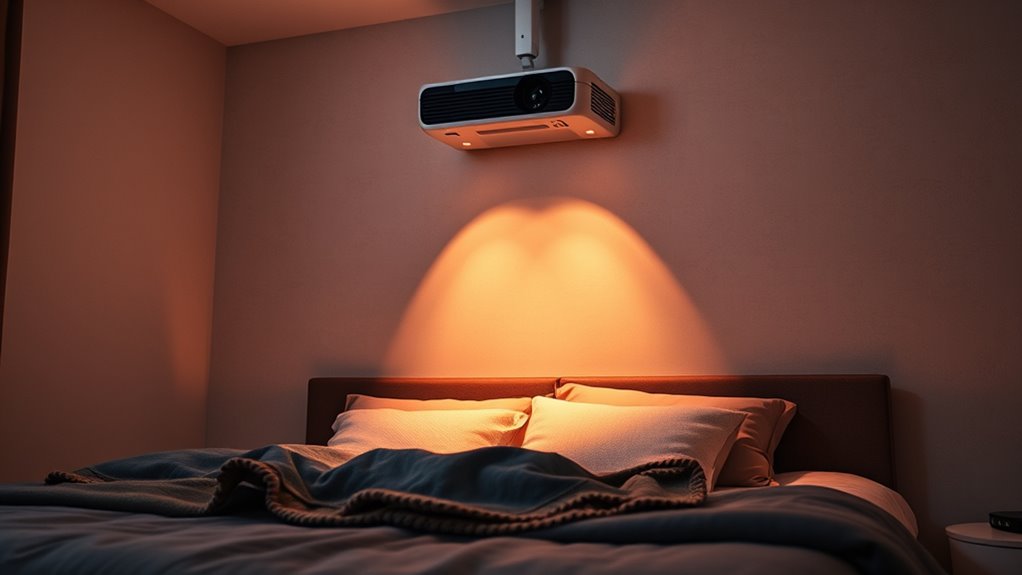
To create a cozy bedroom projector setup, mount your projector on the ceiling to keep your space clutter-free and guarantee a stable view. Use blackout curtains to control ambient light for clearer images and position your furniture facing the screen comfortably. Incorporate a quality sound system for immersive audio. Organize cables neatly with conduits or cable management kits. If you want to make your space even more relaxing, keep exploring easy tips to enhance your home theater experience.
Key Takeaways
- Mount the projector on the ceiling to save space and create a clutter-free, cozy environment.
- Use blackout curtains or blinds to control ambient light, enhancing image clarity for relaxing viewing.
- Position furniture to face the projection and optimize comfort for long, immersive movie sessions.
- Organize cables discreetly with cable management solutions to maintain a tidy, relaxing space.
- Incorporate quality sound systems or soundbars for rich, immersive audio that enhances the cozy viewing experience.
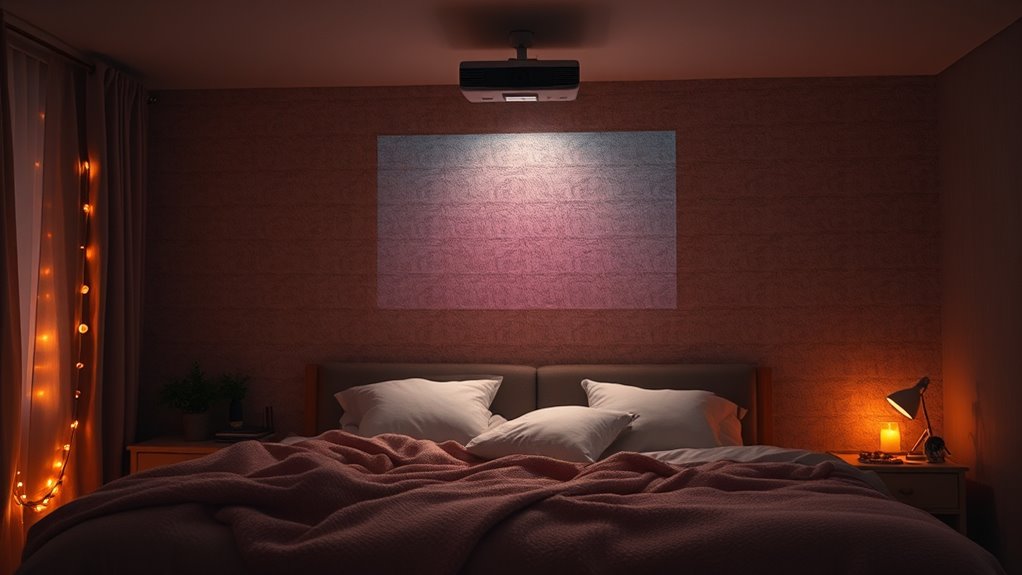
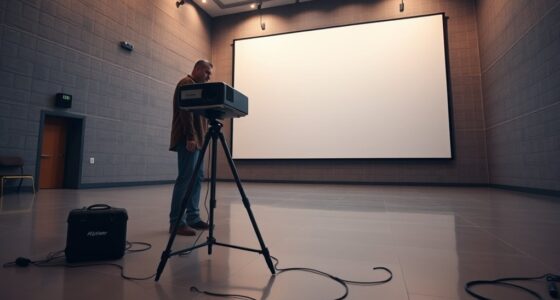
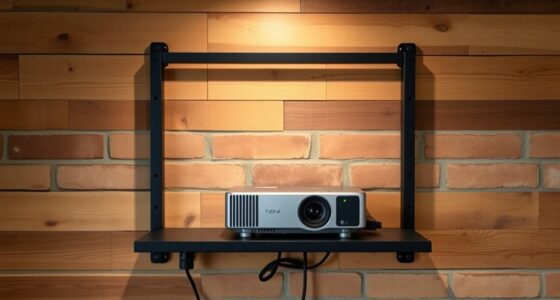
Adding a projector to your bedroom can transform your space into a personal home theater, making movie nights more immersive and enjoyable. To achieve this, proper setup is essential. One of the most streamlined options is ceiling mounting, which keeps your projector out of the way and creates a clean, clutter-free look. When you ceiling mount your projector, you also gain flexibility in positioning it for ideal image quality and viewing angles. It prevents accidental knocks or distractions caused by movement, giving you a stable setup that’s easy to operate. Plus, ceiling mounting allows you to keep your space tidy, especially if you choose a mount that blends seamlessly with your ceiling design.
Ceiling mounting keeps your projector tidy, stable, and easy to operate for a perfect home theater setup.
Integrating a sound system is equally vital to elevate your viewing experience. A good sound system makes movies feel more alive, pulling you into the story with clear dialogue and rich audio effects. You don’t need to go overboard—just a quality soundbar or a compact surround sound system can make a significant difference. When setting up your sound system, consider how it will complement your projector. Position speakers strategically to create a balanced soundscape, making sure audio flows smoothly across the room. Wireless options are convenient because they reduce clutter and allow you to place speakers wherever they provide the best sound coverage.
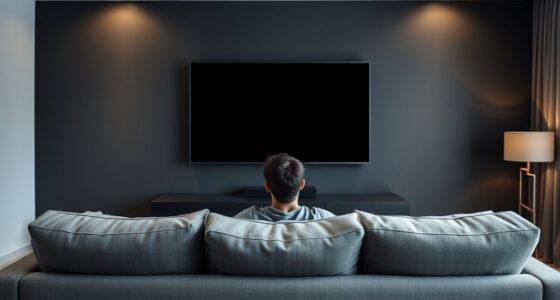
Once you’ve decided on ceiling mounting and sound system integration, think about the room layout. Position your furniture to face the projected image directly, minimizing glare and ensuring everyone has a good view. Use blackout curtains or blinds to control ambient light, which is vital for a sharp picture. If you’re using a ceiling mount, make sure it’s securely installed into a ceiling joist or a mounting bracket designed to support the projector’s weight. This stability guarantees a sharp image and avoids the hassle of readjusting during movie nights.
Another tip is to keep cables organized and hidden. Use cable management kits or conduits to run wires neatly along the ceiling or walls. This not only improves aesthetics but also prevents tripping hazards. Ensure your projector’s placement aligns with your screen size and room dimensions for the best viewing experience. Regularly calibrate your projector’s settings and sound system to match your room’s acoustics and lighting conditions.

WALI Projector Ceiling Mount Tray,Projector Wall Mount Holds up to 22lbs, Height Adjustable Universal Projectors Mount, No Hole Installation, Hidden Cable Routing, Black(PM-005-B)
Universal Compatibility: Fits most projectors (Note: Length <13.7'', Width <8.6'') with standard mounting interfaces. Projector Wall Mount supports…
As an affiliate, we earn on qualifying purchases.
As an affiliate, we earn on qualifying purchases.
Frequently Asked Questions
What Is the Ideal Projector Size for a Bedroom?
The ideal projector size for your bedroom is around 80 to 100 inches diagonally. You want a projector with sufficient brightness, ideally 2,000 to 2,500 lumens, to guarantee ambient light. Also, opt for a high screen resolution, like 1080p or higher, to assure clear, crisp images. This size strikes a balance between a cozy viewing experience and image clarity, making your bedroom perfect for relaxing movie nights.
How Do I Reduce Noise From the Projector?
Did you know that some projectors produce noise levels of up to 40 decibels? To reduce noise, consider using a soundproof casing to contain the projector, or upgrade to models with silent fan technology. These options help minimize disturbance, making your viewing experience more relaxing. Position your projector on a stable, elevated surface and guarantee proper ventilation to further lessen operational sound.
Can I Use a Projector With Wall Paint?
Yes, you can use a projector with wall paint, but wall paint compatibility depends on the type of paint and its finish. Opt for matte or flat wall paint to avoid glare and enhance image quality. You also have various projector color options; a light or neutral color works best for clear, vibrant visuals. Test small areas first to guarantee your wall paint doesn’t distort the projected image.
What Are the Best Projector Screen Options for Bedrooms?
You’ll find that a matte white or gray screen material offers the best picture quality for your bedroom, providing clear images with minimal glare. Portable options like foldable screens or pull-down models make setup easy and space-efficient. These versatile choices guarantee you can enjoy cozy movie nights without hassle, whether you’re watching on a small wall or a dedicated spot. Just pick a screen that suits your space and viewing preferences.
How Do I Prevent Overheating of the Projector?
To prevent your projector from overheating, guarantee proper ventilation strategies by placing it in a well-ventilated area away from direct sunlight. Use heat dissipation techniques like keeping vents clear of dust and avoiding obstructions around cooling fans. You can also elevate the projector slightly to improve airflow. Regularly clean filters and avoid extended use without breaks to keep temperatures in check and maintain ideal performance.
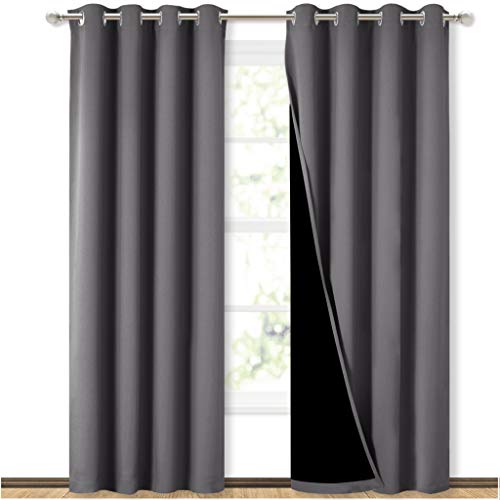
NICETOWN Grey Full Shade Curtain Panels, Pair of Energy Smart & Noise Blocking Out Blackout Drapes for Dining Room Window, Thermal Insulated Guest Room Lined Window Dressing(Gray, 52 x 84 inch)
Ready Made: 2 panels per package. Each Classic Lined Curtain measures 52" wide x 84" long (Total width…
As an affiliate, we earn on qualifying purchases.
As an affiliate, we earn on qualifying purchases.
Conclusion
Setting up a projector in your bedroom transforms your space into a cozy retreat. With the right placement and lighting, you create a perfect spot to unwind and enjoy your favorite shows. Remember, “A picture is worth a thousand words,” so invest time in your setup to make every viewing special. When you turn your bedroom into a personal cinema, relaxation becomes effortless, and every movie night feels just right.

RIOWOIS Sound Bar for Smart TV, Soundbar for TV with Bass Reflector and Easy Set up, Home Audio Surround Sound System for TV PC Projector, Wall Mountable
【Hearing Every Word】 Say goodbye to muffled dialogue and hello to our soundbar that brings words to life,…
As an affiliate, we earn on qualifying purchases.
As an affiliate, we earn on qualifying purchases.
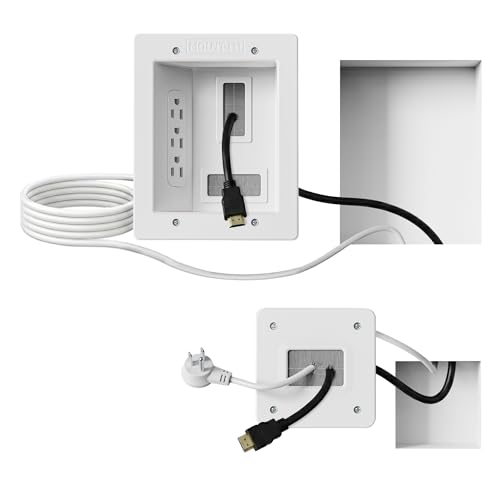
Mount-It! in-Wall TV Cable Management Kit with Recessed Power – Triple Outlet, 9ft Extension Cord and Hand Saw – Easy, Safe TV Outlet Wall Kit and TV Cable Hider Behind Wall
Organized home theater setup – Eliminate messy wires and give your entertainment area a clean, modern look. This…
As an affiliate, we earn on qualifying purchases.
As an affiliate, we earn on qualifying purchases.