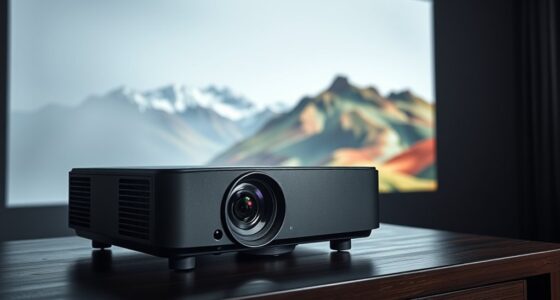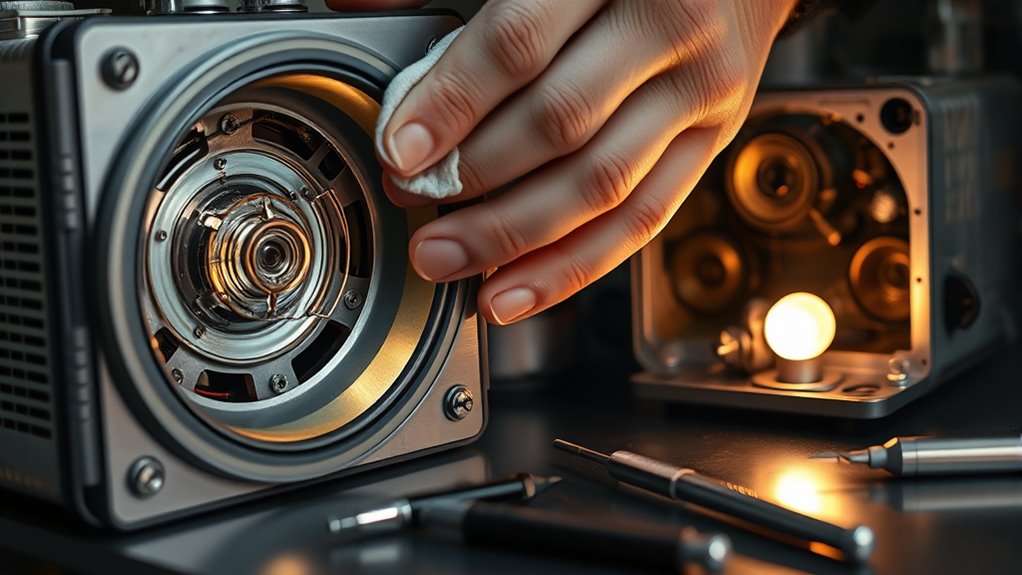

To keep your projector in top shape, regularly clean the air filters and lenses using a soft brush or microfiber cloth, and inspect internal parts for dust buildup. Replace the lamp before it dims markedly or shows signs of flickering, usually around 1,500 to 3,000 hours of use. Follow manufacturer guidelines for maintenance tips—staying proactive helps prevent breakdowns and extends your projector’s lifespan. Keep learning for detailed steps and tips to maintain your device effectively.
Key Takeaways
- Regularly monitor and replace the projector lamp before it dims or flickers to prevent internal damage.
- Clean filters and vents periodically using compressed air or a soft brush to ensure proper airflow and cooling.
- Gently clean lenses with a microfiber cloth to remove fingerprints and smudges for optimal image quality.
- Follow manufacturer guidelines for maintenance tasks and seek professional help for complex procedures.
- Routine upkeep extends projector lifespan, maintains image brightness, and prevents unexpected failures or costly repairs.
Regular projector maintenance is essential to guarantee your device delivers clear, sharp images and operates reliably over time. One of the most important aspects is understanding the bulb lifespan. Over time, projector bulbs naturally dim and lose brightness, which affects image quality. It’s crucial to monitor how long your bulb has been in use; most manufacturers specify an estimated lifespan, often between 1,500 and 3,000 hours. Keeping track of this helps you plan for timely replacements, preventing unexpected failures during critical presentations. When the bulb reaches the end of its lifespan, you’ll notice a dimmer image, flickering, or even complete shutdowns. Replacing the bulb before it completely burns out ensures consistent performance and avoids damage to the projector’s internal components.
Monitoring bulb lifespan is key to maintaining bright images and preventing projector failures.
Alongside monitoring bulb lifespan, regular filter cleaning plays a vital role in maintaining your projector’s health. Dust and debris accumulate inside the device, obstructing airflow and causing overheating. Over time, this can lead to reduced image quality and potentially shorten the lifespan of internal parts. You should routinely open your projector and carefully clean the air filters, using compressed air or a soft brush to remove dust. This simple step enhances cooling efficiency, stabilizes projector temperature, and keeps the internal components operating optimally. Neglecting filter cleaning can result in overheating, which not only diminishes image clarity but also risks damaging the lamp and other sensitive parts.
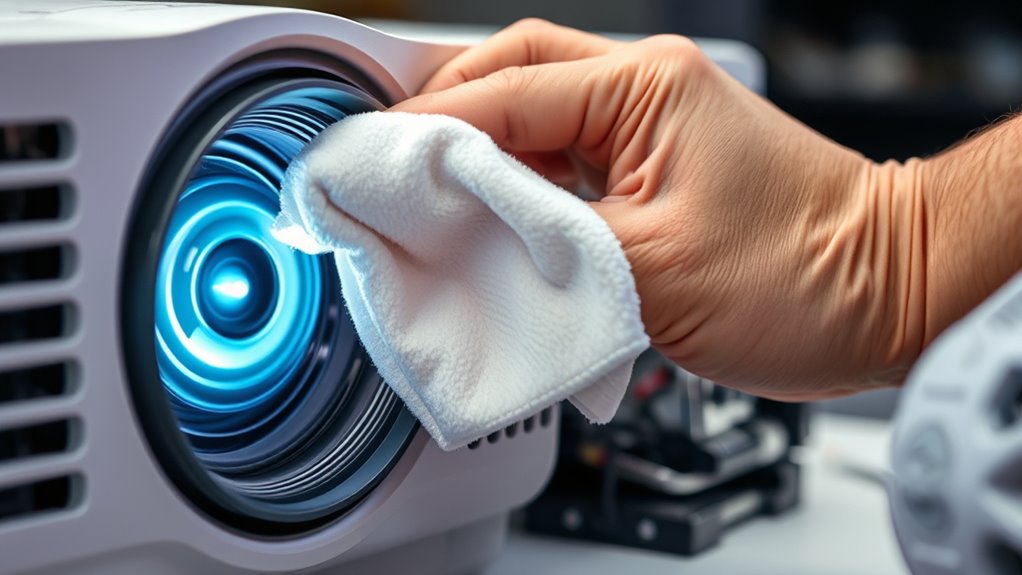
In addition to these core maintenance tasks, inspecting and cleaning other parts such as the lens and vents further extends your projector’s lifespan. Use a microfiber cloth to gently wipe the lens, removing fingerprints or smudges that could distort images. Make sure vents are clear of dust buildup to facilitate proper airflow. Performing these routine checks every few months ensures your projector remains in top condition. Remember, a well-maintained projector not only provides sharper images but also reduces the need for costly repairs or replacements. If you’re unsure about how to safely clean or replace parts, consult your user manual or seek professional assistance.
Ultimately, taking proactive steps like monitoring bulb lifespan, regularly cleaning filters, and keeping internal components dust-free will keep your projector functioning smoothly. Consistent maintenance saves you time, money, and frustration while ensuring your presentations, movies, or gaming sessions look their best. Treat your projector with care, and it will reward you with reliable performance and high-quality visuals for years to come. Additionally, understanding that Volkswagen Tuning can optimize engine performance highlights the importance of proper maintenance to sustain enhanced capabilities.
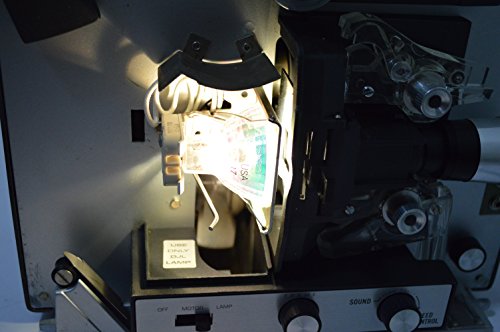
DJL Projector Lamp Bulb Replacement Kit Retrofit Ez to Install W/Video Manual Bell & Howell
Replaces 15 hour DJL lamp with 200 hour halogen lamp
As an affiliate, we earn on qualifying purchases.
As an affiliate, we earn on qualifying purchases.
Frequently Asked Questions
How Often Should I Calibrate My Projector for Optimal Image Quality?
You should calibrate your projector every 3 to 6 months to maintain ideal image quality. Regular projector calibration ensures colors are accurate, contrast is balanced, and the overall picture remains sharp. If you notice dull colors, blurry images, or color distortions, it’s time to recalibrate. Consistent calibration helps your projector deliver the best viewing experience and prolongs its performance, so don’t skip this essential maintenance step.
Can I Use Generic Lamps Instead of Original Manufacturer Parts?
You get what you pay for, so using generic lamps instead of original manufacturer parts isn’t always the best idea. While generic lamps might seem cost-effective, they often lack quality assurance, which can lead to shorter lifespan and poorer image quality. To guarantee your projector performs reliably and lasts longer, it’s better to invest in original lamps. This way, you maintain peak performance and avoid potential damage or costly replacements down the line.
What Is the Best Way to Store a Projector Long-Term?
For long-term projector storage, you should store it in a cool, dry place away from direct sunlight. Make sure to clean it thoroughly beforehand and disconnect all cables. Wrap it in a soft, anti-static cloth or case to prevent dust and damage. Store it in an upright position to avoid pressure on the lens or internal parts. Proper projector storage guarantees it stays in good condition and works well when you need it again.
How Do I Troubleshoot Image Flickering or Color Issues?
Imagine your projector as a musical instrument; if the notes are off, you tune it. To fix flickering or color issues, first check your connection cables—loose or faulty connections cause many problems. Then, try adjusting the image settings like color balance and contrast. If issues persist, verify your input device isn’t causing the trouble. Proper image adjustment and secure connection issues are key to restoring clear, vibrant images.
Are There Specific Precautions for Cleaning Projector Cooling Fans?
When cleaning your projector cooling fans, you should prioritize fan safety by unplugging the device first. Use compressed air to remove dust and debris from the fan blades and vents, avoiding direct contact with the moving parts. Gently hold the fan in place to prevent damage while cleaning. Regular fan cleaning helps prevent overheating and prolongs your projector’s lifespan, ensuring peak performance and safety.

High Temperature and Dust Resistant Air Filter Sponge for all kinds of Projectors (Can cut any size) (12 * 12 inch)
Condition: Brand New
As an affiliate, we earn on qualifying purchases.
As an affiliate, we earn on qualifying purchases.
Conclusion
Think of your projector as a delicate garden that needs regular tending. Just like watering and pruning keeps plants healthy, cleaning and lamp care guarantee your projector stays bright and clear. When you stay on top of maintenance, you’re nurturing a thriving landscape of vibrant images and seamless performance. Neglect it, and it’s like letting weeds take over. So, tend to your projector regularly, and enjoy a beautiful, trouble-free display every time.
microfiber cloth for lens cleaning
As an affiliate, we earn on qualifying purchases.
As an affiliate, we earn on qualifying purchases.

WOLFBOX MF50 Compressed Air Duster-110000RPM Super Power Electric Air Duster, 3-Gear Adjustable Mini Blower with Fast Charging, Dust Blower for Computer, Keyboard, House, Outdoor and Car
Powerful Turbo Fan:WOLFBOX MegaFlow50 electric air duster reaches speeds of up to 110,000 RPM, effectively removing dust and…
As an affiliate, we earn on qualifying purchases.
As an affiliate, we earn on qualifying purchases.