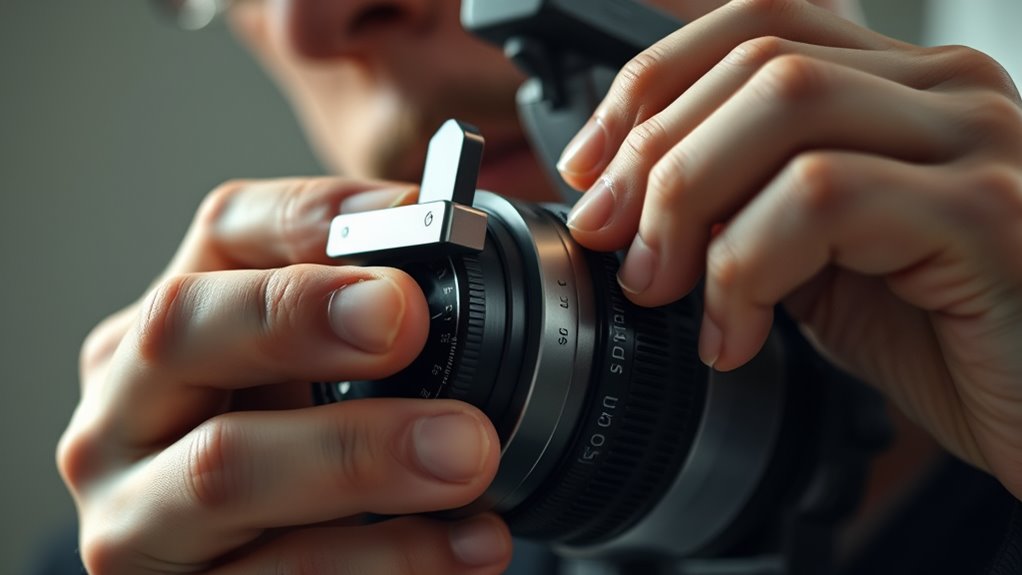

Lens shift allows you to physically adjust the projector’s lens, helping you align the image precisely without relying on digital keystone or zoom corrections. This adjustment keeps your picture sharp and free from distortion, ensuring a clear, natural display. It also simplifies setup by reducing the need for post-installation tweaks, giving you a professional look right from the start. Keep exploring how this feature makes installing and enjoying your projector easier and more effective.
Key Takeaways
- Lens shift allows physical movement of the lens to precisely align the projected image without digital distortion.
- It maintains high image quality by avoiding software-based keystone corrections that can degrade resolution.
- Using lens shift simplifies setup, reducing the need for extensive calibration and adjustments over zoom or focus.
- It helps project a rectangular, well-positioned image directly onto the screen, even from off-center placements.
- Physical lens adjustments ensure a stable, accurate image position for a more professional and reliable display.
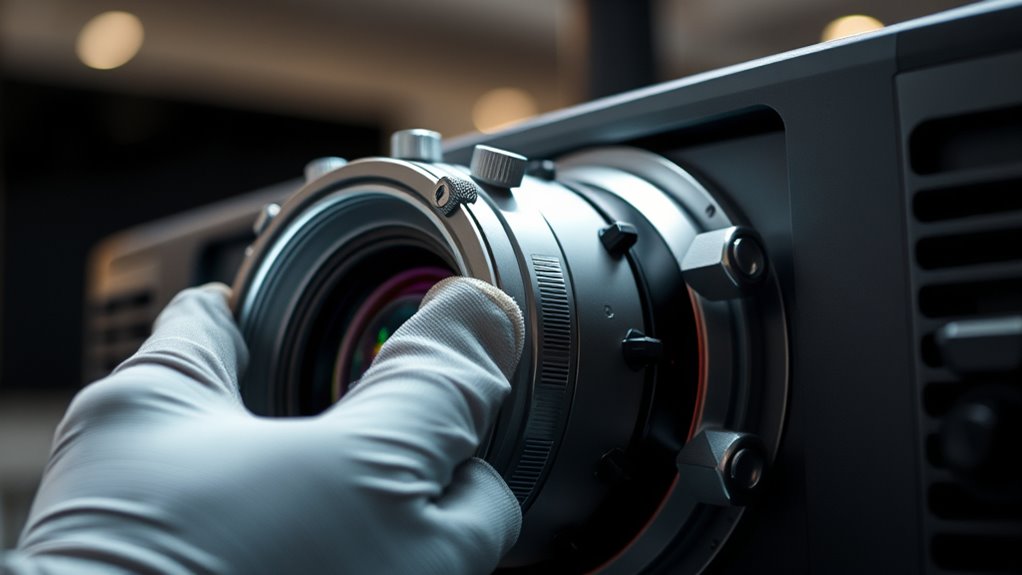
Have you ever struggled to perfectly align a projector’s image on your screen? If so, you’re not alone. Achieving the ideal image alignment can be tricky, especially when dealing with uneven surfaces or limited mounting options. That’s where lens shift comes into play. Unlike digital keystone corrections or zoom adjustments, lens shift allows you to physically move the lens to fine-tune the projected image without distorting the picture quality. This feature makes projection calibration much more straightforward and precise, giving you a clearer, more accurate display right from the start.
Using lens shift effectively means understanding how it impacts image alignment. When you adjust the lens, you’re directly shifting the projected image vertically or horizontally, which helps eliminate keystone distortion or misplacement caused by imperfect projector placement. This physical adjustment keeps the image rectangular and aligned, aligning it perfectly with your screen’s edges. As a result, you won’t have to rely solely on software corrections that can sometimes degrade picture quality. Instead, you can achieve a sharper, more natural image with minimal effort, saving you time and frustration during setup.
The beauty of lens shift is that it preserves your projector’s native resolution and image quality. When you move the lens physically, the image remains sharp and undistorted. This is especially beneficial if you’re using high-definition content or need precise color and detail reproduction. Plus, because lens shift works independently of zoom or focus, it offers a stable and consistent image position even if you need to make other adjustments later. That’s a significant advantage when fine-tuning your setup for ideal viewing angles or when accommodating room constraints.
To make the most of lens shift, start by mounting your projector in a position that’s close to the ideal. From there, use the lens shift controls to align the image precisely on your screen. This process reduces the need for extensive projection calibration later, making your setup faster and more reliable. Remember, physical adjustments like lens shift are designed to optimize image placement without compromising picture integrity. So, rather than relying solely on digital corrections, leverage this feature for a cleaner, more professional-looking display. Additionally, understanding how lens shift impacts image quality can help you better plan your projector placement for optimal results.
Frequently Asked Questions
Does Lens Shift Affect Image Quality or Resolution?
Lens shift doesn’t affect your image quality or resolution directly. Instead, it helps maintain proper projection alignment, reducing image distortion. By adjusting the lens physically, you can position the image without moving the projector, ensuring sharpness and clarity stay intact. This feature makes setup easier, especially in tight spaces, without compromising resolution or causing unwanted image issues.
Can Lens Shift Be Used During Live Projection?
Yes, you can use lens shift during live projection, which enhances projection flexibility and makes on-the-fly adjustments easier. This feature allows you to fine-tune the image position without moving the projector physically, offering installation convenience. Keep in mind, though, that lens shift adjustments are usually manual or motorized, so verify your projector supports this feature for seamless real-time correction during presentations or screenings.
How Does Lens Shift Differ From Keystone Correction?
Think of lens shift as a secret passage for your projector’s image, allowing you to slide the lens vertically or horizontally without distorting the picture. Unlike keystone correction, which warps the image like a funhouse mirror to fix skewed perspectives, lens shift preserves image integrity, giving you setup flexibility and preventing unwanted image distortion. It’s a precise tool that keeps your projection sharp and true to life.
Are There Limitations to How Much You Can Shift the Lens?
You can’t shift the lens infinitely; mechanical constraints and optical limitations set boundaries. The lens shift mechanism has a maximum range, so pushing beyond those limits can cause image distortion or damage. These constraints ensure the projector stays functional and maintains image quality. Always check your projector’s specifications to understand its lens shift range, and avoid forcing the lens beyond its mechanical or optical limits for ideal performance.
Is Lens Shift Adjustable on All Types of Projectors?
Think of lens shift as a helpful guide that enhances your mounting flexibility and setup precision. Not all projectors offer adjustable lens shift; some models have fixed lenses, limiting your options. When choosing a projector, look for those with adjustable lens shift features to make aligning your display easier and more accurate. This flexibility helps you achieve a perfect picture without repositioning the entire projector, saving time and effort.
Conclusion
By now, you see that physically adjusting your lens shift genuinely enhances your projector setup. It’s not just a myth—studies show that precise lens alignment reduces distortion and improves image quality. When you take the time to fine-tune your lens position, you’re optimizing your viewing experience and extending your equipment’s lifespan. So, don’t overlook this simple step; it’s a proven way to guarantee sharp, accurate visuals every time you watch.